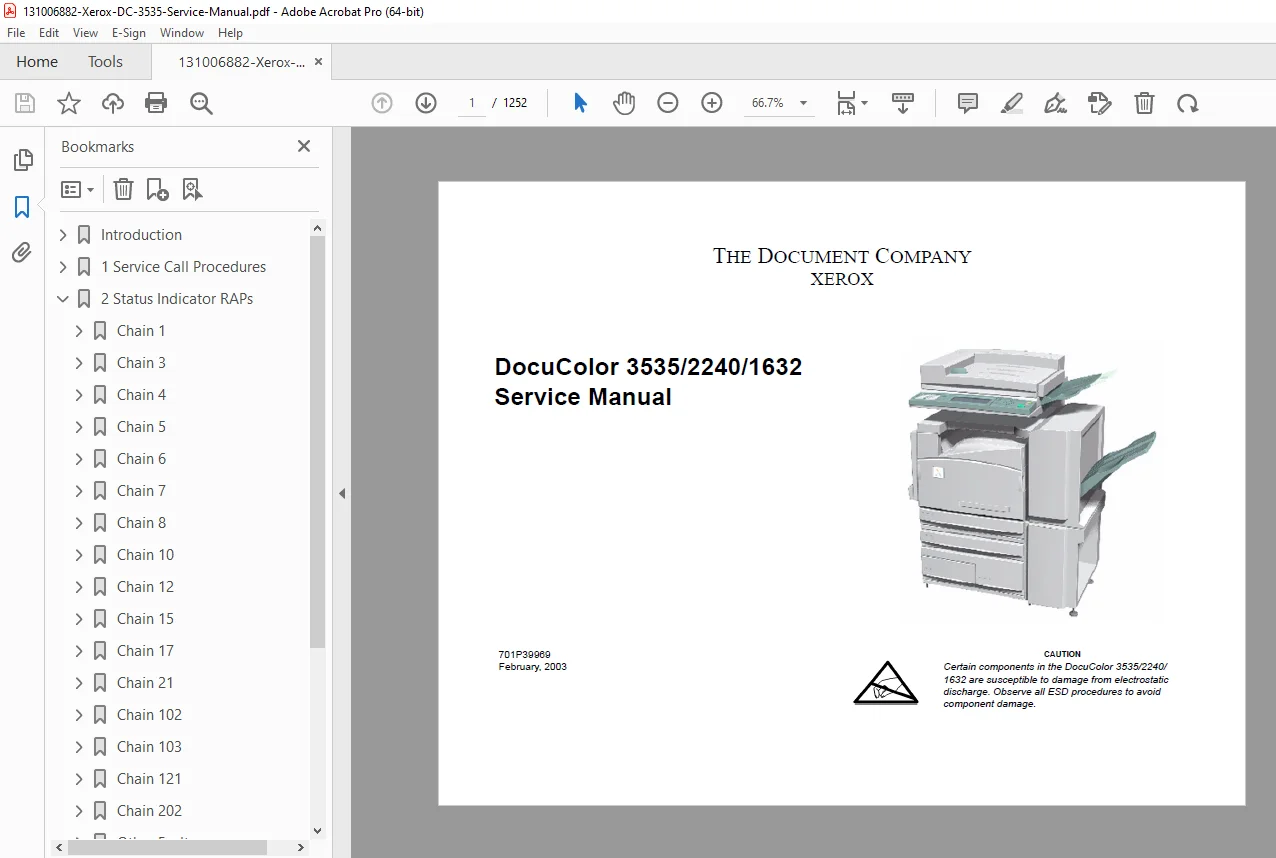
Xerox DocuColor 3535 / 2240 / 1632 Service Manual – PDF
$19.95
Official Xerox DocuColor 3535 / DC2240 / DC1632 Service Manual. This 1200+ page technical repair guide includes full diagnostics, fault code RAPs, image quality troubleshooting, wiring diagrams, repairs, adjustments, service call procedures, PWB boards, xerographic subsystem info, fuser service, drive systems, and complete parts lists. Essential for professional Xerox copier technicians.
Description
Xerox DocuColor 3535 / 2240 / 1632 Service Manual – PDF DOWNLOAD
Description
This is the complete factory-authorized Xerox DocuColor 3535 / 2240 / 1632 Service Manual, February 2003 edition, prepared by Xerox Global Knowledge & Language Services.
It is the master technical document used by certified Xerox field engineers and contains every diagnostic, repair, adjustment, and wiring detail required to service the DC3535 family.
The manual covers both NASG (XC) and ESG (XE) versions. According to page 1, it is the controlling publication for troubleshooting and maintaining these digital color copier/printers.
📚 Extracted Table of Contents (Clean & Structured)
SECTION 1 – Service Call Procedures
Service call entry sequence
Safety, ESD, laser warnings
Diagnostic start-up logic
Field service workflow
SECTION 2 – Status Indicator RAPs
(Fault Code Diagnostics)
Fault code interpretation
Non-fault code failure analysis
Motor, sensor, HVPS, LVPS fault recovery
Circuit Diagram references
Step-by-step diagnosis with test points
SECTION 3 – Image Quality (IQ RAPs)
Background, bands, streaks
Developer bias checks
Drum/ROS issues
Density problems
Image defect samples
Voltage measurement guidelines (5V, 24V logic)
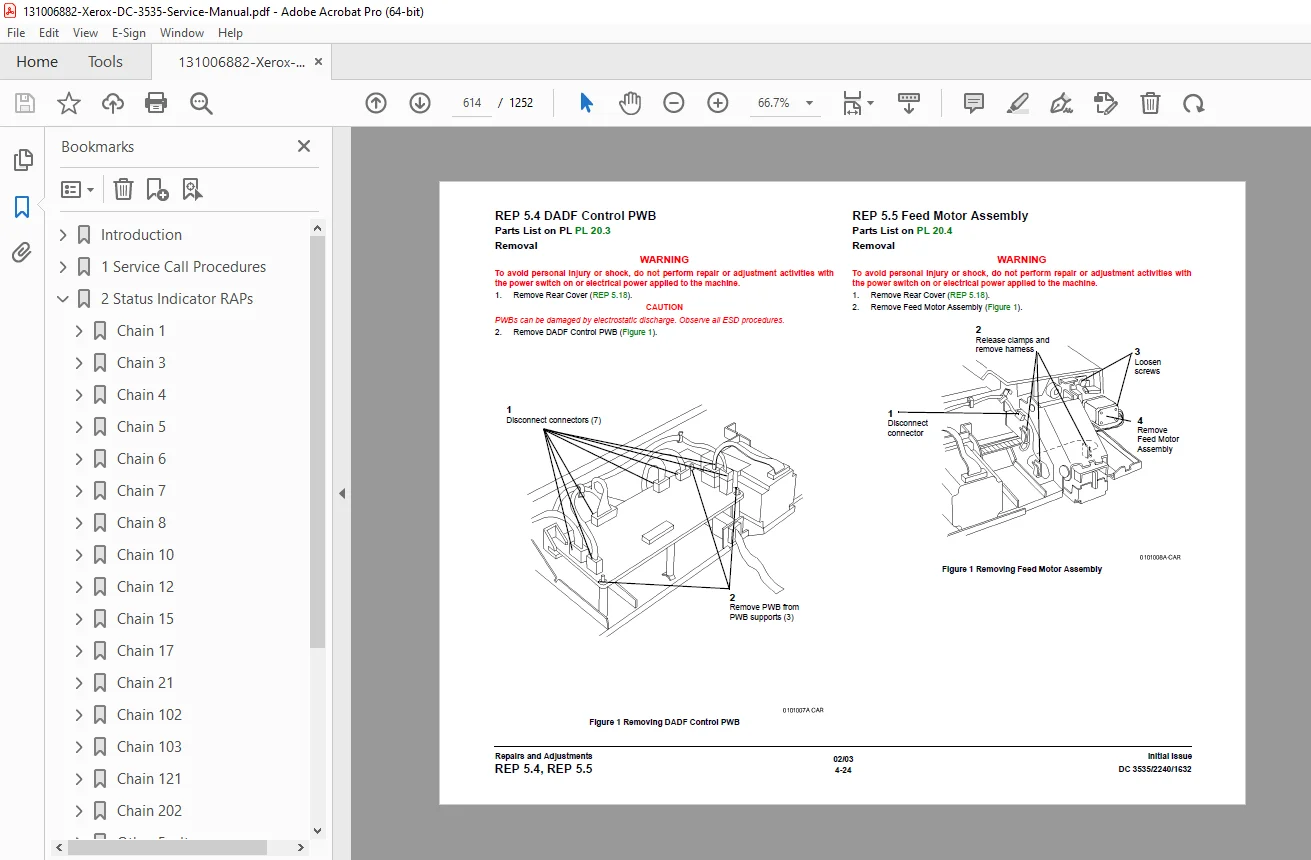
SECTION 4 – Repairs & Adjustments
Full removal & replacement procedures
Required lubrications and cleaning
Component adjustments after replacement
Safety-critical disassembly
Modules covered include:
LVPS, HVPS
Main Drive Motor
Developer Drive Motor
Drum Motor
Fuser
DADF
Trays 1–5 feeders
Registration Assembly
Duplex Transport
ROS, Lens, Exposure Lamp
Toner Dispenser, Developer, IBT, BTR
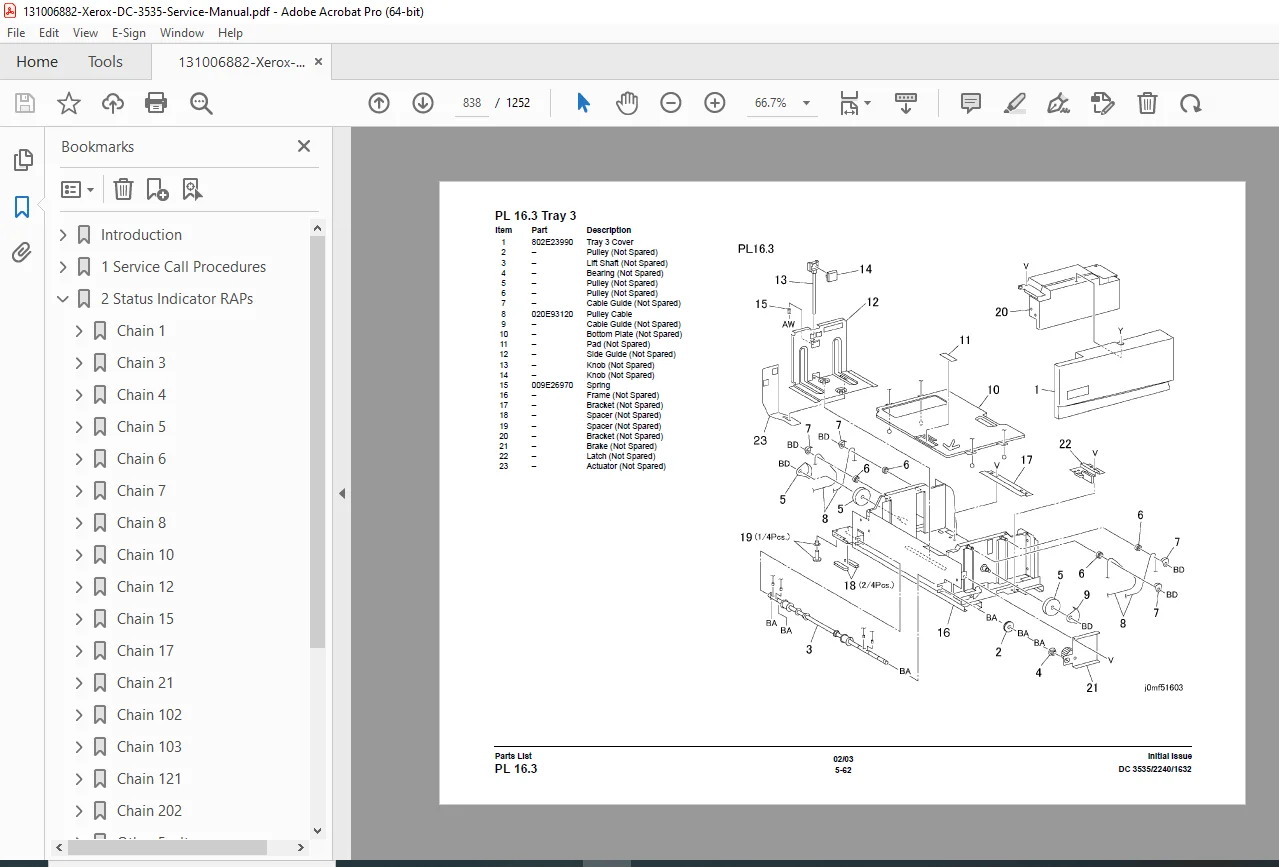
SECTION 5 – Parts Lists
Complete exploded parts diagrams
All PWBs (MCU, ESS, AC Drive, IPS/IIT, UI)
Harnesses, drives, gears
Xerographic components
Fuser, feeders, DADF, trays
SECTION 6 – General Procedures / Information
Service diagnostics
NVM settings
Firmware programming
ESD kit usage
Tools and jigs
SECTION 7 – Wiring Data
Full wiring diagrams
Power distribution networks
Plug/jack maps
Grounding paths
Block Schematic Diagrams (BSD)
(functional relationship of electrical and mechanical subsystems)
SECTION 9 – Installation
Installation requirements
Machine setup
Accessory / finisher installation
🔧 Key Technical Highlights from the Manual
Laser Safety Systems
The machine contains an invisible Class 3B laser during servicing, with strict warnings not to bypass any laser interlocks.
Voltage Specifications
+5 VDC: 4.75–5.25 VDC
+24 VDC: 23.37–27.06 VDC
AC input: 90–135 V / 198–242 V
Repair Procedures Include:
Developer housing replacement
ROS unit removal
Drum cartridge service
Fuser drive disassembly
DADF feed & registration repairs
Tray 1–5 feed rollers & motors
Finisher drive assemblies
Image Quality Diagnostics Include:
Developer bias RAP
Background density RAP
Color registration alignment
Drum surface issues
Toner starvation/flooding problems
📁 File Details
| Detail | Information |
|---|---|
| Manual Name | Xerox DocuColor 3535 / 2240 / 1632 Service Manual |
| Models Covered | DC 3535, DC 2240, DC 1632 |
| Edition / Year | February 2003 |
| PDF Quality | OEM Factory Manual (Text, Diagrams, Wiring, Fault Codes) |
| Total Pages | 1252 pages |
| File Type | Searchable PDF |