Xerox Phaser 3300MFP Service Manual (2008) – Error Codes & Parts PDF
Original price was: $75.00.$19.95Current price is: $19.95.
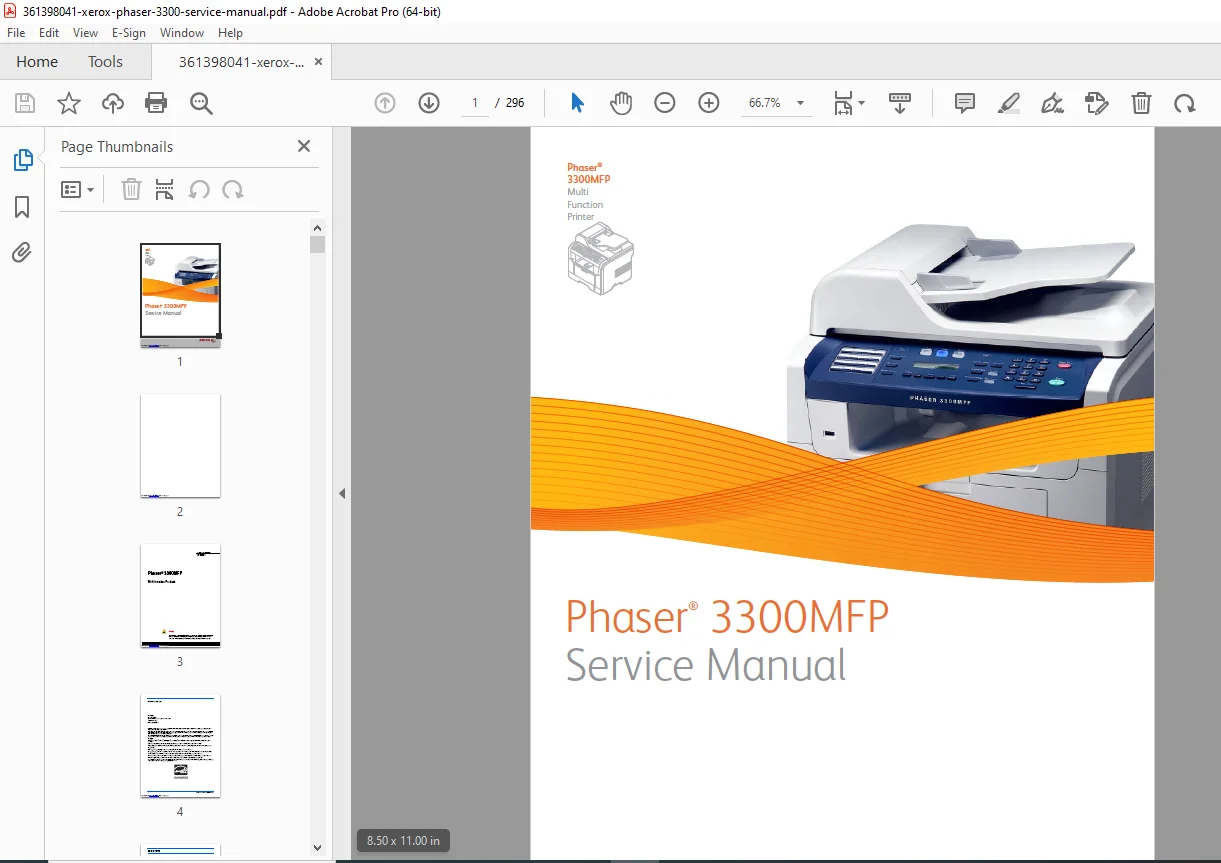
Official Xerox Phaser® 3300MFP Service Manual (First Printing: July 2008). Covers specs, theory of operation, Tech Mode, error/jam codes, adjustments & calibrations, print-quality fixes, full service disassembly, parts list, and wiring diagrams. Ideal for bench repair and field servicing. Searchable PDF. 296 pages.
Description
Xerox Phaser 3300MFP Service Manual (2008) – Error Codes & Parts PDF DOWNLOAD
description
What this manual includes
General info & specs: configuration, options (Tray 2, memory), consumables, CentreWare IS access.
Theory of operation: paper path, engine hardware, LSU, fuser, SMPS/HVPS, scan/fax/control panel, firmware control algorithms, software architecture, data/control flow.
Diagnostics: full Jam/Error code trees (JAM 0/1/2, Duplex Jam 0/1), troubleshooting by symptom, Tech Mode entry & tests, reports, network/Mac/Windows issues.
Print-quality fixes: defect definitions, repeating defect measurements, vertical/horizontal bands, backgrounding, ghosting, spots, blank pages—root causes & remedies.
Adjustments & calibrations: altitude setting (utility & USB), firmware upgrade/reset (USB & network), restoring printer/network settings.
Cleaning & maintenance: RIP procedure, cleaning cartridge/laser unit, recommended tools, software maintenance.
Service disassembly: step-by-step FRU removal and reassembly precautions.
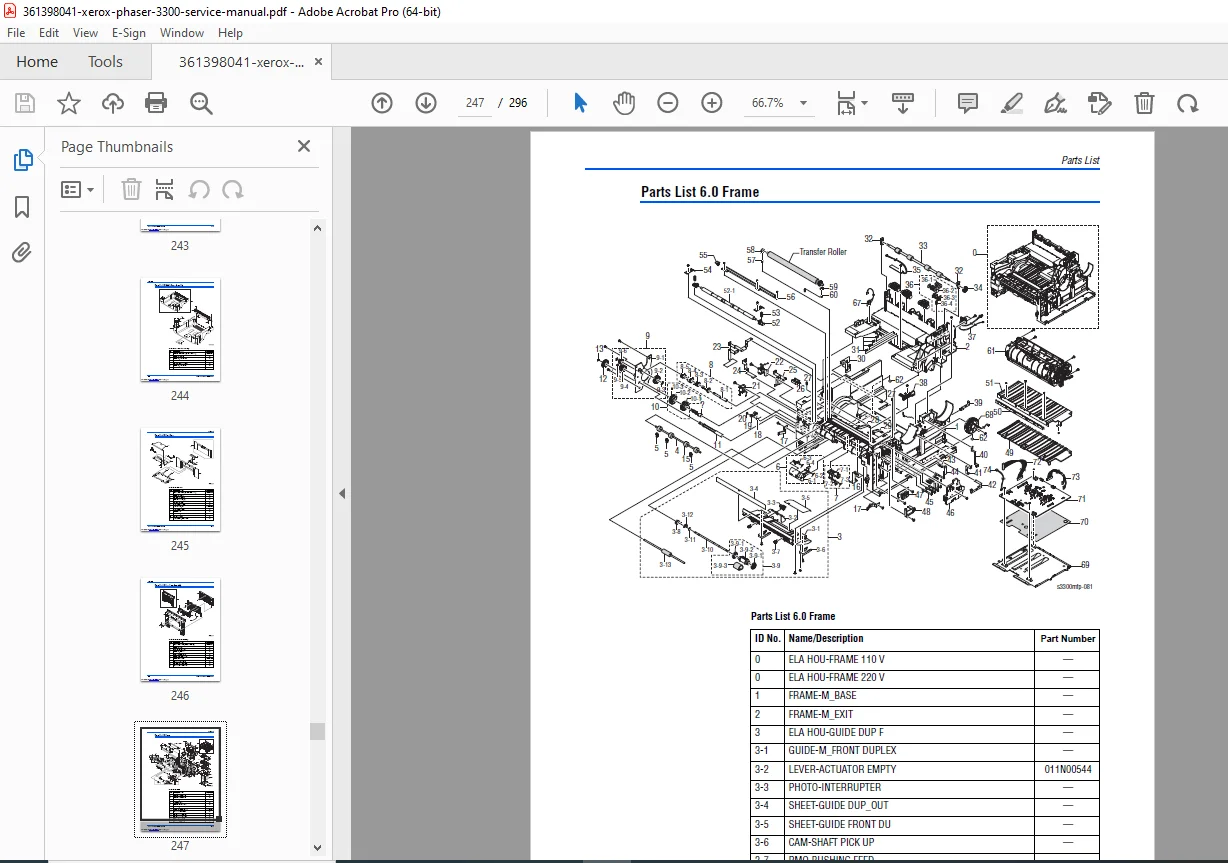
Parts & wiring: exploded views with part numbers + complete wiring diagrams.
Table of Contents (key sections & sub-sections)
1. General Information — Intro/overview; configuration; parts of the printer (front/rear, duplex, LAN, control panel); options (memory, Tray 2); maintenance items & consumables; Specifications (general, print, scan, telephone/fax, network, paper handling, cartridge); CentreWare IS and access.
2. Theory of Operation — Operational overview; paper path; engine H/W & assemblies; Mechanical Parts Specs (frame, feeding, transfer, drivers, fuser, LSU, print cartridge); Fax section & line interface; scan & control panel; printer/copier/telephone sections; SMPS & HVPS; engine firmware and control algorithms; software descriptions (overview, architecture, data/control flow).
3. Error Messages & Codes — Jam codes: JAM 0, JAM 1, JAM 2, Duplex Jam 0/1; on-panel error messages and corrective actions.
4. General Troubleshooting — Symptom check procedure; Tech Mode (how to enter, data setup, machine tests, reports); paper feeding problems (wrong print position, multi-feed, paper rolled in fuser/OPC, ADF defects); malfunction categories (LCD/display, fuser gear melt, door open, paper empty, motors, no power, curved vertical line); fax/phone problems (no dial tone, MF dial, forward/receive, auto receive); copy problems (white/black copy, abnormal noise, IQ defects); scanning problems; print cartridge service; network troubleshooting (general/Mac/Windows); abnormal image & roller defects.
5. Print-Quality Troubleshooting — Defects by component; pre-checks; print-quality specs; operating environment; paper quality/condition; printer condition; detailed defect guides (vertical white/black lines, bands, spots, light/dark image, uneven density, backgrounding, ghost 1–4, stains front/back, blank page scenarios, repeating-defect measurement).
6. Adjustments & Calibrations — Altitude adjustment (specs + USB utility method).
7. Cleaning & Maintenance — Service maintenance procedure; tools; cleaning (print cartridge & laser unit); RIP procedure; software maintenance (clearing memory); firmware upgrade (USB/network) and firmware reset (USB/network).
8. Service Parts Disassembly — Overview + detailed FRU removal/replacement (section present in manual).
9. Parts List — Exploded views and orderable part numbers (print engine, scanner, options).
10. Wiring Diagrams — Complete machine wiring.
Appendix A – Reference — Control panel menu structure; acronyms & abbreviations.
File details
Manual name: Phaser® 3300MFP Service Manual (701P48425; First Printing July 2008)
Models covered: Xerox Phaser 3300MFP Multifunction Product
Year / Edition: 2008 (first printing)
PDF quality: Searchable text + images (with diagrams & wiring)
No. of pages: 296 pages (verified