Xerox Phaser 7750 Service Manual PDF DOWNLOAD
Original price was: $65.00.$19.95Current price is: $19.95.
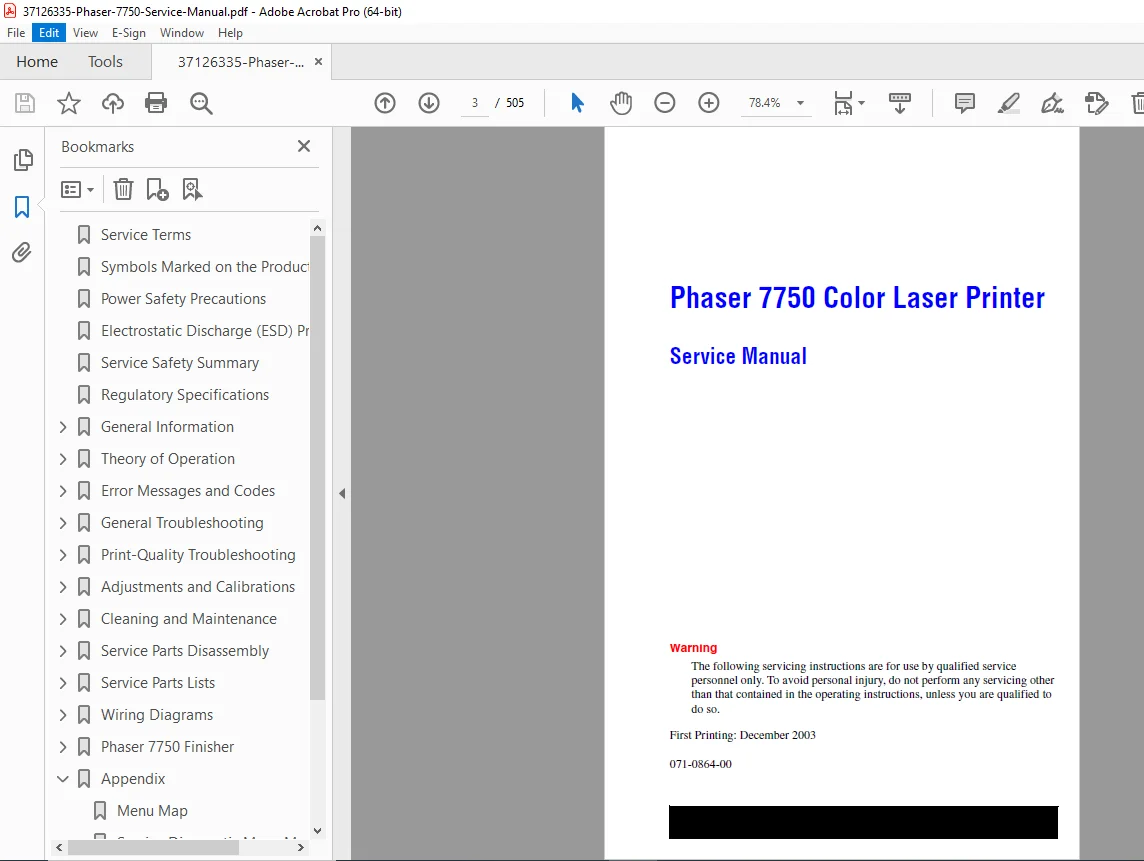
Official Xerox Phaser 7750 Color Laser Printer service manual (Document 071-0864-00, December 2003, Author: Marni Peppin). This comprehensive 505-page technical manual covers installation, system overview, theory of operation, maintenance procedures, fuser assembly service, imaging unit replacement, print engine troubleshooting, electrical schematics, controller board diagnostics, paper path adjustments, image quality troubleshooting, error code diagnostics, and complete service information for qualified technicians servicing office color laser printing systems.
Description
Xerox Phaser 7750 Service Manual Color Laser Printer Repair Guide 071-0864-00 – PDF DOWNLOAD
DESCRIPTION
This is the official Xerox Phaser 7750 Color Laser Printer Service Manual (Document Number 071-0864-00, First Printing: December 2003) authored by Marni Peppin. This comprehensive 505-page technical manual is intended for qualified service personnel and provides complete maintenance, troubleshooting, repair, and adjustment procedures for the Phaser 7750 color laser printer used in business offices, corporate printing environments, graphic design studios, and professional document production facilities worldwide.
Product Overview
Xerox Phaser 7750 Color Laser Printer:
The Phaser 7750 represents Xerox’s professional-grade color laser printer designed for demanding office and workgroup printing applications. This sophisticated printer combines advanced laser imaging technology, precision color registration, PostScript/PCL printing capabilities, network connectivity, and high-quality output to deliver professional color document production for business-critical applications.
Key Applications:
- Corporate office printing
- Workgroup color printing
- Graphic design output
- Marketing materials production
- Presentation printing
- Professional document publishing
- Business graphics
- Color proofing
- Desktop publishing
- Small business printing
Key Features
Print Technology:
- Color laser printing
- Electrophotographic process
- Four-color (CMYK) imaging
- Separate toner cartridges
- LED exposure system or laser scanner
- Precision color registration
- High-resolution output
Print Specifications:
- Color and monochrome printing
- PostScript Level 3 emulation
- PCL emulation
- Multiple media sizes
- Duplex printing capability
- Network connectivity
- Professional color output
Key Components:
- Fuser Assembly (high-temperature)
- Imaging units (4-color)
- Transfer belts
- Print engine
- Controller board
- Power supply
- Paper feed system
- Image processing
Comprehensive Manual Contents
DOCUMENT INFORMATION:
- Document Number: 071-0864-00
- Title: Phaser 7750 Color Laser Printer Service Manual
- First Printing: December 2003
- Author: Marni Peppin
- Creator: FrameMaker 7.0
- Copyright: © 2004 Xerox Corporation
- Pages: 505 pages
- PDF Version: 1.5
- File Size: 15.8 MB
COPYRIGHT AND TRADEMARKS
Copyright Notice:
- © 2004 Xerox Corporation
- All Rights Reserved
- Unpublished rights reserved under U.S. copyright laws
- No reproduction without permission
Registered Trademarks:
- XEROX®, The Document Company®, Phaser®
- Adobe®, PostScript®, Photoshop®, Illustrator®
- Apple®, Macintosh®, LaserWriter®, AppleTalk®
- PCL®, HP-GL® (Hewlett-Packard)
- Windows®, Windows NT® (Microsoft)
- Novell®, NetWare®, NDPS®, NDS®
- ENERGY STAR® partner
- PANTONE® color standards
SERVICE TERMS AND SAFETY
Manual Terms:
- Note: Operating/maintenance information for efficient task completion
- Caution: Procedures that if not followed result in equipment damage
- Warning: Procedures that if not followed result in injury or loss of life
Symbols on Product:
- ⚡ DANGER high voltage
- ⏚ Protective ground (earth) symbol
- 🔥 Hot surface warning
- ⏰ 30 min. – Wait 30 minutes after power off
- 🤏 Pinching hazard warning
- ⚠ Use caution – refer to manual
POWER SAFETY PRECAUTIONS
Power Source:
- 110 VAC printers: Do not exceed 140 volts RMS
- 220 VAC printers: Do not exceed 264 volts RMS
- Use specified power cord only
- Plug into grounded AC outlet
- Three-wire grounding required
- Licensed electrician for proper outlet installation
Disconnecting Power:
- On/Off switch does NOT completely de-energize printer
- Must disconnect power cord from AC outlet
- Position cord for easy emergency access
- Disconnect power if:
- Power cord or plug damaged
- Liquid spilled into case
- Exposed to excess moisture
- Printer dropped or damaged
- Servicing or repair needed
- Cleaning product
ELECTROSTATIC DISCHARGE (ESD) PRECAUTIONS
ESD Protection Requirements:
- Semiconductors vulnerable to ESD damage
- ICs, LSIs, field-effect transistors at risk
- Power must be off to chassis/circuit board
ESD Prevention Techniques:
- Drain electrostatic charge before handling components
- Touch earth ground source
- Wear wrist strap connected to earth ground
- Remove wrist strap before applying power
- Place assemblies on grounded conductive surface
- Use anti-static bags
- Do not use freon-propelled chemicals
- Keep components in protective packaging
- Touch protective material to chassis before removal
- Minimize body motions
- Handle ICs and EEPROMs carefully
- Pay attention to component orientation on PCBs
SERVICE SAFETY SUMMARY
General Guidelines:
- For qualified service personnel only
- Avoid servicing alone – another person capable of first aid must be present
- Use care with power on – dangerous voltages present
- Disconnect power before removing shields
- Do not wear jewelry – remove rings, necklaces
- Power source specifications:
- 220V AC: not more than 264V RMS
- 110V AC: not more than 140V RMS
- Protective ground essential
Warning Labels:
- Read and obey all posted warning labels
- Check all labels remain in place after service
- Verify placement on potentially dangerous components
Safety Interlocks:
- Ensure all covers in place after service
- Verify front panel properly installed
- Check all interlock switches functioning
- Use extreme caution if bypassing interlock during service
CLASS 1 LASER PRODUCT:
- Certified by U.S. Department of Health and Human Services
- Does not emit hazardous laser radiation
- Laser beam totally enclosed during all customer operations
- Follow specified procedures during service
- No hazards from laser when procedures followed
SERVICING PRECAUTIONS
Servicing Electrical Components:
- Switch off power and unplug before service
- If power required, be aware of electrical shock potential
- Do not touch electrical components unless instructed
⚠ WARNING:
- On/Off switch does NOT completely de-energize printer
- Must disconnect power cord from AC outlet
- Position cord for easy servicing access
Servicing Mechanical Components:
- Manually rotate drive assemblies, rollers, gears
- DO NOT manually rotate or stop assemblies while motor running
Servicing Fuser Components:
- ⚠ WARNING: FUSER ASSEMBLY IS VERY HOT
- Turn power off
- Wait at least 5 minutes for Fuser to cool
- Do not touch until completely cooled
REGULATORY SPECIFICATIONS
United States (FCC Compliance):
- Generates and uses radio frequency energy
- May cause interference if not installed per instructions
- Class B unintentional radiator (Part 15 FCC rules)
- Use shielded interface cables
- Tested to electromagnetic emission/immunity standards
- Suitable for office and residential environments
Interference Correction Measures:
- Reorient or relocate receiver
- Increase separation from receiver
- Connect to different circuit
- Route cables away from receiver
- Consult dealer or technician
Canada (ICES-003):
- Does not exceed Class B limits
- Radio noise emissions compliant
- Canadian Department of Communications regulations
European Union:
- Conforms to following standards:
- Low Voltage Directive 73/23/EEC:
- EN 60950 (IEC 60950) – Safety of IT Equipment
- EMC Directive 89/336/EEC:
- EN 55022:1998 (CISPR 22) – Class B emissions
- EN 61000-3-2 – Harmonic current emissions
- EN 61000-3-3 – Voltage fluctuations and flicker
- EN 55024:1998 (CISPR 24) – Immunity characteristics
Immunity Test Specifications:
- Electrostatic Discharge: 6kV Contact, 10kV Air
- RF Electromagnetic Field: 80-1000 MHz, 3 V/m
- Fast Burst Transients: 0.5kV Signal, 1kV AC Mains
- Line Surge: 2.0kV Common/Differential mode
- RF Conducted: 0.15-80 MHz, 3V
- Line voltage dips and drop-outs tested
- ENERGY STAR® compliant
TYPICAL SERVICE MANUAL STRUCTURE (505 pages)
Based on standard Xerox service manual organization:
CHAPTER 1: INTRODUCTION AND SPECIFICATIONS
- Printer overview
- Model specifications
- Print speeds and resolution
- Paper handling specifications
- Environmental requirements
- Electrical specifications
- Consumables specifications
CHAPTER 2: THEORY OF OPERATION
- Electrophotographic process
- Color imaging process
- Paper path description
- Fuser operation
- Image transfer process
- Registration system
- Sensor operation
CHAPTER 3: INSTALLATION
- Unpacking procedures
- Site preparation
- Physical installation
- Network setup
- Software installation
- Test print procedures
CHAPTER 4: OPERATIONAL OVERVIEW
- Control panel operation
- Menu navigation
- Status indicators
- Error messages
- Consumables monitoring
CHAPTER 5: PREVENTIVE MAINTENANCE
- Maintenance schedule
- Cleaning procedures
- Consumables replacement
- Inspection procedures
- Lubrication requirements
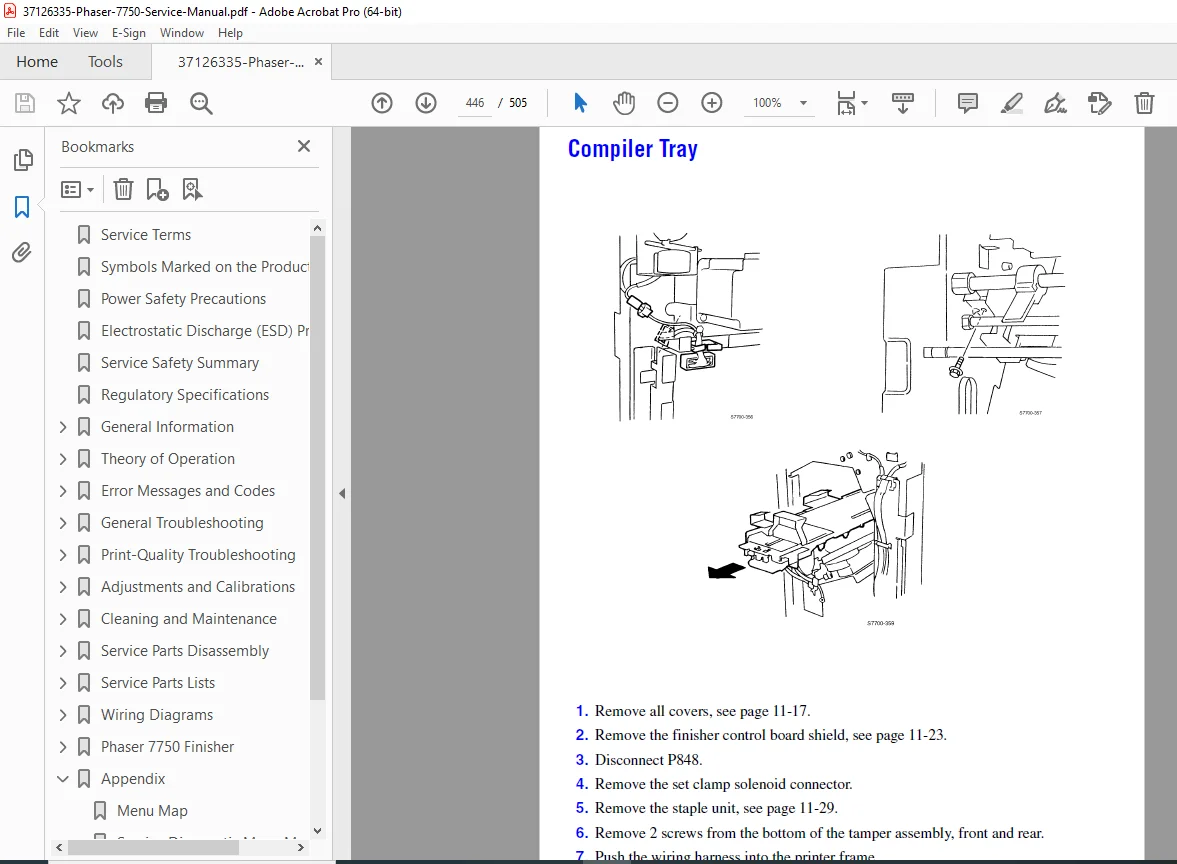
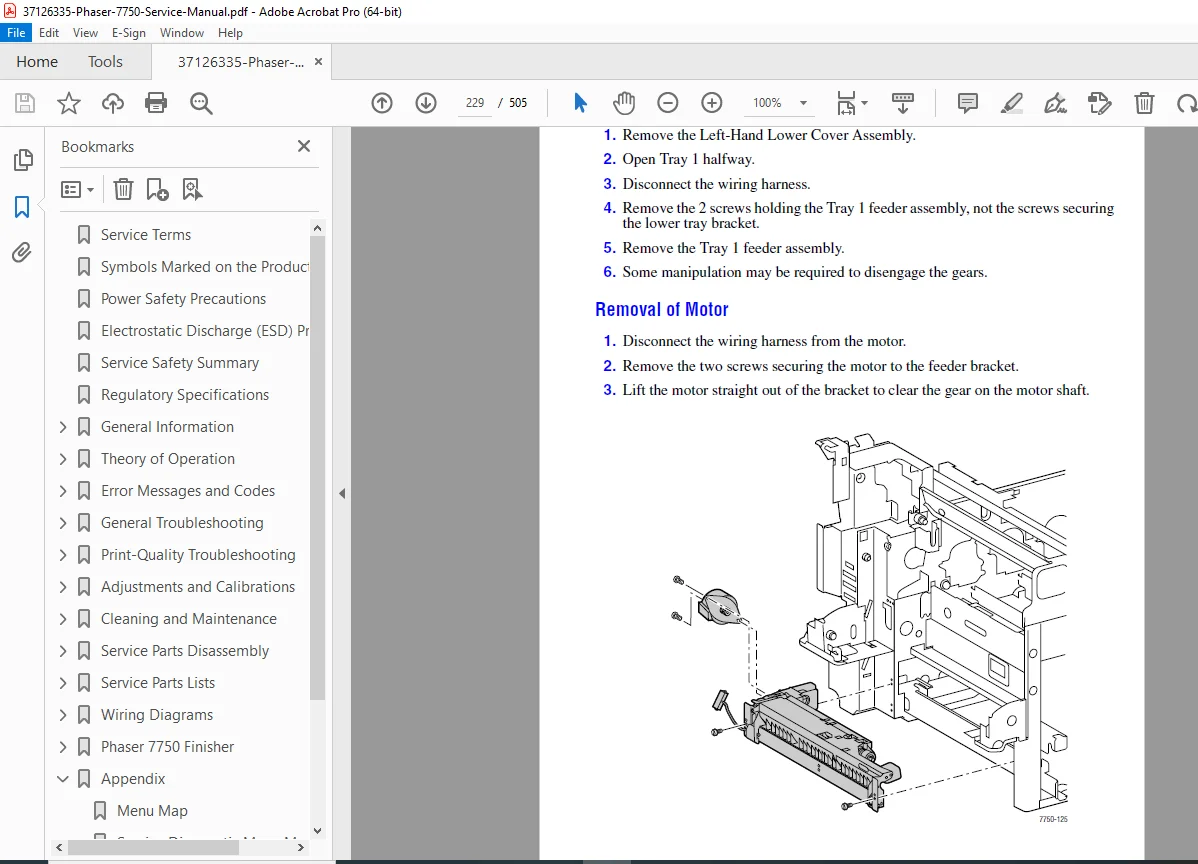
CHAPTER 6: REMOVAL AND INSTALLATION
- Major assembly removal
- Fuser assembly
- Imaging units (CMYK)
- Transfer belt
- Paper feed assemblies
- Controller boards
- Power supply
- Motors and drives
CHAPTER 7: ADJUSTMENTS AND CALIBRATIONS
- Image quality adjustments
- Color registration
- Print density
- Transfer voltage
- Fuser temperature
- Paper feed timing
- Sensor calibration
CHAPTER 8: TROUBLESHOOTING
- Systematic diagnostic approach
- Error code interpretation
- Paper jam clearance
- Print quality problems
- Color registration issues
- Network connectivity
- Hardware diagnostics
CHAPTER 9: IMAGE QUALITY
- Image defect analysis
- Color matching
- Registration problems
- Density issues
- Background contamination
- Streaks and bands
- Fuser defects
CHAPTER 10: ELECTRICAL SYSTEM
- Power distribution
- Controller boards
- Interface boards
- Sensor circuits
- Motor controls
- Safety circuits
CHAPTER 11: SCHEMATICS AND DIAGRAMS
- Block diagrams
- Electrical schematics
- Wiring diagrams
- Paper path diagrams
- Mechanical assemblies
- Exploded views
CHAPTER 12: PARTS LISTS
- Assembly part numbers
- Consumables
- Replacement intervals
- Ordering information
Who Needs This Manual?
This Xerox Phaser 7750 service manual is essential for:
- Xerox authorized service technicians
- Office equipment service companies
- Corporate IT/technical support staff
- Printer service specialists
- Anyone performing authorized service on Phaser 7750 printers
Prerequisites:
✓ Qualified service personnel only
✓ Laser printer service experience
✓ Electrical troubleshooting skills
✓ Understanding of electrophotographic process
✓ ESD handling procedures
✓ Proper tools and test equipment
✓ Safety training (high voltage, hot surfaces)
✓ First aid capability (avoid servicing alone)
FILE DETAILS
| Detail | Specification |
|---|---|
| Document Number | 071-0864-00 |
| Manual Title | Phaser 7750 Color Laser Printer Service Manual |
| First Printing | December 2003 |
| Author | Marni Peppin |
| Subject | Service Manual |
| Manufacturer | Xerox Corporation |
| Pages | 505 pages |
| PDF Quality | Professional technical manual with detailed diagrams |
| File Size | 15.8 MB |
| Page Size | 396 x 612 pts |
| Language | English |
| Creator | FrameMaker 7.0 |
| Producer | Acrobat Distiller 6.0 (Windows) |
| Copyright | © 2004 Xerox Corporation |
| PDF Version | 1.5 |
| Laser Class | CLASS 1 LASER PRODUCT |