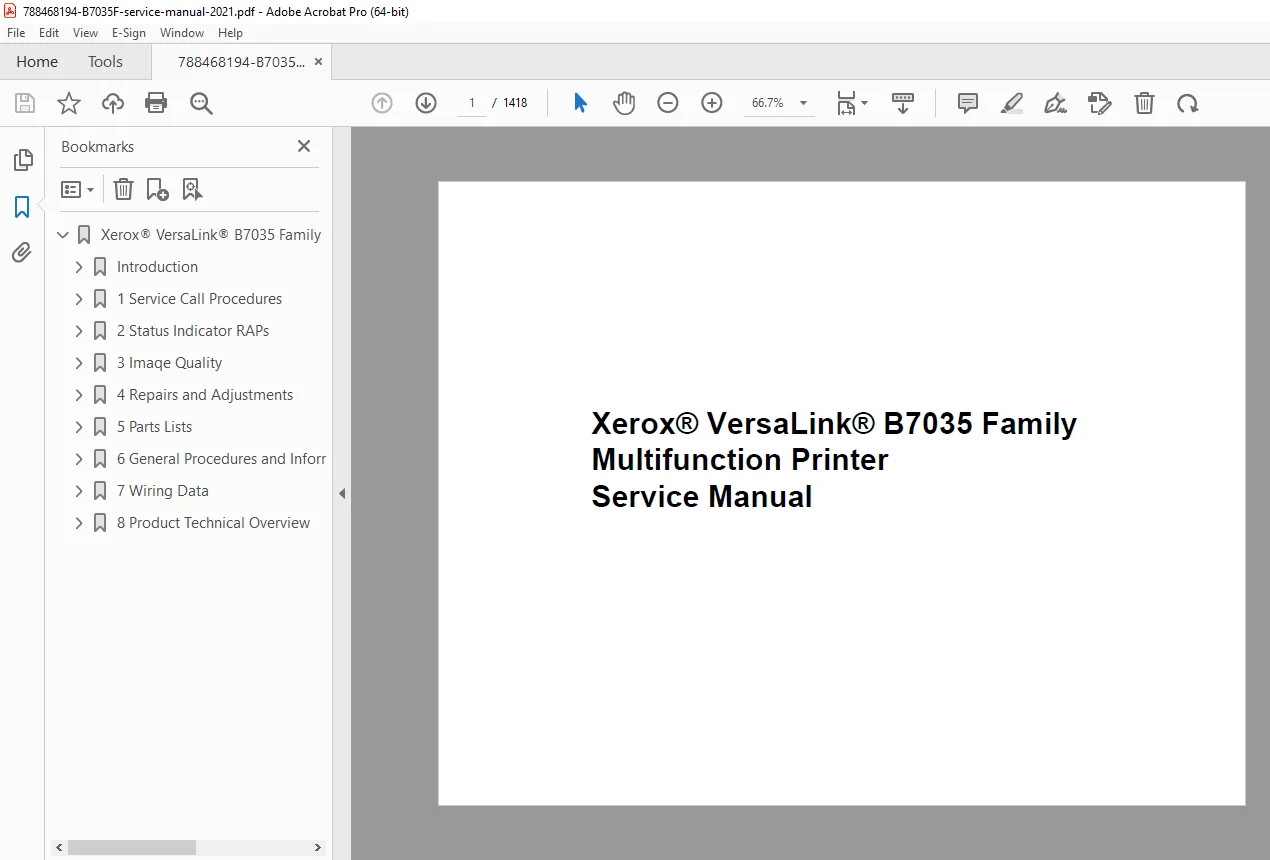
Xerox VersaLink B7035 MFP Service Manual – Repair PDF
Original price was: $95.00.$20.95Current price is: $20.95.
Original Xerox VersaLink B7035 Family Service Manual covering complete diagnostics, repair analysis procedures (RAPs), image quality troubleshooting, parts lists, wiring diagrams, and component replacement. Includes step-by-step service call procedures, fault codes, adjustments, and technical specifications used by Xerox-certified technicians. Essential professional repair reference. Instant PDF download.
Description
Xerox VersaLink B7035 MFP Service Manual – Repair PDF DOWNLOAD
Description
This is the official Xerox factory Service Manual for the Xerox VersaLink B7035 Family Multifunction Printer, supplied to certified service technicians and professional repair centers.
The manual follows the standard Xerox service documentation structure, guiding technicians from initial service call actions through fault isolation, repair, adjustment, and verification. It includes thousands of pages of detailed RAPs, wiring diagrams, block schematics, exploded parts views, and maintenance procedures.
If you service or maintain Xerox VersaLink enterprise-class multifunction printers, this manual is the authoritative, dealer-level technical reference.
🔹 Models & Family Covered
Xerox VersaLink B7035
(Service manual structure also references the B7025 / B7030 family architecture)
Machine type: Monochrome Multifunction Printer (Copy / Print / Scan / Fax)
Manufacturer: Xerox Corporation
🧩 Main Contents & Sections (Structured from Manual)
🧭 Introduction & Safety
How to use the Xerox service manual
Change history & MOD/Tag identification
Voltage, resistance & tolerance reference tables
Electrical & mechanical safety warnings
ESD handling procedures
Health & safety incident reporting
🛠 Section 1 – Service Call Procedures
Initial actions & operator checks
Call actions & configuration verification
Fault analysis workflow
Subsystem maintenance routines
Final actions & service verification
Machine configuration & feature identification
🔍 Section 2 – Status Indicator RAPs
Power faults (AC, +5VDC, +24VDC)
UI & control panel errors
Scanner & IIT communication failures
Memory, document, APS & scan errors
Fax, stapler, punch & finisher RAPs
Detailed fault-code-based diagnostic trees
(Hundreds of RAPs covering chains 001–005 and beyond)
🖨 Section 3 – Image Quality
Image quality defect analysis
Density, background & streak issues
Registration & alignment faults
Drum, fuser & optics related defects
Setup and calibration procedures
🔧 Section 4 – Repairs & Adjustments
Covers, doors & external assemblies
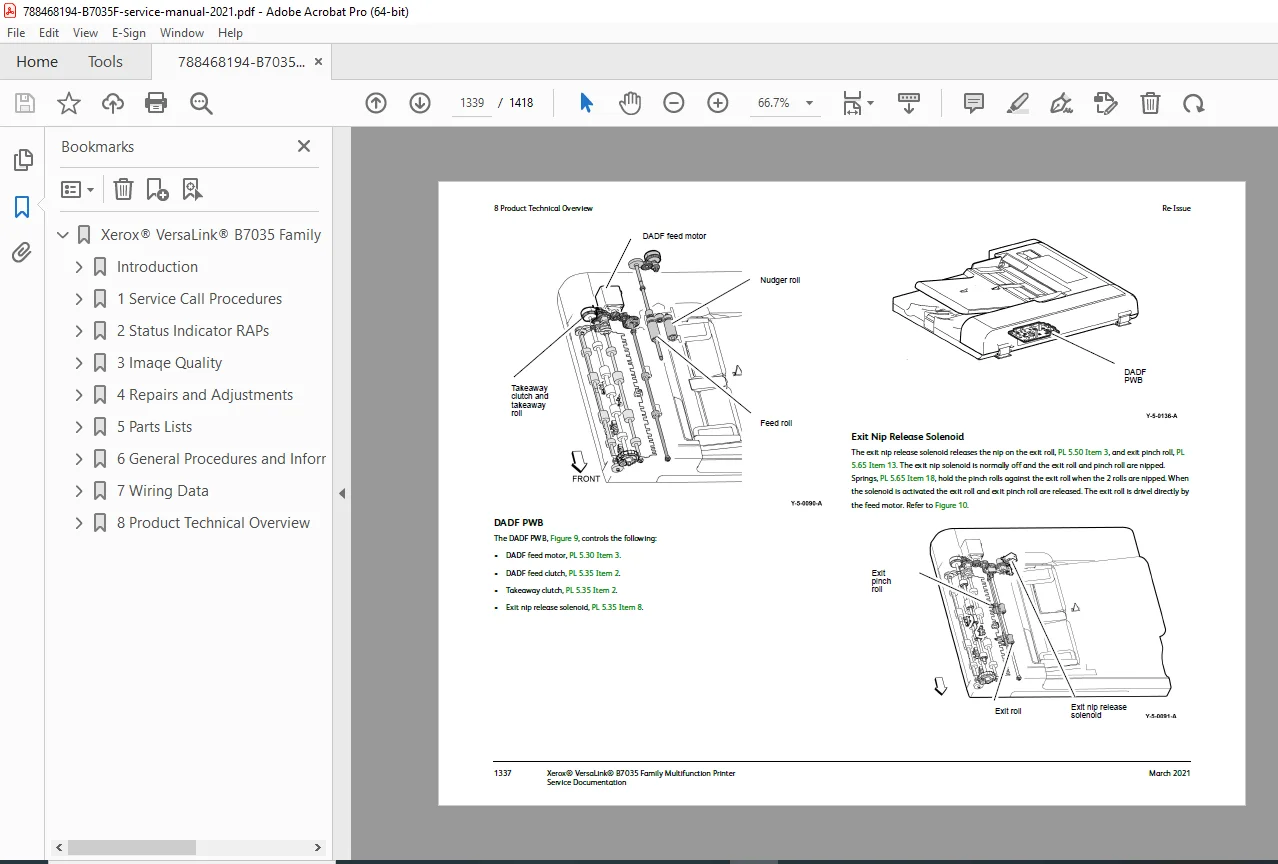
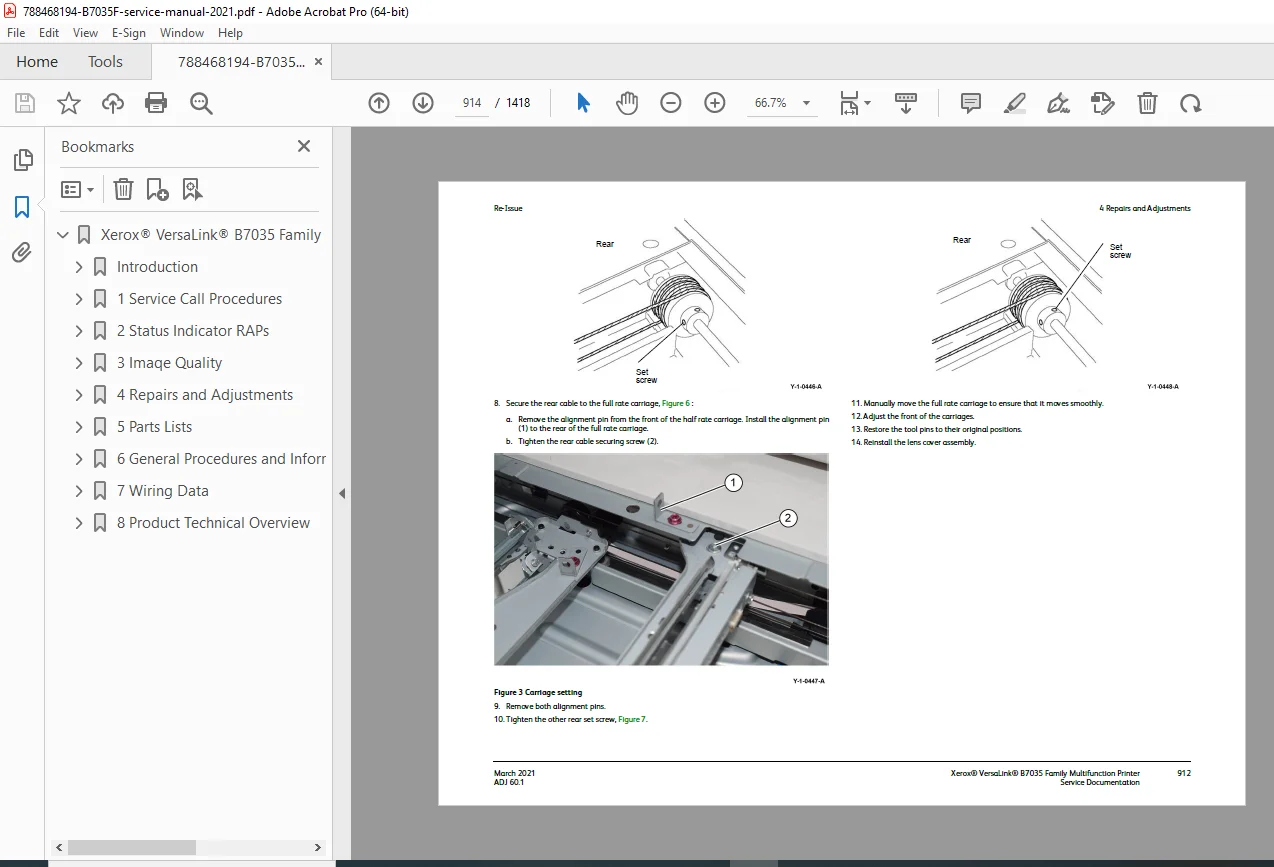
Scanner & DADF service
Paper trays & feed systems
Motors, sensors & solenoids
Fuser, drum cartridge & imaging components
Step-by-step illustrated removal & replacement
📦 Section 5 – Parts List
Fully illustrated exploded diagrams
Replaceable unit identification
Part numbers & PL references
CRU & HFSI components
⚙️ Section 6 – General Procedures & Specifications
Diagnostics entry & service modes
Software & firmware handling
Network clone procedures
Lubrication points
Installation space & environmental specs
Electrical power requirements
Glossary & service references
🔌 Section 7 – Wiring Data
Wiring diagrams
PJ connector locations
Block schematic diagrams (BSDs)
Signal nomenclature & logic levels
🧠 Section 8 – Product Technical Overview
System architecture
Functional descriptions
Subsystem interaction overview
📄 File Details
| Item | Details |
|---|---|
| Manual Name | Xerox VersaLink B7035 Family Service Manual |
| Document No. | 705P01460 |
| Brand | Xerox |
| Models Covered | VersaLink B7035 (Family architecture) |
| Document Type | Factory Service Manual |
| Release | Re-Issue – March 2021 |
| Language | English |
| Format | PDF (Digital Download) |
| Pages | ~1,418 |
| PDF Quality | Original Xerox factory manual, clear diagrams |
Service your Xerox VersaLink with complete factory accuracy—this official B7035 Service Manual delivers dealer-level diagnostics, repairs, and parts data in one instant download.