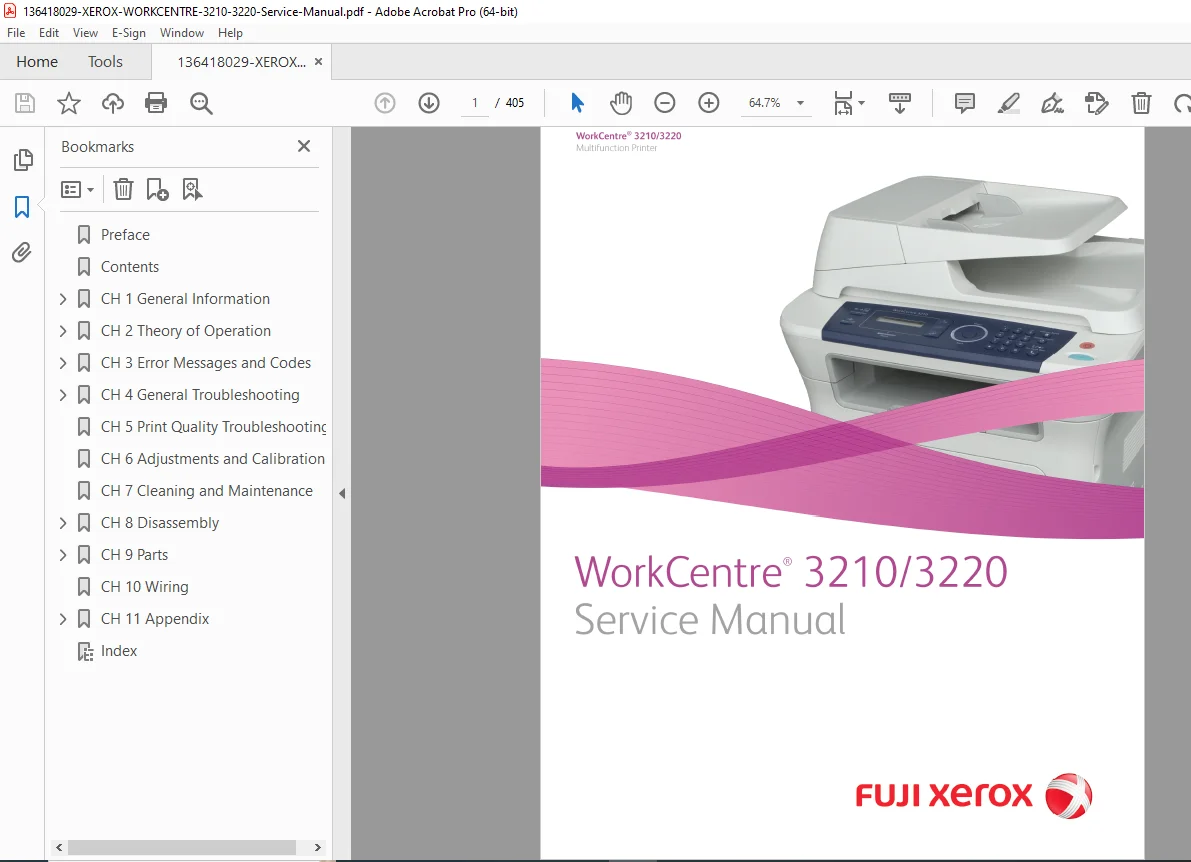
Xerox WorkCentre 3210/3220 Service Manual (2009) – Genuine Factory PDF
Original price was: $85.00.$18.95Current price is: $18.95.
Official Xerox/Fuji Xerox service manual for WorkCentre 3210 & 3220 laser MFP – 405-page repair guide with disassembly photos, error code troubleshooting, print quality RAPs, adjustments, full parts lists, plug/jack locators & wiring diagrams.
Description
Xerox WorkCentre 3210/3220 Service Manual (2009) – Genuine Factory PDF DOWNLOAD
Description:
Instant download – Authentic Xerox WorkCentre 3210/3220 Multifunction Printer Service Manual (First Printing August 2009). This is the complete 405-page factory service manual used by Xerox and Fuji Xerox authorized technicians – packed with detailed procedures for diagnosis, repair, and maintenance of the WorkCentre 3210/3220 laser multifunction printers (print/scan/copy/fax).
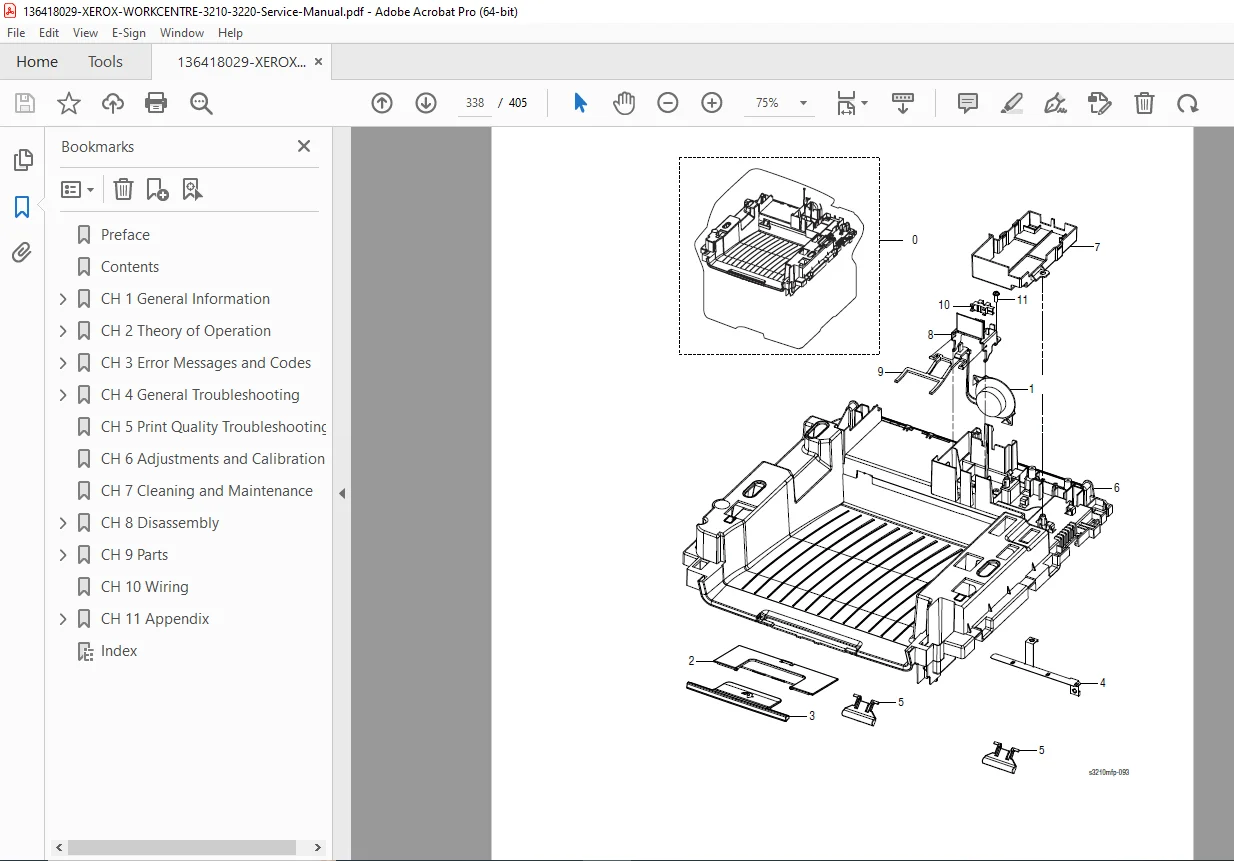
Includes comprehensive error message/code troubleshooting, status indicator RAPs, image quality defect analysis with samples, step-by-step disassembly and replacement procedures with clear illustrations, adjustments/calibrations, cleaning/maintenance schedules, exploded views in parts lists with Xerox part numbers, plug/jack locator maps, full wiring diagrams, and diagnostic modes (Tech Mode/EDC).
Perfect for service technicians, repair shops, and owners searching for the genuine xerox workcentre 3210 service manual pdf, workcentre 3220 repair manual download, or xerox 3210 3220 disassembly guide – this is the official Xerox document with everything needed for professional servicing.
Detailed Table of Contents (exactly as in manual, cleanly formatted):
Introductory, Safety, and Regulatory Information
- Service Terms
- Symbols Marked on the Product
- Power Safety Precautions
- Electrostatic Discharge Precautions
- Service Safety Summary
- Regulatory Information (Copy/Fax Regulations, etc.)
Chapter 1 – General Information
- Printer Introduction and Overview
- Printer Configurations
- Parts of the Printer (Front/Rear View, Control Panel)
- Printer Options (RAM, Optional Tray)
- Maintenance Items & Consumables
- Specifications (Print, Scan, Copy, Fax, Electrical, Media)
- Firmware Update & Diagnostics
- Reports (Configuration, Supplies Info)
Chapter 2 – Theory of Operation
- Operational Overview
- Paper Path (ADF, Printer, Feeding)
- Image Input Terminal (ADF, Scanner)
- Image Output Terminal (Transfer, Drive, Fuser, Laser Unit, Print Cartridge)
- Control Panel & Electrical Components
- Fuser AC Power Control
- Sensor Input & Driving Circuits
- Fax & Engine Firmware
Chapter 3 – Error Messages and Codes
- Introduction & Error Information Report
- Servicing Instructions & Measurement Techniques
- Jam Errors (Jam 0/1/2, Document Jam, Duplex Jam)
- Tray/Media Errors (Empty, Mismatch, Out Bin Full)
- Print Cartridge Errors (Toner Low/Empty, Invalid, etc.)
- Fuser & Laser Unit Errors
- Fax Errors (Communication, Memory Full, No Answer)
- System/Network/System Errors (Motor Locked, Door Open, IP Conflict)
Chapter 4 – General Troubleshooting
- Embedded Diagnostic Control (EDC) Mode
- Tech Mode (Data Setup, Machine Test, Report)
- Basic Troubleshooting (Paper Empty, Cover Open, Jams, Inoperable Printer)
- Scanner/ADF/Fax/Power/USB Troubleshooting
Chapter 5 – Print-Quality Troubleshooting
- Print-Quality Overview & Checklist
- Defect Definitions & Procedures (Light Print, Background, Ghosting, Spots, Skew, etc.)
- Test Prints (Lines, Halftones, Ghosting, Solid Fill)
- Print-Quality Specifications
Chapter 6 – Adjustments and Calibrations
- Altitude Adjustment
Chapter 7 – Cleaning and Maintenance
- Service Maintenance Procedure
- Cleaning Procedures (Print Cartridge, Laser Unit, Document Glass)
- Firmware Upgrade
Chapter 8 – Service Parts Disassembly
- General Disassembly Procedures
- Maintenance/Consumables Replacement (Transfer Roller, Pick Up Roll, Fuser, etc.)
- ADF/Scanner/Covers/Paper Feeder/Drive/Electrical/Options Removal
Chapter 9 – Parts List
- Serial Number Format
- Exploded Views & Part Numbers (Main, Covers, Frame, Drive, Scan/ADF, Cassette, Fuser, Duplex, Optional Tray)
Chapter 10 – Wiring
- Component/Plug/Jack Locators
- Wiring Diagrams (Main Board, Power/Fuser, Fax, Laser, ADF/Scanner)
Appendix – Reference
- Menu Maps (User Menu, Tech Mode)
- Acronyms and Abbreviations
File Details:
- Manual Name: Xerox WorkCentre 3210/3220 Multifunction Printer Service Manual
- Models Covered: WorkCentre 3210 / 3220 (all configurations)
- Date: First Printing August 2009
- Pages: 405
- Quality: Original Xerox/Fuji Xerox factory manual, high-quality scans, clear illustrations/photos/diagrams/wiring, searchable text