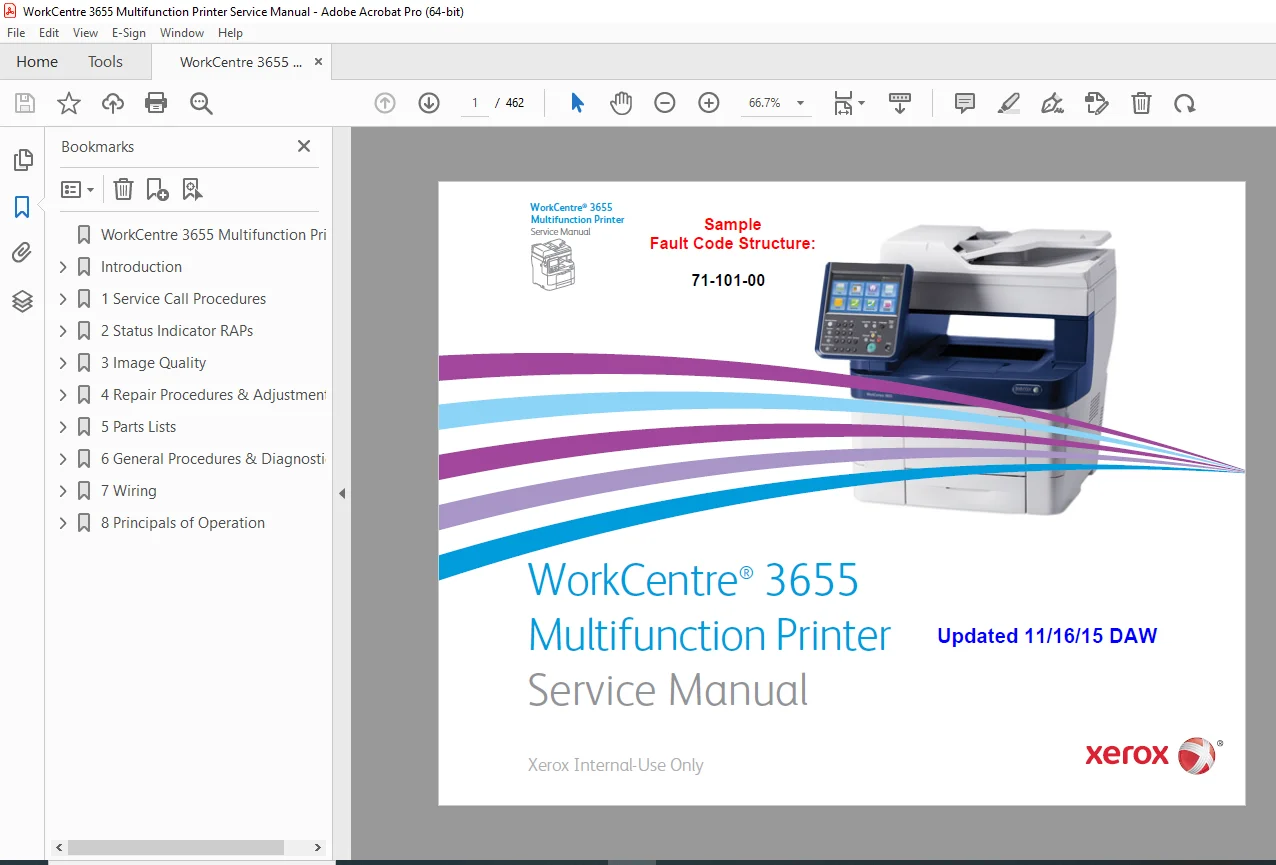
Xerox WorkCentre 3655 Multifunction Printer Service Manual PDF
$19.95
Professional Xerox WorkCentre 3655 multifunction printer service manual providing complete installation, maintenance, repair, and troubleshooting documentation for certified technicians. This 462-page technical reference from Xerox includes comprehensive service procedures, image quality repair analysis, fault code diagnostics, component replacement instructions, and electrical schematics. Essential for copier service centers and authorized Xerox technicians. Covers WorkCentre 3655 models (3655N/DN and 3655SN/DN) with detailed parts lists, wiring diagrams, safety protocols, and regulatory compliance information for multifunction systems.
Description
Xerox WorkCentre 3655 Multifunction Printer Service Manual Repair & Troubleshooting – PDF DOWNLOAD
DESCRIPTION
This definitive Xerox WorkCentre 3655 service manual is the official technical reference from Xerox Corporation for professional service technicians and authorized repair centers. Published as the primary service documentation from Xerox’s Content Development and Language Services, this 462-page comprehensive manual provides everything required for successful installation, configuration, maintenance, repair, troubleshooting, and optimization of the WorkCentre 3655 multifunction copier system.
COMPLETE SERVICE COVERAGE:
✓ Service Call Procedures (Section 1)
- Initial Actions and problem verification
- Service call setup and completion procedures
- Diagnostic decision trees and flowcharts
- Repair Analysis Procedure (RAP) reference guide
- Problem isolation techniques
- Service call documentation procedures
- Systematic troubleshooting methodology
✓ Status Indicator Repair Analysis Procedures (Section 2)
- Comprehensive multifunction printer troubleshooting guide
- Complete Repair Analysis Procedures (RAPs) for all system functions
- Status indicator interpretation and diagnosis
- Fault diagnosis and isolation procedures
- Non-image quality fault procedures
- Component testing and verification
- System diagnostics and health checking
- Error code reference and solutions
✓ Image Quality Troubleshooting (Section 3)
- Image quality repair analysis procedures (detailed IQ RAPs)
- Complete image quality fault diagnosis
- Toner density and registration procedures
- Print quality optimization techniques
- Copy quality troubleshooting
- Scan quality procedures
- Color management and calibration
- Paper handling and output quality
- Image quality testing and verification
✓ Comprehensive Repair & Adjustment Procedures (Section 4)
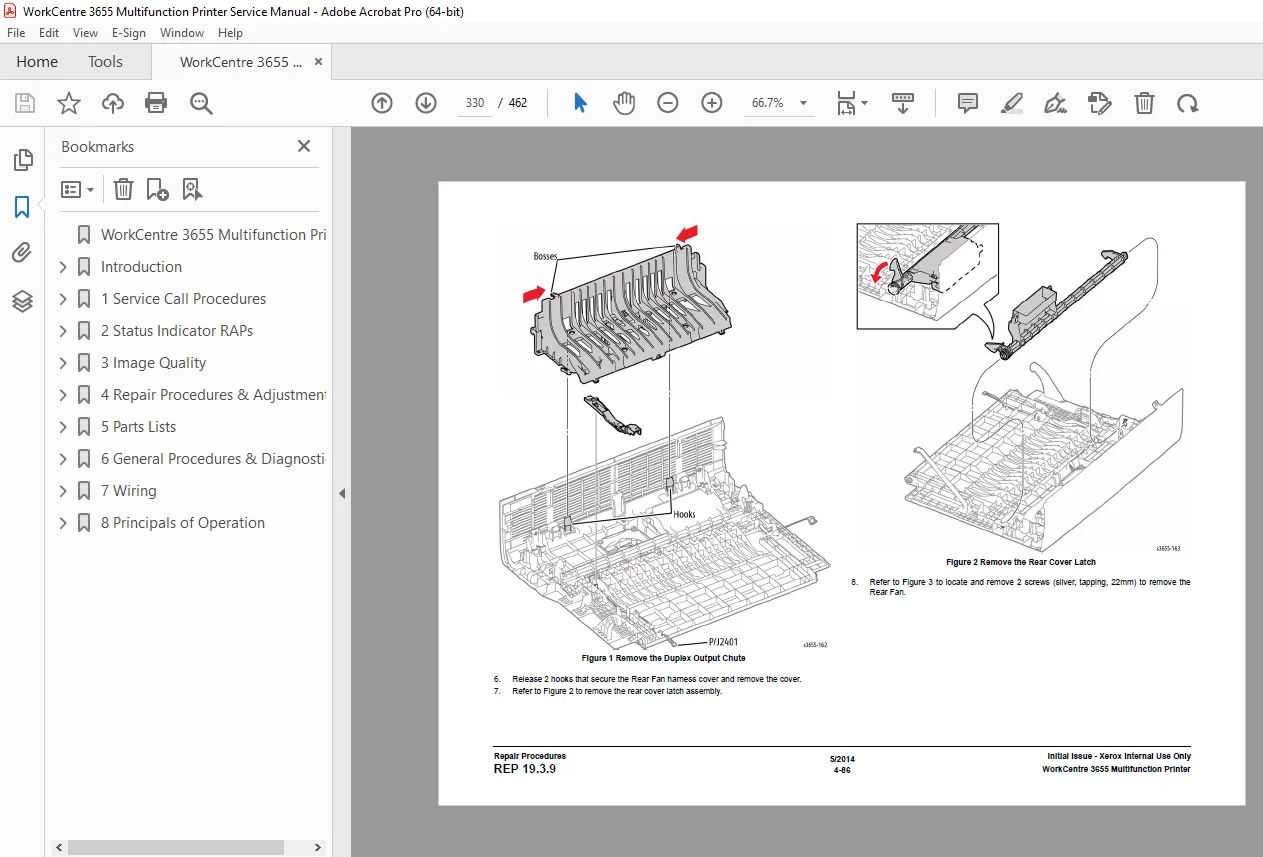
- Detailed removal and replacement instructions
- Component replacement procedures (50+ parts)
- Mechanical and electrical adjustments
- Calibration procedures with specifications
- Assembly and disassembly instructions
- Part orientation and installation techniques
- Torque specifications and safety requirements
- System re-verification after repairs
✓ Complete Parts List (Section 5)
- Illustrated spare parts catalog
- Part numbers and descriptions
- Component assembly diagrams
- CRU (Customer Replaceable Unit) identification
- Optional equipment parts documentation
- Parts availability and ordering information
- Component compatibility information
- Spare parts interchangeability guide
✓ General Procedures & Information (Section 6)
- Electrical safety procedures
- Power cord and grounding requirements
- Voltage measurement and specifications
- Logic level specifications and diagnostics
- Health and safety incident reporting
- Regulatory specifications and compliance
- Energy efficiency information
- Environmental compliance procedures
- Machine options overview
- CRU life expectancy information
- Product codes and serial number ranges
✓ Electrical Wiring & Schematics (Section 7)
- Complete wiring diagrams and schematics
- Power supply schematics
- Control circuit diagrams
- Signal routing documentation
- Connector pinout specifications
- Cable assignments and routing
- Electrical system architecture
- Reference voltage test points
✓ Principles of Operation (Section 8)
- Detailed system architecture
- Component operation theory
- Functional system overview
- Control panel layout and operation
- Optical systems operation
- Paper path and handling systems
- Toner management systems
- Electrical systems operation
- Cooling and ventilation systems
- Power management procedures
DETAILED TABLE OF CONTENTS:
| Section | Title | Focus Area | Details |
|---|---|---|---|
| Section 1 | Service Call Procedures | Initial actions, diagnosis | Complete troubleshooting workflow |
| Section 2 | Status Indicator RAPs | Fault diagnosis, error codes | 50+ repair analysis procedures |
| Section 3 | Image Quality | Print quality, optimization | Complete IQ troubleshooting |
| Section 4 | Repairs/Adjustments | Parts replacement, service | 50+ component procedures |
| Section 5 | Parts List | Spare parts, components | Illustrated parts catalog |
| Section 6 | General Procedures | Safety, specs, procedures | Electrical, regulatory, setup |
| Section 7 | Wiring Data | Schematics, electrical | Complete circuit diagrams |
| Section 8 | Principles of Operation | System architecture, theory | Functional descriptions |
KEY FEATURES & CAPABILITIES:
✓ Official Xerox Documentation
- Authoritative source from Xerox Corporation
- Primary service reference manual
- Xerox-certified procedures and specifications
- Manufacturer-approved repair techniques
- Warranty and support compliance information
✓ Multifunction System Coverage
- Copy functionality service procedures
- Print functionality maintenance
- Scan functionality troubleshooting
- Fax system operations (where applicable)
- Document handling systems
- Automatic document feeder (ADF) service
- Finishing options documentation
✓ Comprehensive Troubleshooting
- Xerox WorkCentre 3655 fault codes (100+ documented)
- Copier troubleshooting procedures with decision trees
- Status indicator interpretation
- Error message explanation
- Systematic problem isolation
- Root cause analysis techniques
- Component-specific diagnostics
- System-level troubleshooting procedures
✓ Safety & Compliance
- Electrical safety procedures
- High voltage hazard warnings
- Pinch injury prevention
- Hot surface precautions
- Proper grounding procedures
- FCC regulatory compliance (US Class A)
- Canadian ICES-003 compliance
- CE mark and European Union compliance
- Energy Star efficiency information
- Environmental compliance guidelines
✓ Professional Service Content
- Repair Analysis Procedures (RAPs) with decision logic
- Component removal and replacement procedures
- Electrical testing procedures and specifications
- Calibration and adjustment procedures
- Performance verification procedures
- Service call documentation
- Warranty considerations and conditions
- Customer communication guidelines
SPECIFICATIONS & TECHNICAL DETAILS:
| Specification | Details |
|---|---|
| Equipment | Xerox WorkCentre 3655 Multifunction Printer |
| Model Variants Covered | 3655N/DN, 3655SN/DN (all configurations) |
| Manual Type | Service Instruction Manual |
| Publisher | Xerox Corporation, Wilsonville, OR |
| Publication Date | May 2014 (Updated November 2015) |
| Total Pages | 462 pages |
| File Size | 29.4 MB |
| PDF Version | 1.7 |
| Manual Quality | Professional with detailed electrical schematics |
| Language | English (Multi-language safety warnings included) |
| Scope | Xerox-authorized technicians and service partners only |
| Distribution | Certified service personnel, authorized service centers |
| Copyright | © 2014 Xerox Corporation. All rights reserved. |
SAFETY & REGULATORY COMPLIANCE:
✓ Electrical Safety
- Proper power cord usage
- Grounding requirements and specifications
- Voltage measurement specifications
- Logic level specifications
- Ground adapter warnings
- Extension cord prohibition
- Safe working distances
- Dangerous voltage identification
✓ Operational Safety
- Pinch injury prevention
- Hot surface precautions
- Moving parts awareness
- Interlock switch operation
- Cover and guard requirements
- Proper tool usage
- Confined space warnings
- Jewelry removal requirements
✓ Regulatory Compliance
- FCC Part 15 Class A compliance (United States)
- Canadian ICES-003 compliance
- CE marking and Declaration of Conformity
- Low Voltage Directive 2006/95/EC compliance
- Electromagnetic Compatibility Directive 2004/108/EC
- Energy Star efficiency certification
- Environmental safety standards
- Hazardous material handling procedures
SERVICE CONTENT HIGHLIGHTS:
✓ Service Call Procedures (100+ diagnostic paths)
- Initial problem verification
- Diagnostic decision trees
- Repair Analysis Procedure routing
- Service completion procedures
- Documentation requirements
- Warranty compliance procedures
✓ Repair Analysis Procedures (50+ RAPs documented)
- Paper handling issues
- Print quality problems
- Electrical faults
- Mechanical failures
- Communication errors
- Power supply issues
- Sensor diagnostics
- Cooling system problems
✓ Image Quality Procedures (40+ IQ-specific procedures)
- Density problems
- Registration issues
- Copy quality
- Scan quality
- Color management
- Paper feeding
- Output quality
- Toner management
✓ Component Replacement (50+ parts with procedures)
- Removal and installation steps
- Part number identification
- Assembly orientation
- Cable routing
- Torque specifications
- Verification procedures
- Safety considerations
- Performance verification after repair
CUSTOMER REPLACEABLE UNITS (CRUs):
| CRU Type | Life Expectancy | Replacement Procedure |
|---|---|---|
| Toner Cartridges | Model-specific | Step-by-step instructions |
| Drum Cartridges | Based on volume | Proper handling procedures |
| Fuser Assembly | ~150,000 pages | Detailed removal/replacement |
| Transfer Belt | Based on usage | Complete service procedure |
| Pickup Rollers | Maintenance item | Replacement guidelines |
| Separation Pads | Maintenance item | Inspection and replacement |
| Cleaning Blade | Maintenance item | Service procedures |
TARGET AUDIENCE:
✓ Authorized Xerox Service Technicians
- Certified service providers
- Factory-trained technicians
- Warranty service representatives
- Field service engineers
✓ Service Centers & Organizations
- Authorized Xerox service partners
- Independent copier service companies
- Office equipment dealerships
- Enterprise IT support departments
- Facility management teams
✓ Professional Technicians
- Multifunction printer specialists
- Office equipment technicians
- Electrical repair specialists
- Document processing professionals
- Equipment maintenance engineers