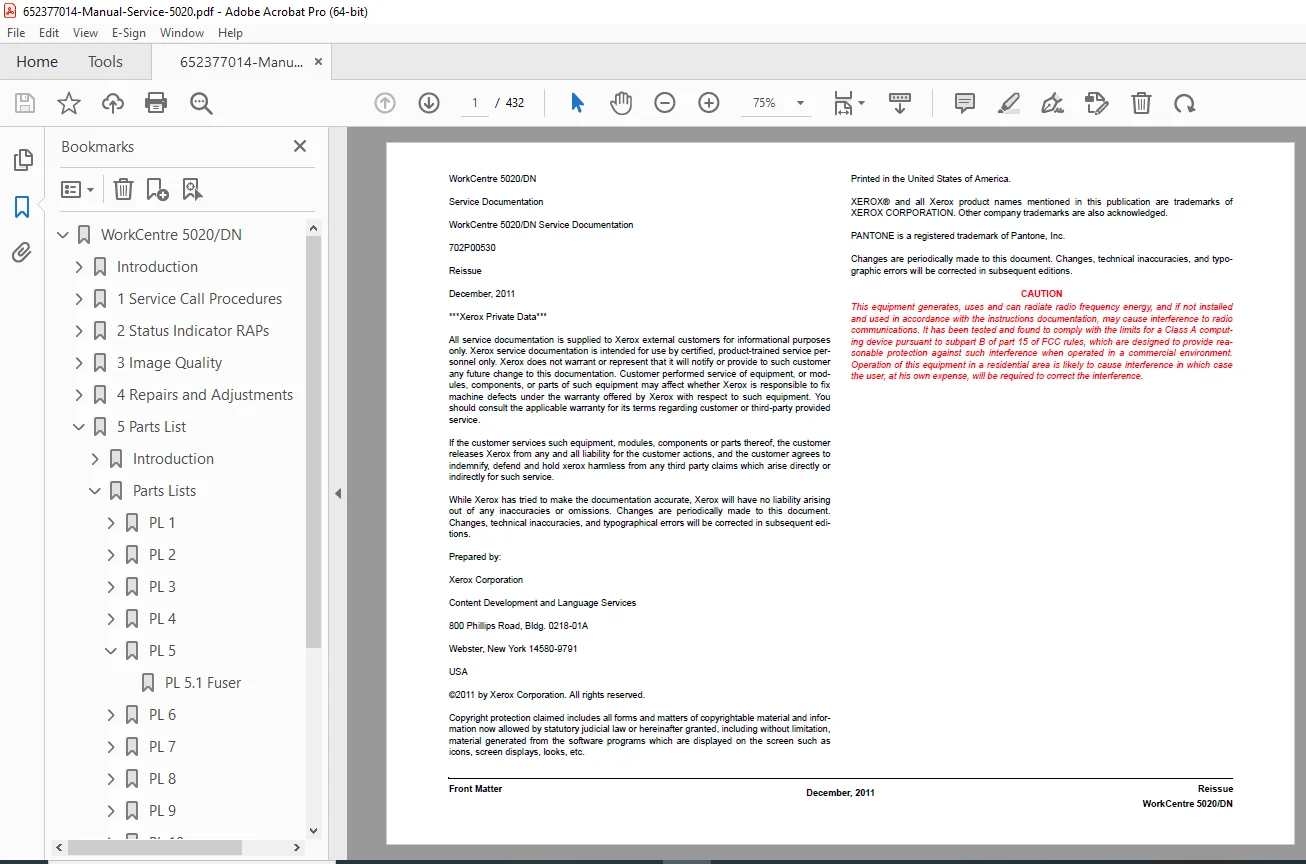
Xerox WorkCentre 5020/DN Service Manual Repair, Codes & Wiring PDF
Original price was: $95.00.$18.95Current price is: $18.95.
Restore your office productivity with the official Xerox WorkCentre 5020 Service Manual. This essential Xerox copier repair guide covers the 5020/B/DB/DN models. It features a complete dictionary of WorkCentre error codes, detailed Xerox 5020 wiring diagrams, and step-by-step disassembly instructions for the fuser and IIT. Whether you are troubleshooting a U4 error or replacing the drum, this PDF provides the factory specs you need
Description
Xerox WorkCentre 5020/DN Service Manual Repair, Codes & Wiring PDF DOWNLOAD
DESCRIPTION
The Essential Repair Resource for WorkCentre 5020 Series
Keep your document workflow running smoothly with the Xerox WorkCentre 5020/DN Service Manual. This comprehensive technical document (Reissue Dec 2011) is the exact resource used by certified Xerox field technicians to install, service, and repair the WorkCentre 5020 family.
From resolving persistent paper jams in the duplexer to calibrating image density, this manual provides deep technical insight into every subsystem. It includes the critical “Chain-Link” Xerox error codes essential for identifying failed sensors, motors, or logic boards.
Comprehensive Coverage & Organized Sections This PDF is structured for rapid fault isolation, covering all major systems:
Service Call Procedures (SCP):
Initial Actions & Call Flow diagrams.
Subsystem Maintenance (Cleaning optics, rollers).
Final Actions & Functional Tests.
Status Indicator RAPs (Repair Analysis Procedures):
Error Code Dictionary: Complete lookup for codes like C1, E3, J1, and U4.
Troubleshooting Flows: Step-by-step logic for “No Power,” “Fuser Fail,” and “Scan Error.”
Image Quality (IQ): Diagnosing light copies, black lines, and skew issues.
Repairs & Adjustments (REP):
Disassembly Guides: Removal of the IIT (Scanner) Assembly, ROS (Laser) Unit, and Main Drive Assembly.
Xerox Fuser Replacement: Detailed steps to rebuild or swap the fuser module.
Paper Transport: Servicing the Registration Clutch, Feed Rollers, and Exit/Invert Solenoids.
Parts Lists (PL):
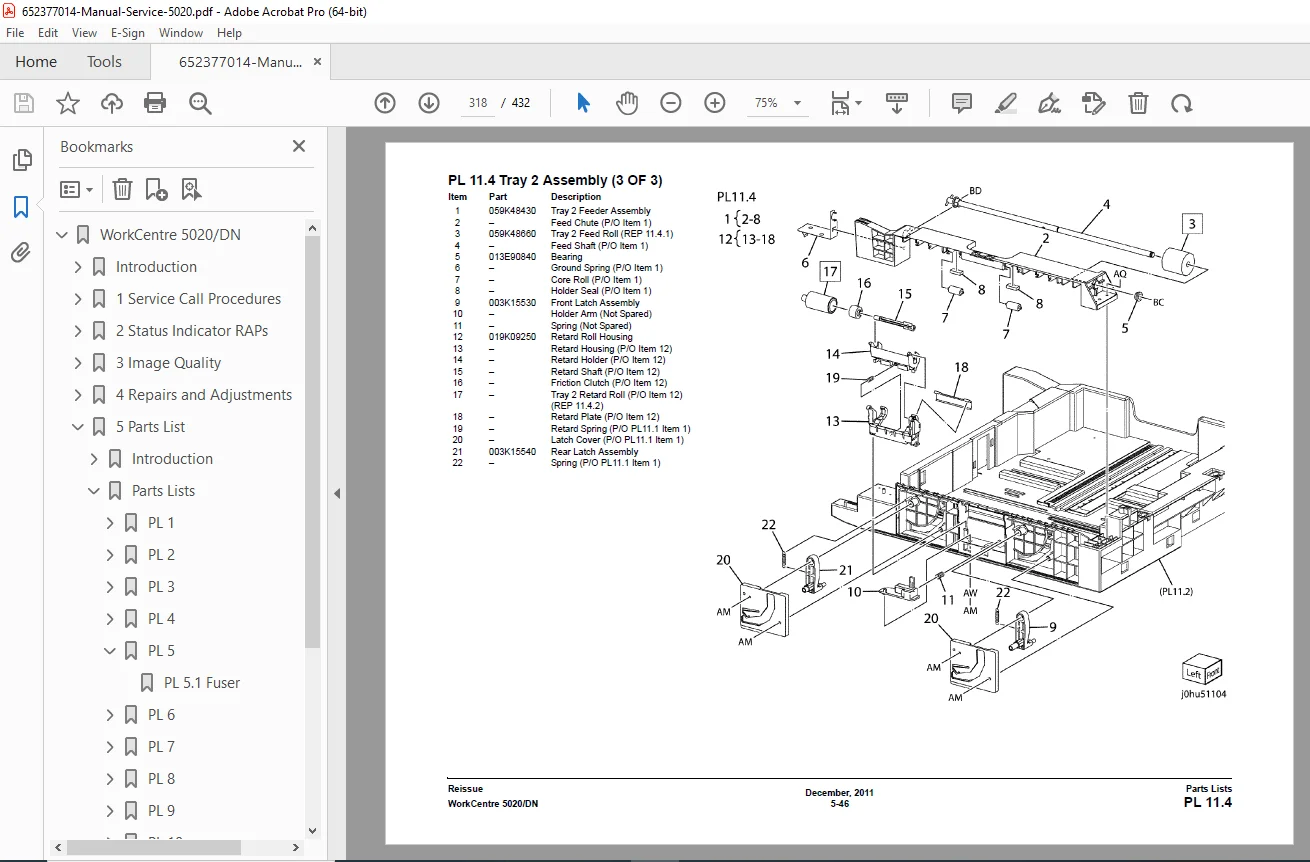
Exploded Views: Detailed diagrams of the Platen Cover, Cassette Tray, and Xerographic Module.
Spare Parts: Reference numbers for ordering replacement gears, belts, and sensors.
General Procedures (GP):
Diagnostic Mode: Instructions for entering “CE Mode” (Maintenance Mode) to test components.
NVM Initialization: Procedures for resetting Non-Volatile Memory and counters.
System Data: Checking total print counts and drum life.
Wiring Data (BSD):
WorkCentre Wiring Diagrams: Complete schematics for the HVPS, LVPS, and MCU PWB.
Connector Locations: Maps for P/J locations on the Main Board and Sensor PCBs.
Key Features:
Diagnostic Codes: Access hidden service menus (Chain Codes) to manually cycle motors and test clutches.
Component Maps: Visual guides to locating the Exit Sensor, Duplex Motor, and Toner Dispense Motor.
Maintenance Counters: Reset instructions for the drum cartridge and fuser unit life.
FILE DETAILS
Manual Name: Xerox WorkCentre 5020/DN Service Documentation (702P00530)
Models Covered: WorkCentre 5020, 5020B, 5020DB, 5020DN
Year: 2011 (Reissue)
File Type: PDF (Searchable, High-Definition, Printable)
Pages: 432 Pages
Stop paying for expensive service calls. Download the Xerox WorkCentre 5020 Service Manual instantly and unlock the power to fix your copier yourself—saving time, money, and frustration.