Xerox WorkCentre M20 & 4118 Service Manual PDF DOWNLOAD
Original price was: $95.00.$16.95Current price is: $16.95.
Get the official Xerox WorkCentre M20 service manual to expertly fix and maintain your copiers. This comprehensive Xerox 4118 repair guide PDF provides step-by-step instructions for maintenance, component replacement, and system adjustments. Whether you need a reliable Xerox printer troubleshooting manual to resolve complex error codes, or a complete WorkCentre M20 disassembly guide, this instant download has exactly what you need to keep your equipment running flawlessly.
Description
Xerox WorkCentre M20 & 4118 Service Manual PDF DOWNLOAD
Description
Equip your repair shop or IT department with the ultimate technical resource: the official Xerox WorkCentre M20 service manual. Designed specifically for certified technicians, this highly detailed document covers all major mechanical and electrical systems for the M20 and 4118 multifunction printer families.
Stop relying on guesswork and start repairing with confidence. This comprehensive Xerox 4118 repair guide PDF includes exhaustive Status Indicator Repair Analysis Procedures (RAPs) to quickly diagnose power failures, document jams, and critical LSU errors. It also serves as an indispensable Xerox printer troubleshooting manual for resolving tricky image quality defects like ghosting, background shading, and poor registration.
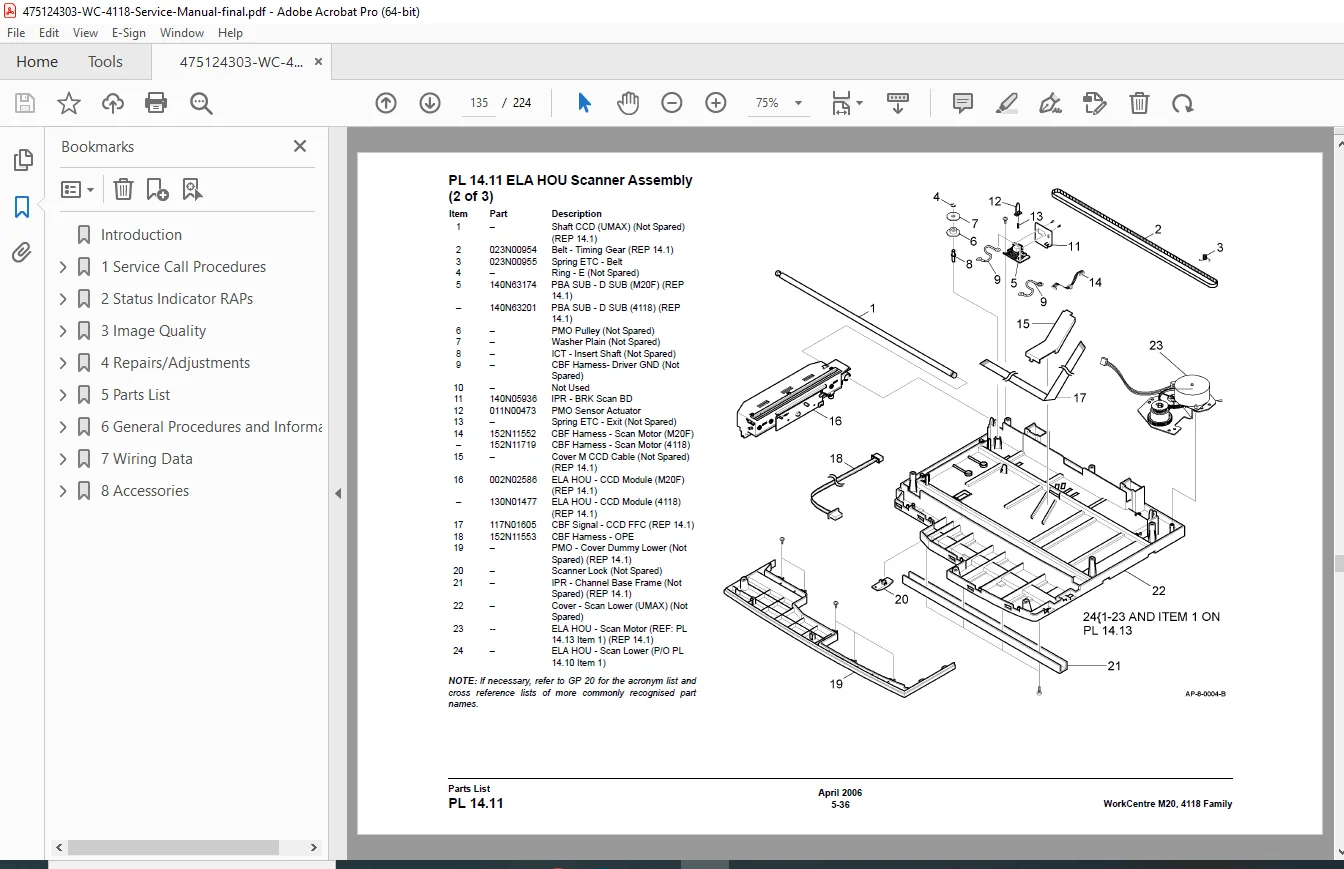
If you need to tear down the machine, the step-by-step WorkCentre M20 disassembly guide ensures you can safely remove and replace critical components like the fuser assembly, main PBA, and scanner module. Complete with exhaustive wiring diagrams and an illustrated parts list, this Xerox parts and service PDF guarantees your repairs meet factory specifications.
File Details
Manual Name: Xerox WorkCentre M20, 4118 Family Service Manual
Models Covered: CopyCentre C20, WorkCentre M20, WorkCentre M20i, WorkCentre 4118P, WorkCentre 4118X
Year: 2006
Manual PDF Quality: Exceptional (Original, fully searchable digital PDF with crisp vector diagrams)
Number of Pages:224
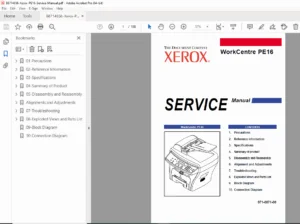
Table of Contents & Key Bookmarks
This manual is meticulously categorized for rapid technical navigation. Below is an extracted and neatly formatted list of the primary contents:
1. Service Call Procedures
Initial and First Call Actions
Fault Analysis and Subsystem Maintenance
Machine Configurations and Options
2. Status Indicator RAPs (Repair Analysis Procedures)
Power supply failures and Document Transport jams
LSU errors, door open faults, and tray detection issues
Print Transport and Fusing Errors (Low Heat, Open Heat, Over Heat)
Fax Error Messages and Scan-to-Email Faults
3. Image Quality
Blank Copies, Black Copies, and Blurred Images from the Scanner
Vertical/Horizontal Lines, Bands, and Background Density
Ghost Images, Stains, and Periodic Printing Defects
Image Quality Specifications (Solid Area Density, Skew, Registration)
4. Repairs and Adjustments
Standby Power: SMPS and PBA Main replacement
User Interface: OPE Assembly removal
Main Frame, Covers, and Drives (Drive Assembly, Scanner, Fuser)
Paper Transport: Side Cover, Duplex Assembly, Transfer Roller
DADF and ADF Side Edge Registration Adjustments
5. Parts List
Exploded views for Base Frame, Main Frame, Drives, and Covers
Document Transport, LSU, and Paper Supply Cassettes
Xerographics (Toner & Drum Cartridge)
Fusing and Copy/Print Transportation
6. General Procedures & Information
Engine Test Mode, User Mode, and Service Mode Entry
Memory Clear, Maintenance, and Reports Setup
General Disassembly Precautions and Machine Specifications
Circuit Description, Circuit Operation, and Host Interfaces
Paper and Media Specifications
7. Wiring Data
Comprehensive Wiring Diagrams (M20F and 4118)
PWB Connector Locations and Routing
8. Accessories
PBA Foreign Device Checkout
Foreign Device Interface Installation
🔥 Don’t let printer downtime disrupt productivity! Purchase this manual today from HeyDownloads to instantly download the PDF and get immediate access to the critical diagnostic and repair data you need!