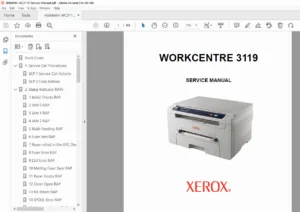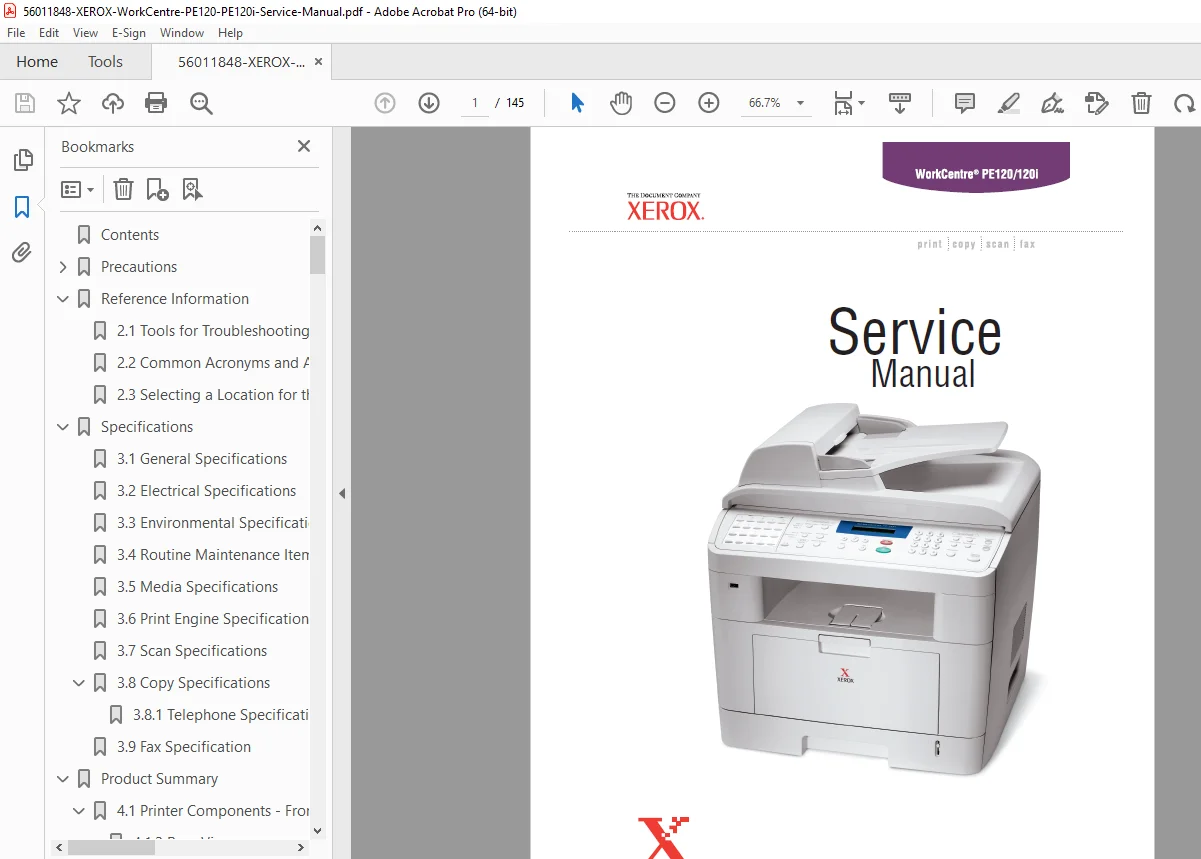
Xerox WorkCentre PE120 PE120i Service & Repair Manual – Official PDF
Original price was: $95.00.$18.95Current price is: $18.95.
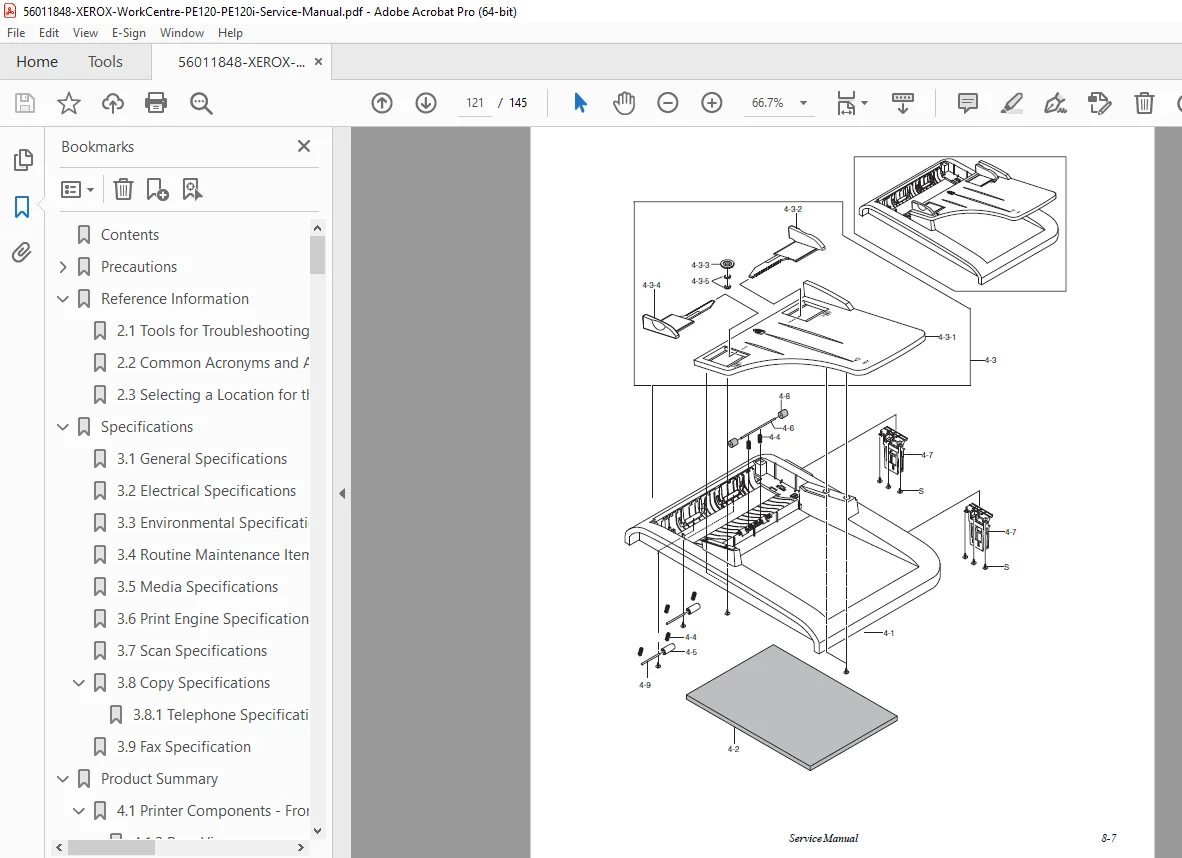
Restore your Xerox WorkCentre PE120 or PE120i to factory performance with this essential service guide. This Xerox PE120 repair manual covers everything from clearing “Jam 0” and “LSU Error” messages to complete fuser unit assembly replacement. It includes the secret Tech Mode access codes, detailed electrical diagrams, and a comprehensive PE120 parts list with exploded views. Instant download for immediate troubleshooting.
Description
Xerox WorkCentre PE120 PE120i Service & Repair Manual – Official PDF DOWNLOAD
DESCRIPTION: This is the official Xerox WorkCentre PE120/PE120i Service Manual, the definitive resource for diagnosing, repairing, and maintaining your multifunction printer. Whether you are fixing a paper feed issue, replacing the toner cartridge sensors, or needing to identify a specific part number, this manual provides the factory-verified procedures you need.
It features high-definition diagrams and text, making it fully searchable and easy to navigate. This guide specifically covers the PE120 and PE120i models released around 2004.
Manual Organization & Table of Contents
This manual is structured into logical chapters to help you find the solution fast:
1. Precautions & Safety
Safety Warnings (Laser Safety, Toxic Material)
ESD Precautions (Handling PCBs)
Component Handling: Precautions for the OPC Drum and Fuser Unit.
2. Product Specifications & Summary
General Specs: Memory, I/O Interface, Warm-up time.
System Layout: Scanner Paper Path, Print Engine Paper Path.
Electronics: Main Controller Board (PBA), SMPS/HVPS, and Fax Section.
3. Disassembly & Reassembly
Step-by-step instructions with diagrams for removing covers and internal components:
Covers: Front, Rear, Side, and Middle Covers.
Scanner: ADF Assembly, CCD Module, and Scanner Motor.
Fuser & Drive: Fuser Unit Assembly, Drive Assembly, and Fan.
Boards: Main Board, SMPS, LIU, and Laser Scanner Unit (LSU).
4. Alignment & Adjustments
Paper Path: Detailed sensor locations for Jam 0, Jam 1, and Jam 2.
Clearing Jams: Instructions for ADF, Feed Area, and Fuser Area jams.
Tech Mode: How to enter Tech Mode (Menu, #, 1, 9, 3, 4) to run machine tests and clear memory.
Engine Test Mode: Diagnosing Motor, Fan, and Solenoid operation.
5. Troubleshooting
Comprehensive charts for diagnosing specific error messages and print defects: | Problem Type | Specific Issues Covered | | :— | :— | | Paper Feed | Wrong Print Position, Multiple Pick, Paper Rolled in Fuser | | System Errors | LCD Defective, LSU Error, Cover Open, No Power | | Print Quality | Vertical White Lines, Black Spots, Ghosting, Background Contamination | | Fax/Phone | No Dial Tone, Defective Receive, Comm Errors |
6. Parts List & Exploded Views
Main Assembly: Frame, Covers, and Boards.
Drive & ADF: Main Drive Unit, ADF Motor, and Pickup Assembly.
Paper Trays: Cassette (Tray 1) and Optional SCF (Tray 2).
Circuit Diagrams: Block Diagram and Connection Diagram.
File Details
Manual Name: Xerox WorkCentre PE120/PE120i Service Manual (071-0874-00)
Models Covered: WorkCentre PE120, WorkCentre PE120i
Year: 2004
File Type: PDF (Searchable, Printable, High-Quality Digital)
Total Pages: 145 (Includes detailed Schematics)
Bypass the service queue! Download this official factory manual instantly to access the secret “Tech Mode,” diagnose that cryptic “LSU Error,” and identify the exact part numbers you need to get your WorkCentre back in business today.