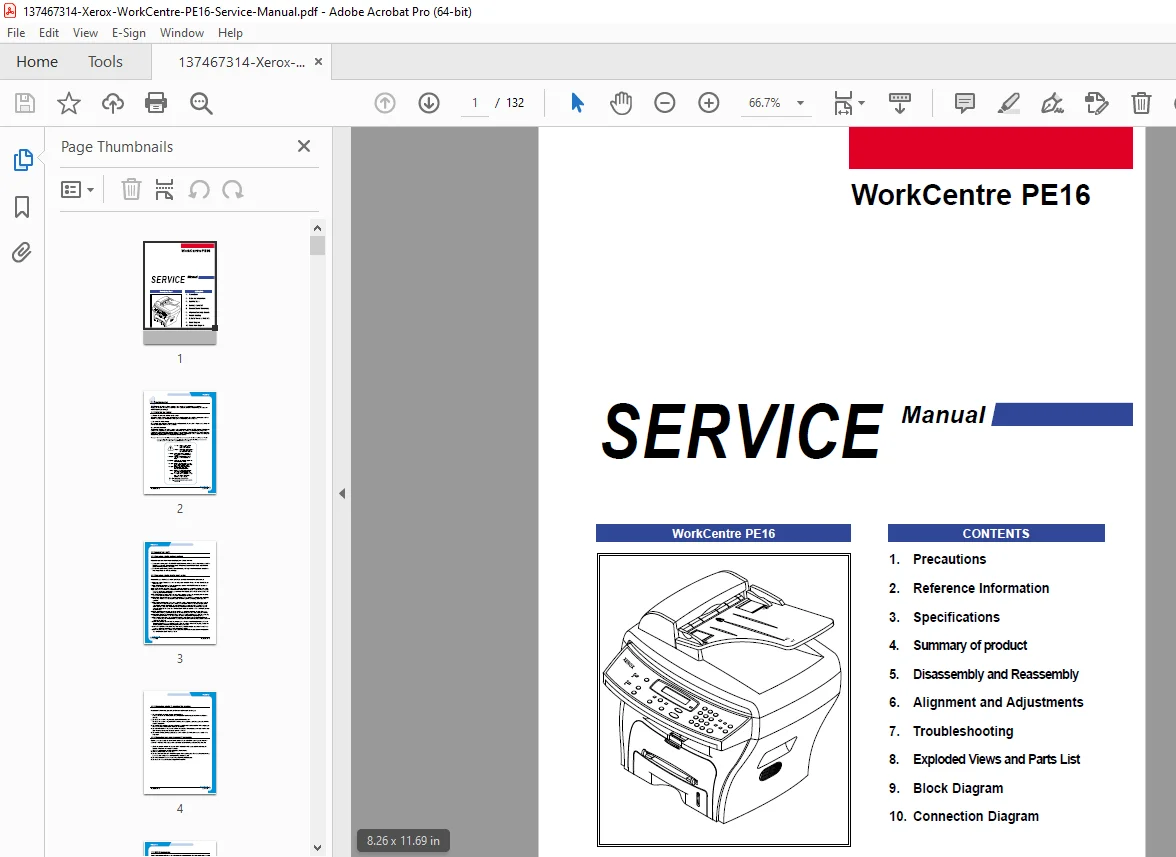
Xerox WorkCentre PE16 Service Manual – PDF DOWNLOAD
Original price was: $65.00.$15.95Current price is: $15.95.
Professional service manual for Xerox WorkCentre PE16 multifunction laser printer. Complete technical documentation including disassembly procedures, laser scanning unit alignment adjustments, troubleshooting guides, and detailed parts lists for repair technicians and biomedical engineers servicing office equipment.
Description
Xerox WorkCentre PE16 Service Manual PE16 Laser Printer Repair – PDF DOWNLOAD
DESCRIPTION
Overview
The Xerox WorkCentre PE16 Service Manual is an essential technical resource for service technicians, maintenance personnel, and repair professionals working with Xerox WorkCentre PE16 multifunction devices. This comprehensive 132-page manual provides professional-grade documentation for troubleshooting, repair, maintenance, and component replacement procedures.
Key Features & Content Covered
Complete Technical Documentation: This WorkCentre PE16 laser printer service manual encompasses detailed service procedures for all major system components and functions:
- Safety & Precautions – Comprehensive laser safety statements, electrical safety guidelines, ESD (Electrostatic Discharge) precautions, and hazardous material handling procedures for qualified service personnel
- Reference Information & Tools – Complete tool lists for troubleshooting, extensive acronyms and abbreviations table (AC, ADF, CCD, CPU, HVPS, LSU, OPC, and more), and technical specifications reference
- Complete Specifications – General specifications including device dimensions (474 x 436 x 417 mm), weight (13 kg), memory configuration (16 MB total), and noise levels; Print specifications for 17 ppm laser scanning unit printing at 600×600 dpi resolution; Scan specifications with CCD color scanning capability and adjustable resolution up to 4800×4800 dpi
- System Components & Control Panel – Detailed front and rear view diagrams, automatic document feeder (ADF) specifications, control panel operation guide, and all I/O interfaces (USB 1.1, IEEE 1284 parallel connector, telephone line connector)
- Disassembly & Reassembly Procedures – Step-by-step instructions for safe component removal and reinstallation with detailed cable routing documentation
- Alignment & Adjustments Guide – Comprehensive alignment procedures for laser scanning unit, user mode settings, and tech mode service functions including send level adjustments, modem speed configuration, and error rate settings
- Troubleshooting Procedures – Systematic troubleshooting guide covering paper feeding problems, laser scanning issues, and electrophotographic process diagnostics
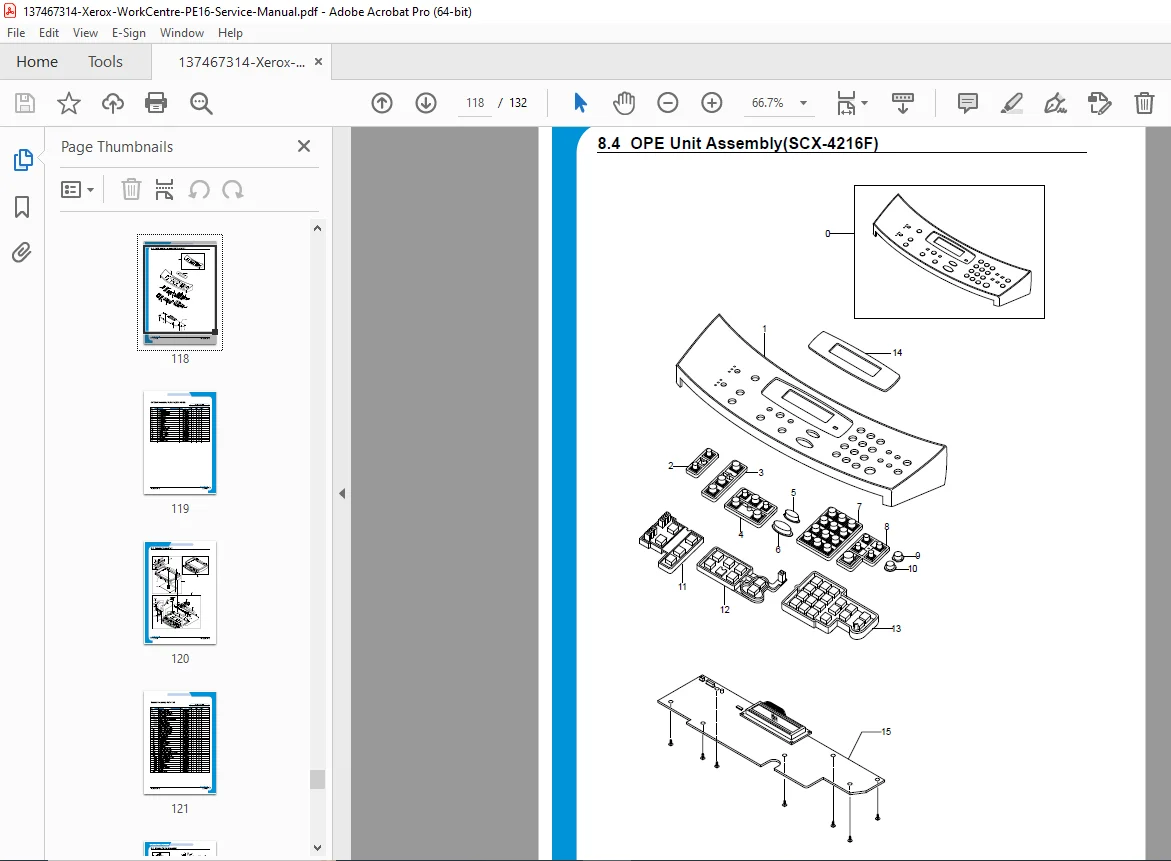
- Exploded Views & Parts Lists – Detailed exploded assembly diagrams including main assembly, Rx drive assembly, and ADF (Automatic Document Feeder) assembly with complete parts identification
- Technical Diagrams – Block diagrams and connection diagrams for system architecture understanding and component relationships
Technical Specifications Summary
| Specification | Details |
|---|---|
| Device Model | Xerox WorkCentre PE16 |
| Function Type | Multifunction: Copier, Printer, Scanner, Fax |
| Print Speed | 17 ppm (Letter) / 16 ppm (A4) |
| Print Technology | Laser Scanning Unit + Electrophotography |
| Print Resolution | 600 x 600 dpi (standard RET) |
| Scan Resolution | Up to 4800 x 4800 dpi (parallel interface) |
| Scan Method | Color CCD, 256-level halftone/grayscale |
| Printable Area | 208 x 271 mm (Letter) / 202 x 289 mm (A4) |
| Device Memory | 16 MB total (Printer: 8M, Fax: 4M, Scan: 2M, System: 2M) |
| Power Consumption | 350W operating, 20W sleep mode |
| Warm-up Time | Less than 42 seconds |
| Operating Noise | 55 dBA (normal), 39 dBA (standby) |
| Device Dimensions | 474 x 436 x 417 mm (W x D x H) |
| Device Weight | 13 kg (28.8 lbs) with toner cartridge |
| LCD Display | 16×2 Character |
| Connectivity | USB 1.1, IEEE 1284 Parallel, Telephone line |
| Approvals | Class B certification |
Service Manual Contents – Detailed Breakdown
Chapter 1: Precautions (Safety Guidelines)
- Warning statements for qualified service personnel
- Laser safety certification statements (DHHS 21 CFR, IEC 825 Class I laser products)
- Electrical safety and fire prevention precautions
- Hazardous material handling (LCD, toner cartridge)
- ESD (Electrostatic Discharge) device handling procedures
- Power cord and electrical safety management
Chapter 2: Reference Information
- Recommended troubleshooting tools and equipment (DVM, tweezers, cotton swabs, cleaning supplies)
- Comprehensive abbreviations table with 40+ technical terms
- Driver specifications and software requirements
Chapter 3: Specifications
- General device specifications and features
- Printing specifications and capabilities
- Scanning specifications and resolution options
- Fax specifications and functionality
Chapter 4: Summary of Product
- Front panel components and document handling features
- Rear panel connectors and power specifications
- Control panel layout and function descriptions
- Document feeder assembly overview
- Paper handling system components
Chapter 5: Disassembly and Reassembly
- Component removal procedures with safety guidelines
- Cable routing and connector identification
- Parts handling and reinstallation instructions
- Proper reassembly sequence documentation
Chapter 6: Alignment and Adjustments
- Laser scanning unit alignment procedures
- User mode configuration options (paper settings, copy setup, fax setup)
- Machine setup parameters and maintenance functions
- Tech mode access and system diagnostics
- Send level adjustments and modem speed configuration
- Error rate settings and memory clear procedures
Chapter 7: Troubleshooting Guide
- Paper feeding problem diagnosis and resolution
- Systematic troubleshooting procedures
- Common error identification and correction steps
Chapter 8: Exploded Views and Parts Lists
- Main assembly exploded view with part numbers
- Rx Drive assembly detailed diagram
- ADF (Automatic Document Feeder) assembly breakdown
- Component identification and part code reference
Chapter 9: Block Diagram
- System architecture overview
- Component relationship diagrams
- Electronic subsystem organization
Chapter 10: Connection Diagram
- Connector locations and specifications
- Cable routing and pin configurations
- Interface connection details
Target Users & Applications
This Xerox PE16 service manual is ideal for:
- Service Technicians – Professional repair and maintenance personnel
- Biomedical Engineers – Hospital and medical facility equipment managers
- Office Equipment Repair Centers – Commercial service organizations
- Facility Maintenance Staff – In-house equipment support teams
- Technical Support Professionals – Xerox service partners and distributors
Professional Value
The WorkCentre PE16 laser printer service manual provides critical technical documentation necessary for:
- Authorized service and repair procedures
- Component replacement and part identification
- System troubleshooting and diagnostics
- Preventive maintenance scheduling
- Technical training and knowledge retention
- Parts inventory management with exploded diagrams
📊 FILE DETAILS
| Field | Details |
|---|---|
| Manual Name | Xerox WorkCentre PE16 Service Manual |
| Models Covered | Xerox WorkCentre PE16 (Multifunction: Copy, Print, Scan, Fax) |
| Publication Year | June 2003 |
| Manual Quality | Excellent – Professional PDF (v1.5), Clear print, Well-organized structure |
| Total Pages | 132 pages |
| File Format | PDF (Portable Document Format) |
| File Size | 7.5 MB |
| Creator | Xerox Corporation |
| Print Certification | DHHS 21 CFR Class I Laser Product; IEC 825 Certified |