Description
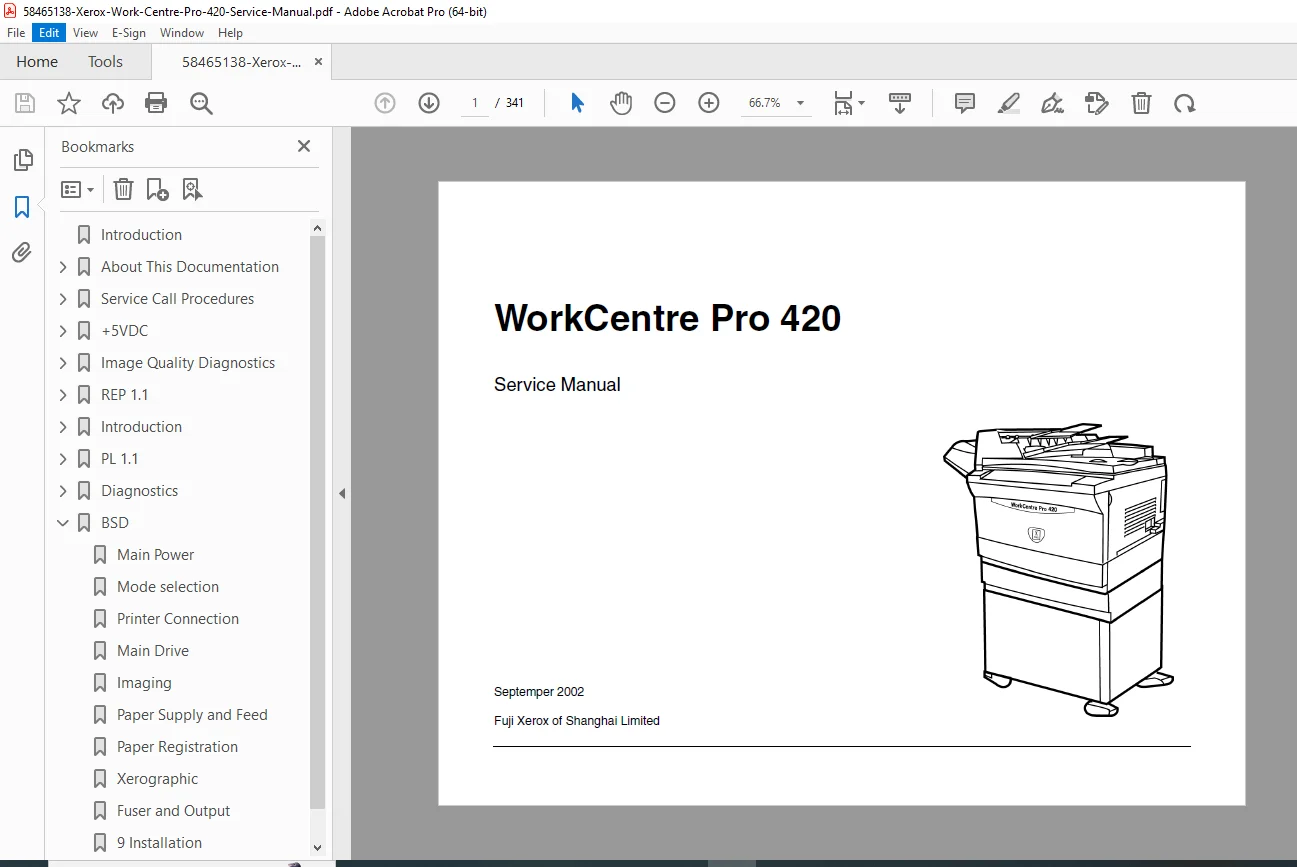
Need to diagnose a stubborn fault code, fix paper-feed jams, or correct streaks/background on copies? This WorkCentre Pro 420 Service Manual is the complete technician guide—built for step-by-step troubleshooting, repair, adjustments, and maintenance on the Xerox WorkCentre Pro 420.
It’s organized exactly the way field techs work: start with a service call flow, identify the symptom/status code, follow the RAP decision tree, then complete repairs and final checks.
✅ What’s Inside (Neatly Categorized)
🧭 Service Call Procedures (Start Here)
Structured Call Flow: initial actions → system checks → corrective actions → final actions
Guidance for collecting fault history, running test patterns, and verifying repairs
Periodic maintenance schedule (cleaning, inspection, and replacement intervals)
🚨 Status Codes & Other Fault RAPs (Fast Diagnosis)
Power-related RAPs: +5VDC / +24VDC power troubleshooting
Paper feed/jam RAPs for trays & bypass
Door interlock and sensor-related faults
Fuser temperature / warm-up / over-temp related faults
Printer/copy operational faults, noise/odor checks, and grounding checkout
🖨️ Image Quality Diagnostics & IQ RAPs (IQ 1–18)
Covers major print/copy defects with dedicated RAPs such as:
Background / Background bands
Black image / Blank or no image
Blurred image / Deletions
Image density / Lines & streaks
Registration / Skew
Repeating image, residual image, offsetting
Fusing, wrinkles, curl, spots, smears
🛠️ Repairs & Adjustment Procedures (Removal/Replacement + Calibrations)
Includes repair procedures (REPs) and adjustments (ADJs), such as:
Control panel and Main PWB service steps (with ESD precautions)
Xerographic service procedures (drum/transfer area work)
Fuser module / heat rod service steps
Cover removal steps (top/rear/right/front door, tray cover items)
Adjustments like carriages, RIS values, and transfer timing
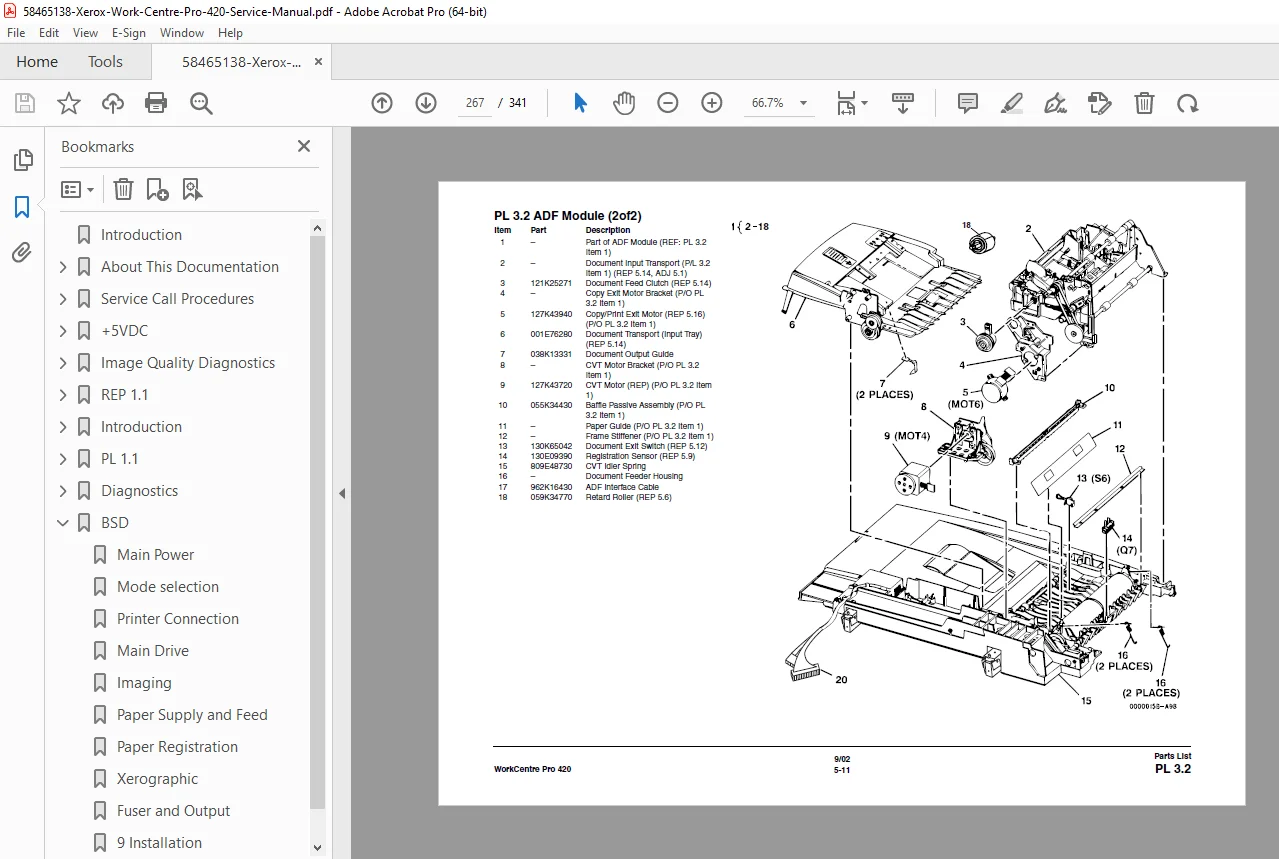
📦 Parts List + 📑 Wiring Data / BSD
📋 File Details
| Item | Details |
|---|
| Manual Name | Xerox WorkCentre Pro 420 Service Manual |
| Models Covered | WorkCentre Pro 420 (Printer/Copier) |
| Year | 2002 (manual dated Sept 2002) |
| PDF Quality | Clean manual scan with structured sections, tables & procedures |
| Pages | 341 |
⚠️ Quick Note (1–2 balanced negatives)
This is a service/repair manual, not an end-user operating guide.
Some diagram callouts may need zooming depending on your screen.
Stop guessing and repair with confidence—use the exact diagnostic RAPs, adjustments, and wiring support techs rely on. Buy now and download instantly to start fixing your WorkCentre Pro 420 today.