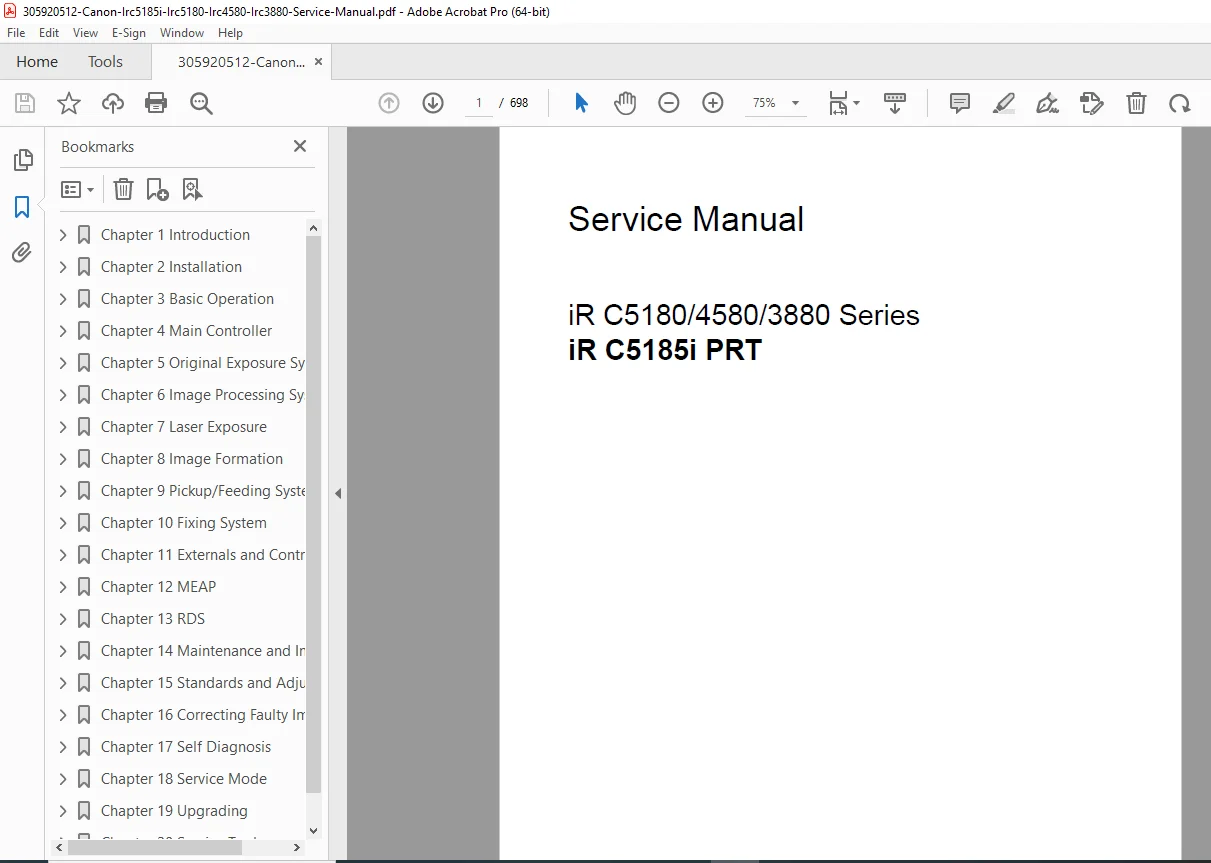
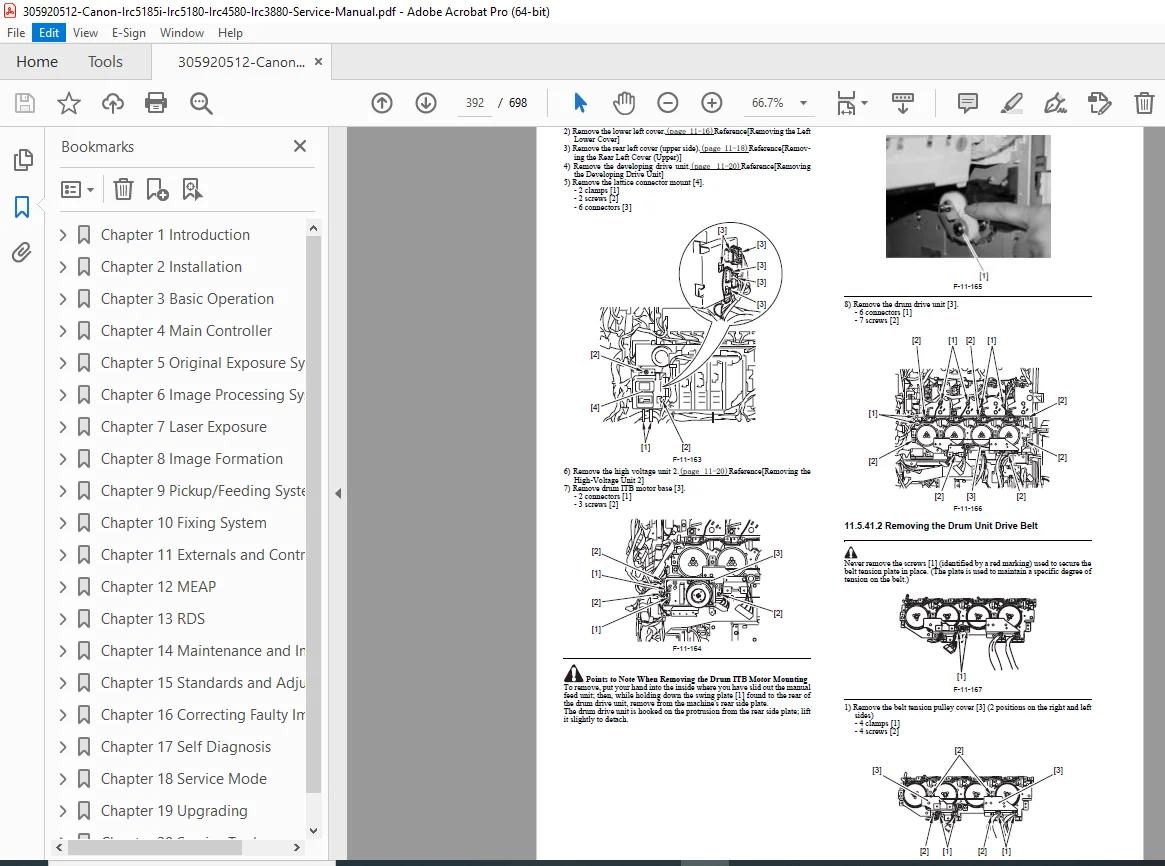
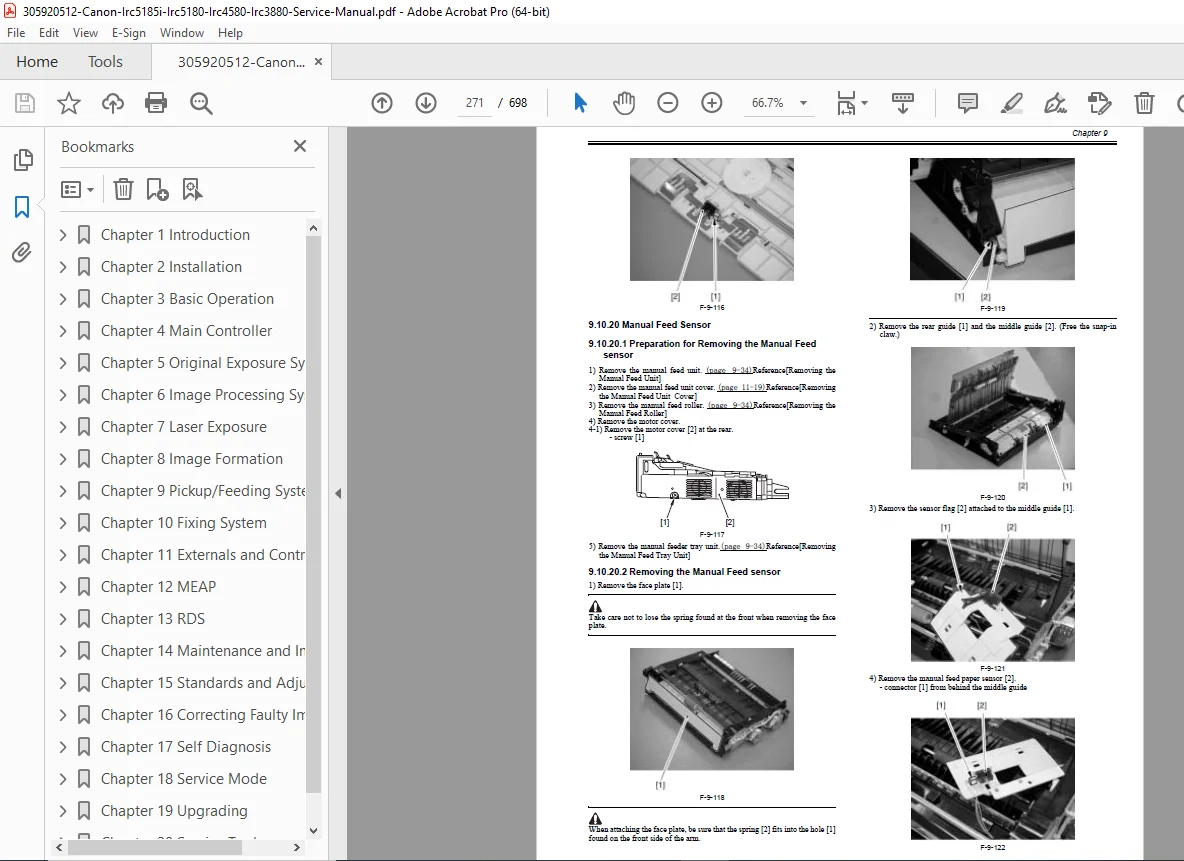
Canon iR C5185i/C5180/C4580/C3880 Series Service Manual PDF
Original price was: $85.00.$18.95Current price is: $18.95.
Official Canon factory service manual for imageRUNNER iR C5185i, iR C5180, iR C4580, iR C3880 series color MFPs. Complete guide to repair, maintenance, troubleshooting, error codes, adjustments, parts catalogs, and image formation systems. 698-page high-quality PDF with detailed diagrams and procedures. Instant download for technicians.
Description
Canon iR C5185i/C5180/C4580/C3880 Series Service Manual PDF DOWNLOAD
Description
This is the official Canon Factory Service Manual for the imageRUNNER iR C5185i, iR C5180, iR C4580, and iR C3880 Series (including all regional variants and configurations). Dated June 2007, this 698-page comprehensive technical guide is intended for qualified service technicians, covering full-color multifunction copier/printer/scanner devices with advanced image processing, high-speed output, and professional finishing options.
Key Coverage Includes:
- Full system configuration and accessory integration (readers, feeders, finishers, network/printing kits)
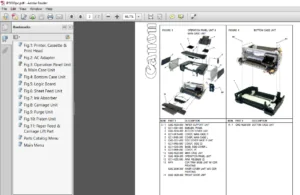
- Detailed exploded views and parts catalogs
- Installation procedures (unpacking, initial setup, network configuration)
- Theory of operation for mechanical, electrical, and image formation systems
- Color registration, density adjustments, and image stabilization controls
- Error codes with troubleshooting flowcharts and service mode access
- Periodic maintenance, consumables replacement, and user maintenance schedules
- Safety guidelines (laser, high-voltage, toner handling)
Table of Contents (Main Chapters & Sections)
Chapter 1 – Introduction
- System Construction & Accessory Functions
- Product Specifications & Names of Parts
- External/Internal Views & Cross-Sections
- Control Panel & User Mode Items
- Maintenance by the User
- Safety & Function Lists (print speeds, media types)
Chapter 2 – Installation
- Pre-Installation Checks & Site Requirements
- Unpacking & Initial Setup
- Accessory Installation Procedures
Chapter 3 – Basic Operation
- Functional Construction & Sequences
- Power-On/Print Mode Timing Charts
Chapter 4 – Main Controller
- Controller Configuration & Image Data Flow
- HDD Management & Error Handling
Chapter 5 – Original Exposure System
- Reader Unit Controls & Scanning Mechanisms
- Shading & Dust Detection
Chapter 6 – Image Processing System
- Digital Image Processing Overview
Chapter 7 – Laser Exposure System
- Laser Unit Controls & Color Displacement Correction
Chapter 8 – Image Formation System
- Charging, Development, Transfer & Toner Supply
- High-Voltage Controls & Image Stabilization
Chapter 9 – Pickup/Feeding System
- Cassette/Manual Feed & Duplex Paths
- Jam Detection & Roller Controls
Chapter 10 – Fixing System
- Fixing Belt/Pressure Roller Controls
- Temperature Regulation & Displacement Correction
Chapter 11 – Externals and Controls
- Control Panel, Fans & Power Supply
- Protective Functions
Chapter 12 – MEAP
- Embedded Application Platform Management
Chapter 13 – RDS
- Remote Diagnostic System
Chapter 14 – Maintenance and Inspection
- Periodically Replaced Parts & Durables
- Scheduled Servicing Charts
Chapter 15 – Standards and Adjustments
- Image & Mechanical Adjustments
Chapter 16 – Correcting Faulty Images
- Electrical Component Lists (Clutches, Sensors, PCBs)
Chapter 17 – Self Diagnosis
- Error Code Details & Remedies
Chapter 18 – Service Mode
- DISPLAY, I/O, ADJUST, FUNCTION, OPTION, TEST, COUNTER Modes
Chapter 19 – Upgrading
- Firmware Download & Backup Procedures
Chapter 20 – Service Tools
- Special Tools, Solvents & Oils
File Details
- Manual Name: Service Manual iR C5180/4580/3880 Series & iR C5185i PRT
- Models Covered: Canon imageRUNNER iR C5185i, iR C5180/iR C5180i, iR C4580/iR C4580i, iR C3880/iR C3880i (all variants)
- Year: 2007 (June)
- PDF Quality: High-resolution, fully searchable, sharp diagrams and schematics
- Total Pages: 698
Master professional-level diagnostics and repairs on your Canon imageRUNNER C5185i, C5180, C4580, or C3880 series with authentic factory procedures. Instant download — fix color issues, clear errors, and restore peak performance today!