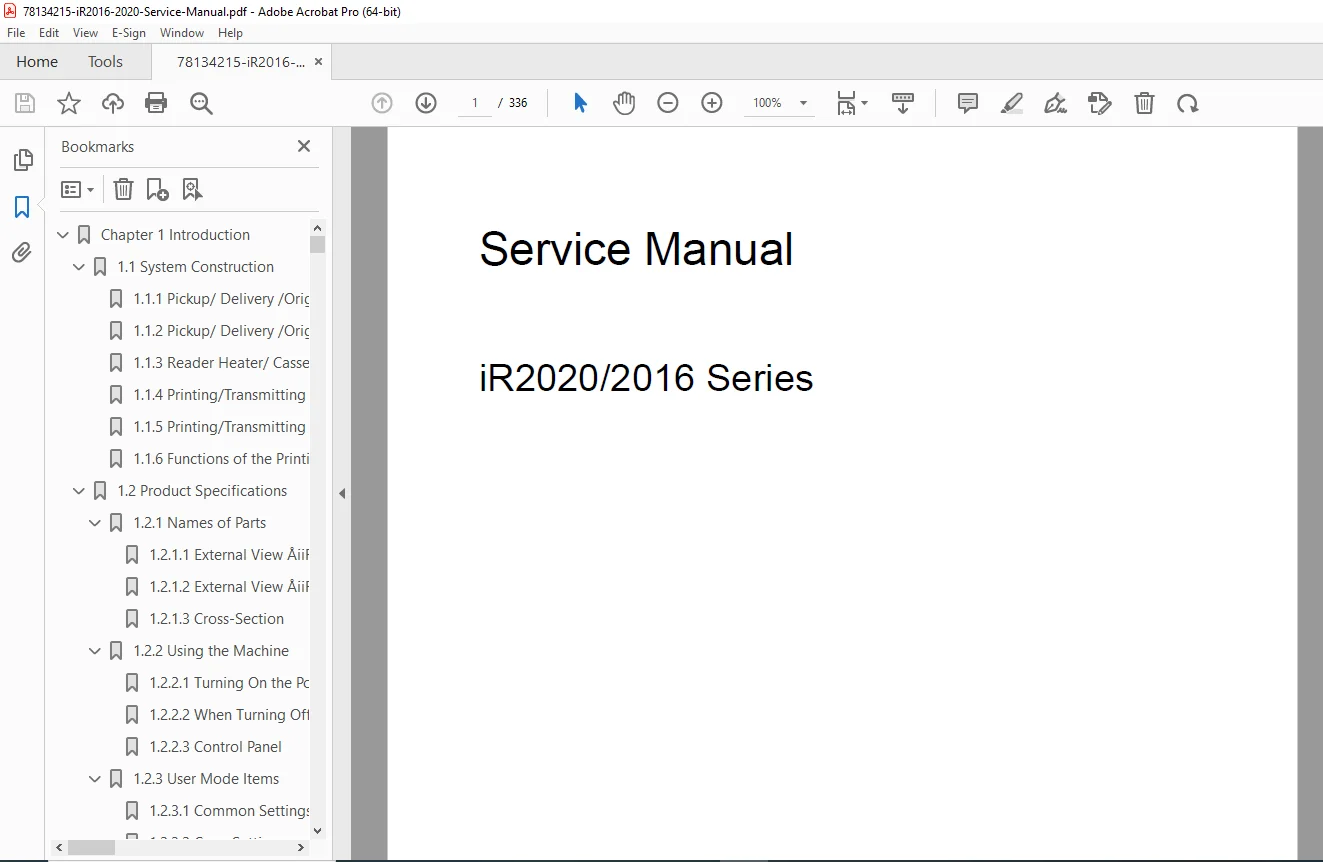
Canon iR2016 iR2020 Service Manual – Copier Repair & Maintenance PDF
Original price was: $95.00.$18.95Current price is: $18.95.
Complete service manual for Canon imageRUNNER iR2016/iR2020 series digital copiers and multifunction systems. Covers 16/20 ppm copy speeds with detailed repair procedures, troubleshooting guides, electrical schematics, component replacement, installation instructions, and preventive maintenance. Includes FAX, printer, scanner system documentation. Essential for office equipment technicians servicing Canon digital copiers in corporate offices, print shops, and service centers.
Description
Canon iR2016 iR2020 Service Manual – Copier Repair & Maintenance – PDF DOWNLOAD
DESCRIPTION
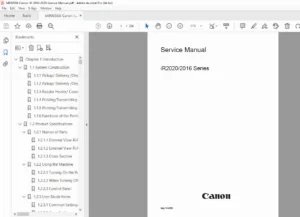
This comprehensive Canon iR2016/iR2020 service manual provides complete technical documentation for office equipment technicians servicing Canon imageRUNNER series digital copiers and multifunction devices. This 336-page professional manual (September 2005) covers the iR2016, iR2016J, iR2020, and iR2020J models, delivering essential information for maintaining these versatile office copy systems with integrated fax, print, and scan capabilities.
What This Canon Copier Service Manual Contains
Essential documentation for office equipment technicians, copier service engineers, and corporate IT support teams maintaining Canon imageRUNNER digital imaging systems in business environments, print centers, and document management facilities.
Complete Chapter Coverage:
- Chapter 1: Introduction – Comprehensive system overview including:
- System Construction:
- Pickup/delivery/original handling accessories configuration (iR2020/iR2020J and iR2016/iR2016J)
- Reader heater and cassette heater system configuration
- Printing/transmitting accessories system configuration for all models
- Functions of printing and transmission capabilities
- Product Specifications:
- Names of Parts – External views with component identification for iR2020/iR2020J and iR2016/iR2016J, detailed cross-section diagrams
- Using the Machine – Power switch operation, control panel layout and functions
- User Mode Items:
- Common settings configuration
- Copy settings and parameters
- FAX settings and programming
- Address book setup
- Printer settings (UFR II, PCL)
- Timer settings for automated functions
- Report settings and output options
- Adjustment and cleaning procedures
- System settings and network configuration
- Maintenance by the User – User-serviceable items, cleaning procedures, consumables replacement
- Safety:
- Safety of laser light and CDRH regulations compliance
- Handling the laser unit with proper precautions
- Safety of toner materials and MSDS information
- Fire prevention points
- Lithium battery replacement and disposal cautions
- Product Specifications – Detailed technical specifications table
- Function List:
- Printing Speed (iR2020/iR2020J) – 20 pages per minute copy speed specifications
- Printing Speed (iR2016/iR2016J) – 16 pages per minute copy speed specifications
- Types of paper supported (plain, heavy, envelopes, labels, transparencies)
- System Construction:
- Chapter 2: Installation – Complete setup procedures:
- Making Pre-Checks:
- Selecting the site of installation with environmental requirements
- Before starting work (120V TW specifications)
- Before starting work (230V CSPL specifications)
- Unpacking and Installation:
- Unpacking and removing packaging materials
- Installing the drum unit
- Installing the toner bottle
- Setting the cassettes
- Attaching the ferrite core for EMI compliance
- Checking image quality after installation
- Setting country/region parameters
- Setting date and time
- Checking Connection to Network – Network configuration verification
- Installing the Card Reader:
- Points to note for card authentication
- Checking contents of card reader kit
- Installation procedure with detailed steps
- Registering card IDs for user authentication
- Installing the Heater PCB:
- Unpacking and checking contents
- Preparing the host machine
- Installation procedure for heater board
- Installing the Reader Heater – Environmental control for consistent scanning
- Making Pre-Checks:
- Chapter 3: Main Controller – System control architecture:
- Construction – Control system construction and mechanisms
- Construction of Electrical Circuitry – Image processor PCB architecture
- Image Processing:
- Overview of image flow through the system
- Construction of image processing module
- Reader unit input image processing
- Compression/extension/editing block
- Printer unit output image processing
- Flow of Image Data:
- Image data flow for copy functions
- Image data flow for SEND function
- Image data flow for FAX transmission
- Image data flow for FAX reception function
- Image data flow for PDL (Page Description Language) function
- Chapter 4: Original Exposure System – Scanner and reader mechanisms:
- Construction:
- Specifications, control methods, and functions
- Major components identification
- Control system configuration
- Reader controller PCB details
- Basic Sequence:
- Power-on sequence
- Start key sequence (Book mode, single sheet)
- Start key sequence (ADF mode, single sheet)
- Various Controls:
- Scanner Drive System Control – Outline and reader motor control
- Contact Image Sensor (CIS) – Analog control and operation
- Enlargement/Reduction – Magnification change in vertical and horizontal scan directions
- Detecting Size of Originals – Automatic paper size detection
- Construction:
- Chapter 5: Laser Exposure – Laser printing system:
- Construction:
- Overview of laser scanning unit
- Specifications and control mechanisms
- Main components (laser diode, polygon mirror, optics)
- Control system configuration
- Various Controls:
- Laser Activation Timing Control – Emission ON/OFF control, horizontal synchronization control
- Laser power regulation
- Beam detection and alignment
- Construction:
- Chapter 6: Image Formation System (implied from content):
- Drum unit operation and control
- Development system
- Transfer and separation
- Cleaning mechanisms
- Chapter 7: Fixing System (implied from content):
- Fixing unit construction and operation
- Temperature control
- Pressure roller mechanisms
- Film-based fixing technology
- Chapter 8: Sensors and Detection – Comprehensive sensor coverage:
- Parts Replacement Procedures for various sensors:
- Fixing delivery sensor removal procedures
- Fixing film sensor removal procedures
- Sensor location diagrams
- Electrical testing procedures
- Parts Replacement Procedures for various sensors:
- Chapter 9: External and Controls – External systems and interfaces:
- Control Panel:
- Overview of control panel functions
- User interface components
- Fans:
- Overview of cooling system
- Fan control logic
- Power Supply System:
- Power supply outline
- Rated output of power supply PCB
- Parts Replacement Procedures:
- Main Drive Assembly – Main motor, registration clutch, main drive unit removal
- Fixing Drive Assembly – SDRAM, LAN cover, IP cover, image processor PCB mount, fixing drive unit removal
- Power Supply Unit – Main power supply PCB replacement
- Control Panel – Reader front cover, operation panel unit removal
- DC Controller PCB – DC controller board replacement
- Option Power Supply PCB – Optional power board service
- HVT PCB – High voltage transformer board replacement
- Fixing Heat Discharge Fan – Cooling fan replacement
- Fan Filter – Filter cleaning and replacement
- Motor of Main Drive Assembly – Main motor replacement
- Fixing Driver Motor – Fixing unit drive motor service
- Left Door – Access panel removal procedures
- Control Panel:
- Chapter 10: Maintenance and Inspection – Preventive maintenance:
- Periodically Replaced Parts:
- Reader unit consumables
- Printer unit consumables
- Replacement intervals and schedules
- Durables and Consumables:
- Overview of maintenance supplies
- Parts ordering information
- Periodically Replaced Parts:
Technical Specifications & Capabilities
Models Covered:
- Canon iR2016 / iR2016J – 16 pages per minute digital copier/MFP
- Canon iR2020 / iR2020J – 20 pages per minute digital copier/MFP
- iR2016i / iR2020i – Internet-enabled variants (referenced)
Copy Speed Performance:
- iR2020/iR2020J: 20 ppm (pages per minute) for letter/A4 size
- iR2016/iR2016J: 16 ppm (pages per minute) for letter/A4 size
- Consistent speed regardless of magnification changes
- Speed maintained across all paper sources (cassettes, manual feed, optional feeders)
Print Functions:
- UFR II (Ultra Fast Rendering II) print function at 600 dpi resolution
- PCL Printer Kit with 256MB expansion RAM
- Network printing capabilities via LAN interface
- Optional printer kit installation
FAX Capabilities:
- Integrated fax transmission and reception
- Address book storage
- Fax settings and programming
- Auto-dial and group dialing functions
Scan Functions:
- Contact Image Sensor (CIS) technology
- Automatic Document Feeder (ADF) support
- Book mode and sheet mode scanning
- Original size detection
- Enlargement/reduction capabilities
Paper Handling:
- Multiple cassette feeding options
- Manual feed tray
- Cassette feeding module support
- Plain paper, heavy paper (grades 1/2/3)
- Envelope, label, and transparency support
- Delivery tray output
System Options:
- Card reader for user authentication
- Reader heater for cold environments
- Cassette heater for optimal paper handling
- Network connectivity (LAN)
- SDRAM expansion
- IP interface options
Essential for Office Equipment Professionals
This Canon copier service manual is specifically designed for:
✓ Office equipment repair technicians and copier service engineers
✓ Corporate IT departments maintaining in-house Canon equipment
✓ Independent copier service organizations and depot repair facilities
✓ Print shop maintenance personnel
✓ Document management solution providers
✓ Canon authorized service centers
✓ Technical training programs for office equipment repair
Applications & Environments
The Canon iR2016/iR2020 series serves critical document needs in:
Corporate Offices:
- Departmental copying and printing
- Document scanning and archiving
- Fax communications
- Network print services
Small to Medium Businesses:
- All-in-one document solutions
- Cost-effective copying and printing
- Integrated fax capabilities
- Workgroup productivity
Educational Institutions:
- Administrative document processing
- Faculty/staff copying services
- Student services printing
Healthcare Facilities:
- Medical records copying
- Administrative documentation
- Patient information management
Government Offices:
- Document reproduction
- Inter-office communications
- Public service document processing
Professional Service Documentation Features
This manual includes:
- 336 Pages of comprehensive technical content
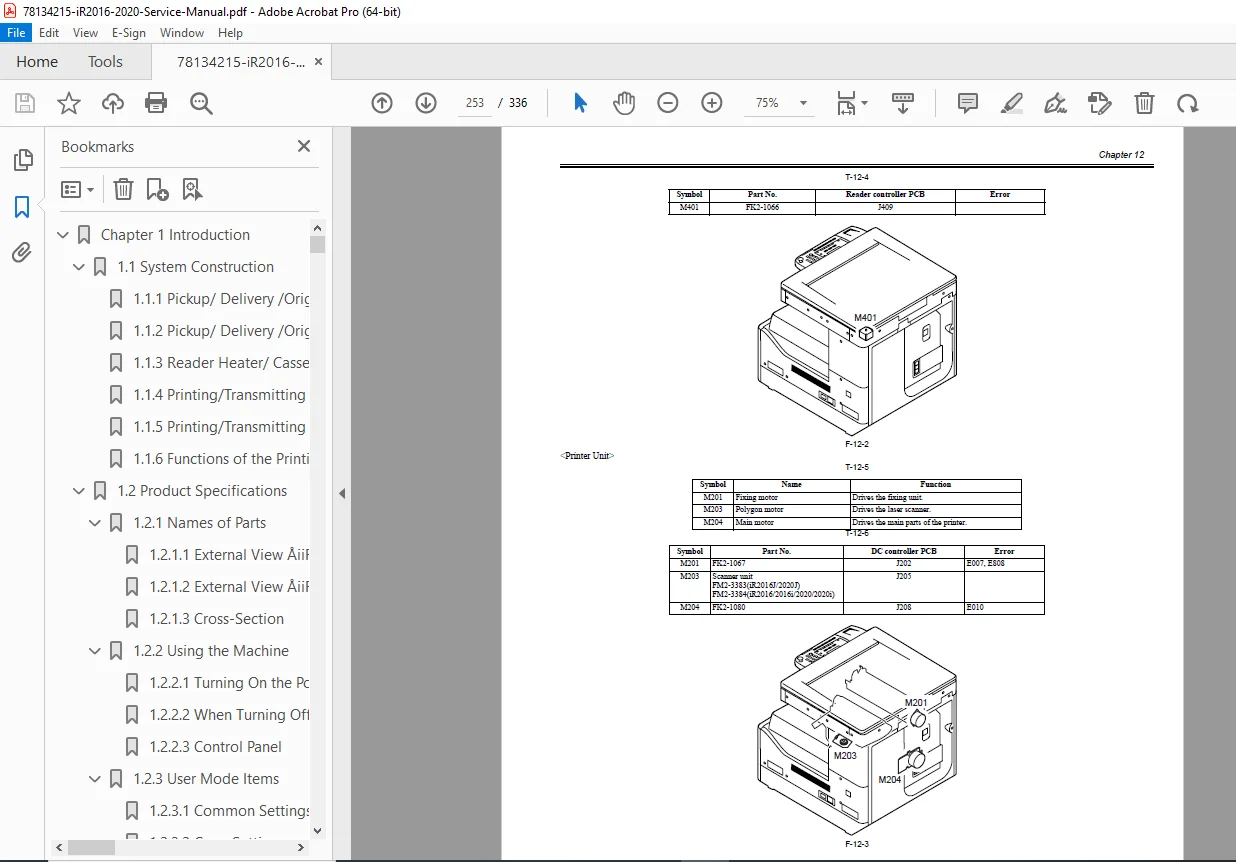
- Electrical Schematics for all major PCBs and circuits
- Block Diagrams showing system architecture and signal flow
- Exploded View Diagrams for mechanical assemblies
- Component Location Diagrams for troubleshooting
- Step-by-Step Removal Procedures with detailed instructions
- Cross-Section Illustrations of internal mechanisms
- Sensor Location Maps for diagnostic purposes
- Control Panel Layouts with function descriptions
- Wiring Diagrams for electrical connections
- Timing Charts for sequence operations
- Safety Warnings integrated throughout procedures
- Parts Identification with Canon part references
- User Mode Settings documentation
- Network Configuration guides
Service Mode Access & Diagnostics
Comprehensive service mode documentation including:
- Service mode entry procedures
- Diagnostic test modes
- Counter readings and management
- Adjustment procedures
- Error code interpretation
- Self-diagnostic routines
- Performance verification tests
Safety & Compliance
Detailed safety documentation including:
- Laser Safety – Class 1 laser product compliance, CDRH regulations
- Electrical Safety – Proper grounding, voltage selection, power requirements
- Toner Safety – Material safety data, handling precautions
- Fire Prevention – Critical temperature monitoring, thermal protection
- Battery Safety – Lithium battery replacement and disposal procedures
- Service Precautions – High voltage warnings, moving parts caution
Image Quality & Performance
Comprehensive image quality management:
- Image quality check procedures post-installation
- Gradation adjustment procedures
- Density control settings
- Registration alignment
- Color balance (if applicable to model)
- Cleaning and maintenance for optimal output
Network Integration
Complete network setup documentation:
- Network connection verification
- LAN interface configuration
- IP address assignment
- Network printing setup
- SNMP management
- Remote monitoring capabilities
Manufacturer Information
Canon Inc.
Digital Office Solutions
Manual Date: September 16, 2005
Created with: FrameMaker 7.0
Copyrighted Material – For Authorized Service Personnel
Voltage Specifications
The manual covers multiple voltage configurations:
- 120V (TW) – North American specifications
- 230V (CSPL) – European/International specifications
- Complete pre-installation checks for each voltage variant
Perfect for Canon digital copier repair, imageRUNNER maintenance, and multifunction device troubleshooting, this technical manual provides critical documentation for maintaining reliable office document systems used in businesses, schools, healthcare facilities, and government offices worldwide. Get your Canon imageRUNNER running at peak performance with this essential service guide—the complete reference trusted by professional copier technicians for over 15 years!
FILE DETAILS
Manual Name: Canon iR2020/2016 Series Service Manual
Models Covered: Canon imageRUNNER iR2016, iR2016J, iR2020, iR2020J, iR2016i, iR2020i
Year: September 2005
Manual Quality: Excellent – Professional OEM documentation with clear schematics, diagrams, detailed illustrations, and comprehensive procedures
Total Pages: 336