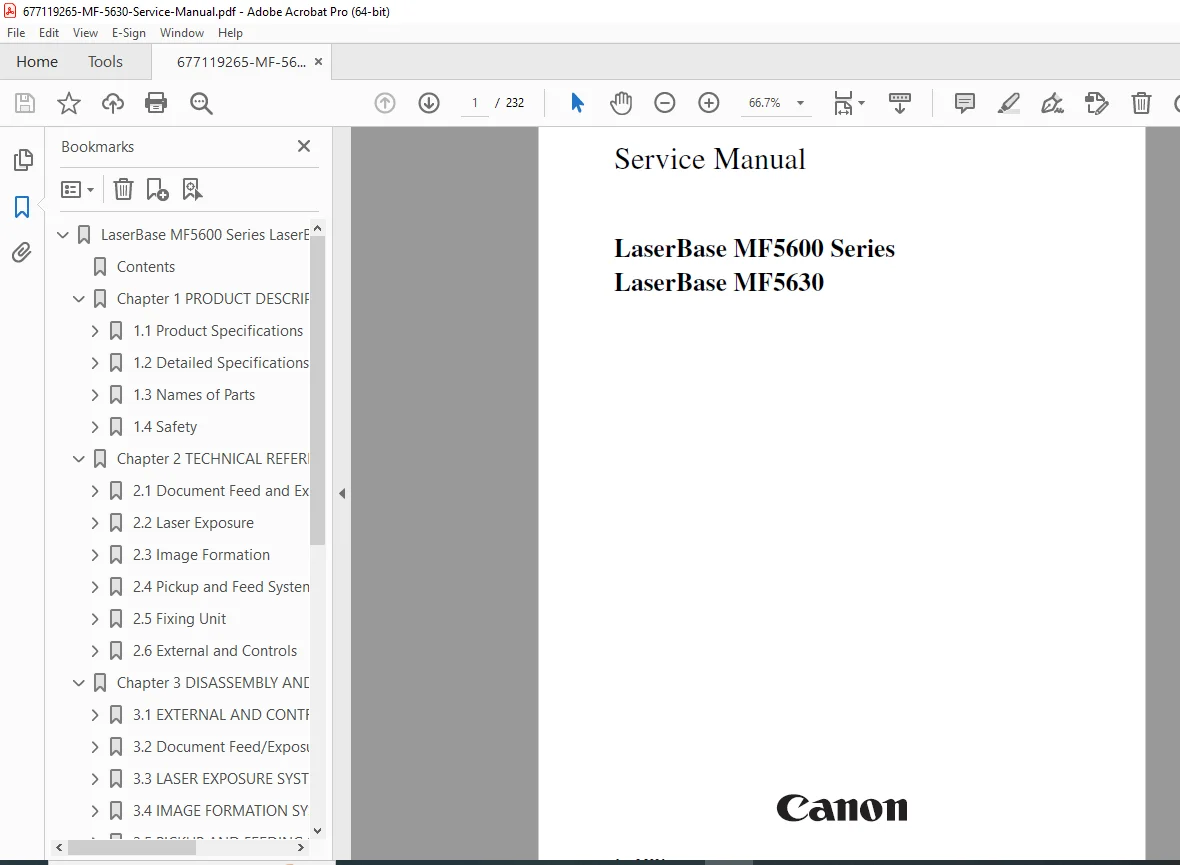
Canon LaserBase MF5630 Multifunction Printer Service Manual Guide PDF
Original price was: $95.00.$19.95Current price is: $19.95.
Official factory service manual for Canon LaserBase MF5630 multifunction laser printer. This comprehensive 232-page technical manual covers product specifications, technical reference, complete disassembly/assembly procedures, maintenance and inspection schedules, troubleshooting, and appendices. Essential resource for printer technicians servicing Canon multifunction devices. Includes detailed diagrams, lubrication procedures, periodically replaced parts lists, cleaning methods, and comprehensive repair instructions.
Description
Canon LaserBase MF5630 Multifunction Printer Service Manual Guide – PDF DOWNLOAD
DESCRIPTION
Complete Service Manual for Canon LaserBase MF5630 Multifunction Laser Printer
This official Canon LaserBase MF5630 service manual is the authoritative factory documentation for servicing and repairing the LaserBase MF5600 Series MF5630 multifunction laser printer. This essential Canon multifunction printer repair guide provides qualified service technicians with comprehensive technical information covering every aspect of printer diagnostics, maintenance, component replacement, and system adjustments for this versatile office imaging system.
📋 File Details
- Manual Name: LaserBase MF5600 Series LaserBase MF5630 Service Manual
- Printer Model: Canon LaserBase MF5630
- Series: LaserBase MF5600 Series
- Manufacturer: Canon Inc.
- Publication Date: August 3, 2004
- Manual Quality: Factory Original – Excellent Quality PDF
- Total Pages: 232 Pages
- File Size: 9.0 MB
📖 Complete Table of Contents
Introduction
- Symbols Used in Documentation
- Safety Warnings and Cautions
- Service Manual Usage Guidelines
- Confidential Information Notice
Chapter 1: Product Description
1.1 Product Specifications
- 1.1.1 Product Specifications: Complete technical specifications
1.2 Detailed Specifications
- 1.2.1 Printing Speed: Performance metrics
- 1.2.2 Stack Upon Delivery: Output capacity specifications
- 1.2.3 Printing Range (Printer): Printable area dimensions
- 1.2.4 System Requirements for Printer Driver: PC compatibility requirements
1.3 Names of Parts
- 1.3.1 External View: Complete external component identification
- 1.3.2 Operation Panel: Control panel layout and functions
1.4 Safety
- 1.4.1 Safety of Laser Light: Laser safety information and CLASS 1 certification
- 1.4.2 Handling the Laser Unit: Safe service procedures for laser components
- 1.4.3 Safety of Toner: Toner handling precautions and safety protocols
Chapter 2: Technical Reference
2.1 Document Feed and Exposure System
- 2.1.1 Overview/Configuration: Scanner and document feed system overview
2.2 Laser Exposure
- 2.2.1 Overview/Configuration: Laser scanning system architecture
2.3 Image Formation
- 2.3.1 Overview/Configuration: Electrophotographic process overview
2.4 Pickup and Feed System
- 2.4.1 Overview/Configuration: Paper handling system architecture
- 2.4.2 Detection Jams: Jam detection sensor systems
2.5 Fixing Unit
- 2.5.1 Overview/Configuration: Fuser system overview
- 2.5.2 Protective Function: Safety and protection mechanisms
2.6 External and Controls
- 2.6.1 Power Supply: Power distribution and regulation systems
Chapter 3: Disassembly and Assembly
3.1 External and Controls System
Cover Removal Procedures:
- 3.1.1 Front Cover: Front panel removal
- 3.1.2 Rear Cover: Rear panel removal
- 3.1.3 Top Cover: Top housing removal
- 3.1.4 Right Cover: Right side panel removal
- 3.1.5 Left Cover: Left side panel removal
- 3.1.6 Right Front Cover: Right front section removal
- 3.1.7 Left Front Cover: Left front section removal
- 3.1.8 Operation Panel Cover: Control panel cover removal
- 3.1.9 Operation Panel Unit: Complete control panel removal
Circuit Board Removal:
- 3.1.10 SCNT Board: Scanner control board replacement
- 3.1.11 DCNT Board: DC control board replacement
- 3.1.12 Power Supply Board: Power supply replacement
- 3.1.13 High-Voltage Power Supply Board: HVPS replacement
Sensor Replacement:
- 3.1.14 Top Sensor: Top sensor removal and installation
- 3.1.15 Paper Delivery Sensor: Delivery sensor replacement
- 3.1.16 Paper Full Sensor: Output bin full sensor replacement
3.2 Document Feed/Exposure System
Scanner Components:
- 3.2.1 Scanner Unit: Complete scanner assembly service
- 3.2.2 ADF Unit: Automatic document feeder service
- 3.2.3 Scanner Cover Unit: Scanner lid assembly
- 3.2.4 CCD Unit: CCD sensor replacement
- 3.2.5 Flatbed Motor Unit: Scanner motor service
3.3 Laser Exposure System
- 3.3.1 Laser/Scanner Unit: Complete laser unit disassembly and assembly
3.4 Image Formation System
- 3.4.1 Transfer Charging Roller: Transfer roller replacement
3.5 Pickup and Feeding System
Paper Handling Components:
- 3.5.1 Cassette Pickup Roller: Cassette feed roller replacement
- 3.5.2 Cassette Pickup Solenoid: Pickup solenoid service
- 3.5.3 Cassette Separation Pad: Separation pad replacement
- 3.5.4 Paper Feed Roller: Feed roller service
- 3.5.5 Manual Pickup Solenoid: Manual feed solenoid replacement
- 3.5.6 Main Motor: Main drive motor replacement
- 3.5.7 Gear Unit: Drive gear assembly service
3.6 Fixing System
- 3.6.1 Fixing Film Unit: Film fuser assembly service
- 3.6.2 Fixing Pressure Roller: Pressure roller replacement
Chapter 4: Maintenance and Inspection
4.1 Periodically Replaced Parts
- 4.1.1 Parts Requiring Periodical Replacement: Scheduled replacement parts list
4.2 Consumables
- 4.2.1 Consumable: Consumables catalog and specifications
4.3 Periodical Service
- 4.3.1 Items Requiring Scheduled Servicing: Preventive maintenance schedule
4.4 Cleaning
- 4.4.1 Items Requiring Cleaning: Cleaning schedule and intervals
- 4.4.2 Cleaning Method (External Covers): Exterior cleaning procedures
- 4.4.3 Cleaning Method (Scanning Unit): Scanner cleaning procedures
- 4.4.4 Cleaning Method (Printer Unit): Print engine cleaning procedures
4.5 Lubrications
4.5.1 Areas Requiring Application of Grease: Complete lubrication points
Detailed Lubrication Procedures (20+ Components):
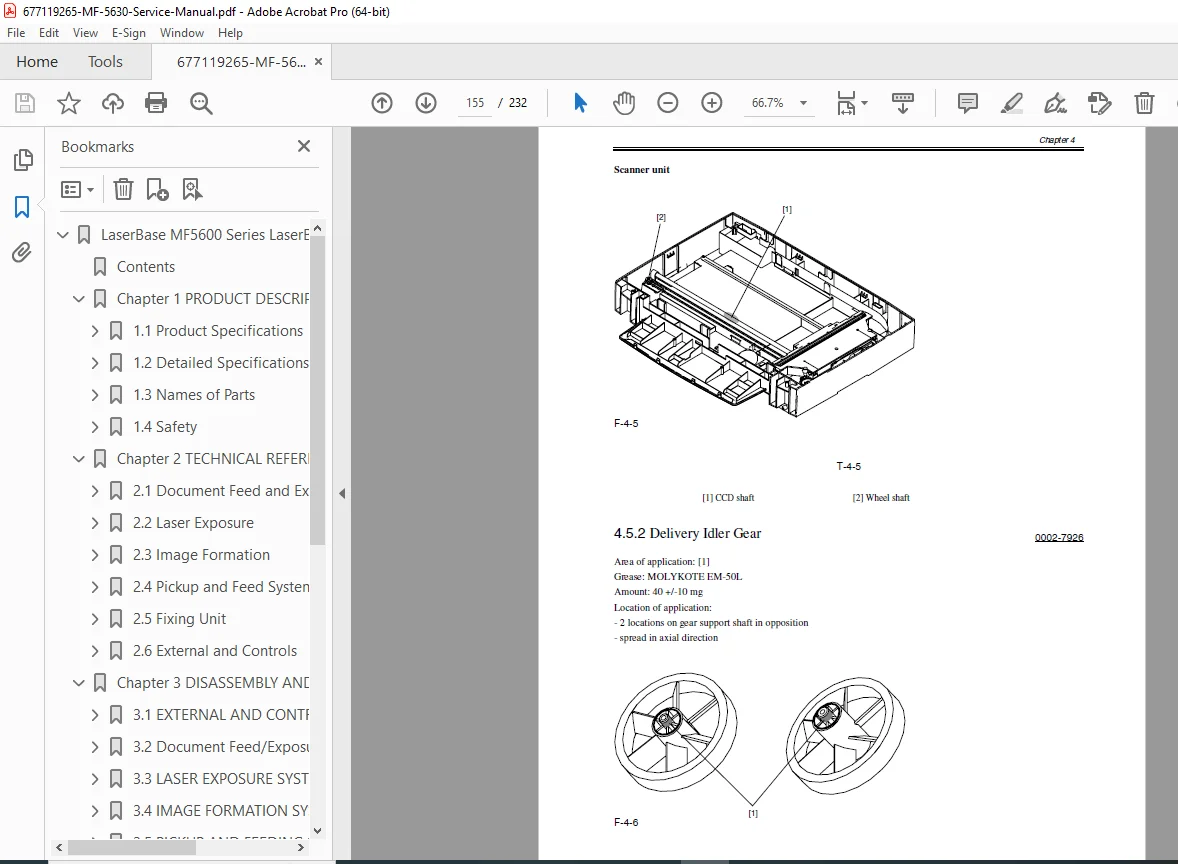
- 4.5.2 Delivery Idler Gear: Gear lubrication
- 4.5.3 Fixing Drive Transmission Gear: Drive gear lubrication
- 4.5.4 Large Gear Bushing R: Bushing lubrication
- 4.5.5 Large Gear: Main gear lubrication
- 4.5.6 Feed Gear: Feed mechanism lubrication
- 4.5.7 Internal Gear: Internal gear lubrication
- 4.5.8 Large Gear Deceleration Gear/Plate R: Reduction gear lubrication
- 4.5.9 Main Motor: Motor bearing lubrication
- 4.5.10 Drive Releasing Arm: Release mechanism lubrication
- 4.5.11 FU Delivery Roller: Fuser delivery roller lubrication
- 4.5.12 Pickup Idler Gear: Pickup gear lubrication
- 4.5.13 Feed Deceleration Gear: Feed reduction gear lubrication
- 4.5.14 Fixing Deceleration Gear: Fuser reduction gear lubrication
- 4.5.15 FD Delivery Roller: Front delivery roller lubrication
- 4.5.16 Large Gear Bushing F: Front bushing lubrication
- 4.5.17 Pressure Roller: Pressure roller lubrication
- 4.5.18 Cassette Pickup Roller: Cassette roller lubrication
- 4.5.19 U-Turn Roller Gear: Duplex roller gear lubrication
- 4.5.20 Roller Shaft End Face (Front): Shaft end lubrication
Chapter 5: Troubleshooting
- Symptom-based diagnostic procedures
- Error code reference and resolution
- Print quality troubleshooting
- Paper feed problem diagnosis
- System fault isolation
Chapter 6: Appendix
- Reference materials
- Technical specifications tables
- Wiring diagrams
- Parts lists and part numbers
💡 What Makes This Manual Essential
✅ Official Factory Documentation – Direct from Canon Inc., ensuring accuracy ✅ Comprehensive Coverage – Complete multifunction system documentation ✅ Detailed Disassembly Procedures – Step-by-step component removal for all major assemblies ✅ Extensive Lubrication Guide – 20+ detailed lubrication procedures with diagrams ✅ Maintenance Schedules – Preventive maintenance and cleaning procedures ✅ Safety Information – Laser safety, toner handling, and service precautions ✅ Multi-System Coverage – Scanner, printer, ADF, and control systems ✅ Technical Reference – Complete system architecture and operation principles
🔧 Who Needs This Manual
- Printer Repair Technicians servicing Canon multifunction devices
- IT Support Professionals maintaining office equipment
- Corporate IT Departments managing printer fleets
- Independent Repair Shops specializing in Canon products
- Business Equipment Service Centers supporting Canon systems
- Managed Print Service Providers maintaining customer equipment
- Technical Training Programs teaching multifunction printer repair
⚙️ Technical Coverage Includes
- Scanner System: Flatbed scanner, ADF unit, CCD sensor, scanner motor
- Laser Exposure: Laser/scanner unit, beam detection, imaging system
- Image Formation: Transfer charging roller, electrophotographic process
- Paper Handling: Cassette pickup, manual feed, separation pads, feed rollers
- Fixing System: Film fuser unit, pressure roller, temperature control
- Drive Systems: Main motor, gear trains, solenoids, clutches
- Control Systems: SCNT board, DCNT board, operation panel
- Power Supply: Power supply board, high-voltage power supply
- Sensors: Paper sensors, jam detection, full bin detection
🎯 Key Service Procedures Covered
- Complete printer disassembly and reassembly
- Scanner unit service and CCD replacement
- Laser/scanner assembly removal and installation
- Transfer roller replacement procedures
- Pickup roller and separation pad replacement
- Main motor and gear unit service
- Film fuser assembly service
- Power supply board replacement
- Control board diagnostics and replacement
- Comprehensive lubrication procedures (20+ points)
- Cleaning methods for all major components
- Sensor calibration and replacement
- ADF unit maintenance
🖨️ Canon LaserBase MF5630 Features
Multifunction Capabilities:
- Black and white laser printing
- Color flatbed scanning
- Document copying
- Automatic document feeder (ADF)
Print Technology:
- Laser electrophotographic printing
- Film fuser technology
- High-quality text and graphics output
Paper Handling:
- Cassette feed system
- Manual feed capability
- Multiple paper size support
⚠️ Important Service Notes
- Qualified Personnel Only: Service requires proper training and authorization
- Laser Safety: CLASS 1 LASER PRODUCT – follow all safety protocols
- Toner Handling: Proper safety procedures for toner management
- Confidential Information: Manual contains proprietary Canon service data
- Preventive Maintenance: Regular cleaning and lubrication critical for reliability
📱 Instant Access – Download Now
Get immediate access to this essential Canon LaserBase MF5630 service manual. Perfect for professional printer technicians who need comprehensive factory documentation for expert multifunction printer service and repair. Download instantly and maintain your Canon LaserBase MF5630 systems with confidence today!
Pricing Rationale:
- 232-page comprehensive technical manual
- Official Canon factory documentation
- Multifunction laser printer (scanner, printer, copier, ADF)
- Extensive lubrication guide (20+ detailed procedures)
- Complete disassembly/assembly procedures for all systems
- Professional service technician audience
- Comparable Canon service manuals typically $30-$45
- Moderate-to-high complexity (multifunction capabilities)
- Film fuser technology and laser systems
- Essential for professional Canon service providers