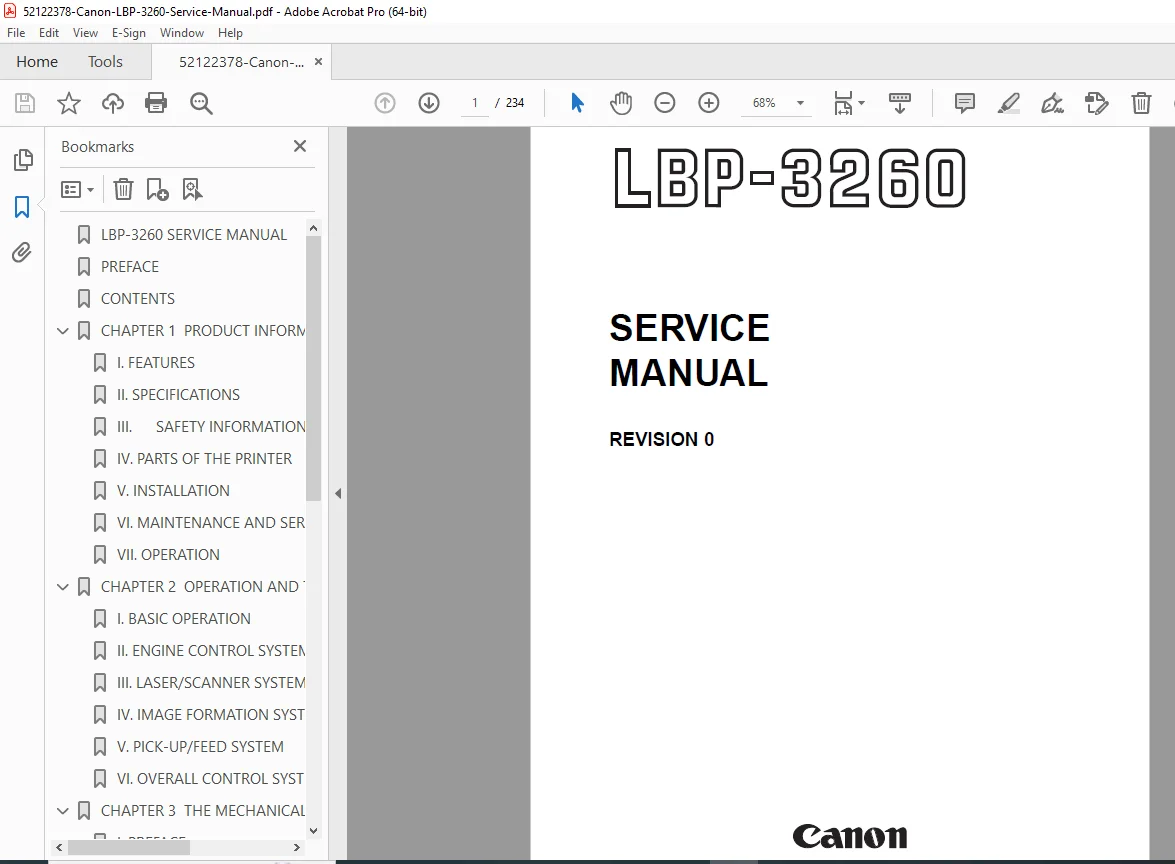
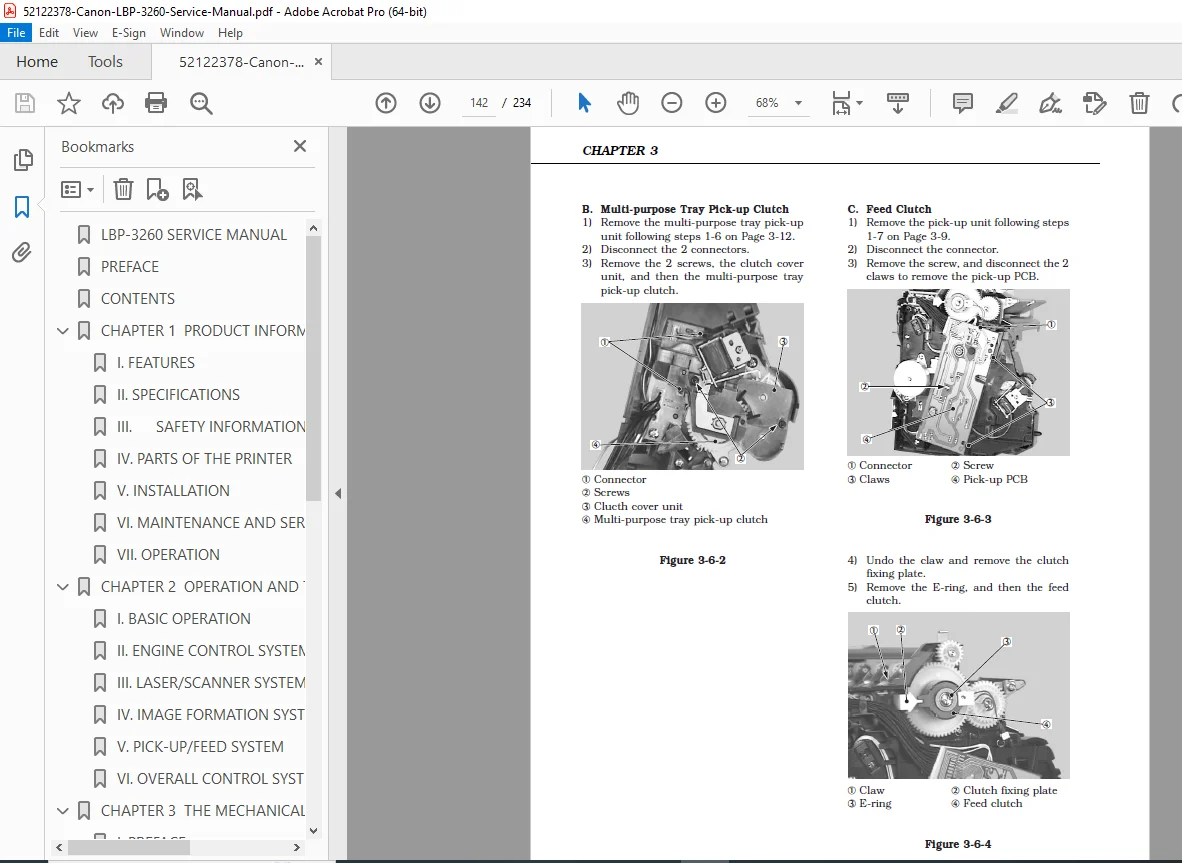
Canon LBP-3260 Service Manual (Repair, Troubleshooting, Diagrams) PDF
Original price was: $95.00.$15.95Current price is: $15.95.
Complete Canon LBP-3260 Service Manual PDF for professional repair and maintenance. Covers product features & specs, safety, installation, operation & menus, engine control, laser/scanner, image formation, paper pick-up/feed and jam detection, mechanical disassembly/reassembly/adjustments, troubleshooting for image defects and paper transport, plus appendix timing charts, circuit diagrams, signals, and message tables.
Description
Canon LBP-3260 Service Manual (Repair, Troubleshooting, Diagrams) PDF DOWNLOAD
Description
This Canon LBP-3260 Service Manual (Revision 0) is the technician-grade guide for maintaining, diagnosing, and repairing the LBP-3260 laser beam printer. It includes operating principles, timing sequences, mechanical teardown procedures, reference checks, and deep troubleshooting—plus appendix-level timing charts and circuit information for accurate fault isolation.
🔧 What you can do with this manual
Perform safe servicing with laser/toner/power-supply precautions
Understand operation & timing: warm-up, standby, initial rotations, print, last rotations
Diagnose and fix image defects, paper transport issues, and jams
Follow step-by-step disassembly / reassembly / adjustment procedures
Use connector locations, signal lists, and circuit diagrams to confirm faults quickly
🗂️ Table of Contents (Neatly Categorized)
✅ Chapter 1 — Product Information
Features
Specifications
Safety information
Parts of the printer (external/cross-sectional views)
Installation (location selection, unpacking, setup)
Maintenance & servicing by the customer
Operation (control panel, indicators, menu system)
✅ Chapter 2 — Operation and Timing
Basic operation & sequences (power-on, print timing periods)
Engine control system:
DC controller circuit
Fixing control
High-voltage power supply
Power supply
Video interface control
Other controls
Laser/scanner system (outline, laser control, scanning system)
Image formation system (printing process)
Pick-up/feed system (paper pick-up, fixing & delivery, jam detection)
Overall control system:
Video controller PCB
Control panel
Self test
✅ Chapter 3 — The Mechanical System
Externals (locations, control panel unit)
Main units:
Laser/scanner, drive unit, pick-up unit
Multi-purpose tray pick-up, registration roller, delivery unit
Fixing unit, feed unit
Main parts (rollers, pads, transfer charging roller, fixing components, cleaning roller)
Switches/sensors (door, paper-size sensing, thermistor, paper sensors, tray sensors)
Clutches/solenoids (pick-up, feed, registration, lifting plate, cassette solenoids)
Motors/fans
PCBs (video controller, DC controller, pick-up PCB, HVPS, power supply, etc.)
✅ Chapter 4 — Troubleshooting
Malfunction diagnosis flowchart, initial checks, test print
Image defects troubleshooting
Paper jams troubleshooting
Paper transport troubleshooting
Malfunction & status troubleshooting
Measurement & adjustment:
Mechanical adjustment
Electrical adjustment
VRs/LEDs/test pins/jumpers/switches on PCBs
Maintenance & servicing:
Periodic replacement parts
Consumables life
Cleaning procedures
Standard/special tools
Solvents & oil list
Location of connectors
📎 Appendix
General timing chart
General circuit diagram
List of signals
Messages table
📄 File Details
| Item | Details |
|---|---|
| Manual name | Canon LBP-3260 Service Manual (Revision 0) |
| Models covered | Canon LBP-3260 |
| Year | 1999 (Jan 1999) |
| Manual PDF quality | Clear text + technical diagrams/timing/circuit info |
| Pages | 234 pages |
Get the complete Canon LBP-3260 Service Manual PDF and troubleshoot faster with the correct timing, sensors, adjustments, and circuit guidance—instant download so you can start repairs immediately.