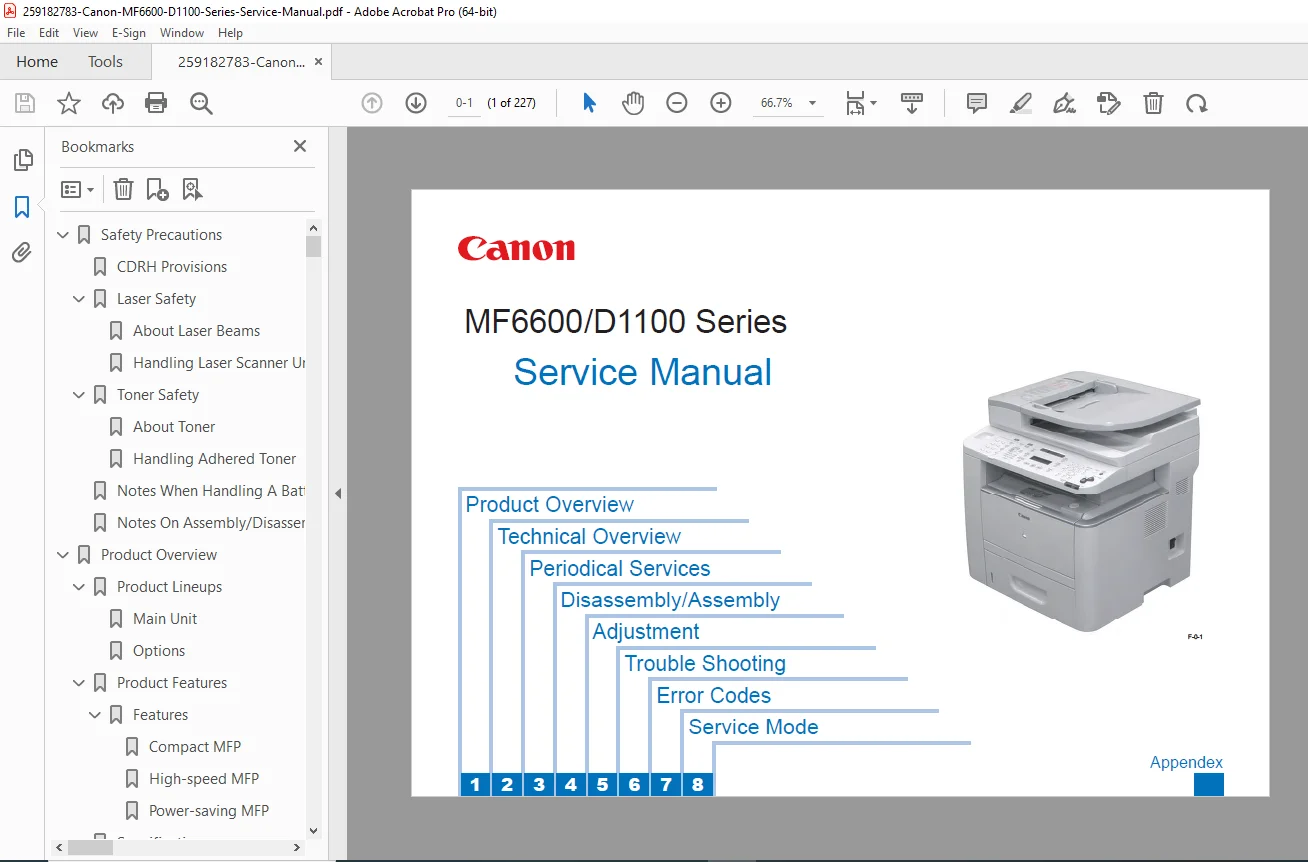
Canon MF6600/D1100 Series Service Manual (MF6680dn/D1120–D1180) PDF
Original price was: $95.00.$15.95Current price is: $15.95.
Complete Canon MF6600/D1100 Series Service Manual PDF covering MF6680dn and imageCLASS D1120/D1150/D1170/D1180. Includes safety (laser/toner), product specs & features, paper handling, ADF/reader and engine sequences, laser/scanner, image formation, fixing and paper feed/jam detection, periodical service/cleaning, detailed disassembly & parts locations, adjustments, test prints, troubleshooting (image defects), firmware/version-up, error codes, and full service mode settings.
Description
Canon MF6600/D1100 Series Service Manual (MF6680dn/D1120–D1180) PDFDOWNLOAD
Description
This Canon MF6600/D1100 Series Service Manual is the technician-grade repair and maintenance guide for the MF6600 platform (including the MF6680dn and Canon imageCLASS D1120/D1150/D1170/D1180 models). It’s ideal for diagnosing print quality problems, fixing paper jams, servicing the ADF/reader, replacing mechanical units, and performing service-mode adjustments.
Note: The manual references TYPE I and TYPE II versions (varies by country). The unit type can be confirmed via the label inside the cartridge cover.
🔧 What this manual helps you do
Follow proper laser safety / toner safety service rules
Understand the complete print process and timing sequence
Diagnose and repair:
Light/dark print, blank pages, all black, lines, spots, dropouts, loose toner
paper feed/transport/duplex jams (pickup delay, delivery delay, fixing wrap, reverse jams, etc.)
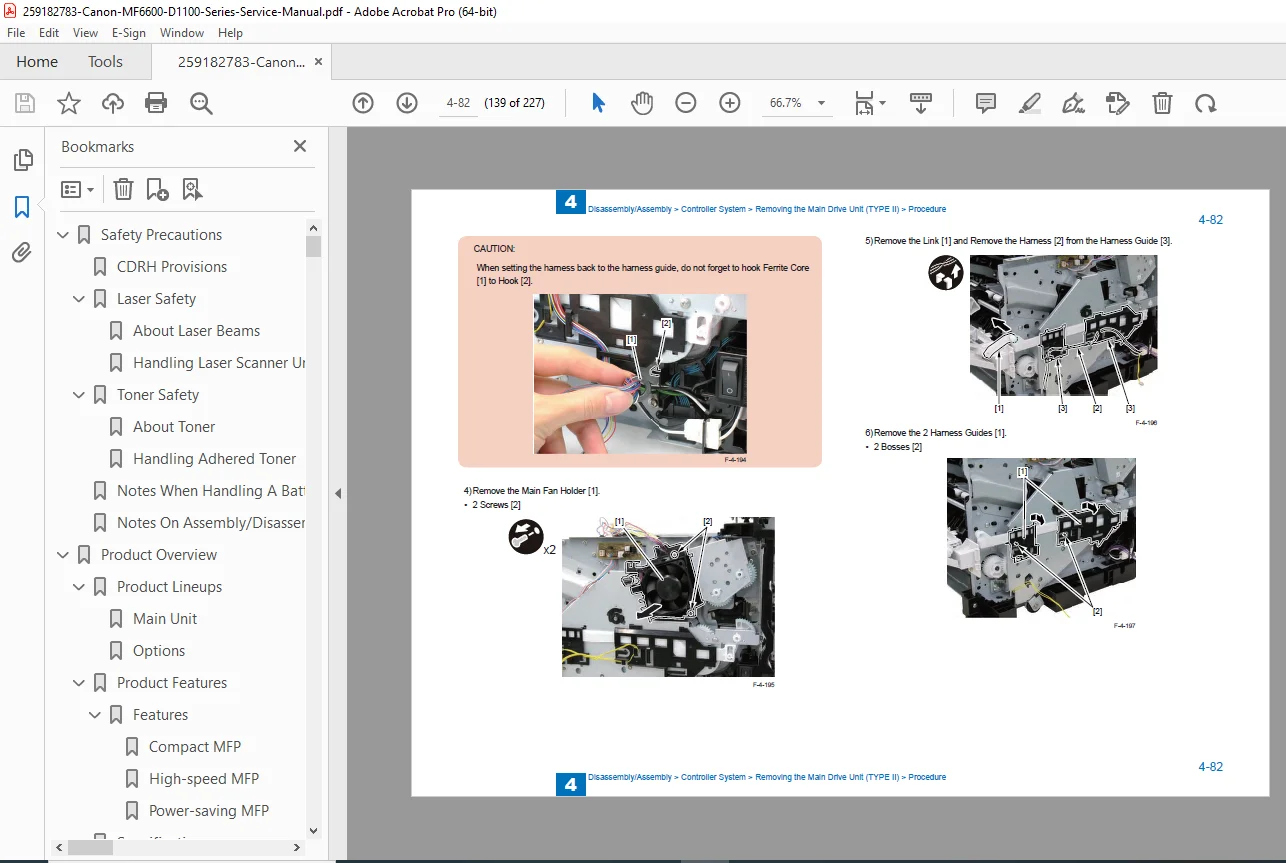
Perform step-by-step disassembly / reassembly of covers, ADF, scanner/CIS, controller boards, motors, fans, laser scanner, transfer/registration, fixing unit, duplex unit, rollers & pads
Use service mode menus, soft switches (SSSW), numeric parameters, scanner/printer/system settings, counters and test modes
Run test prints and use built-in diagnostics for troubleshooting
🗂️ Table of Contents (Neatly Categorized)
1) Safety Precautions
CDRH provisions, laser safety, handling laser scanner unit
Toner safety + toner handling
Battery handling notes
Assembly/disassembly precautions
2) Product Overview
Product lineups (MF6680dn / D1120 / D1150 / D1170 / D1180)
Options (e.g., cassette feeding unit, telephone kit)
Product features (compact + high-speed + power-saving)
Specifications (main unit, ADF, fax, print speed, paper types/sizes)
Names of parts (external/rear views, cross-section, operation panels)
Driver environment + network and SEND specifications
3) Technical Overview
Basic configuration & operational sequence
Document exposure/feeder system (pickup/feed, original detection, jam detection)
Engine control system (motor/fan control, failure detection)
Power supply systems
Laser scanner system + failure detection
Image formation process (latent image → develop → transfer → fixing → cleaning)
Fixing unit control, temperature control, protective functions
Media feed system + jam detection categories
4) Periodical Services
Periodically replaced parts
Consumables timing
Cleaning procedures (external covers, scanning area, ADF, fixing unit)
5) Disassembly / Assembly
Parts lists + sensor/motor/PCB locations
Connector layout drawings (TYPE I / TYPE II)
Cover removal (left/right/front/rear/upper)
ADF/Reader/CIS servicing
Controller boards and electrical units
Motors/fans/drive units (including duplex drive)
Laser scanner unit removal
Transfer/registration units
Fixing unit removal (TYPE I / TYPE II)
Duplex feed unit + pickup/separation rollers & pads
6) Adjustments
Scanning system adjustments (after replacing CIS/glass/reader/ADF)
Electrical adjustment (after main controller board replacement)
7) Troubleshooting
Test pages (engine test / controller test)
Image defect troubleshooting + repetitive defect ruler
Fixing system nip-width specs
Version up / system software download procedure
8) Error Codes & Service Mode
Error codes + fax error codes
Service mode overview & menu structure
Service soft switches (SSSW) + menu switches + numeric parameters
Scanner/printer/system function settings
Counters, reports, dumps, test modes (DRAM/scan/print/modem/function tests)
Appendix: solvents/oil list, timing chart, circuit diagrams (TYPE I/TYPE II)
📄 File Details
| Item | Details |
|---|---|
| Manual name | Canon MF6600/D1100 Series Service Manual |
| Models covered | MF6680dn, imageCLASS D1120 / D1150 / D1170 / D1180 |
| Year | 2009 |
| Manual PDF quality | Clear digital scan with diagrams, tables, and procedures |
| Pages | 227 pages |
Repair it the right way—get the official Canon MF6600/D1100 Series Service Manual PDF with diagnostics, disassembly steps, and service-mode settings. Instant download so you can start fixing immediately.