
Daikin MicroTech Unit Controller Operations Manual OM 920-8 – Rooftop & Self-Contained Systems PDF
Original price was: $39.95.$24.95Current price is: $24.95.
Complete 152-page Daikin Applied operations manual (OM 920-8, June 2023) for the MicroTech Unit Controller on Commercial Rooftop, Applied Rooftop and Self-Contained systems – keypad menus, setpoints, commissioning, alarms, compressor control, economizer and fan setup for DPS, MPS, RAH, RCS, RDS, RDT, RFS, RPS, SWP and SWT units.
Description
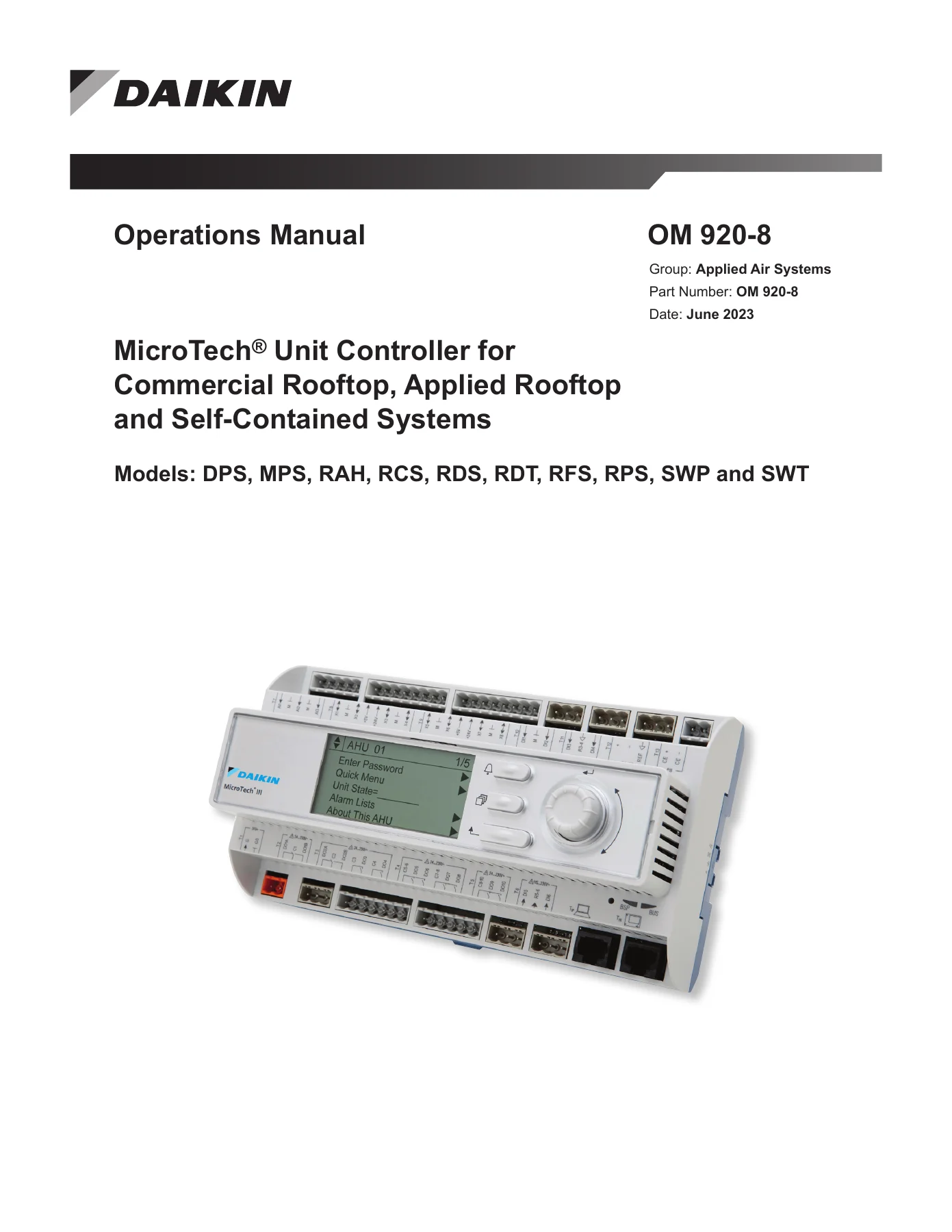
Daikin MicroTech Unit Controller Operations Manual OM 920-8
This is the full operations manual for the Daikin Applied MicroTech Unit Controller used across Commercial Rooftop, Applied Rooftop and Self-Contained HVAC systems. At 152 pages, OM 920-8 is the controller-side reference: it explains what every menu item does, what the displayed status values mean, and how the controller sequences fans, compressors, economizers, reheat and gas heat through each operating state. It is written for the technician who has to navigate the keypad/display in the unit’s main control panel and actually make the equipment run correctly, whether the unit is constant air volume or variable air volume, zone control or discharge air control.
File Details
- Manual type: Operations Manual
- Document number: OM 920-8
- Group: Applied Air Systems
- Brand: Daikin Applied
- Publication date: June 2023
- Language: English
- Page count: 152 pages
- File format: PDF
- Models covered: DPS, MPS, RAH, RCS, RDS, RDT, RFS, RPS, SWP, SWT
- Controller: MicroTech Unit Controller (MicroTech III keypad/display)
Chapters Covered
- Introduction, Hazardous Information Messages, Getting Started
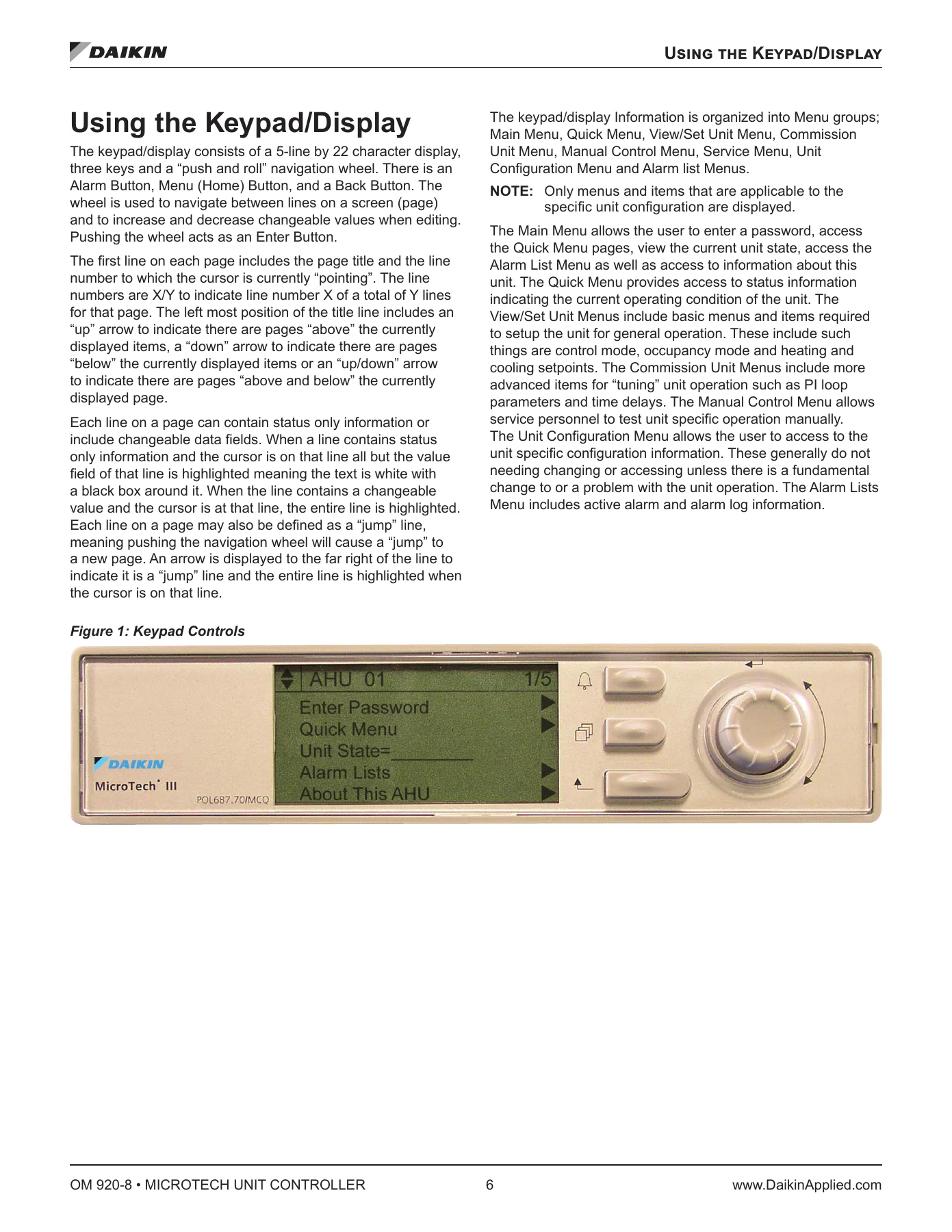
- Using the Keypad/Display – navigation mode, edit mode, passwords (Level 6, Level 4, Level 2 access)
- Service Timers, Rapid Start, Manual Control
- Keypad/Display Menu Structure (full navigation maps)
- Menu Descriptions – Quick Menu, View/Set Unit Menus
- Unit Status Settings, Occupancy, Temperatures, Flow Status
- SAF Speed Control, RF/EF Control, Cooling, Economizer, Min OA Damper, Heating, Dehumidification
- Date/Time/Schedules – daily schedule, holiday schedule, one event schedule, optimal start, daylight savings
- Commission Unit – Unit Setup and Timer Settings
- SAF Set-up, RF/EF Set-up, Heat/Cool Changeover Set-up
- Cooling Set-up, Variable Compressor Set-up, Copeland Digital Scroll Compressors
- Econo Set-up, Min OA Set-up, Heating Set-up, Dehum Set-up
- Energy Recovery Set-up, Head Pressure Set-up, Evap Cond Set-up, Alarm Configuration
- Manual Control Menu
- Service Menus – Save/Restore, Active Alarms, Event Log, Alarm Log, Analog Input Status, Universal I/O Status, Digital Input Status, Digital Output Status, Network Input Status, Modbus Status, D3 Status, Sensor Offsets
- Unit Maintenance – Operating Hours
- BMS Communications – LON, BACnet IP, BACnet MSTP, D-Net, Network Unit Set-up
- Unit Configuration Setup Menu and configuration code positions
- Alarm Lists Menu, Trending Menus, About This Unit
- Alarms – warnings, problems, faults and alarm clearing
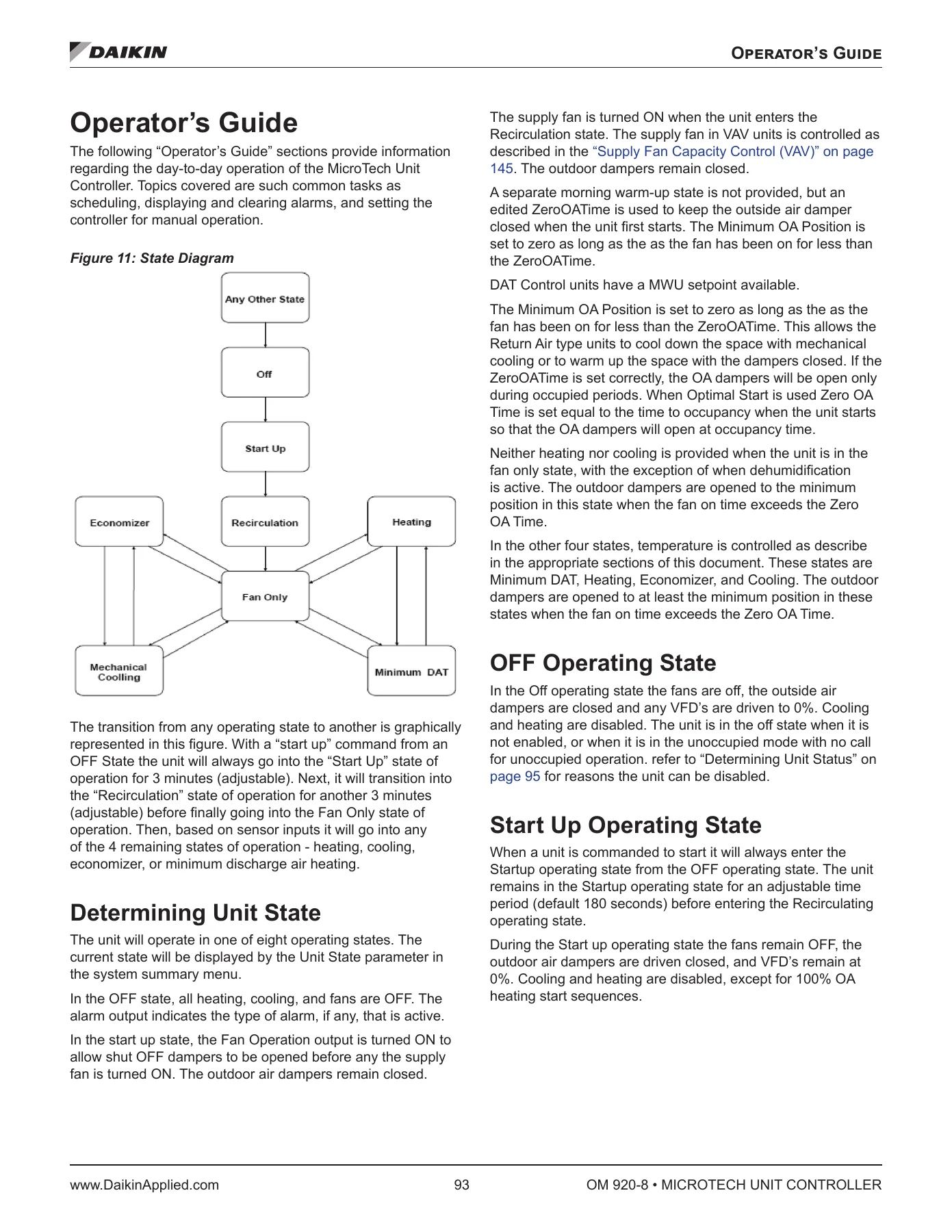
- Operator’s Guide – determining unit state, unit status, control mode, cooling status, heat status, economizer status, capacities and occupancy
- Temperature Control Configurations and Heat/Cool Changeover
- Control Temperature, Occupied Temperature Set Points, Dehumidification
- Energy Recovery, Enthalpy Wheel Capacity Limiting, Constant Speed Wheel, Outside Air Damper Control
- Airside Economizer, Waterside Economizer, Bypass Valve Control, Water Pump Control
- Cooling: Multistage and Modulating, DAT Setpoint Reset – Cooling
- Compressor Control for RoofPak, Compressor Control for Maverick II, VFD Compressor Control
- Oil Balance/Boost Operational Sequence, VFD Compressor Protection Unloading Control
- Condenser Fan Operation for Variable Speed Compressor Low Ambient Option
- Variable Frequency Drive for VFD Compressor, Variable Speed Scroll Compressor, Oil Injection Control, Optical Oil Level Sensor
- Condenser Fan Control, MPS Standard Condenser Fan Control, Evaporative Condensing Control
- Heating Control, Modulating, RTU Gas Heating, Min DAT, MPS Gas Heating
- Indoor Air Fan ON/OFF Control, Supply Fan Capacity Control (VAV)
- Troubleshooting Fan Failure Codes
Read as a whole, the manual walks through the controller from the outside in. It starts with how to get into the menus, what each password level unlocks, and how to move between status screens and editable fields. From there it opens up the commissioning side – the setpoints, deadbands, stage timers, PI loop gains and reset schedules that determine how the unit behaves in the field. The Operator’s Guide then explains the logic behind the sequences: why a unit leaves Fan Only for Economizer, when mechanical cooling is permitted, how a VAV supply fan is modulated against duct static pressure, and how the controller stages compressors, stages heat, and manages reheat during dehumidification. Later chapters deal with the more specialised hardware – VFD compressors, digital scroll compressors, enthalpy wheels, waterside economizers, evaporative condensers – and the unloading and protection routines that keep them inside their operating envelope. The alarm chapters separate warnings, problems and faults so you can tell immediately whether a condition limits operation or shuts the unit down, and the manual control chapter lets you drive individual outputs for testing. Configuration code positions, network setup and unit trending round out the reference material.
What You Can Do With It
With this MicroTech Unit Controller operations manual open on a laptop or tablet, you can commission a rooftop or self-contained unit from the keypad without guessing at menu paths. You can set occupancy schedules, configure optimal start, wire up holiday periods, and decide whether the unit changes over on return air, space temperature or outdoor air. You can dial in cooling and heating DAT setpoint reset, set ventilation and demand control ventilation limits, and configure the minimum OA damper for network, external, IAQ or airflow-based reset. When something is not working, you can read the alarm, work out whether it is a warning, problem or fault, and follow the controller’s own logic to the sensor, switch or output at fault. You can also run manual control to prove out fans, compressors, condenser fans, valves and reheat outputs one at a time.
Why It Matters
These controllers run complex sequences with many adjustable parameters and time delays. Setting a stage timer, deadband or lockout incorrectly does not just make the unit uncomfortable – it can short-cycle compressors, trip freeze protection, or push a VFD compressor outside its approved envelope. Having the operation and programmable options documented in front of you, in the controller’s own terminology and with the default values and ranges spelled out, is what separates a quick fix from a return visit.
IMAGES PREVIEW
Instant PDF Delivery
Your download is available immediately after checkout. No shipping, no waiting. The PDF works on any phone, tablet, laptop or desktop, and any page can be printed for use at the unit or in the control panel. Keep a copy on the service laptop and you always have the MicroTech Unit Controller menu tree, setpoint tables and alarm definitions on hand.
Reviews
There are no reviews yet.