★ TRUSTED BY 321,897+ PROFESSIONALS WORLDWIDE
🏢
Trusted Business
Verified & Licensed
🛡️
Virus Free Files
100% Safe Downloads
🔒
Secure Payment
SSL Protected
Instant Delivery
Available Immediately
Sale!

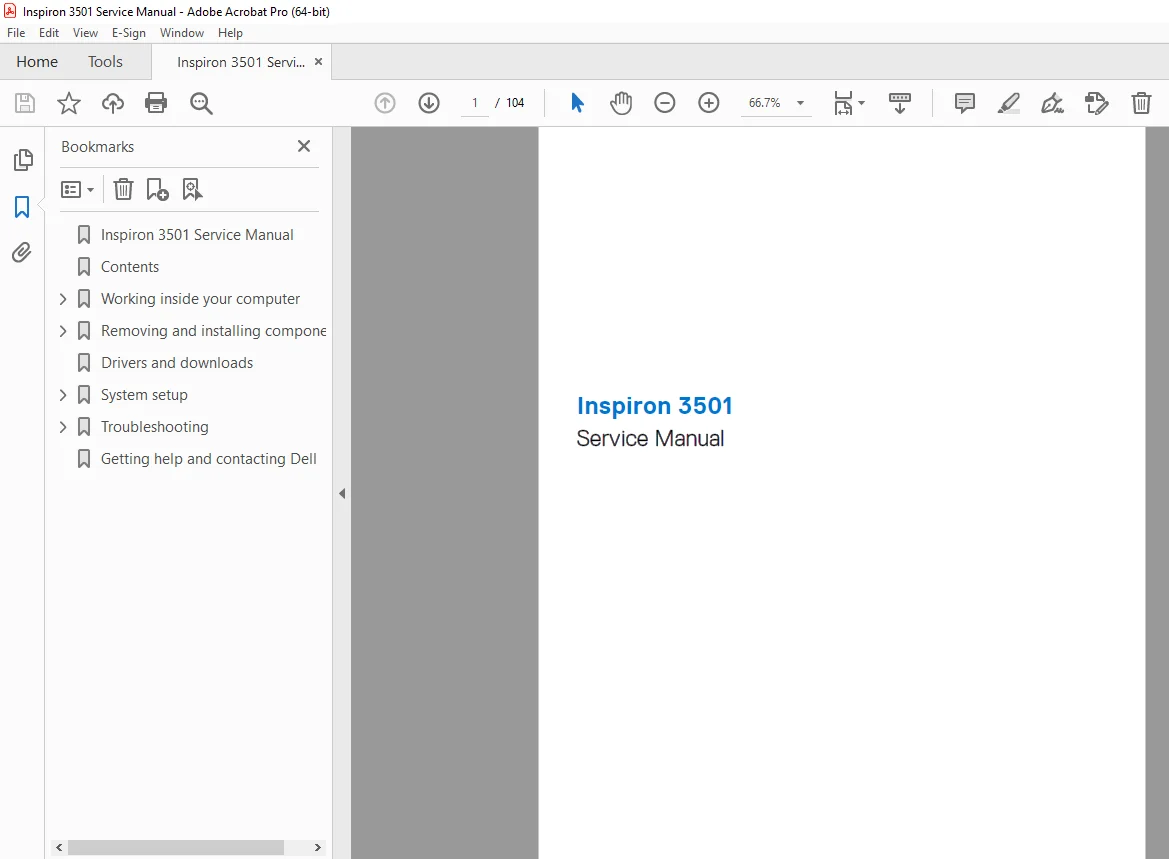
Dell Inspiron 3501 Service Manual (P90F) – Repair & Disassembly PDF

Original price was: $120.00.Current price is: $18.95.

Official **Dell Inspiron 3501 Service Manual PDF (Aug 2023, Rev A06). Step-by-step removal/installation for SSDs (M.2 2230/2280), RAM, Wi-Fi card, battery, HDD, I/O board, fan/heatsink, display, keyboard/palm-rest, and system board. Includes screw list, ESD safety, BIOS setup options, updates, and onboard diagnostics/troubleshooting.

Instant PDF Download
Available immediately
💾
Save to Your Device
Download & keep forever
🛡️
Antivirus Scanned
100% virus-free
🌍
Trusted Worldwide
175,000+ customers

Description

Dell Inspiron 3501 Service Manual (P90F) – Repair & Disassembly PDF DOWNLOAD
Description

📘 What this manual is

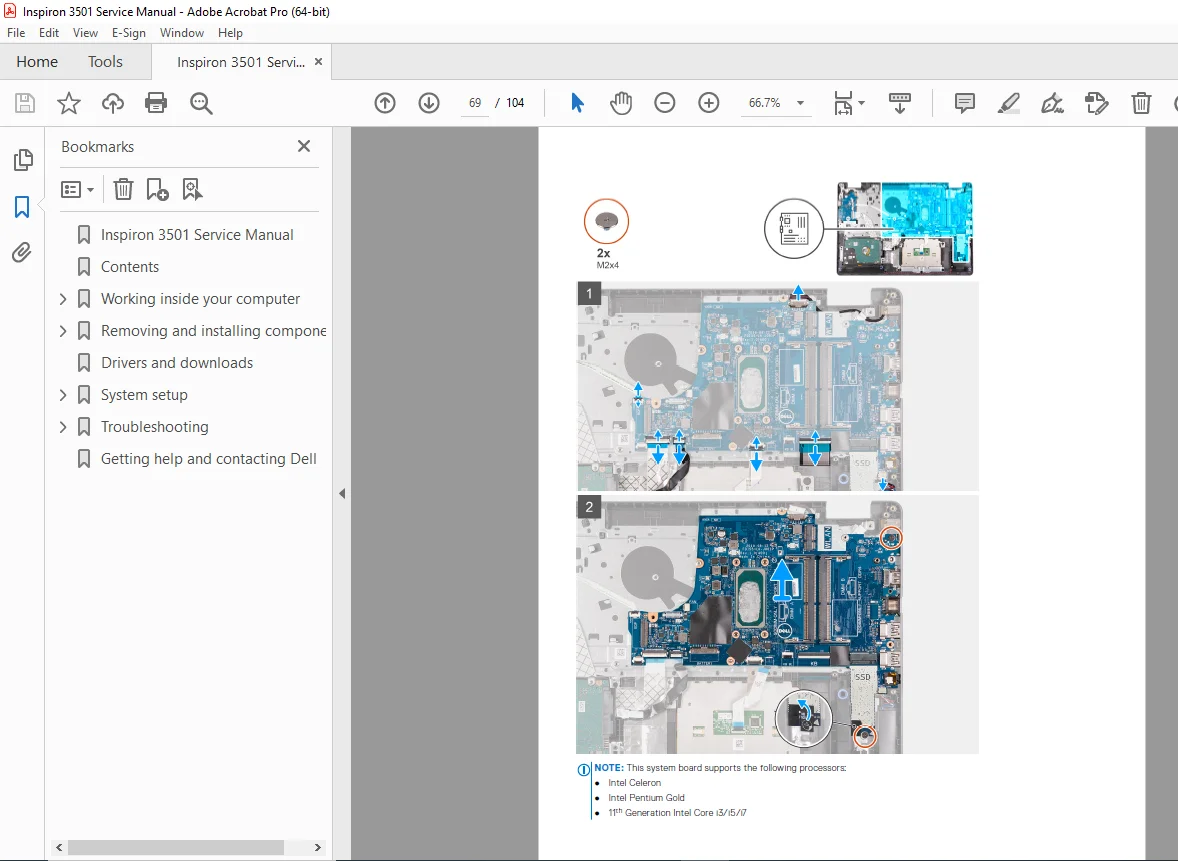
This is the Inspiron 3501 Service Manual (Regulatory Model P90F)—a technician-style guide for safely opening, servicing, and troubleshooting the laptop. It includes ESD protection guidance, a complete screw list, and detailed illustrated steps for replacing internal components.


✅ What you can do with this manual

  • Disassemble the laptop correctly (base cover → battery disconnect → component removal order)

  • Replace/upgrade storage: M.2 2230 + M.2 2280 SSD and 2.5″ hard drive

  • Upgrade memory (RAM), replace wireless card, I/O board, coin-cell battery, speakers

  • Service cooling: fan + heatsink (integrated/discrete graphics variants)

  • Replace major assemblies: display assembly/panel/camera, touchpad, palm-rest & keyboard, system board

  • Use BIOS/diagnostics: BIOS setup, one-time boot menu, password/CMOS clearing, BIOS update, diagnostic lights, SupportAssist on-board diagnostics


🗂️ Table of Contents (Neatly Categorized)

Chapter 1 — Working Inside Your Computer

  • Before working inside your computer

  • Safety instructions

  • Electrostatic discharge (ESD) protection + field service kit

  • Transporting sensitive components

  • After working inside your computer

Chapter 2 — Removing and Installing Components

  • Recommended tools + screw list

  • Major components overview

  • Base cover

  • Storage: M.2 2230 SSD / M.2 2280 SSD / Hard drive

  • Memory module / Wireless card

  • Battery (incl. lithium-ion precautions)

  • I/O board / Coin-cell battery / Speakers

  • Cooling: heatsink (iGPU/dGPU) + fan

  • Power button (optional fingerprint reader) + fingerprint-reader board

  • Display assembly / bezel / panel / camera

  • Touchpad

  • System board (Realtek / Cirrus Logic variants)

  • Power-adapter port

  • Palm-rest and keyboard assembly

Chapter 3 — Drivers and Downloads

Chapter 4 — System Setup (BIOS)

  • BIOS navigation keys + one-time boot menu

  • System setup options (10th gen Intel Core / 11th gen Intel processors)

  • Setup passwords, clear CMOS, BIOS update methods (Windows/Linux/F12 menu)

Chapter 5 — Troubleshooting

  • Handling swollen lithium-ion batteries

  • Service tag / express service code location

  • System diagnostic lights

  • SupportAssist on-board diagnostics + recovery options

  • Wi-Fi power cycle + flea power drain (hard reset)

Chapter 6 — Getting Help & Contacting Dell


📄 File Details

DetailInformation
Manual NameInspiron 3501 Service Manual
Models CoveredInspiron 3501 (Regulatory Model: P90F, Type: P90F002/P90F005/P90F006)
YearAugust 2023 (Rev. A06)
Manual PDF QualityHigh-quality digital manual with photos/diagrams + structured steps
Pages104 pages

Avoid broken clips, stripped screws, and guesswork—use the official Inspiron 3501 service manual with the correct teardown order, screw specs, and BIOS/diagnostics steps. Instant download so you can start repairing or upgrading today.

What Our Customers Say

★★★★★ Live reviews from customers
Loading customer reviews...
0
    0
    Your Cart
    Your cart is emptyReturn to Shop
    🛒
    Recently Purchased
    🕒 verified order