Dell OptiPlex 760 Service Manual PDF DOWNLOAD
Original price was: $95.00.$18.95Current price is: $18.95.
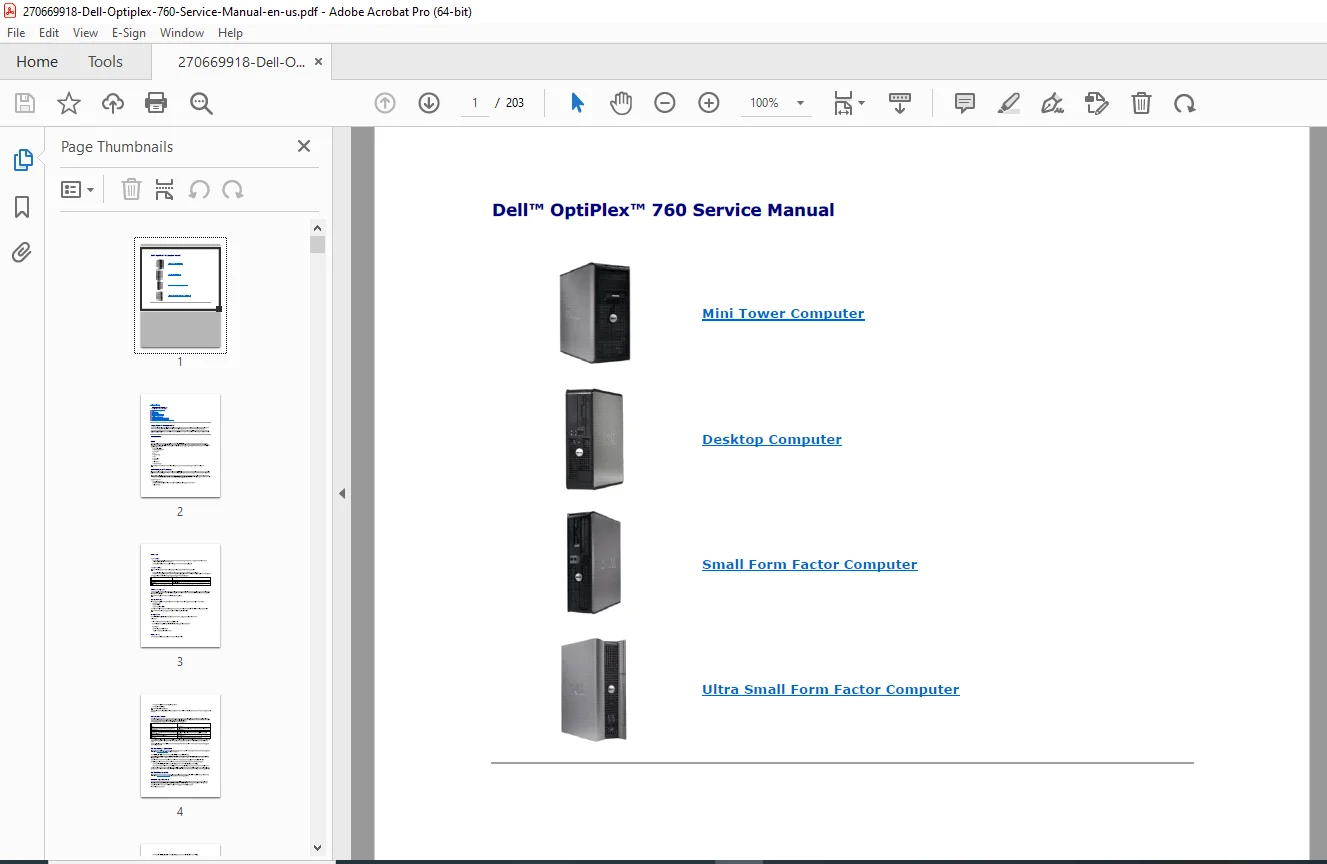
Unlock the full potential of your workstation with the Dell OptiPlex 760 Service Manual. This comprehensive digital guide covers the Mini Tower, Desktop, Small Form Factor, and Ultra Small Form Factor models. Perfect for DIY repairs, memory upgrades, and troubleshooting, it provides step-by-step instructions for safely removing and installing components like the processor, hard drive, and power supply. Instant PDF download.
Description
Dell OptiPlex 760 Service Manual Repair, Maintenance & Upgrade Guide PDF DOWNLOAD
DESCRIPTION
Master Your Hardware with the Ultimate Dell OptiPlex 760 Service Manual
Keep your Dell OptiPlex 760 running at peak performance with this essential technical resource. Whether you are an IT professional looking to perform bulk maintenance or a home user wanting to upgrade your RAM or hard drive, this Dell OptiPlex 760 Service Manual is your authoritative guide.
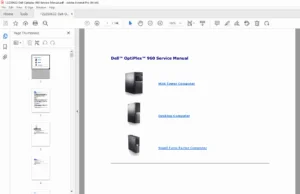
This PDF manual is meticulously organized to help you find the exact procedure you need in seconds. It covers all four chassis form factors—Mini Tower (MT), Desktop (DT), Small Form Factor (SFF), and Ultra Small Form Factor (USFF)—ensuring you have the right instructions for your specific machine.
What’s Inside?
We have categorized the contents to help you navigate efficiently:
🔧 Core Components & Upgrades
Processor (CPU): Safe removal and installation instructions, including heat sink assembly handling and thermal grease application.
Memory (RAM): detailed steps for installing DDR2 memory modules and addressing configurations for 32-bit vs. 64-bit systems.
Drives: Installation guides for SATA Hard Drives, Optical Drives, Floppy Drives, and Media Card Readers.
Expansion Cards: Step-by-step procedures for PCI and PCI Express cards, including riser-card cage management.
🛠️ System Maintenance & Setup
Power Supply: Procedures for testing and replacing the power supply unit, including pin definitions for DC power connectors.
System Fan: Instructions for removing and installing system fans to prevent overheating.
Battery Replacement: Guide to replacing the coin-cell battery to resolve time-of-day and configuration errors.
I/O Panel: Steps to replace the front Input/Output panel safely.
💻 Advanced Technical Data
System Setup (BIOS): Comprehensive guide to entering system setup, managing boot sequences, and configuring security settings like TPM and Chassis Intrusion.
Troubleshooting: Diagnostic tools including Dell Diagnostics and beep codes.
Power Management: Optimizing Windows XP and Vista power settings (Sleep, Hibernate, Standby).
Table of Contents Overview
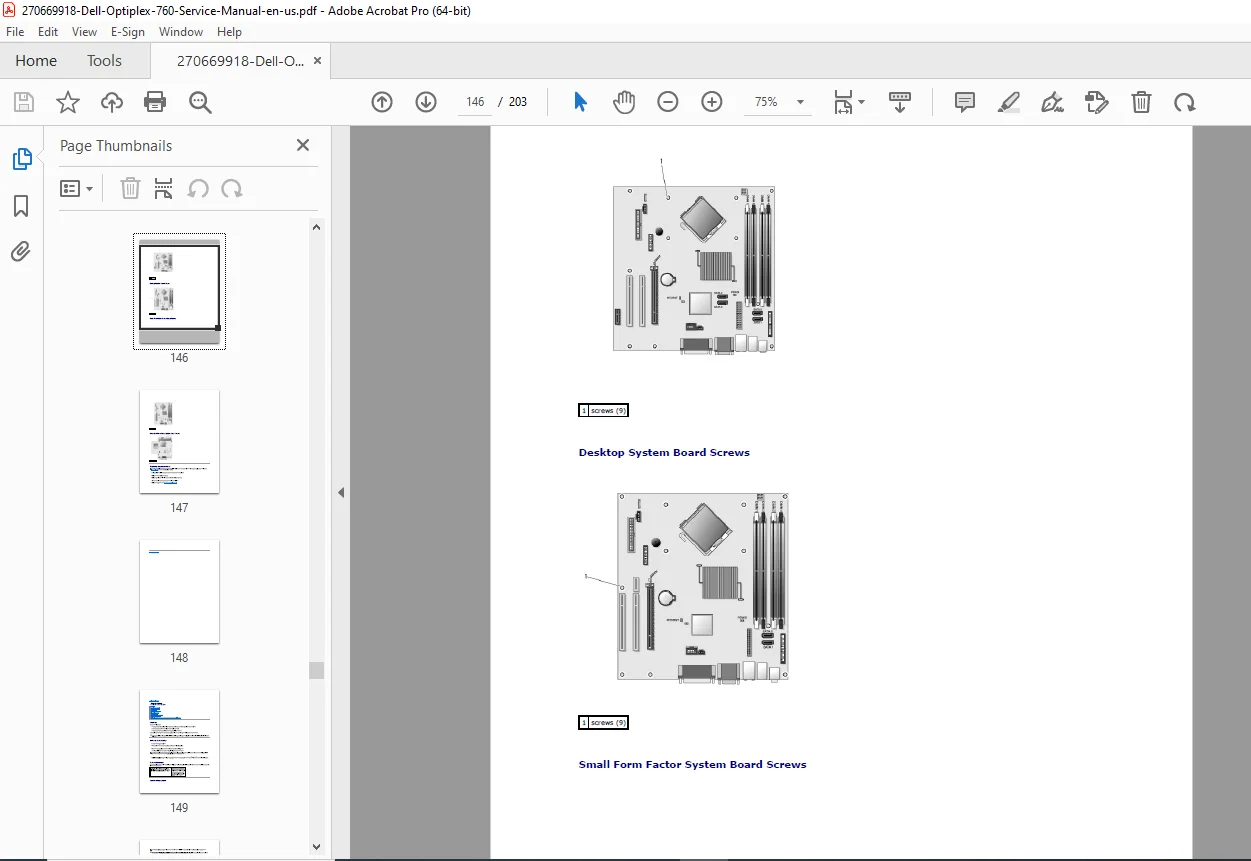
About Your Computer: Front and Back View, System Board Layout
System Setup: BIOS Settings, Boot Sequence, Security
Working on Your Computer: Safety Instructions, Tools Needed
Installing System Components:
Cover, Bezel, & Drive Panel
Memory, Cards, & Processors
Drives (Hard Drive, Optical, Floppy)
Fans, Heat Sinks, & Power Supplies
System Board & Battery
FILE DETAILS
Manual Name: Dell OptiPlex 760 Service Manual
Models Covered: Mini Tower (MT), Desktop (DT), Small Form Factor (SFF), Ultra Small Form Factor (USFF)
Year of Publication: 2009 (Rev. A01)
File Type: High-Quality PDF
Page Count: 203 pages
WHY BUY THIS MANUAL?
Don’t risk damaging your computer with guesswork. Download the Dell OptiPlex 760 Service Manual today and get the confidence to fix, upgrade, and maintain your PC like a pro. Your download link is ready immediately after purchase—start your repair in minutes!