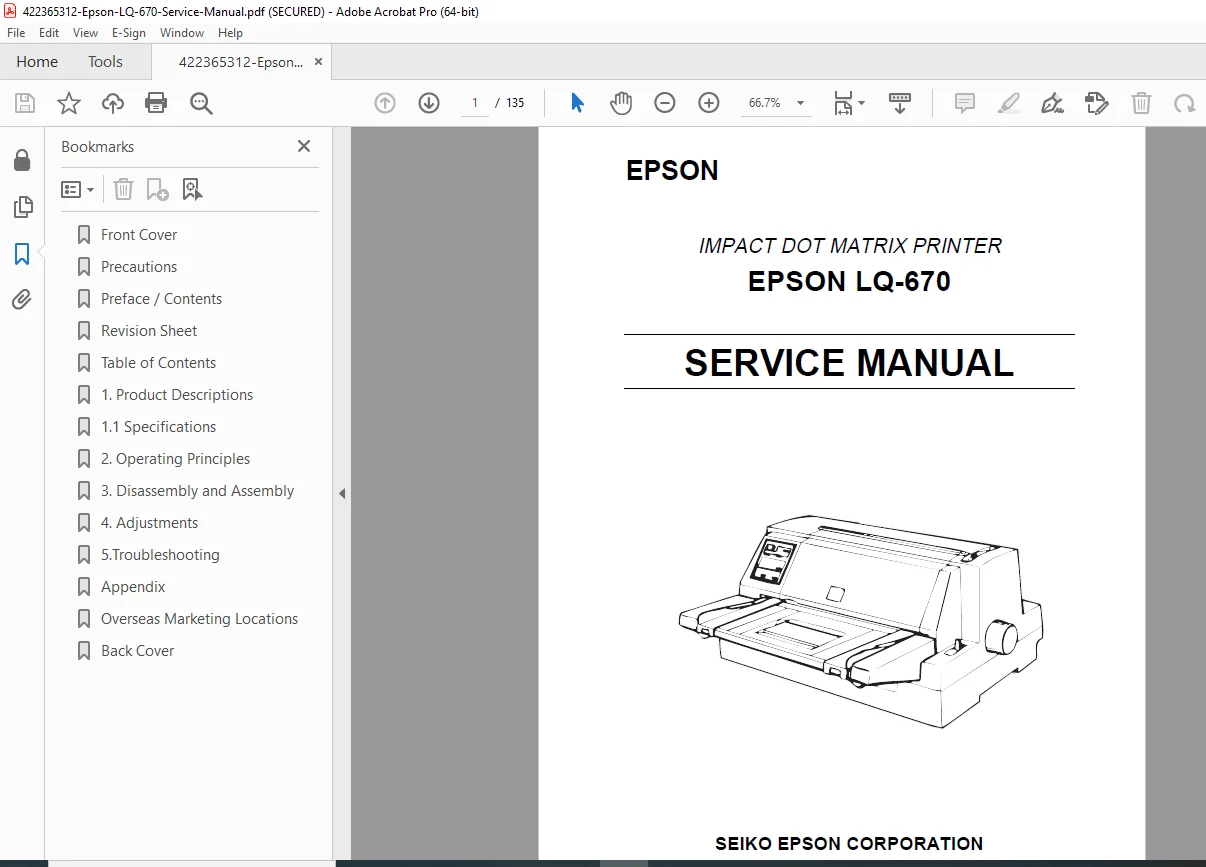
Epson LQ-670 Dot Matrix Printer Service Manual – PDF Download
Original price was: $65.00.$26.95Current price is: $26.95.
Official Epson LQ-670 Service Manual covering full disassembly, adjustment, troubleshooting, and circuit diagrams. Includes mechanical and electrical service procedures, control board schematics, adjustment programs, and part locations. Ideal for technicians maintaining or repairing Epson LQ-670 dot-matrix printers.
Description
Epson LQ-670 Dot Matrix Printer Service Manual – PDF Download
Description
🔧 Overview
The Epson LQ-670 Service Manual provides comprehensive technical information and maintenance procedures for the LQ-670 24-pin dot matrix printer. It includes detailed circuit schematics, mechanical disassembly guides, adjustment flowcharts, and diagnostic procedures for reliable repair and calibration.
📋 Table of Contents Highlights
Chapter 1 – Product Description
Overview of LQ-670 specifications, printing technology, and system configuration.
Interface options: Parallel (IEEE-1284), Serial, and optional network modules.
Paper handling system, control panel functions, and firmware logic.
Chapter 2 – Operating Principles
Mechanical drive system — carriage motor (PM stepper), paper feed motor, timing belt, and platen assembly operation.
Electronic control — logic circuits, CPU, ROM, RAM, gate arrays, and sensor signals.
Flowcharts for print head drive timing and control sequences.
Chapter 3 – Disassembly and Assembly
Step-by-step procedures for removing:
Print head assembly
Carriage unit and belt tensioner
Main logic board and interface panel
Power supply unit and control panel
Tractor feed, platen, and frame components
Illustrated diagrams with torque and connector identification.
Chapter 4 – Adjustment
Print head gap and platen parallelism adjustments.
Sensor alignment (PE sensor, ASF sensor, home position sensor).
Adjustment Mode entry via control panel and DIP switch settings.
Test print patterns and margin calibration methods.
Chapter 5 – Troubleshooting
Symptom-based troubleshooting tables for:
No power / abnormal LED blinking
No paper feed or carriage movement
Print distortion or uneven characters
Interface and logic errors
Diagnostic self-test modes and error LED pattern list.
Chapter 6 – Electrical Circuit Diagrams
Full main logic board schematic, sensor input/output tables, connector pinouts, and voltage reference points.
Power supply regulation flow and transistor/IC identification.
Chapter 7 – Maintenance & Parts
Preventive maintenance schedule and cleaning instructions.
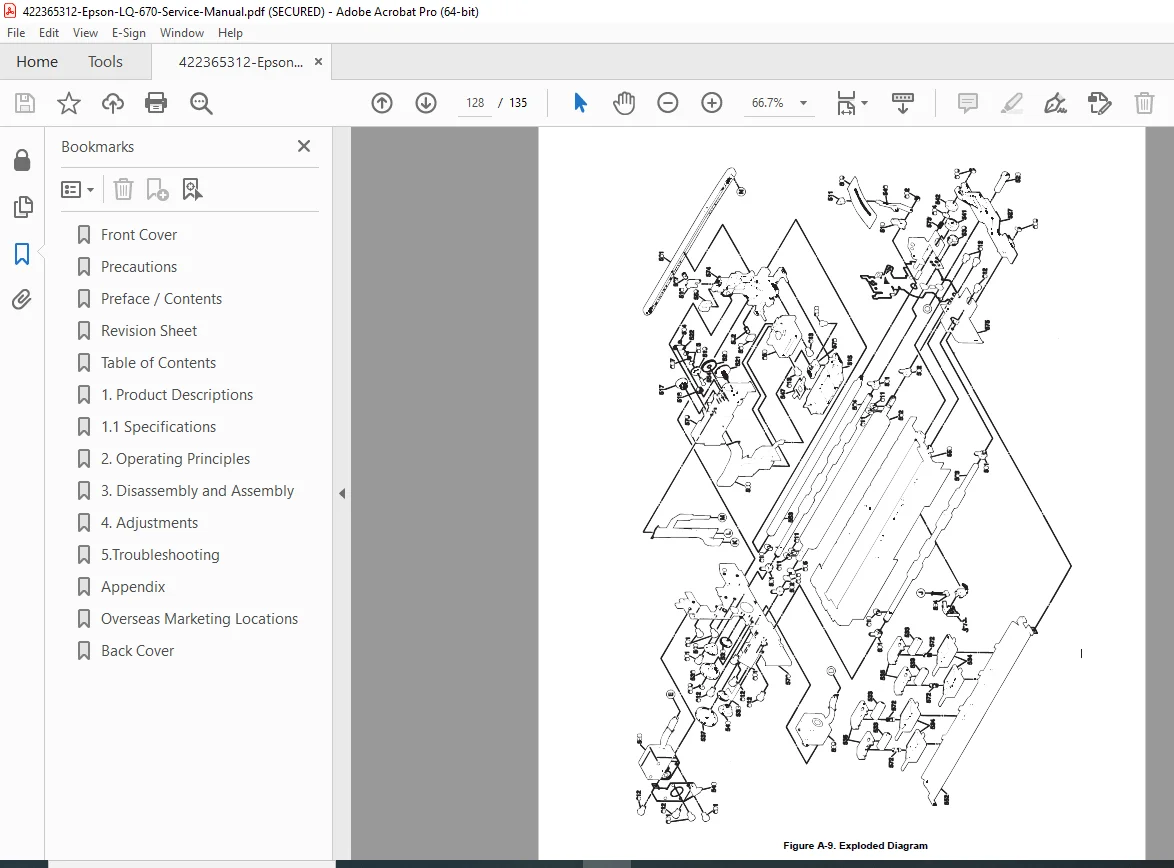
Parts list with exploded diagrams (print head, frame, platen, gears, motors, harnesses).
Lubrication points and recommended greases.
⚙️ Technical Specifications
Print Method: 24-pin impact dot matrix
Print Speed: up to 413 cps (10 cpi draft)
Paper Feed: friction, push tractor, optional pull tractor
Interfaces: Parallel (IEEE 1284) / Serial RS-232C / optional USB or network
Buffer Memory: 32 KB standard
Resolution: 360 × 360 dpi (maximum)
Power Supply: 120–240 V AC, 50/60 Hz
Dimensions: 469 × 386 × 221 mm
Weight: approx. 8.5 kg
🧰 Key Features
Step-by-step mechanical disassembly procedures.
Complete schematics and connector pin tables.
Official Epson adjustment and calibration methods.
Symptom-based troubleshooting for quick repair.
Exploded views for accurate parts replacement.
📄 File Details
| Field | Description |
|---|---|
| Manual Name | Epson LQ-670 Service Manual |
| Models Covered | Epson LQ-670 24-Pin Dot Matrix Printer |
| Revision / Year | Original Factory Edition |
| Pages | 135 pages |
| Language | English |
| Format | Searchable PDF |
| Quality | High-resolution scans with diagrams and schematics |
💡 Why This Manual Is Valuable
Includes factory-grade adjustment and electrical schematics not available in user guides.
Enables precise alignment of print head and platen systems.
Essential for service technicians and electronic repair specialists.
Saves time with detailed part numbers and troubleshooting flowcharts.