Epson LQ 800 /LQ 1000 Manual – PDF DOWNLOAD
$27.95
Epson LQ 800 /LQ 1000 Manual – PDF DOWNLOAD
Description
Epson LQ 800 /LQ 1000 Manual – PDF DOWNLOAD
FILE DETAILS:
Epson LQ 800 /LQ 1000 Manual – PDF DOWNLOAD
Language :English
Pages :185
Downloadable : Yes
File Type : PDF
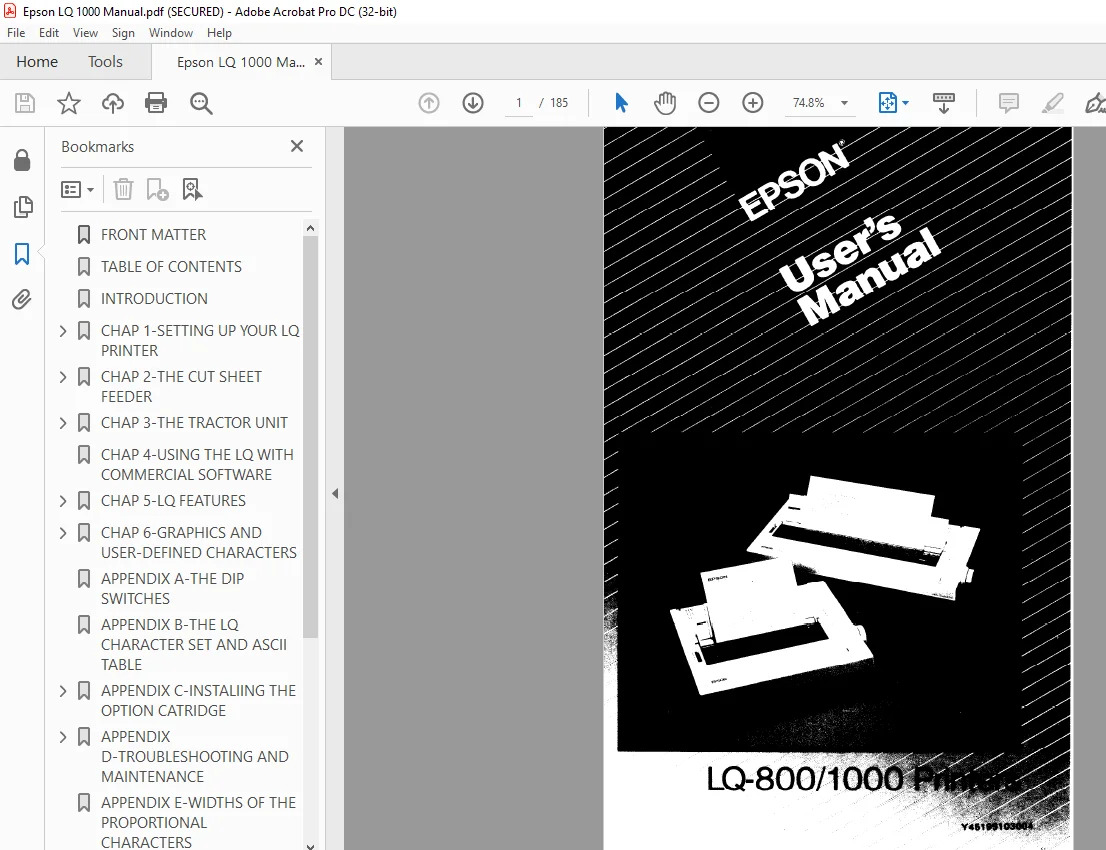
IMAGES PREVIEW OF THE MANUAL:
DESCRIPTION:
Epson LQ 800 /LQ 1000 Manual – PDF DOWNLOAD
Introduction
The Epson LQ-800 and LQ-1000 are state-of-the-art, X-pin dotmatrix
printers that deliver exceptional speed and sharpness in either
Letter Quality or draft style.
The LQ-800 and LQ-1000 are also capable of a wide variety of print
enhancements, including:
The LQ-800 and LQ-1000 combine the versatility and reliability of Epson products, with a wide range of exciting new features. You can select either the Letter Quality or draft typestyle with a touch of a front panel button-there are no codes to learn.
The 24-pin print head produces sharp, crisp draft characters, and Letter Quality characters that look like they came from a typewriter.
The LQ has built-in connectors for both parallel and serial interface cables, so there’s no need for extra options or modifications.
Option cartridges are available to further extend the capabilities of the LQ-800 and LQ-1000. These cartridges provide additional type fonts, and will also allow you to use programs designed for other popular printers.
TABLE OF CONTENTS:
Epson LQ 800 /LQ 1000 Manual – PDF DOWNLOAD
Introduction Intro-1
Setting Up Your LQ Printer
Unpacking Your Printer
Installing the paper feed knob
Selecting the Right Location
Installing the Ribbon
Replacing the ribbon
Loading Single-Sheet Paper
Installing the single-sheet guide
Loading the paper
Adjusting the paper thickness lever
Turning On the Power
Operating the Control Panel
OFF LINE/ON LINE
FORM FEED/LETTER QUALITY
LINE FEED/DRAFT
Selecting the Letter Quality or Draft Mode
Running the Self Test
Connecting Your Printer to Your Computer
The parallel interface
The serial interface
Printing Your First Document
The Cut Sheet Feeder
Installing the Cut Sheet Feeder
Preparing the Paper for Loading
Loading Paper
Setting up your word processor for a cut sheet
feeder
Printing with the Cut Sheet Feeder
Removing the Cut Sheet Feeder
Troubleshooting
Maintenance
3 The Tractor Unit 3-1
Setting Up the LQ for Continuous-feed Paper 3-1
Installing the Tractor Unit 3-2
Loading Paper 3-3
Setting the top-of-page position 3-8
Installing the paper separator and tractor cover 3-8
Removing the Optional Tractor Unit 3-11
4 Using the LQ with Commercial Software 4-1
5 LQ Features 5-1
ESCape and ASCII 5-1
Demonstration Programs 5-2
Running BASIC programs 5-3
Sending Control Codes to the Printer 5-4
Basic Widths 5-5
Pica printing 5-5
Elite printing 5-5
Fifteen mode printing 5-5
Letter Quality and Draft 5-6
Cancelling Modes 5-6
Resetting the Printer 5-6
Disabling a program’s reset code 5-7
Print Quality Command 5-8
Other Widths 5-8
Double-width printing 5-8
Condensed printing 5-9
Print Enhancements 5-10
Emphasized mode 5-10
Double-strike 5-11
Underline mode 5-12
Proportional mode 5-12
Master Select 5-13
Superscript and subscript 5-15
International characters 5-15
Page Formatting 5-18
Margins 5-18
Skip-over-perforation 5-19
Linespacing 5-19
Half-Speed Mode 5-20
Printing to the End of the Page 5-20
iv
6 Graphics and User-Defined Characters 6-1
Graphics 6-1
The print head 6-2
Dot patterns 6-3
Eight-pin graphics 6-3
Twenty-four-pin graphics 6-3
Pin labels 6-3
Graphics Command 6-5
Column reservation numbers 6-6
First graphics program 6-6
Using hand-calculated data to print graphics 6-7
Individual graphics options commands 6-10
Reassigning command 6-10
User-Defined Characters 6-11
Design grids 6-11
Defining Your Own Characters 6-13
Data numbers 6-13
Sending information to the LQ 6-14
Printing User-Defined Characters 6-16
Copying ROM to RAM 6-17
Letter Quality characters 6-18
Proportional mode characters 6-18
Superscripts and subscripts 6-18
Mixing print styles 6-19
S.M 1/3/2025