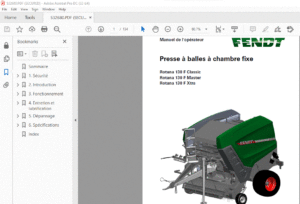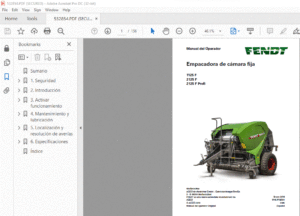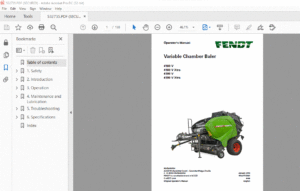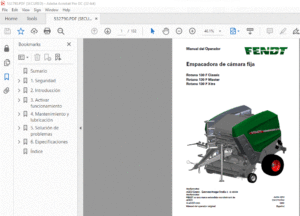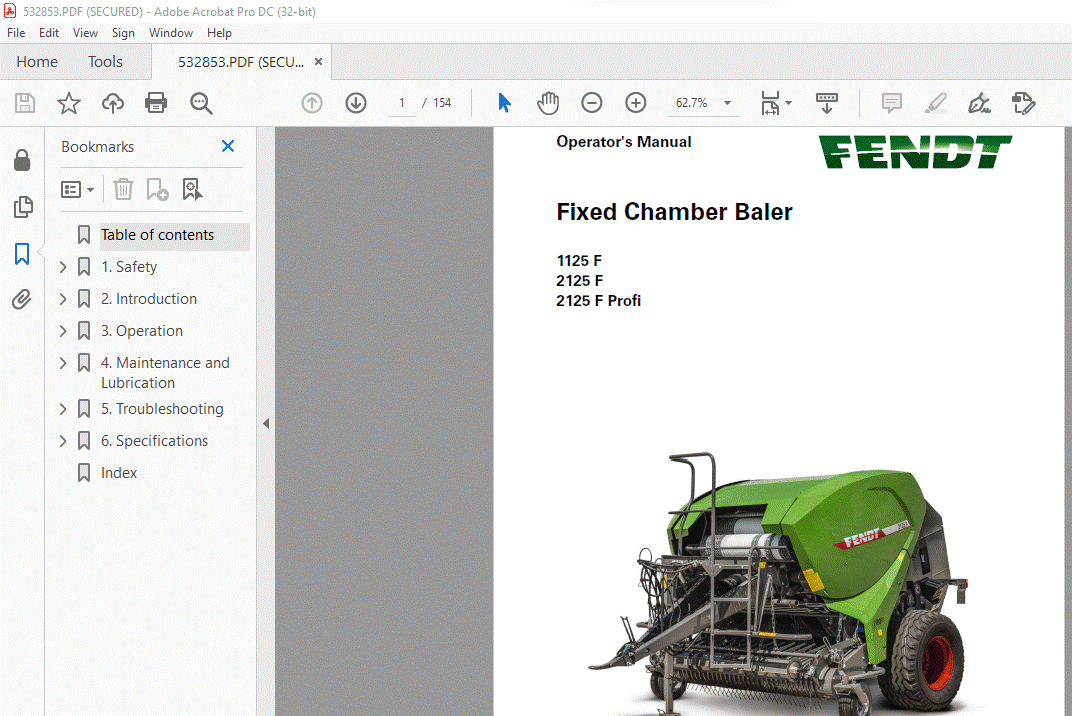
Fendt Fixed Chamber Baler 1125 F 2125 F 2125 F Profi Operator’s Manual – PDF DOWNLOAD
Original price was: $78.00.$23.95Current price is: $23.95.
Fendt Fixed Chamber Baler 1125 F 2125 F 2125 F Profi Operator’s Manual – PDF DOWNLOAD
Description
Fendt Fixed Chamber Baler 1125 F 2125 F 2125 F Profi Operator’s Manual – PDF DOWNLOAD
DESCRIPTION:
Fendt Fixed Chamber Baler 1125 F 2125 F 2125 F Profi Operator’s Manual – PDF DOWNLOAD
1.2 Safety Instructions
- YOU are responsible for the SAFE operation and maintenance of your machine.
- YOU must make sure that each person who operates or does work on the machine understands all the SAFETY data in this manual.
- YOU are the key to safety. Good safety procedures prevent accidents to you and each person near you. Make these procedures a set part of your safety sequence.
- Make sure that EVERYONE who operates, does maintenance or works near to the machine obeys the safety precautions.
Follow the safety sequence to prevent the risk of injury or death:
- Owners must complete training with all operators before they operate the machine. This training must be done a minimum of each year
- The operator must read, understand and obey all safety and operation instructions in the manual
- A person who did not read and understand all safety and operation instructions must not operate the machine
- Do not change the equipment. Adjustments not approved by the manufacturer can change the function of the machine and cause damage or personal injury
- Only use approved replacement parts and make sure that only approved technicians do the repair procedures.
1.2.1 General Safety
- • Read and understand the manual and all safety decals, before you operate the machine
- Follow all safety regulations, in this manual and instructions or warnings shown on the machine
- Only use the machine for its correct operation
- Only approved persons that understand the operator manual, can operate, drive and do maintenance on the machine
- Keep persons and objects away from parts that move
- Make sure that the installation of all the safety guards and protection devices is correct and they operate correctly
- Always use a tractor with a cabin. Make sure that you close the cabin of the tractor during operation to decrease the quantity of sound. High quantity of sound can cause reduction in hearing
- Always keep a minimum distance of 3 m (10 ft) between the machine and electrical power lines, specially when you open the tailgate
- Put on the correct protective clothing and equipment (gloves, safety glasses and ear protectors)
- Look for hazards and signs of defects (leakage and noise)
- Keep the safety decals clean to make sure that you can see them at all times. Replace safety decals that are missing or you cannot see
- Know the telephone number for emergency medical help in your area
- Speak to your local dealer, if you are not sure of one or more items
- Only connect the machine to the tractor using the procedures in this manual. Only connect the machine to a tractor trailer hitch with your local regulations approval
- Make sure that the front axle weight of the tractor is sufficient. Make sure that you do not have more weight than the maximum permitted on the rear axle
- Do not connect the machine to the tractor when the tractor engine is in operation
- Release the pressure from the hydraulic system before you connect or disconnect the hydraulic hoses. Refer to the manual of the tractor
- If the machine has a pneumatic or hydraulic brake, connect the brake hose(s) to the tractor
- Make sure that all safety guards and protection devices are in position.
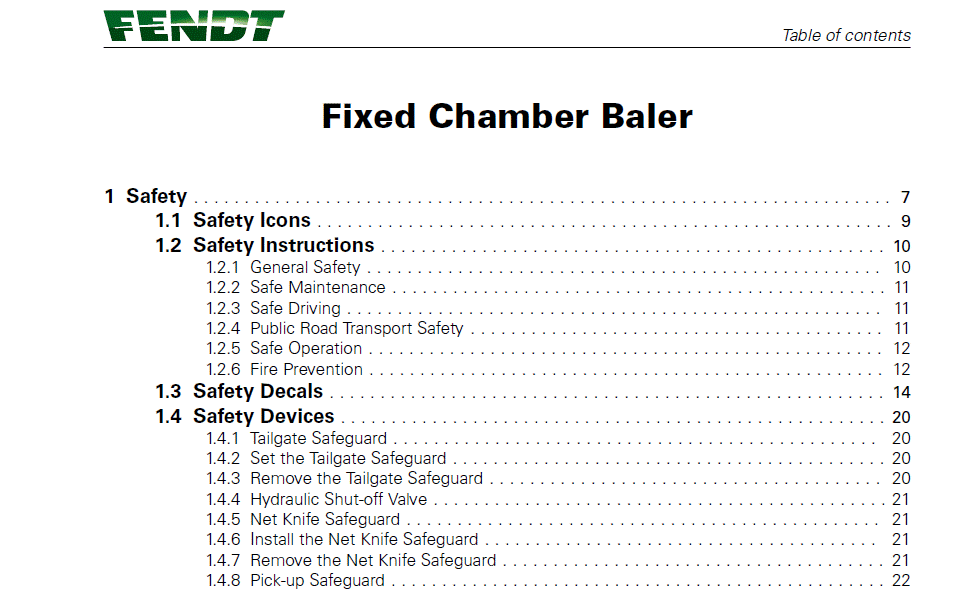
TABLE OF CONTENTS:
Fendt Fixed Chamber Baler 1125 F 2125 F 2125 F Profi Operator’s Manual – PDF DOWNLOAD
1 Safety 7
1.1 Safety Icons 9
1.2 Safety Instructions 10
1.2.1 General Safety 10
1.2.2 Safe Maintenance 11
1.2.3 Safe Driving 11
1.2.4 Public Road Transport Safety 11
1.2.5 Safe Operation 12
1.2.6 Fire Prevention 12
1.3 Safety Decals 14
1.4 Safety Devices 20
1.4.1 Tailgate Safeguard 20
1.4.2 Set the Tailgate Safeguard 20
1.4.3 Remove the Tailgate Safeguard 20
1.4.4 Hydraulic Shut-off Valve 21
1.4.5 Net Knife Safeguard 21
1.4.6 Install the Net Knife Safeguard 21
1.4.7 Remove the Net Knife Safeguard 21
1.4.8 Pick-up Safeguard 22
1.4.9 Safety Chain (optional) 22
1.5 Danger Zones 23
2 Introduction 25
2.1 Preface 27
2.1.1 Manual Contents 27
2.1.2 Vehicle Identification Number (VIN) and VIN Plate 27
2.2 Intended Use 30
2.2.1 The Machine 30
2.2.2 Correct Use 30
2.2.3 Known Misuse 30
2.3 Description 31
2.3.1 General Overview 31
2.3.2 Drawbar 31
2.3.3 Device to Stop Use Without Approval 32
2.3.4 Main Drive Shaft 32
2.3.5 Hydraulic System 32
2.3.6 Pick-up Unit 33
2.3.7 Feed Rotor 33
2.3.8 Cutting Unit 33
2.3.9 Feed Channel Floor 34
2.3.10 Bale Chamber 34
2.3.11 Tying Unit 34
2.3.12 Bale Ejector 34
2.3.13 Tailgate 34
2.4 Controllers 35
2.5 Balercontrol E Software 36
2.5.1 Set the Machine Type 37
2.5.2 Bale Density 37
2.5.3 Twine Tying 37
2.5.4 Net Tying 39
Table of contents
Fixed Chamber Baler
1745.FT.EN01
2.6 E-Link Software 40
2.6.1 Monitor Menu 40
2.6.1.1 The Display 41
2.6.1.2 Tying Modes 42
2.6.1.3 Hydraulic Valve Block 43
2.6.1.4 Operating Parameters 44
2.6.1.5 Machine Status 45
2.6.1.6 Overview of the Button Functions in the Monitor Menu 47
2.6.2 Setup Menu 48
2.6.2.1 Overview of the Button Functions in the Setup Menu 48
2.6.2.2 Chronological Tying Process at Automatic Tying 48
2.6.3 Systeminfo Menu 50
2.6.4 Diagnosis Menu 50
2.6.4.1 Standard Diagnosis 51
2.6.4.2 Extended Diagnosis 51
2.6.4.3 Overview of the button functions in the Diagnosis menu 52
2.6.5 Statistics Menu 53
2.6.5.1 Overview of the button functions in the Statistics menu: 54
2.6.6 Error Messages 54
2.6.6.1 System error messages 55
2.6.6.2 Standard Error Messages 56
2.6.7 System Service Menu 60
2.6.7.1 Call-up System Service menu 61
2.6.7.2 Overview of the button functions in the System Service menu 64
2.6.8 Oscilloscope 64
2.6.8.1 Oscilloscope for digital sensors and actuators 65
2.6.8.2 Oscilloscope for distance sensors 66
2.6.8.3 Overview of the button functions in the Diagnosis menu 70
2.6.9 Operating the Oscilloscope 71
2.6.9.1 Paging through the Oscilloscope Screens 71
2.6.9.2 Start or stop recording (RUN mode / Hold mode) 71
2.6.9.3 Time Window function 71
2.6.9.4 “Cursor” function 71
2.6.9.5 Function ‘Zoom’ (only for the oscilloscope for analog sensors) 72
2.6.9.6 Function ‘Offset’ (only for the oscilloscope for analog sensors) 72
2.6.9.7 Specified Sensor Channels and Actor Channels 72
2.6.10 Overview of the button functions of the ‘Oscilloscope’ 73
3 Operation 75
3.1 First Use 77
3.1.1 Calculate the Maximum Permitted Vertical Load on the Coupling Point 77
3.1.2 Calculate the Maximum Permitted Horizontal Load on the Coupling Point 77
3.1.3 Adjust the Height of the Drawbar 77
3.1.4 Adjust the PTO Shaft 79
3.1.5 To Prepare Before You Connect the Power Supply 80
3.1.6 Connect the Hydraulics 80
3.1.7 Prepare the Chain Lubrication System 82
3.1.8 Adjust the Net Roll Holder 83
3.1.9 Set Up the E-Link Display 84
3.1.10 Set the Language on the E-Link 86
3.2 Connect the Machine to the Tractor 88
3.3 Transport Position and Driving 90
3.3.1 Apply or Release the Parking Brake 92
3.3.2 Place or Remove the Wheel Chocks 92
3.3.3 Drain the Air Container of the Pneumatic Brake System 92
3.4 Prepare the Machine to Bale 94
3.4.1 Adjust The Height of the Pick-up 94
Table of contents
Fixed Chamber Baler
1745.FT.EN01
3.4.2 Adjust the Height of the Wind Guard 94
3.4.3 Pull out the Bale Ejector Tubes 95
3.4.4 Put in the Wrapping Material 95
3.4.5 Insert a Net Roll 95
3.4.6 Insert the Net 97
3.4.7 Set the Net Layers 99
3.4.8 Twine Tying (optional) 99
3.4.9 Thread the Twine 100
3.4.10 Set the Twine Brake 101
3.4.11 Set the Edge Clearance 102
3.4.12 Set the Wrapping Distance 102
3.4.13 Set the Wrap on the Edge 102
3.4.14 Insert the Knives 102
3.4.15 Open or Close the Side Covers 104
3.5 To Operate the Machine 106
3.5.1 Check Before You Operate the Machine 106
3.5.2 Start Baling 106
3.5.3 Drive Instructions for Material Intake 106
3.5.4 Large Swath 106
3.5.5 Small Swath 107
3.5.6 Drive on Slopes 107
3.5.7 Dry, Brittle, Smooth Crop Material 107
3.5.8 Eject a Bale 107
3.5.9 Remove a Blockage (machine with Hydroflexcontrol) 108
3.5.10 Manually Remove a Blockage (machine without Hydroflexcontrol) 109
3.5.11 Shut Down Procedure on the Field 110
3.6 Disconnect the Machine from the Tractor 111
3.6.1 Park the Machine 111
3.6.2 Remove the Pressure from the Hydraulic System 111
3.6.3 Disconnect the Machine 111
3.6.4 Support Foot 112
3.6.5 Install the Support Foot 112
3.6.6 Remove the Support Foot 112
3.6.7 To Move the Machine without Brakes 112
3.6.8 Take the Machine out of Operation 113
4 Maintenance and Lubrication 115
4.1 Preventive Maintenance Schedule 117
4.2 Lubrication Chart 118
4.3 Clean the Machine 120
4.4 Grind the Cutting Unit Knives 121
4.4.1 Remove the Knives 121
4.4.2 Grind the Knives 122
4.4.3 Install the Knives 122
4.5 Replace the Knives with Blind Knives 123
4.5.1 Remove the Knives 123
4.5.2 Install the Blind Knives 124
4.6 Lubricate the Rollers 125
4.7 Chain Lubrication System Maintenance 126
4.7.1 Check the Level in the Oil Container of the Chain Lubrication 126
4.7.2 Fill the Oil Container 126
4.8 Tensioning the Roller Chains 128
4.9 Adjusting the Deflectors 130
4.10 Adjust the Disk Brake of the Net Tying Unit 131
4.11 Adjust the Shock Absorbers 132
Table of contents
Fixed Chamber Baler
1745.FT.EN01
4.12 Examine the Hydraulic Hoses for Damage and Leaks 133
5 Troubleshooting 135
5.1 Feed Guide Plate 137
5.2 Manually Remove a Blockage From the Feed Channel Floor (machine
with Hydroflexcontrol) 138
5.3 Replace a Transport Wheel 139
5.4 Emergency Operation of the Tying Unit 140
5.4.1 Emergency Operation of the Tying Unit (Balercontrol E) 140
5.4.2 Emergency Operation of the Tying Unit (E-Link) 140
5.4.3 To Stop the Emergency Operation of the Tying Unit (E-Link) 142
5.4.4 Emergency Operation of the Tying Unit (Twine) 144
6 Specifications 145
6.1 Specifications 147
6.1.1 Dimensions 147
6.2 Shipment 149
6.2.1 Lift the Machine 149
6.2.2 Attach the Machine to a Truck 149
6.3 Disposal 150
7 Index 151
IMAGES PREVIEW OF THE MANUAL:
FENDT FIXED CHAMBER BALER 1125 F 2125 F 2125 F PROFI OPERATOR’S MANUAL – PDF DOWNLOAD:
PLEASE NOTE:
- This is the same manual used by the dealers to diagnose and troubleshoot your vehicle
- You will be directed to the download page as soon as the purchase is completed. The whole payment and downloading process will take anywhere between 2-5 minutes
- Need any other service / repair / parts manual, please feel free to contact [email protected] . We still have 50,000 manuals unlisted
S.M