Konica Minolta bizhub 20 Service Manual – PDF DOWNLOAD
Original price was: $85.00.$18.95Current price is: $18.95.
This official Field Service Manual for the Konica Minolta bizhub 20 is an essential resource for technicians and IT professionals. It provides comprehensive guides on troubleshooting bizhub 20 error codes, performing mechanical disassembly, and accessing hidden maintenance mode settings. Whether you need to replace the fuser or diagnose image quality issues, this 300+ page manual covers it all.
Description
Konica Minolta bizhub 20 Service Manual Repair, Maintenance & Troubleshooting – PDF DOWNLOAD
Description
Product Overview Maximize the lifespan and performance of your multifunction printer with this complete Konica Minolta bizhub 20 Service Manual PDF. This technical reference guide is designed for field service engineers and advanced users, offering deep insights into the machine’s electromechanical systems.
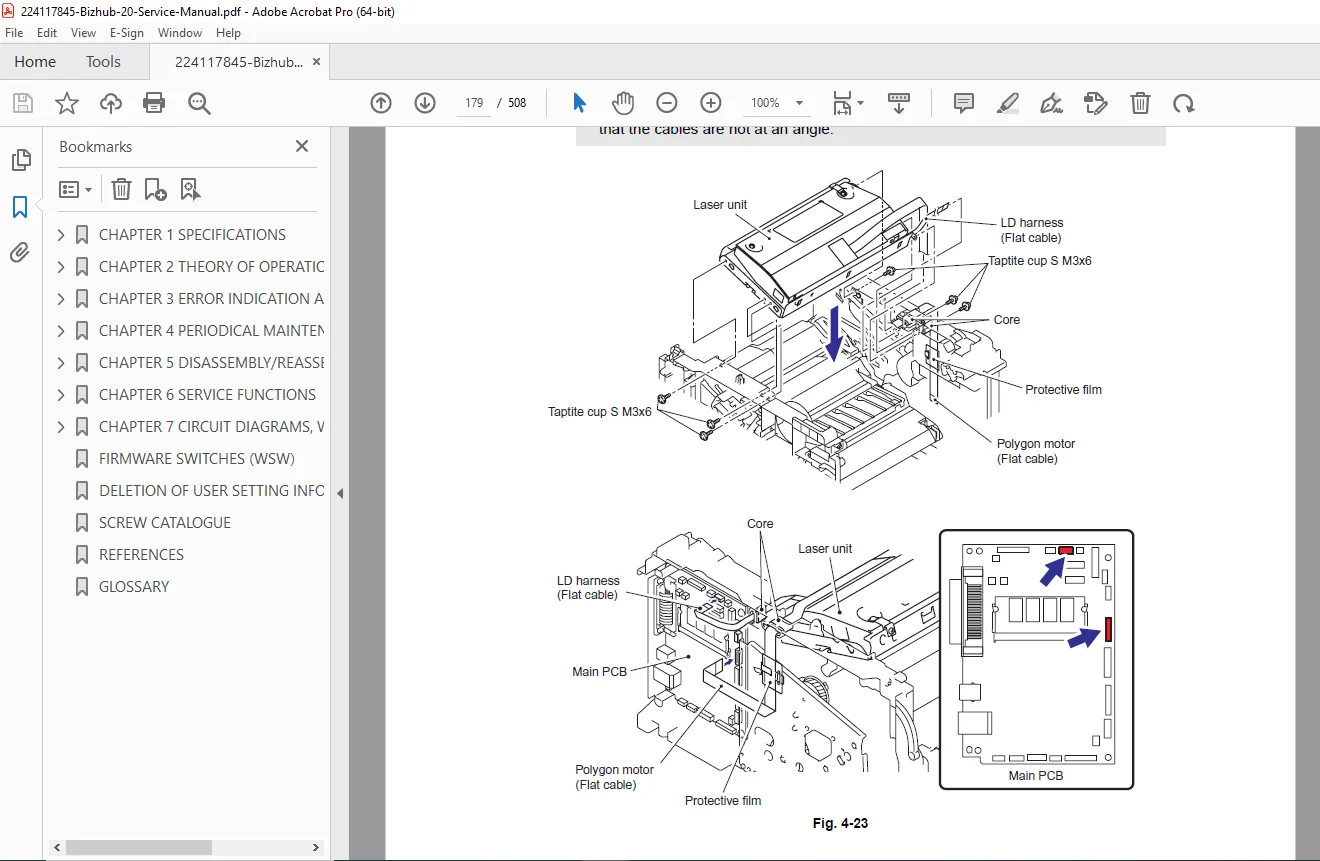
From routine upkeep to complex repairs, this manual details every aspect of the printer. It includes step-by-step bizhub 20 fuser unit disassembly instructions and guides for replacing the laser unit on the bizhub 20. The extensive troubleshooting section helps you quickly identify and resolve specific bizhub 20 error codes and repairing bizhub 20 paper jams in various trays.
For software and firmware adjustments, the manual explains how to enter and utilize Konica Minolta bizhub 20 maintenance mode settings to reset counters, update firmware, and customize machine behavior. Detailed circuit diagrams and wiring maps are also included to assist with electrical diagnostics.
Key Features:
Disassembly & Assembly: Illustrated procedures for removing covers, main controller boards, the high-voltage power supply, and drive units.
Maintenance Mode: Full list of service functions including EEPROM initialization, sensor checks, and fine-tuning print margins.
Error Codes: Comprehensive list of service call errors, fax errors, and jam codes with logic charts for resolution.
Periodic Maintenance: Schedules and procedures for replacing consumables like the toner cartridge, drum unit, and separating rollers.
Table of Contents & Categorized Index:
CHAPTER 1: GENERAL
System Configuration
Specifications (Engine, Controller, Scanner, Fax)
Paper Handling Specifications
CHAPTER 2: MAINTENANCE
Consumable Life Expectancy
Periodic Maintenance Parts
Cleaning Procedures (Scanner window, rollers)
CHAPTER 3: DISASSEMBLY AND REASSEMBLY
Exterior Parts: Front/Back Covers, Side Covers, ADF Unit
Drive Units: Main Motor, Drive Frame
Imaging System: Laser Unit, Fuser Unit Disassembly, High Voltage Power Supply
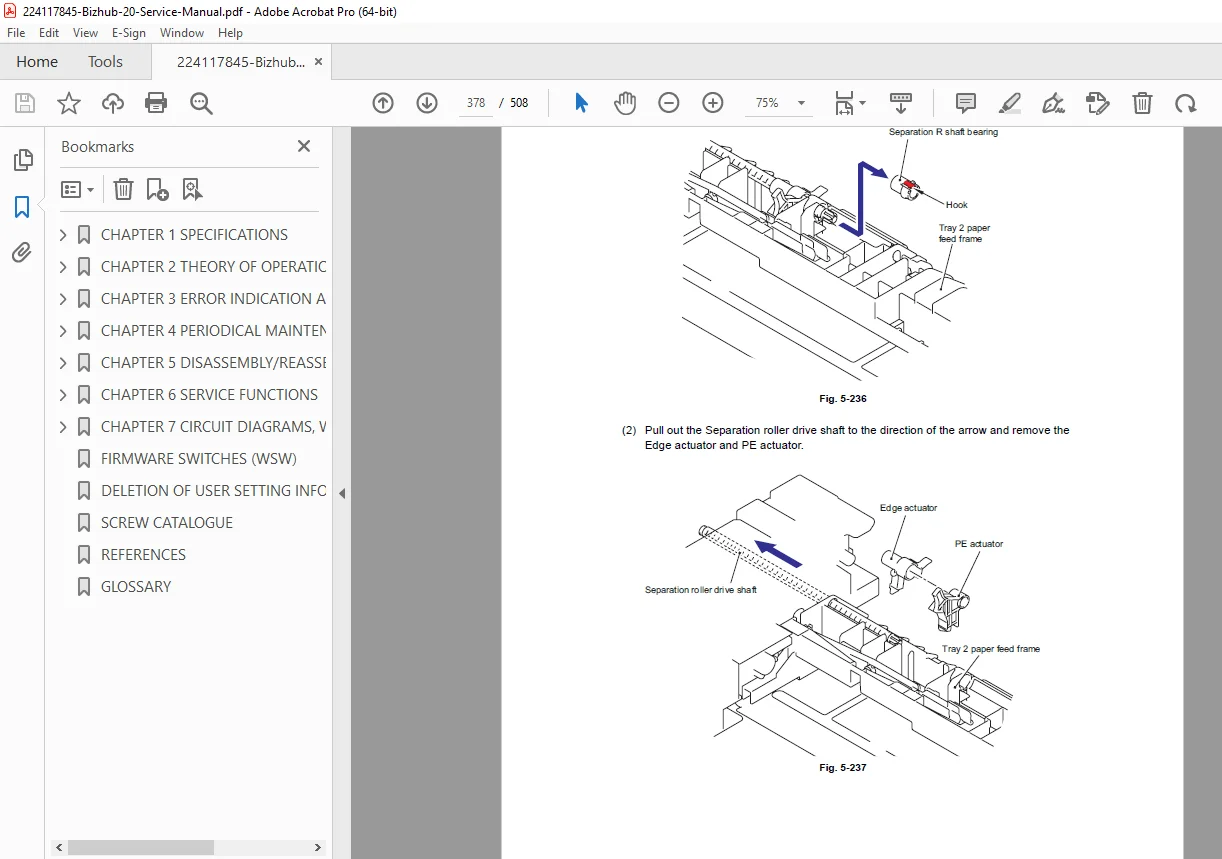
Paper Feed: Pick-up Roller, Separation Pad, Registration Clutch
Electronics: Main PCB, NCU PCB, LVPS (Low Voltage Power Supply)
CHAPTER 4: ADJUSTMENTS
Maintenance Mode Settings: Entering Maintenance Mode, Key Operations
Function Codes (01: Initialize EEPROM, 10: Set Worker Switches, 32: Sensor Check)
Firmware Updating Procedures
IFCP (Interface Control Program) Download
CHAPTER 5: TROUBLESHOOTING
Error Codes: Machine Error Codes, Communication Errors
Paper Jams: Troubleshooting jams in Tray 1, MP Tray, and Fuser
Image Quality: Troubleshooting defects (Light, Dark, Ghosting, Fogging)
Software & Network Troubleshooting
CHAPTER 6: APPENDICES
Wiring Diagrams
Circuit Board Layouts (Main PCB, Power Supply)
File Details
Manual Name: Konica Minolta bizhub 20 Field Service Manual
Models Covered: Konica Minolta bizhub 20
Year: 2010 (Ver. 1.0)
File Quality: High Quality PDF (Searchable Text, Vector Illustrations, Clear Schematics)
No. of Pages: 508