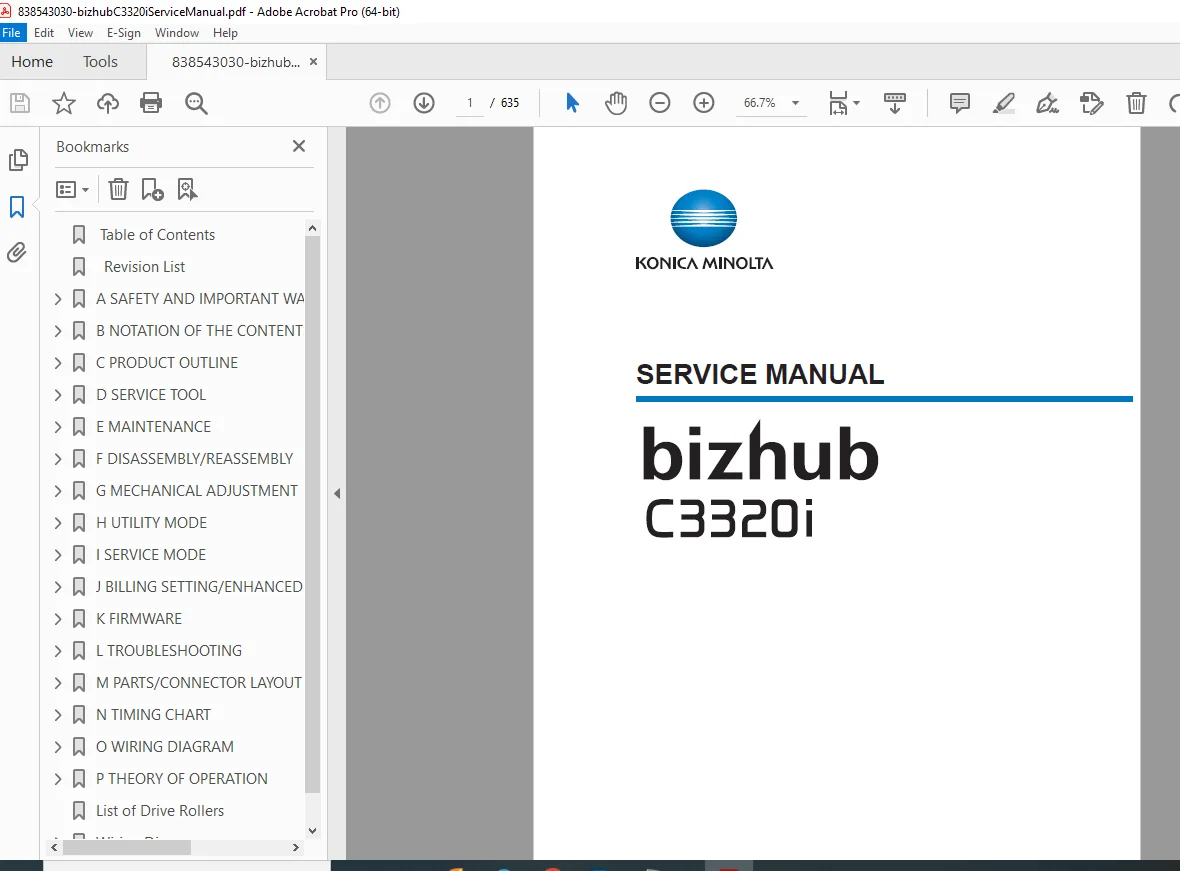
Konica Minolta bizhub C3320i Service Manual – Complete Factory PDF
Original price was: $95.00.$20.95Current price is: $20.95.
Official factory service manual for Konica Minolta bizhub C3320i. Covers safety, specifications, maintenance, disassembly, mechanical adjustments, service mode, firmware, diagnostics, jam & error codes, and full troubleshooting. A must-have professional guide for technicians and service engineers.
Description
Konica Minolta bizhub C3320i Service Manual – Complete Factory PDF DOWNLOAD
Description
This Konica Minolta bizhub C3320i Service Manual (Function Version 2.0 – 2020) is the complete factory-issued technical guide used by authorized service engineers. Spanning over 600 pages, it delivers in-depth procedures for maintenance, disassembly, adjustment, diagnostics, firmware handling, and troubleshooting of the bizhub C3320i color multifunction printer.
It is designed for field technicians, repair centers, and IT service teams who need accurate, manufacturer-approved instructions to maintain peak performance and resolve complex faults with confidence.
🗂️ What This Manual Covers (Structured from Factory TOC)
🔐 Safety & Warnings
Safety notices & hazard classifications
Laser safety & labels
Installation requirements
Power supply standards
On-site service checkpoints
Accident response procedures
🧩 Product Overview
Full specifications of bizhub C3320i
Paper handling & print volume
Optional units (PF-P20 / PF-P21, FK-517, FS-P04, CU-202, i-Option)
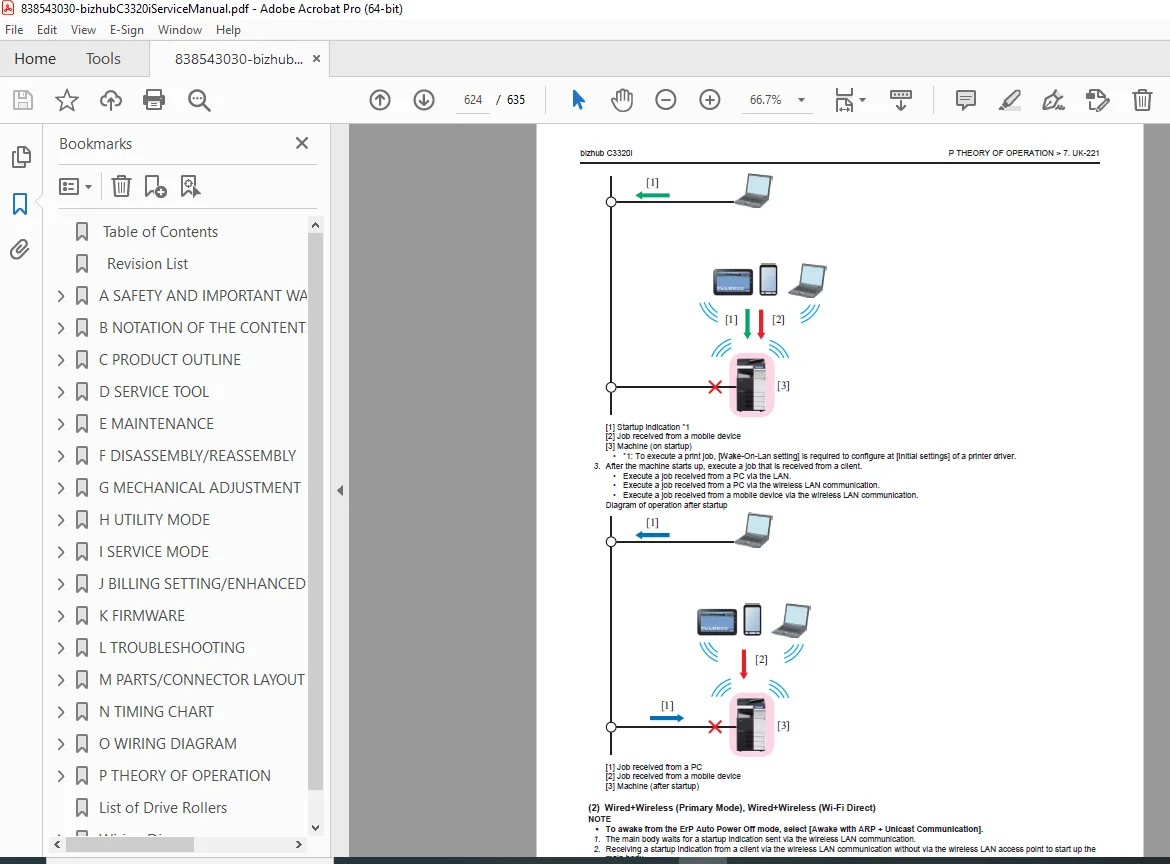
System configuration & block diagrams
Image forming process & control
🛠 Maintenance
Periodic replacement parts list
Roller, toner & imaging unit replacement
Transfer belt, fusing unit, waste toner bottle
Cleaning procedures for rollers, sensors, belts, ADF
Preventive maintenance routines
🔧 Disassembly & Reassembly
Exterior panels & covers
Major units (PH, fusing, drive, ADF, scanner)
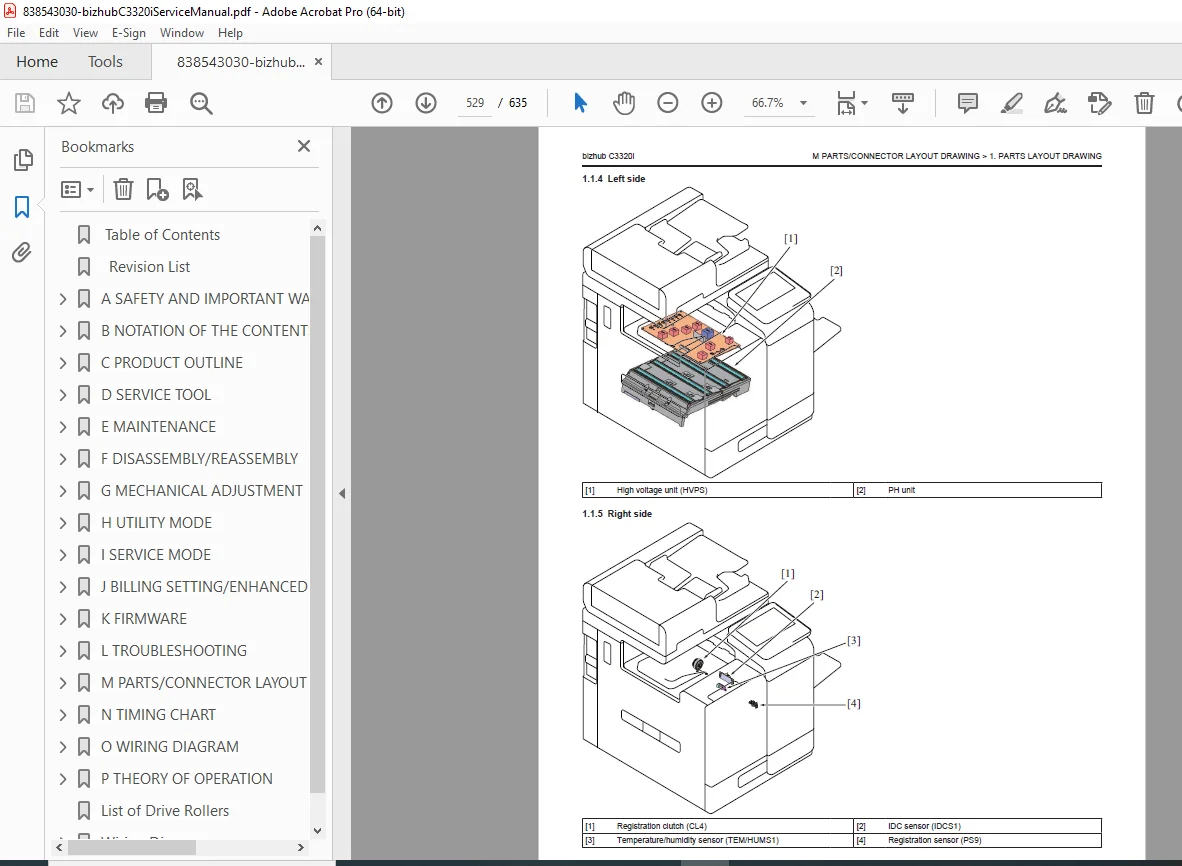
Boards (BASEB, CPUB, HVPS, DCPS, etc.)
Motors, clutches, sensors & fans
Optional units & accessories
🎯 Mechanical Adjustments
CIS alignment
Skew & image position adjustment
Original reading position calibration
⚙️ Utility & Service Modes
Administrator & expert settings
Network, security & user authentication
Firmware & auto-update configuration
Remote service & diagnostics
Image calibration & stabilization
🧠 Service Mode & Expert Settings
Fusing temperature & transport speed
Print & scan area calibration
Color registration adjustment
Transfer voltage tuning
Toner & density controls
Self-diagnostic tools
🔄 Firmware & Updates
USB & Internet firmware rewriting
Auto-update configuration
i-Option installation
Backup & recovery procedures
🚨 Troubleshooting & Error Codes
JAM codes & sensor layouts
Malfunction codes
Trouble codes (C0###, C2###, C3###, etc.)
Self-diagnostic (Full & Individual)
Network & Fax error codes
Boot diagnosis & blackout recovery
This is a true professional service manual, not a user guide—ideal for deep diagnostics and hardware-level servicing.
📄 File Details
| Specification | Details |
|---|---|
| Manual Name | Konica Minolta bizhub C3320i Service Manual |
| Models Covered | bizhub C3320i |
| Year | 2020 |
| Format | |
| Quality | High-resolution factory manual |
| Pages | 635 pages |
🚀 Why Buy This Manual?
This is the exact service manual used by Konica Minolta technicians. Download it instantly and gain complete control over maintenance, diagnostics, and repairs—eliminating guesswork and saving costly service calls from the very first job.