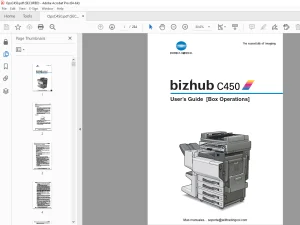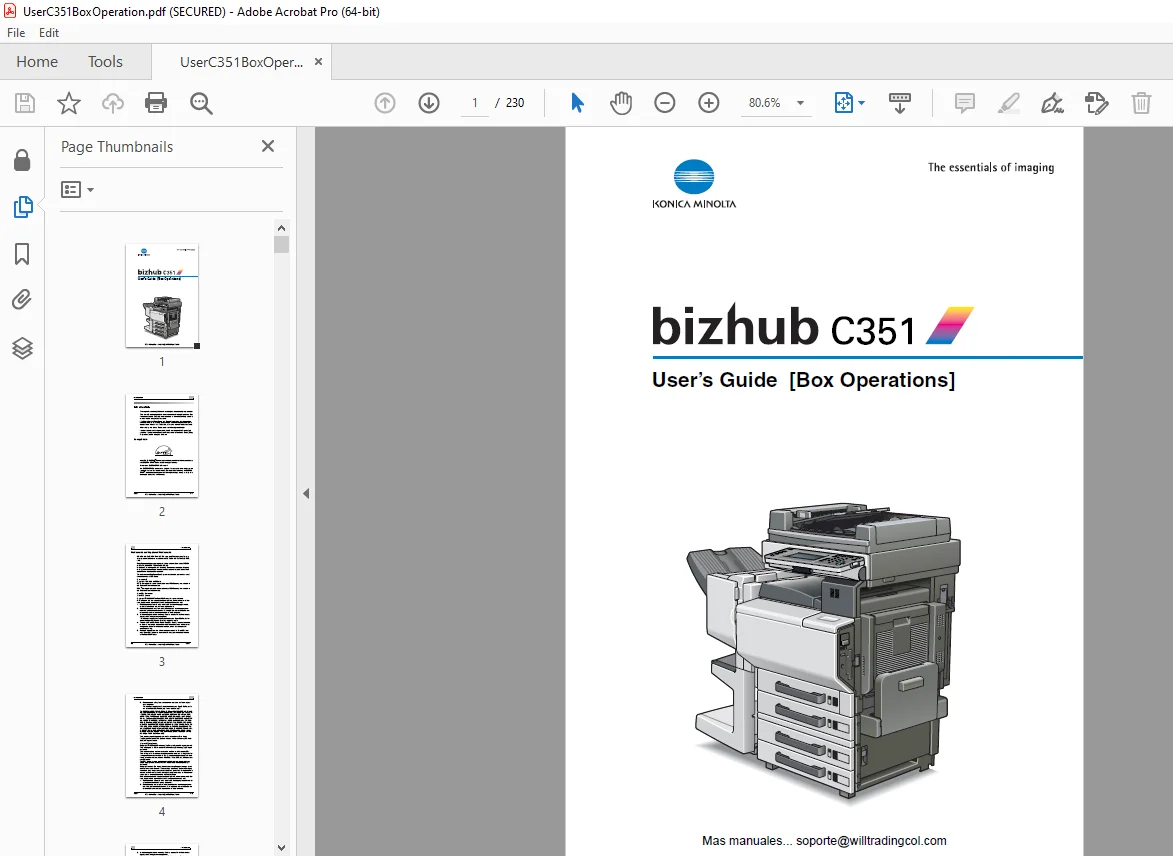
Konica Minolta bizhub C351 Box Operations Users Manual – PDF DOWNLOAD
$28.95
Konica Minolta bizhub C351 Box Operations Users Manual – PDF DOWNLOAD
Description
Konica Minolta bizhub C351 Box Operations Users Manual – PDF DOWNLOAD
FILE DETAILS:
Konica Minolta bizhub C351 Box Operations Users Manual – PDF DOWNLOAD
Language : English
Pages : 230
Downloadable : Yes
File Type : PDF
IMAGES PREVIEW OF THE MANUAL:
TABLE OF CONTENTS:
Konica Minolta bizhub C351 Box Operations Users Manual – PDF DOWNLOAD
bizhub C351 User’s Guide (Box Operations) 1
Introduction 2
Energy Star® 2
Trademarks and Registered Trademarks 3
Contents 6
About This Manual 13
Explanation of Manual Conventions 14
User’s Guides 15
CD-ROM Configuration 17
1 Overview of the Box Functions 20
11 Box Functions 21
12 Available Box Functions 23
13 Specifying Settings for Using the Box Functions 25
2 Saving Documents 26
21 Information on Saving Documents 27
22 Saving Copies in Boxes 29
23 Saving Sent/Received Faxes in Boxes 33
24 Saving Scnas in Boxes 40
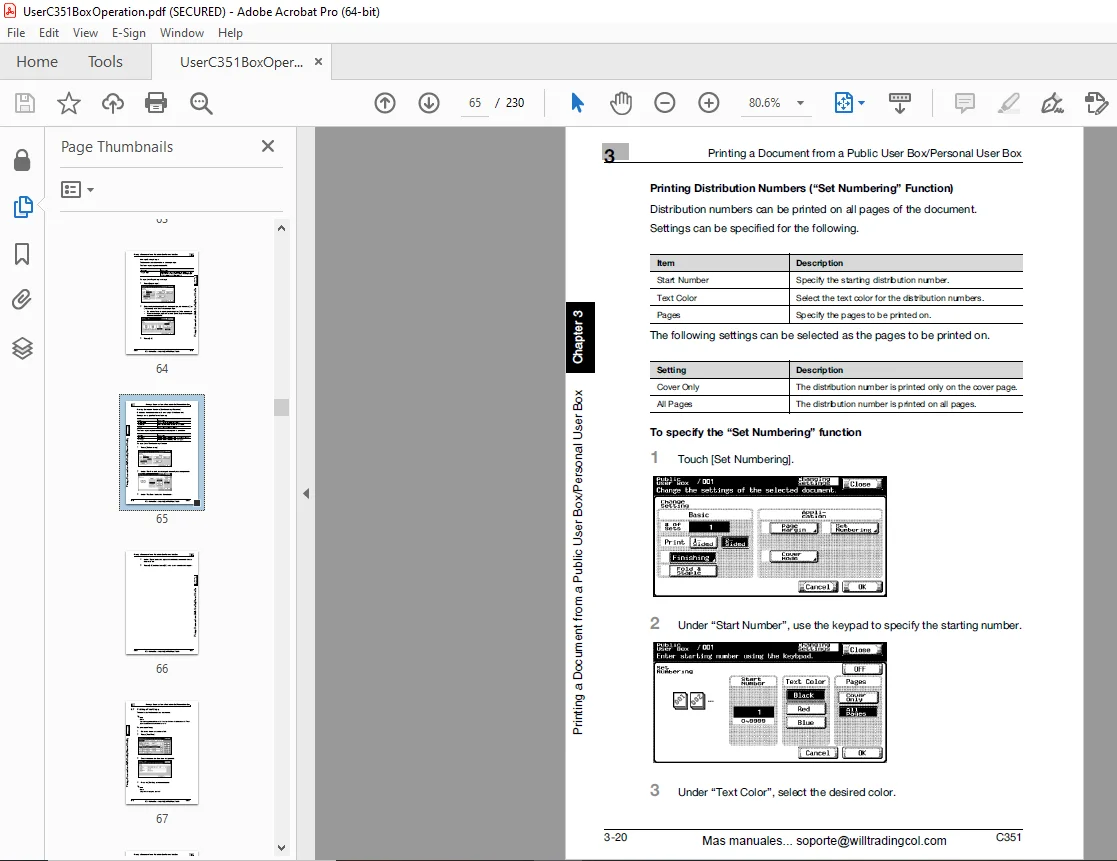
3 Printing a Document from a Public User Box/Personal User Box 46
31 Displaying the Box Mode Screen 47
32 Deleting Document Data 50
33 Changing the Document Name 51
34 Moving Document Data 52
35 Coping Document Data 54
36 Printing Document Data 56
37 Printing a Proof Copy 67
38 Combined Printing 68
4 Routing a Document from a Public User Box/Personal User Box 78
41 Editing Document Data 79
42 Routing 80
43 Specifying Destinations 83
44 Checking Settings Before Routing 94
5 Faxing a Document from a Public User Box/Personal User Box 98
51 Editing Document Data 99
52 Faxing100
53 Specifying Destinations102
54 Checking Settings Before Faxing108
6 Printing Documents from the System User Box110
61 Bulletin Boad User Box111
62 Polling TX User Box115
63 Memory RX User Box117
64 Secure Print User Box120
7 Importing Images from Boxes122
71 Features and Operating Environment123
72 Installing the HDD TWAIN Driver125
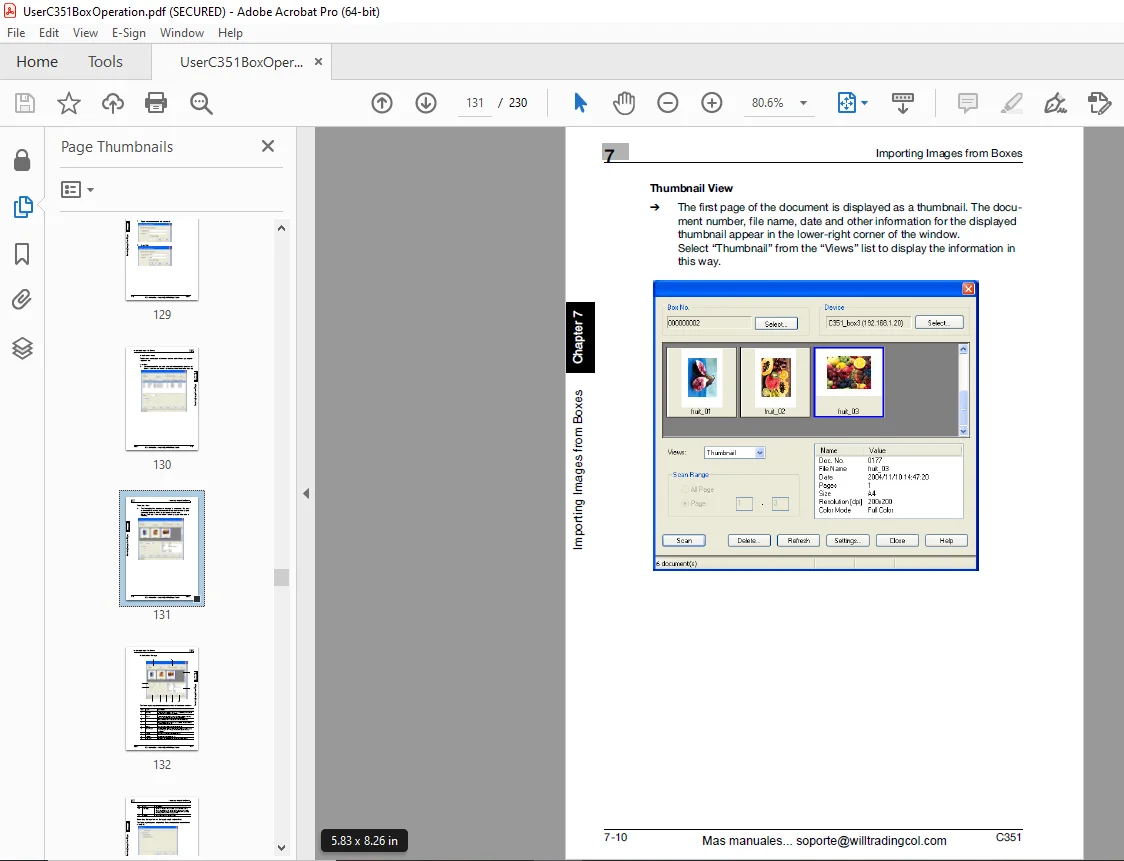
73 Importing Images126
74 Selecting Scanning Devices135
75 Registering New Scanning Devices137
76 Changing the Scanned Box142
8 Using PageScope Box Operator144
81 Using PageScope Box Operator145
82 Connecting to the Machine (MFP Controller)147
83 Displaying Documents159
84 Managing Documents165
85 Other Operations172
9 Control Panel Settings178
91 Specifying Settings from the Control Panel179
92 Registering Boxes180
93 Displaying the Admninstrator Setting Screen187
94 Specifying Box Administrator Settings189
95 Specifying Security Details Parameters192
96 Specifying HDD Setting Parameters193
10 Specifying Settings Uisng PageScope Web Connection200
101 Settings That Can Be Specified Using PageScope Web Connection201
102 Using PageScope Web Connection203
103 Using Box Tab (User Mode)208
104 User Box Tab (Administrator Mode)212
105 Network TAb (Administrator Mode)215
11 Appendix216
111 Error Message List217
112 Entering Text218
113 Glossary222
114 Index226
DESCRIPTION:
Konica Minolta bizhub C351 Box Operations Users Manual – PDF DOWNLOAD
INTRODUCTION:
- This User’s Guide contains details on the operations required to use the Box functions of bizhub C351 and the precautions on their use. Carefully read this manual before using these functions.
- If software (such as Page Scope Job Spooler) other than that described in this User’s Guide is installed, data saved in a box can be accessed from a computer on the network. For details, refer to the manual for each software.
- After reading this User’s Guide, store it in the designated holder. In order to ensure that this machine is used correctly and safely, carefully read the “Installation and Operation Precautions” in the User’s Guide [Copy Operations] before using the machine.
ABOUT THIS MANUAL:
- About This Manual This user’s guide covers the bizhub C351 box functions. This section introduces the structure of the manual and notations used for product names, etc.
- This manual is intended for users who understand the basic operations of PCs and the machine.
- For the operating procedures of Windows or Macintosh operating system and application programs, refer to the respective manuals.
Structure of the Manual This manual consists of the following chapters:
G.B 28/02/25