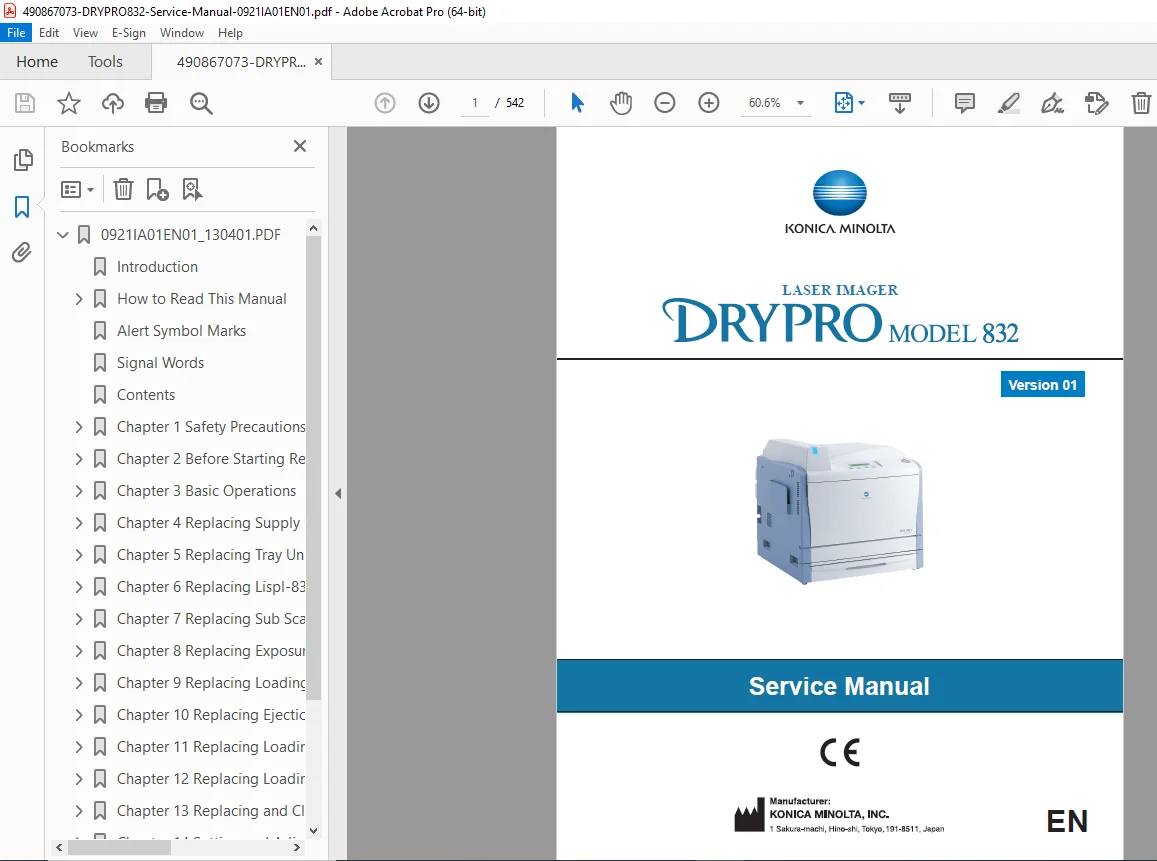
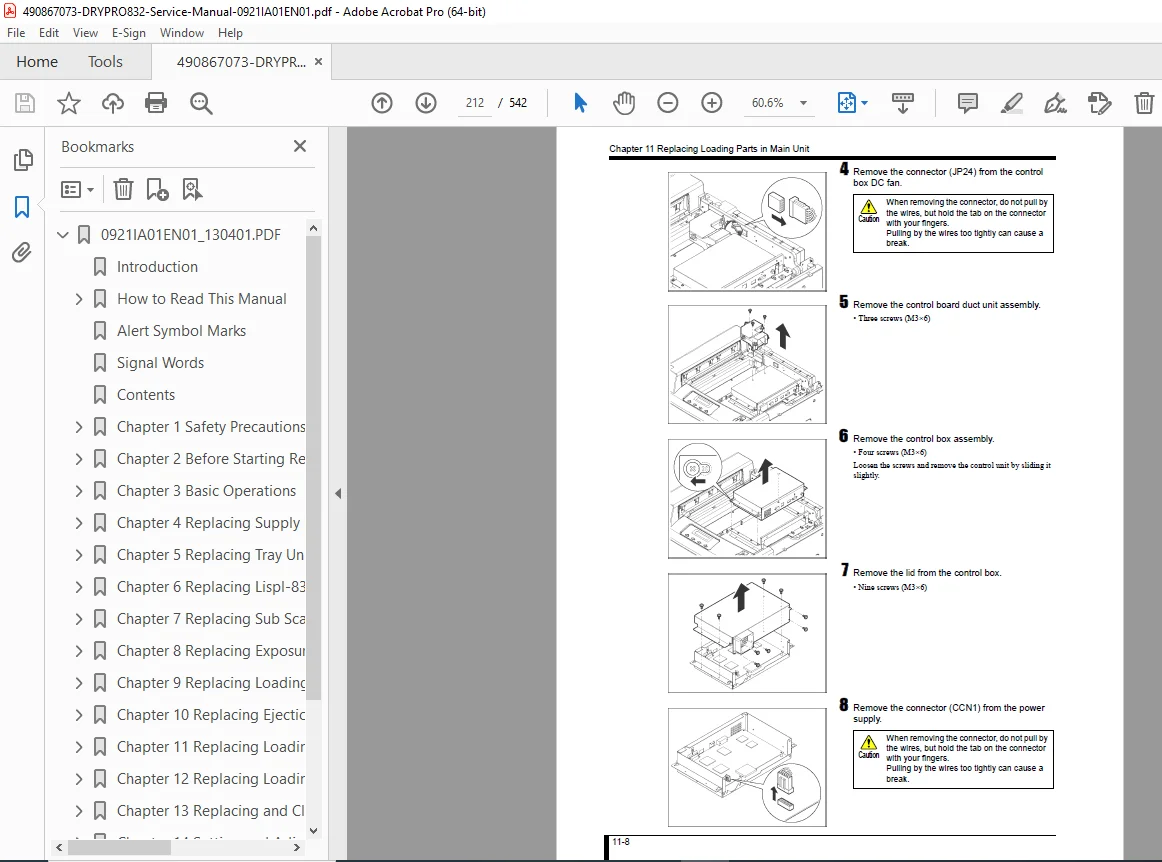
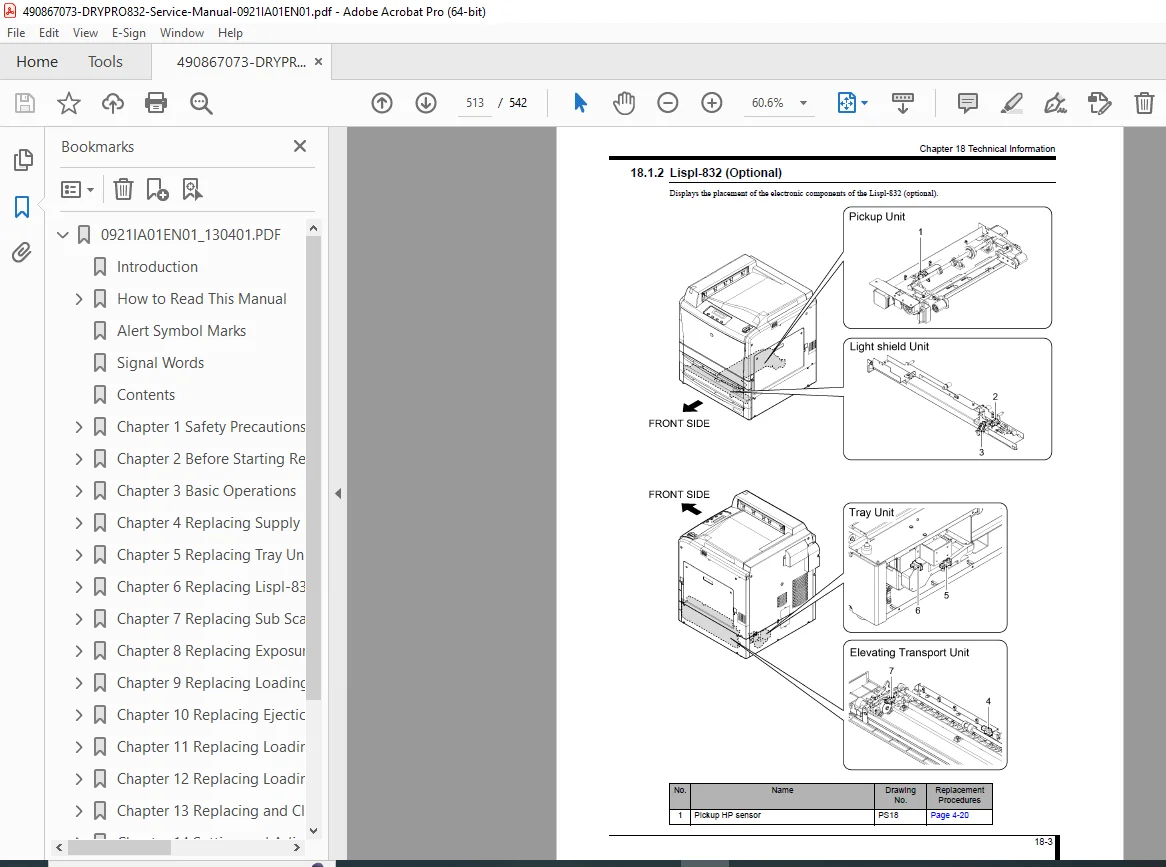
Konica Minolta DRYPRO 832 Laser Imager Service Manual PDF
Original price was: $95.00.$20.95Current price is: $20.95.
Download the complete Konica Minolta DRYPRO 832 Laser Imager Service Manual (Version 01) in PDF format. Covers safety procedures, unit disassembly, exposure unit replacement, heat process unit servicing, board diagrams, wiring diagrams, troubleshooting, calibration, MainteTool utility, error codes, and technical block diagrams. Essential for certified medical equipment service engineers. Instant digital download.
Description
Konica Minolta DRYPRO 832 Laser Imager Service Manual PDF DOWNLOAD
Description
Konica Minolta DRYPRO 832
Laser Imager Service Manual – Version 01
This is the official Konica Minolta DRYPRO 832 Laser Imager Service Manual (EN Version 01), designed for professional biomedical engineers and certified service technicians.
The DRYPRO 832 is a totally dry processing laser imager used in medical imaging environments, delivering high-resolution film output with laser exposure and heat processing technology.
This service manual provides detailed repair procedures, mechanical breakdowns, electronic diagnostics, calibration instructions, troubleshooting workflows, and full technical documentation.
Table of Contents
Chapter 1 – Safety Precautions and Warnings
Warning Labels & Locations
Laser Safety (Class 3B, 784nm, 260mW)
EMC Compliance Statements
Handling & Servicing Precautions
Disposal Guidelines
Laser Power & Safety Markings
Chapter 2 – Before Starting Repair Work
Unit Exterior Components
Unit Interior Components
Supply Tray
Lispl-832 (Optional)
Structural Layout
Tools & Measuring Instruments Required
Chapter 3 – Basic Operations
Removing/Installing Supply Tray
Opening/Closing Covers
Removing/Installing Exterior Covers
Removing/Installing Film Ejection Tray
Rear Cover Removal
Installing Grounding Strap
Manual Tray Unlocking
Chapter 4 – Replacing Supply Unit Loading Parts
Light Shield Unit
Pickup Unit
Pickup Transport Motor
Pickup HP Sensor
Film Height Detection Sensor
Chapter 5 – Replacing Tray Unit Loading Parts
Supply Elevating Motor
Elevating Plate Sensor
Tray Lock Solenoid
Tray Detection Sensor
Chapter 6 – Lispl-832 (Optional) Loading Parts
Chapter 7 – Sub Scan Unit Replacement
Position Regulation Unit
Transport Motors
Transfer Belt
Sub Scan Nip Motor
V-Sync Sensor
Reference Guide
Chapter 8 – Exposure Unit Replacement
Exposure Unit Installation
Laser Writing System
Chapter 9 – Heat Process Unit
Heater Replacement
Temperature Sensors
Cooling Fans
Deodorant Fan & Filter
Chapter 10 – Ejection Unit Replacement
Chapter 11 – Main Unit Loading Parts
Main Board Replacement
Compact Flash Replacement
MEC Board
Multiple Power Supply
H-DRV Board
Noise Filter
Chapter 12 – Exterior Main Unit Parts
LCD Board
Status Lamp
Operation Switch Board
Chapter 13 – Periodic Maintenance
Pickup Roller Replacement
Opposed Roller
Cleaning Guide
Air Filter Cleaning
Chapter 14 – Setting and Adjustment
Image Unevenness Correction
Density Calibration
Main & Sub Scan Offset Adjustment
Print Size Calibration
Chapter 15 – DRYPRO 832 Utility Tool
Print Queue
Calibration Setup
Error History
Densitometer Calibration
Image Adjust
System Reset
Chapter 16 – MainteTool (Service PC Utility)
Network Setup
Backup & Restore
Firmware Upgrade
Log Collection
IMAGER I/O Testing
Laser Beam Intensity Measurement
Chapter 17 – Troubleshooting
Startup Failures
Film Jam Solutions
Print Image Issues
Pickup Malfunctions
Error Code Display Solutions
Unit Replacement Procedures
Chapter 18 – Technical Information
Electronic Part Placement
Mechanical Layout
Board Diagrams
Block Diagrams
Writing Diagram
Timing Charts
Film Management Specifications
🔬 Technical Highlights
Laser wavelength: 784 nm
Maximum laser output: 260 mW
Class 1 / Class 3B Laser product sections
EMC compliance IEC 60601-1-2
Built-in Densitometer Calibration
Laser Beam Intensity Measurement Procedure
📌 File Details
| Item | Details |
|---|---|
| Manual Name | DRYPRO 832 Service Manual |
| Model | DRYPRO 832 |
| Brand | Konica Minolta |
| Version | Version 01 |
| Language | English |
| Manual Type | Service / Repair / Technical Manual |
| PDF Quality | High-quality scanned OEM manual |
| Total Pages | 542 Pages |
Medical imaging downtime is costly. This official DRYPRO 832 Service Manual provides full factory repair procedures, calibration methods, and technical diagrams needed for safe and accurate servicing. Buy now and download instantly to restore your laser imager with confidence.