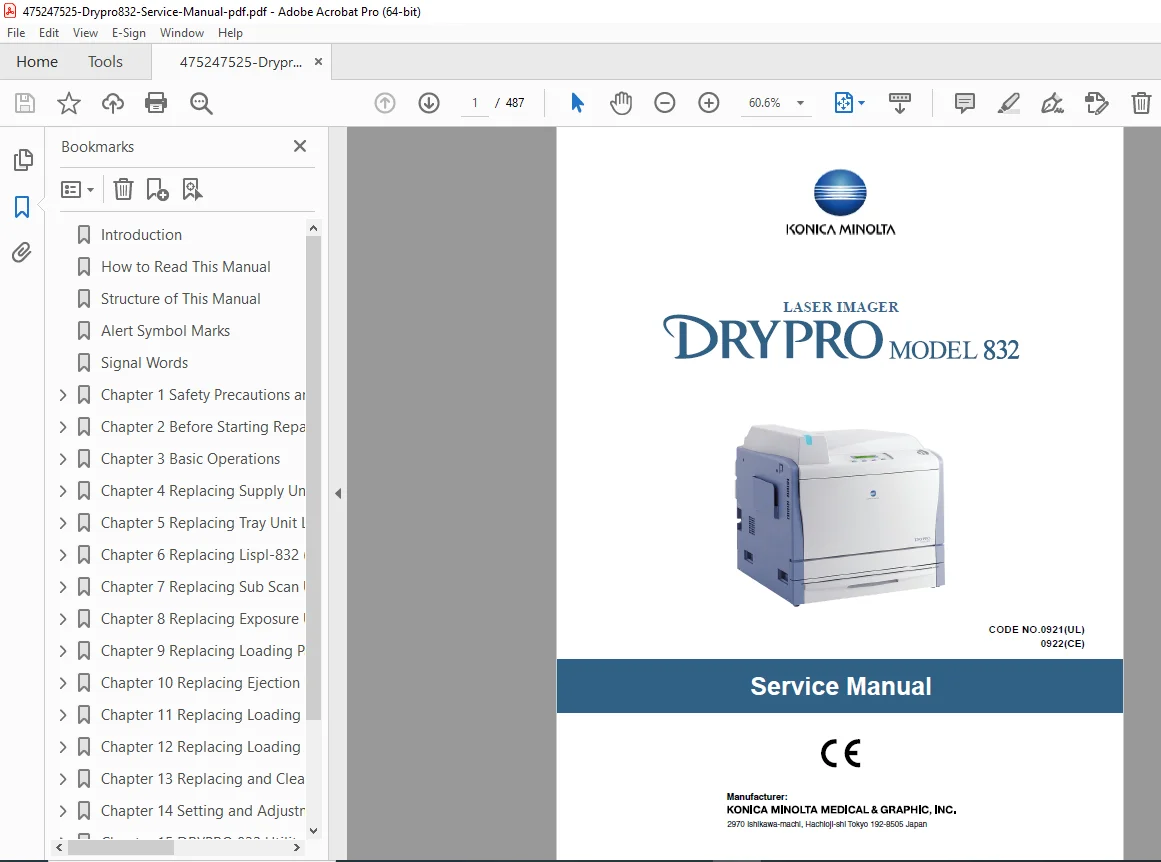
Konica Minolta DRYPRO 832 Service Manual Repair, Error Codes & Calibration PDF
Original price was: $95.00.$25.95Current price is: $25.95.
Official Service Manual for the Konica Minolta DRYPRO 832 Laser Imager. This comprehensive guide covers every aspect of machine maintenance, from disassembly and parts replacement (Supply Unit, Heat Process Unit) to advanced troubleshooting with error codes and image quality calibration. Essential for biomedical technicians maintaining dry film processors.
Description
Konica Minolta DRYPRO 832 Service Manual Repair, Error Codes & Calibration PDF DOWNLOAD
DESCRIPTION
Maximize Uptime for Your Medical Imaging Department
The Konica Minolta DRYPRO 832 Service Manual is an indispensable resource for biomedical engineers and qualified technicians. This Dry Laser Imager is a workhorse in radiology departments, and having the factory-correct procedures for repair and calibration is critical for maintaining diagnostic image quality.
This manual provides deep-level access to the machine’s internal systems, allowing you to troubleshoot complex logic errors, replace worn mechanical components, and perform precise optical alignments.
Key Technical Coverage Includes:
Comprehensive Troubleshooting:
Error Code Database: Detailed definitions and solutions for System Errors (E3000 HPRO, E3052 Temp Error), Film Jams (E4511), and Communication Errors (F800B).
Logic Trees: Step-by-step isolation procedures for startup failures, film transport issues, and image artifacts.
Parts Replacement & Disassembly:
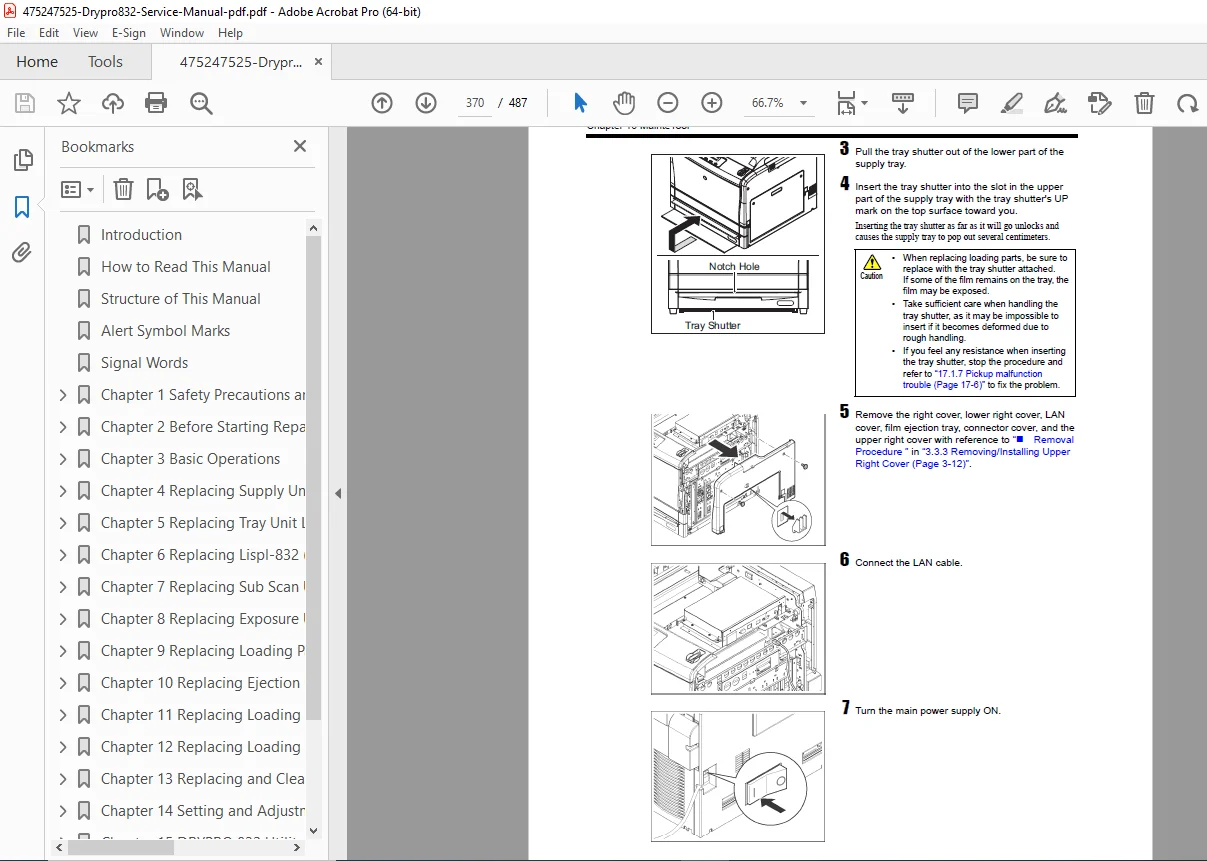
Supply Unit: Instructions for replacing Pickup Rollers, Tray Sensors, and Tray Lock Solenoids.
Heat Process Unit: Safe procedures for replacing Heaters, Temperature Sensors, and Deodorant Fans.
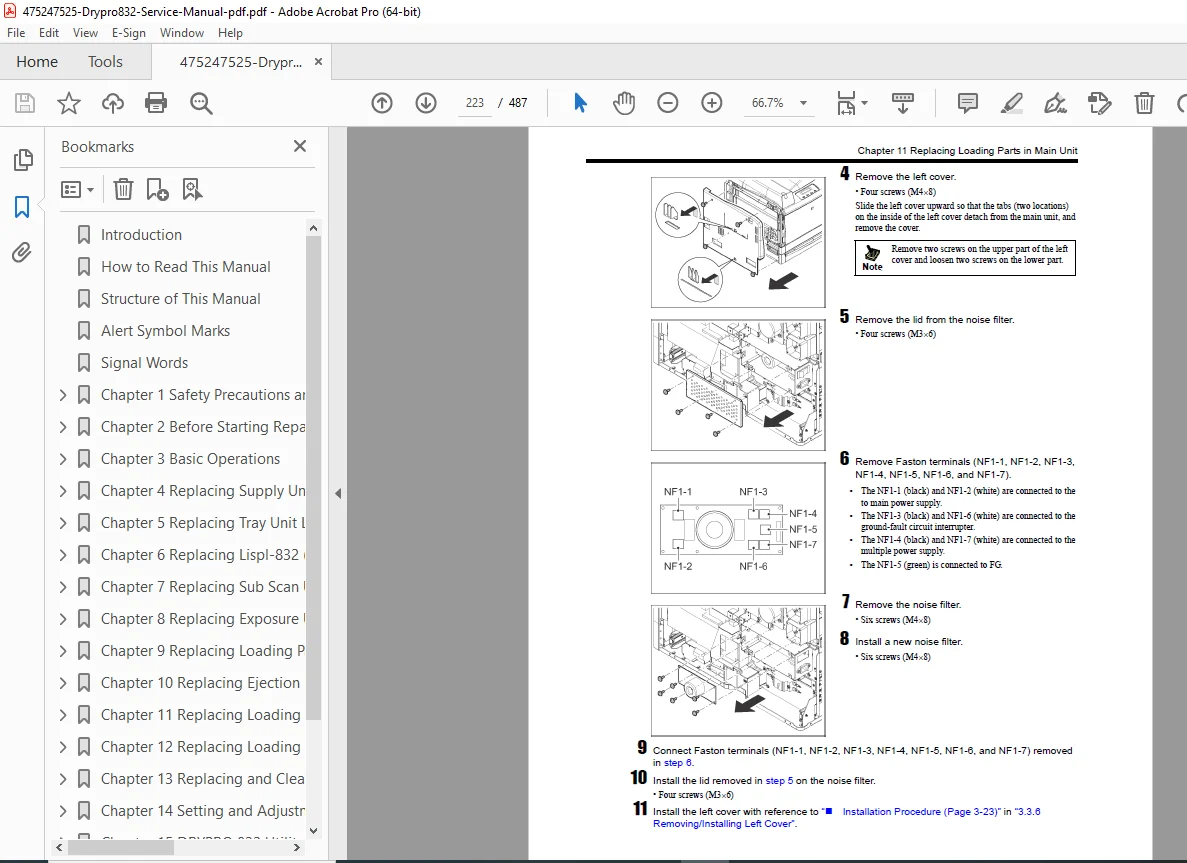
Electronics: Guide to removing and installing the Main Board, MEC Board, Multiple Power Supply, and H-DRV Board.
Exposure Unit: Critical steps for handling and replacing the laser exposure assembly.
Calibration & Image Quality:
Image Correction: Procedures for Density Correction, Pitch Unevenness Correction, and Shading Correction.
Mechanical Adjustment: Fine-tuning Main Scan and Sub Scan OFFSET writing positions.
Utility Tool: Full guide to using the DRYPRO 832 Utility Tool for system setup, motor testing, and sensor checks.
Maintenance Schedules:
Periodic cleaning tasks for intake air filters, cleaning guides, and roller inspection intervals (every 50,000 sheets).
Manual Structure (Abbreviated):
Chapter 1-3: Safety, Precautions, & Basic Operations (Cover removal)
Chapter 4-6: Supply Unit & Tray Parts Replacement
Chapter 7-8: Sub Scan & Exposure Unit Service
Chapter 9: Heat Process Unit (Heaters & Fans)
Chapter 11-12: Main Unit Electronics & Operation Panel
Chapter 14-15: Settings, Adjustments & Utility Tool
Chapter 17: Troubleshooting & Error History
Chapter 18: Technical Diagrams & Timing Charts
FILE DETAILS
Manual Name: Konica Minolta DRYPRO 832 Service Manual (Code No. 0921/0922)
Models Covered: DRYPRO MODEL 832 (Dry Laser Imager)
File Type: Digital PDF (Searchable, Indexed)
Total Pages: 487 Pages
Content: Repair Procedures, Schematics, Error Codes, Wiring Diagrams
⚡ INSTANT DOWNLOAD: Stop guessing at error codes and start fixing the problem. Download the official Konica Minolta DRYPRO 832 Service Manual right now to get your imager back in service and ensure perfect diagnostic prints every time!