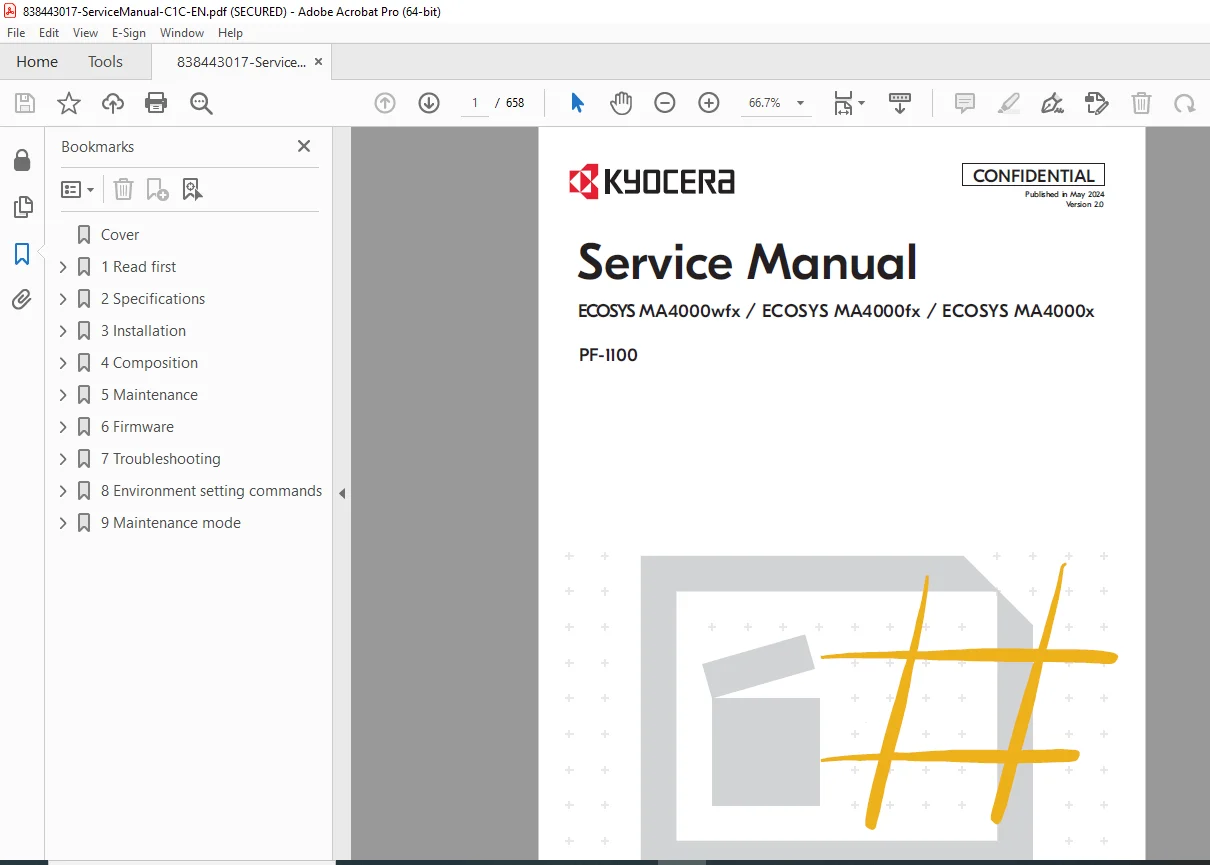
Kyocera ECOSYS MA4000wfx, MA4000fx & MA4000x Service Repair Manual (2024) PDF
Original price was: $85.00.$18.95Current price is: $18.95.
This official 2024 Kyocera ECOSYS MA4000 Series Service Manual is the definitive guide for professional repair and maintenance. It covers the full MA4000wfx, MA4000fx, and MA4000x lineup, including the PF-1100 paper feeder. Features detailed maintenance mode codes, complete troubleshooting error codes (J-codes, C-codes), and step-by-step disassembly instructions for the fuser, drum, and developer units.
Description
Kyocera ECOSYS MA4000wfx, MA4000fx & MA4000x Service Repair Manual (2024) PDF DOWNLOAD
Description
Optimize the performance and lifespan of your Kyocera laser printers with this high-quality, searchable Kyocera ECOSYS MA4000wfx, MA4000fx, and MA4000x Service Manual. Published in May 2024 (Version 2.0), this ~660-page document provides authorized technicians with the proprietary information needed for deep-level diagnostics, component replacement, and system initialization.
Whether you are performing a Kyocera MA4000x fuser replacement, resolving complex network errors, or calibrating image quality, this manual offers precise instructions. It includes a comprehensive section on MA4000fx maintenance mode codes (U-codes) to reset counters, adjust timing, and configure hardware settings not accessible to standard users.
Key Topics Covered:
Installation & Setup:
Main unit installation environment and flow.
Kyocera PF-1100 service manual installation instructions.
Wireless network configuration and altitude adjustment modes.
Maintenance Mode (U-Codes):
Complete list of service modes (e.g., U000 Output Report, U021 Initialize Memory).
U130 Set Toner Install, U110 Drum Counter, and U402 Adjust Print Margin.
MA4000wfx firmware update guide via USB.
Disassembly & Assembly:
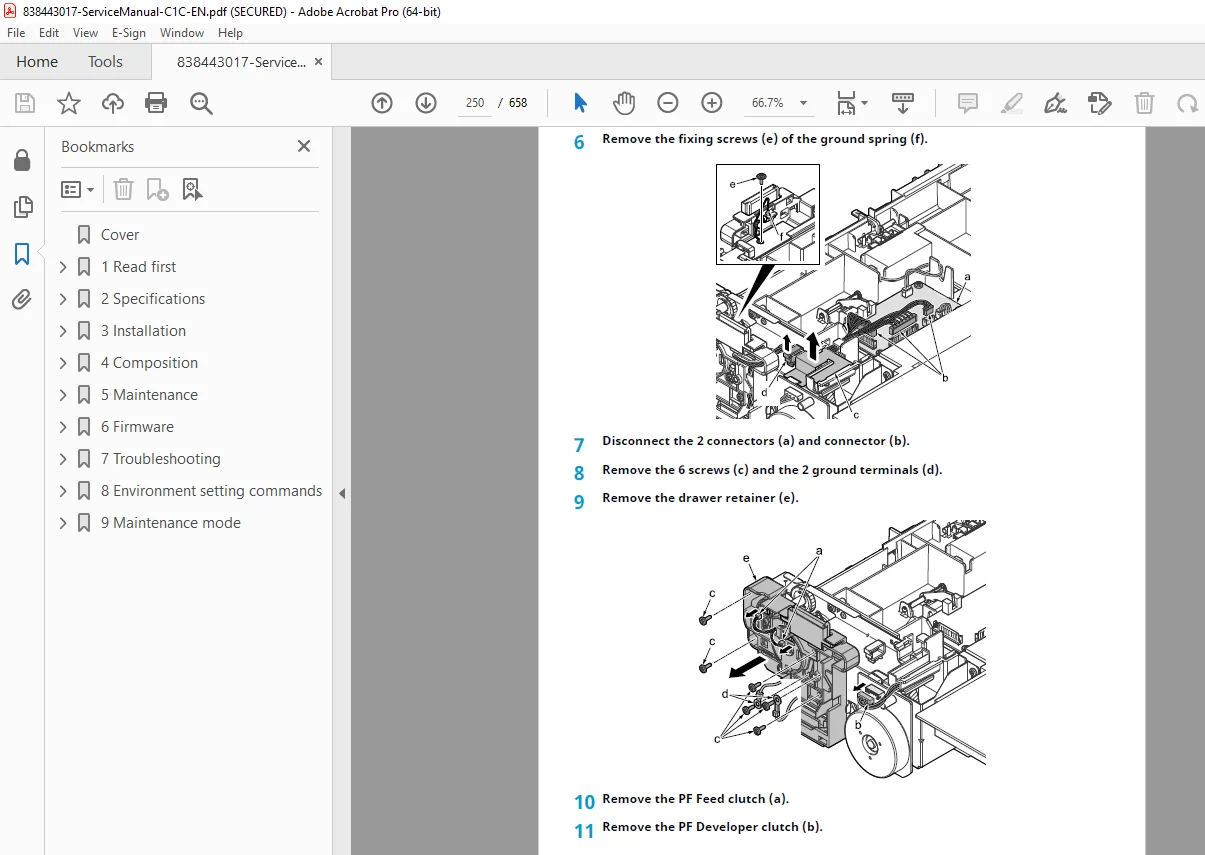
Removal of Exterior Covers, Operation Panel, and PWBs (Main/Engine, High Voltage).
Replacement of critical units: Drum Unit, Developer Unit, Fuser Unit, and Laser Scanner Unit (LSU).
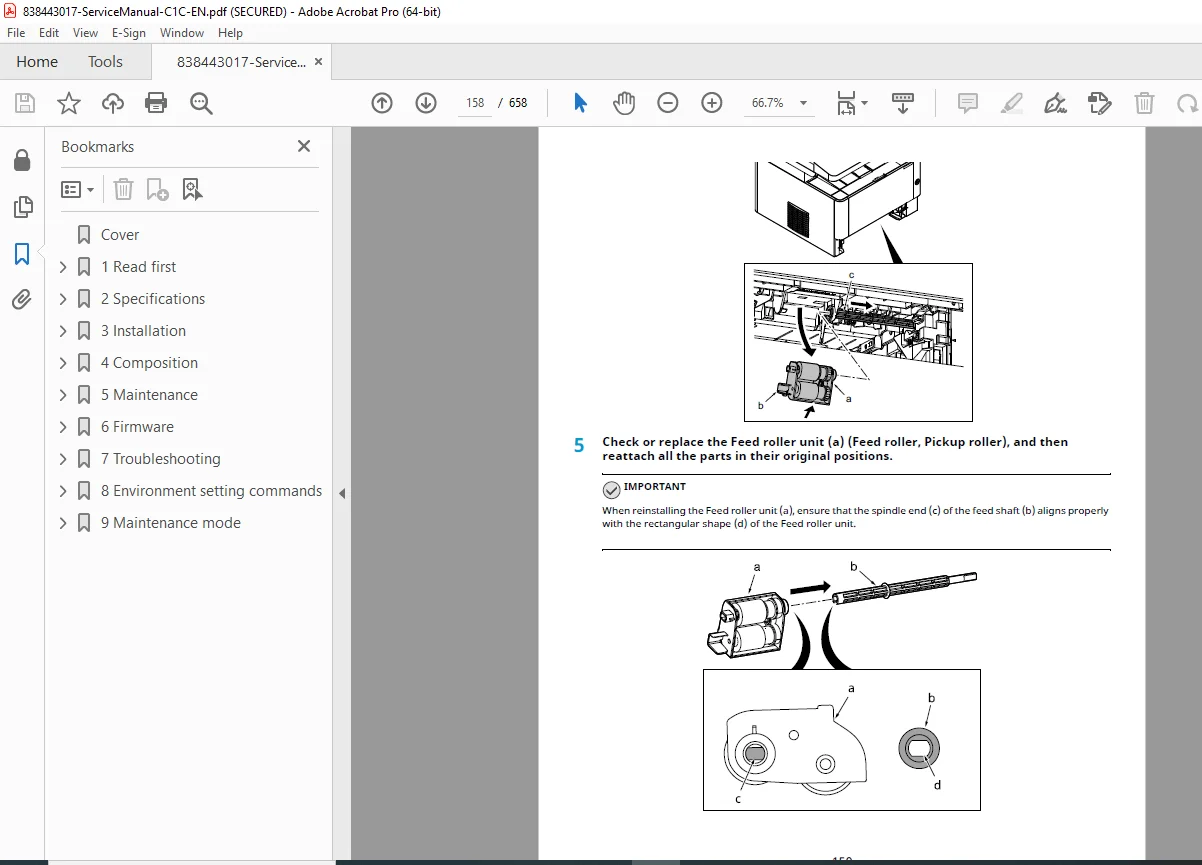
Paper feed rollers and separation pad replacement.
Troubleshooting & Error Codes:
ECOSYS MA4000 error codes list: Detailed charts for C-codes (Service Calls), F-codes (System Errors), and J-codes (Paper Jams).
Image quality troubleshooting: Solving issues like black dots, blurred characters, and background overlapping.
Self-diagnostic procedures and event log analysis.
Diagrams & Theory:
Wiring diagrams, PWB connector layouts, and signal lists.
Cross-section views of the main unit and paper path.
Table of Contents Overview:
Chapter 1: General Information (Specs, Safety)
Chapter 2: Specifications (Main Unit, Paper Feeder PF-1100)
Chapter 3: Installation (Unboxing, Toner Setup, Network)
Chapter 4: Disassembly and Assembly
Maintenance Kit Replacement
PWB Replacement
Unit Replacement (Fuser, Drum, Developer)
Chapter 5: Maintenance Mode (Detailed U-Code List)
Chapter 6: Troubleshooting
Image Formation Problems
Error Codes (Cxxxx, Fxxxx, Jxxxx)
Chapter 7: Appendix (Wiring Diagrams, Charts)
Short File Details
Manual Name: Kyocera ECOSYS MA4000wfx / MA4000fx / MA4000x Service Manual
Models Covered: ECOSYS MA4000wfx, ECOSYS MA4000fx, ECOSYS MA4000x, PF-1100 (Paper Feeder)
Year: 2024 (Version 2.0)
Manual PDF Quality: High Quality, Fully Searchable, Digital Original (Vector)
No. of Pages: ~658 Pages