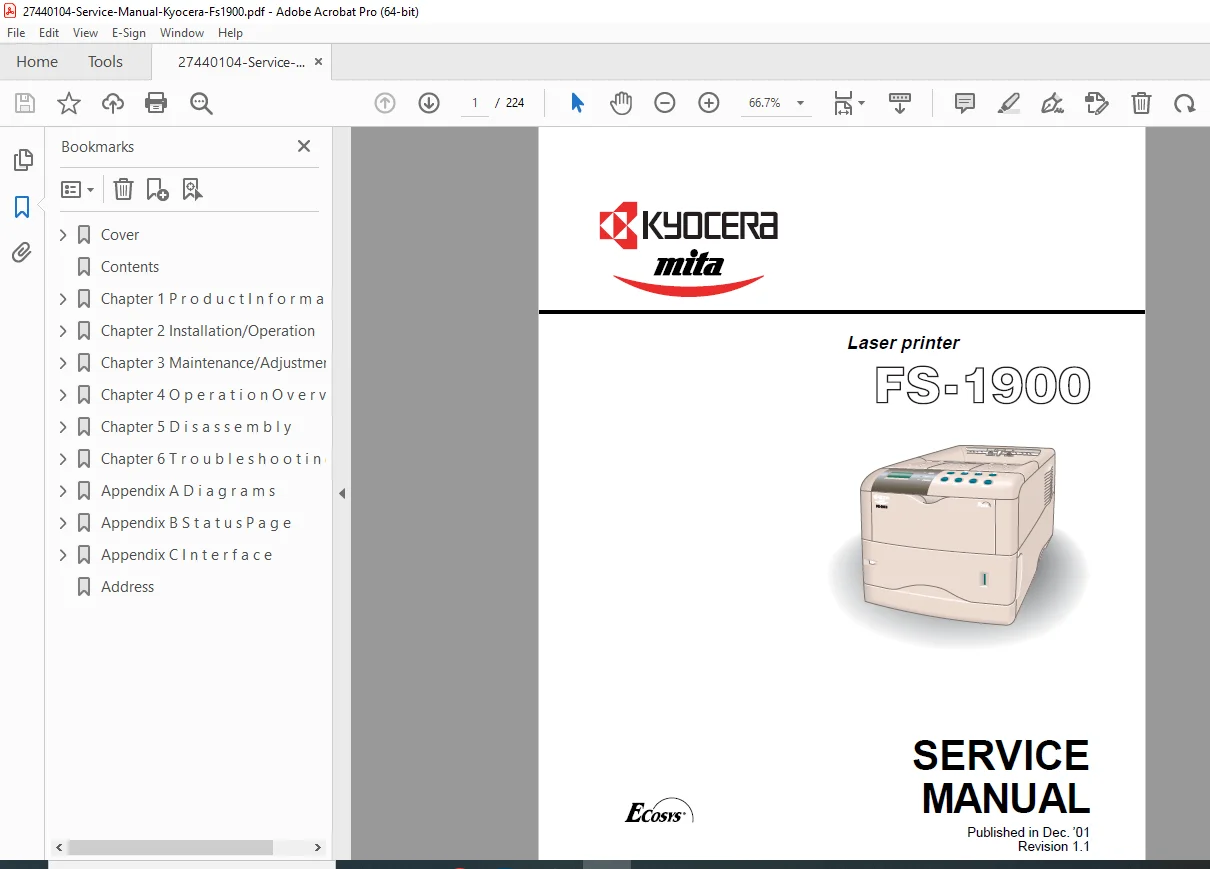
Kyocera FS-1900 Service Manual PDF DOWNLOAD
Original price was: $65.00.$19.95Current price is: $19.95.
Detailed Kyocera FS-1900 service manual PDF for laser printer troubleshooting guide, FS-1900 disassembly procedures, Kyocera printer maintenance instructions, FS-1900 error codes diagnostics, laser printer wiring diagrams, and FS-1900 parts list. Covers general information, operation, disassembly, maintenance, troubleshooting, and appendix for the FS-1900 laser printer model.
Description
Kyocera FS-1900 Service Manual PDF DOWNLOAD
Description
This Kyocera FS-1900 service manual PDF (Revision 1.1, December 2001) is a key resource for technicians servicing the FS-1900 laser printer. It offers a thorough laser printer troubleshooting guide with diagnostics for paper jams, image defects, and electrical issues. The manual includes step-by-step FS-1900 disassembly procedures for components like the fuser, drum unit, and paper feed assembly. Kyocera printer maintenance instructions cover cleaning, lubrication, and periodic replacements. FS-1900 error codes diagnostics provide remedies for fault codes and self-tests. Laser printer wiring diagrams detail circuits for power supply and controls. The FS-1900 parts list features exploded views and part numbers.
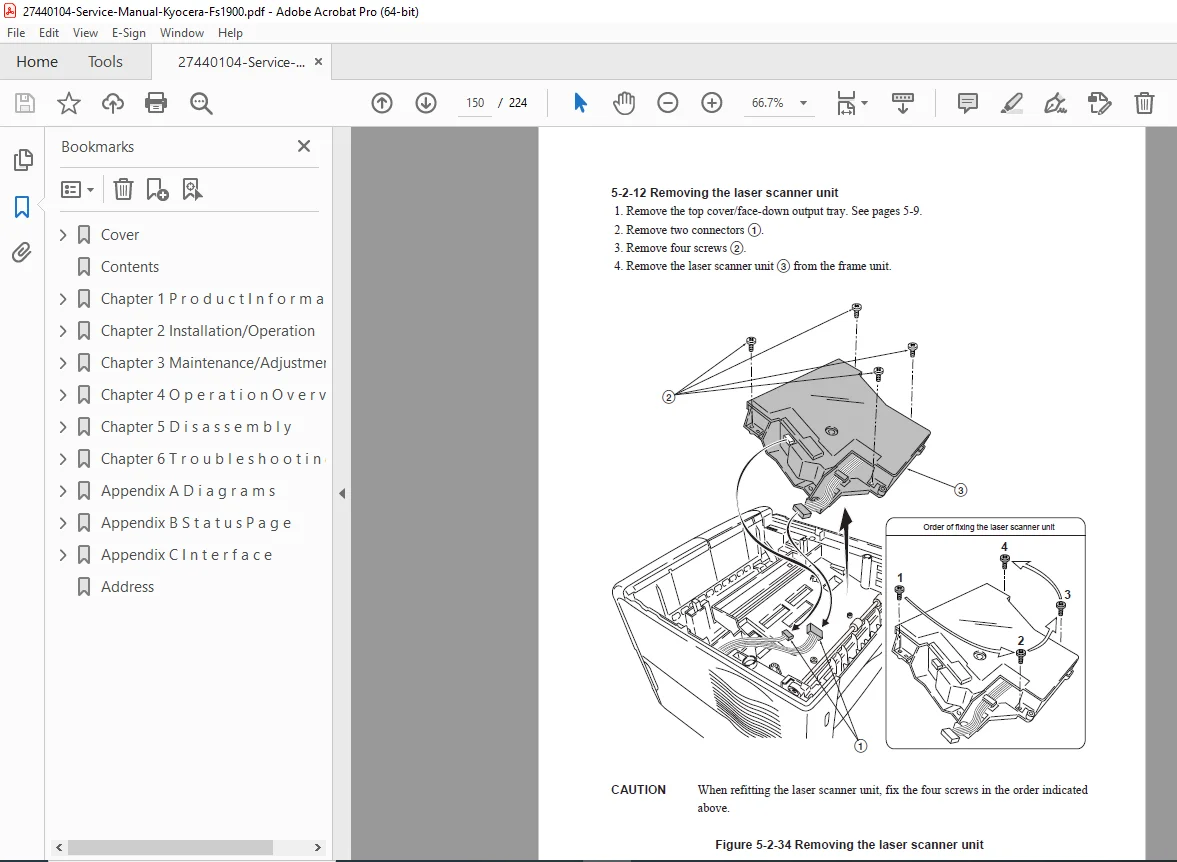
Safety notes highlight laser and high-voltage hazards. Visual aids like diagrams and schematics enhance the laser printer troubleshooting guide and FS-1900 disassembly procedures.
Table of Contents (Nested Bullet Format; Extracted from Standard Structure):
- 1. General Information (Page 1-1)
- 1-1 Specifications (Page 1-1)
- 1-2 Handling Precautions (Page 1-5)
- 1-3 Maintenance and Inspection (Page 1-7)
- 1-4 Parts Names and Functions (Page 1-10)
- 1-5 Operation Overview (Page 1-14)
- 1-6 Mechanical Construction (Page 1-16)
- 1-7 Electrical Parts Layout (Page 1-20)
- 1-8 Wiring Diagram (Page 1-22)
- 2. Operation (Page 2-1)
- 2-1 Unpacking and Inspection (Page 2-1)
- 2-2 Installation Environment (Page 2-3)
- 2-3 Installation (Page 2-5)
- 2-4 Service Mode (Page 2-10)
- 2-5 Maintenance Mode (Page 2-15)
- 3. Disassembly and Reassembly (Page 3-1)
- 3-1 Outer Covers (Page 3-1)
- 3-2 Paper Feed Unit (Page 3-5)
- 3-3 Main Charger Unit (Page 3-10)
- 3-4 Drum Unit (Page 3-12)
- 3-5 Developing Unit (Page 3-15)
- 3-6 Transfer/Separation Unit (Page 3-18)
- 3-7 Fuser Unit (Page 3-20)
- 3-8 Laser Scanner Unit (Page 3-25)
- 3-9 Drive Unit (Page 3-28)
- 3-10 Electrical Components (Page 3-30)
- 4. Maintenance and Adjustments (Page 4-1)
- 4-1 Maintenance Schedule (Page 4-1)
- 4-2 Cleaning (Page 4-3)
- 4-3 Adjustment of Image (Page 4-5)
- 4-4 Adjustment of Registration (Page 4-8)
- 4-5 Adjustment of High Voltage (Page 4-10)
- 4-6 Adjustment of LSU (Page 4-12)
- 4-7 Adjustment of Fuser Temperature (Page 4-14)
- 5. Troubleshooting (Page 5-1)
- 5-1 Paper Misfeed (Page 5-1)
- 5-2 Image Formation Problems (Page 5-5)
- 5-3 Electrical Problems (Page 5-10)
- 5-4 Error Codes (Page 5-15)
- 6. Appendix (Page 6-1)
- Parts List (Page 6-1)
- Wiring Diagram (Page 6-20)
- Maintenance Parts List (Page 6-25)
File Details
- Manual Name: SERVICE MANUAL Kyocera FS-1900
- Models Covered: FS-1900
- Year: 2001
- Manual PDF Quality: Scanned with clear text and diagrams
- No of Pages: 224