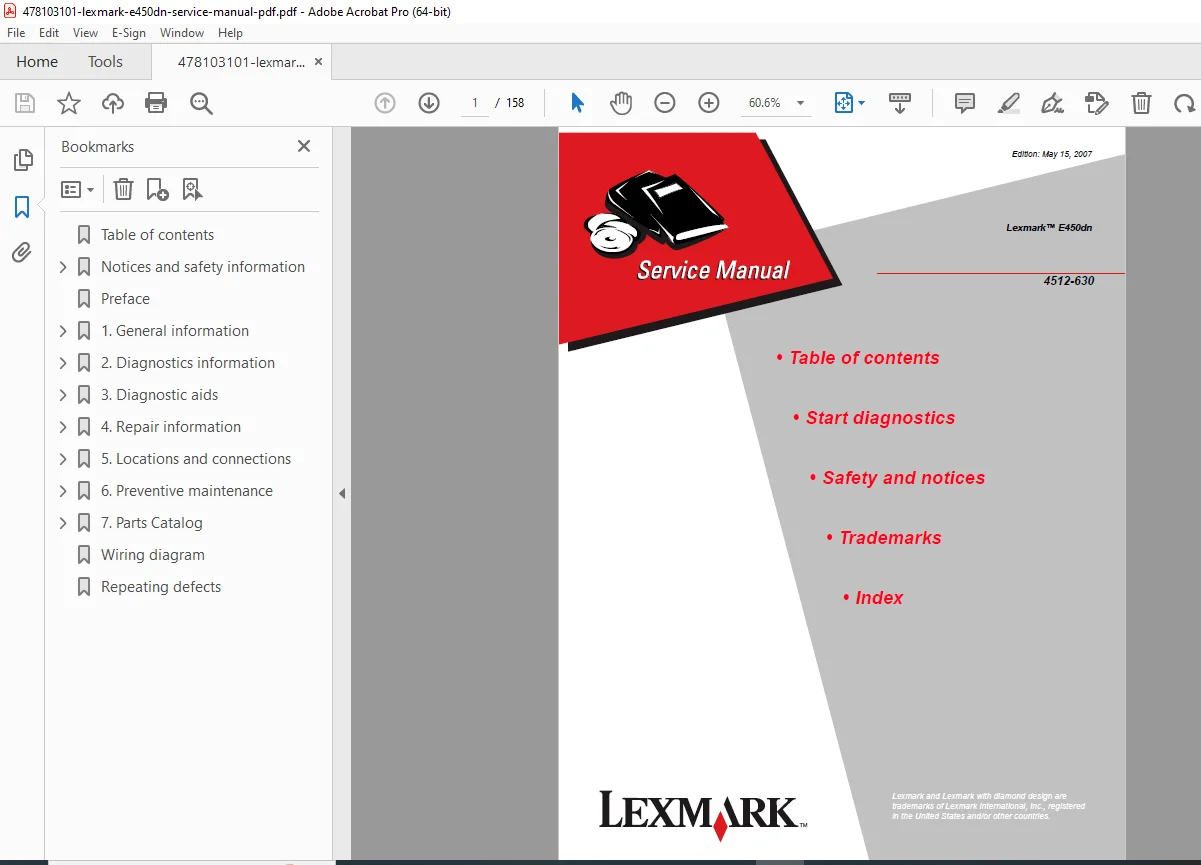
Lexmark E450dn Laser Printer Service Manual Complete Repair Guide PDF
Original price was: $95.00.$18.95Current price is: $18.95.
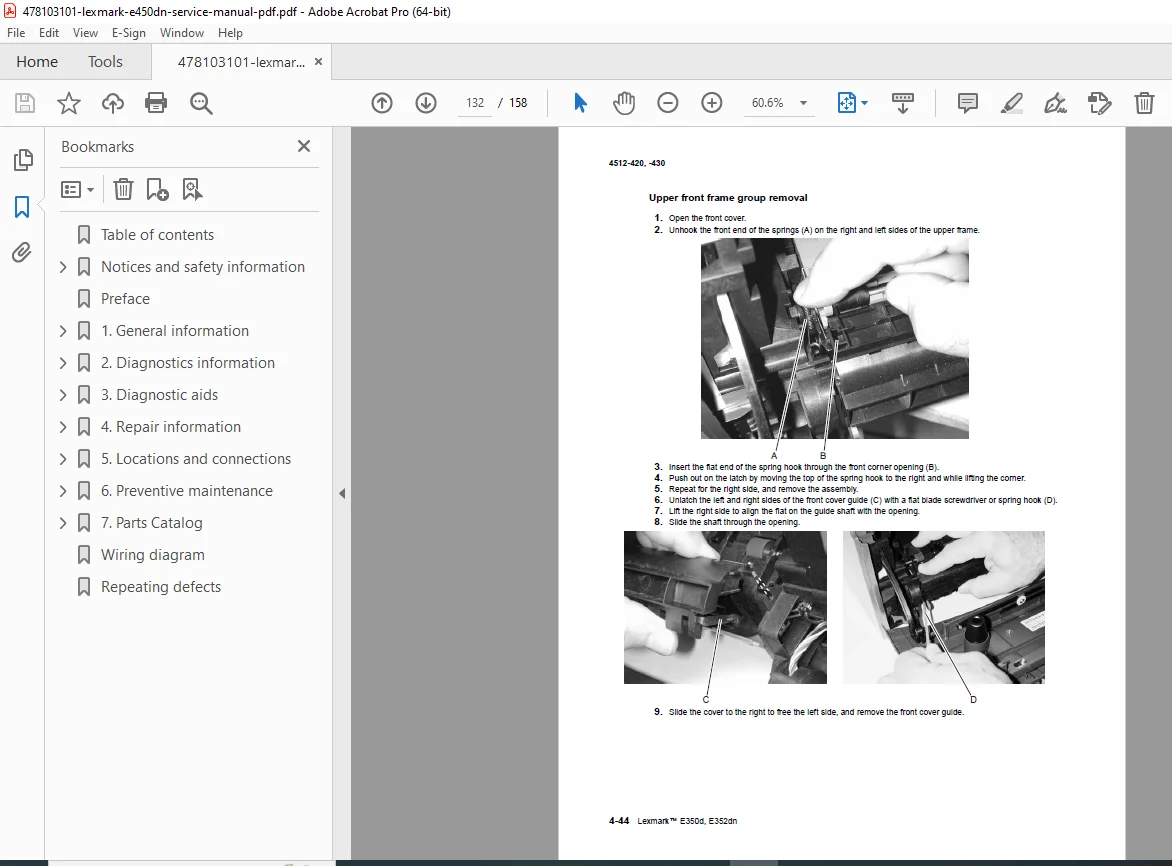
Official factory service manual for the Lexmark E450dn monochrome laser printer (Model 4512-630). This comprehensive 158-page technical manual covers printer specifications, complete diagnostics procedures, error code troubleshooting, service checks, diagnostic aids, removal and replacement procedures, and maintenance instructions. Essential resource for printer technicians servicing Lexmark laser printers. Includes detailed diagrams, parts lists, adjustment procedures, and comprehensive print quality troubleshooting.
Description
Lexmark E450dn Laser Printer Service Manual Complete Repair Guide – PDF DOWNLOAD
DESCRIPTION
Complete Service Manual for Lexmark E450dn Laser Printer
This official Lexmark E450dn service manual is the authoritative factory documentation for servicing and repairing the E450dn monochrome laser printer (Model 4512-630). This essential laser printer repair guide provides professional technicians with comprehensive technical information covering every aspect of printer diagnostics, maintenance, component replacement, and calibration for this business-class printing system.
📋 File Details
- Manual Name: Lexmark E450dn Service Manual
- Printer Model: Lexmark E450dn (Model 4512-630)
- Manufacturer: Lexmark International, Inc.
- Manual Number: P/N 12G9709 (E.C. 2G1029)
- Edition Date: May 15, 2007
- Manual Quality: Factory Original – Excellent Quality PDF
- Total Pages: 158 Pages
- File Size: 3.9 MB
📖 Complete Table of Contents
Notices and Safety Information
- Laser Notice and Safety Warnings
- Safety Information for Service Personnel
- Trademarks and Copyright Information
Preface
- Definitions and Terminology
- Service Manual Overview
Chapter 1: General Information
Maintenance Approach
- Service philosophy and methodology
Overview of the Operator Panel
- Control panel layout and functions
Specifications
- Memory: RAM and storage specifications
- Print Quality: Resolution and output specifications
- Media Trays and Supply Capacity: Paper handling capabilities
- Connectivity and Compatibility: Interface specifications
- Parallel interface
- USB interface
- Network connectivity
- Types of Print Media: Supported media specifications
Tips on Preventing Jams
- Paper path overview
- Jam prevention best practices
Tools
- Required service tools and equipment
Acronyms
- Technical abbreviations and definitions
Chapter 2: Diagnostics Information
Start Diagnostics
- Quick reference for diagnostic procedures
- Symptom tables overview
- Service errors (9xx.xx series)
- User status and attendance messages
Overview of the Operator Panel and Menus
- Diagram of printer menus
- Menu navigation guide
Messages and Error Codes
User Attendance Messages:
- User intervention messages
- Status indicators
Cartridge Error Messages:
- Toner cartridge related errors
- Imaging unit errors
Paper Jam Error Codes (200-Series):
- Complete jam code reference
- Location-specific jam errors
- Jam clearing procedures
Service Error Codes (9xx Series):
- Critical service error reference
- Diagnostic fault codes
- Repair procedures
Symptom Tables
POST Symptom Table:
- Power-on self-test issues
- Initialization problems
Printer Symptom Table:
- Operational symptoms
- Diagnostic decision trees
Service Checks
Controller Card Service Check:
- Controller board diagnostics
- Firmware verification
Cooling Fan Service Check:
- Fan operation testing
- Airflow verification
Cover Interlock Switch Service Check:
- Safety switch testing
- Interlock verification
Dead Machine Service Check:
- No power diagnostics
- Complete system failure troubleshooting
Fuser Service Check:
- Fuser assembly testing
- Temperature verification
LVPS/HVPS Service Check:
- Low voltage power supply testing
- High voltage power supply diagnostics
Main Motor Service Check:
- Motor operation testing
- Drive mechanism verification
Operator Panel Service Check:
- Control panel diagnostics
- Display and button testing
Paper Feed Service Checks:
- Paper jam error indication during POST
- Media picks during POST and/or continuously
- Media picks but stops halfway through printer
- Media never picks
- Media occasionally mispicks or picks multiple sheets
- Media skews
- Media “trees,” wrinkles, stacks poorly, or curls
Parallel or USB Port Service Check:
- Communication interface testing
- Port diagnostics
Print Quality Service Checks:
- Blank Page: Troubleshooting procedures
- Black Page: Complete diagnosis
- Heavy Background: Gray background issues
- Partial Blank Image/White Spots: No repeating pattern analysis
- Variation in Image Density: Horizontal density problems
- Poor Fusing of Image: Fuser-related print defects
- Light Print: Insufficient toner transfer
- White or Black Lines or Bands: Repetitive defect analysis
- Toner on Back of Page: Transfer and fusing issues
- Solving Print Quality Problems: Comprehensive troubleshooting guide
Printhead Service Check:
- Laser scanner diagnostics
- Optical system testing
Transfer Roll Service Check:
- Transfer roller testing
- Image transfer verification
Chapter 3: Diagnostic Aids
Accessing Service Menus
- Service menu entry procedures
Diagnostics Mode
Entering Diagnostics Mode:
- Step-by-step access procedures
Available Tests:
REGISTRATION:
- Printhead assembly electronic adjustment
- Printhead assembly mechanical adjustment
- Quick Test procedures
PRINT TESTS:
- Input source tests
- Print quality pages (Prt Quality Pgs)
HARDWARE TESTS:
- Panel Test
- Button Test
- DRAM Test
- Parallel Wrap tests
DUPLEX TESTS:
- Quick Test (duplex)
- Top/Left Margin (duplex)
- Sensor Test (duplex)
- Duplex Feed 1
INPUT TRAY TESTS:
- Feed Tests (input tray testing)
OUTPUT BIN TESTS:
- Feed Tests (output bins)
- Sensor Test (standard output bin)
BASE SENSOR TEST:
- Paper path sensor diagnostics
PRINTER SETUP:
- Defaults configuration
- Page Count display
- Perm Page Count (permanent page count)
- Serial Number entry
- Engine Setting 1 through 4
- Model Name
- Configuration ID
- Edge to Edge settings
- Parallel strobe adjustment (Par x Strobe Adj)
EP SETUP (Electrophotographic Setup):
- EP Defaults
- Fuser Temperature (Fuser Temp) adjustment
- Transfer voltage settings
- Print Contrast adjustment
- Charge Roll voltage
- Gap Adjust settings
EVENT LOG:
- Display Log
- Print Log
- Clear Log
EXIT DIAGNOSTICS:
- Proper exit procedures
Configuration Menu (CONFIG MENU)
Entering Configuration Menu:
- Access procedures
Available Menus:
- Maintenance page count (Maint Cnt Value)
- Maintenance page counter reset (Reset Maint Cnt)
- Print quality pages (Prt Quality Pgs)
- Panel Menus
- PPDS Emulation settings
- Demo Mode
- Factory Defaults restoration
- Energy Conserve settings
- EVENT LOG access
- Paper Prompts configuration
- Env Prompts (envelope prompts)
- Change Prompts
- Reduced Curl settings
Chapter 4: Removal and Replacement Procedures (Implied from structure)
- Component removal sequences
- Installation procedures
- Critical alignment requirements
- Post-replacement verification
Chapter 5: Parts Catalog (Implied from structure)
- Field Replaceable Units (FRUs)
- Part numbers and descriptions
- Exploded parts diagrams
Index
- Alphabetical reference guide
- Quick topic location
💡 What Makes This Manual Essential
✅ Official Factory Documentation – Direct from Lexmark International, ensuring accuracy ✅ Comprehensive Error Code Reference – Complete 200-series jam codes and 9xx service codes ✅ Detailed Diagnostic Procedures – Step-by-step troubleshooting for all symptoms ✅ Print Quality Troubleshooting – Extensive print defect diagnosis and resolution ✅ Service Check Procedures – Component-level testing for all major systems ✅ Diagnostic Mode Access – Complete service menu documentation ✅ Adjustment Procedures – Electronic and mechanical calibration instructions ✅ Configuration Tools – Setup and optimization procedures
🔧 Who Needs This Manual
- Printer Repair Technicians servicing Lexmark laser printers
- IT Support Professionals maintaining office printing equipment
- Corporate IT Departments managing printer fleets
- Independent Repair Shops specializing in laser printer service
- Business Equipment Service Centers supporting Lexmark products
- Managed Print Service Providers maintaining customer equipment
- Technical Training Programs teaching laser printer repair
⚙️ Technical Coverage Includes
- Print Engine: Electrophotographic process, laser scanner, imaging system
- Paper Handling: Input trays, duplex unit, output bins, media path sensors
- Power Systems: LVPS (Low Voltage Power Supply), HVPS (High Voltage Power Supply)
- Fuser Assembly: Temperature control, fusing mechanism, thermal management
- Controller Systems: Main controller card, firmware, memory
- Interface Systems: Parallel port, USB connectivity, network options
- Transfer System: Transfer roller, charge roller, image transfer
- Operator Panel: Display, buttons, user interface
- Motor Systems: Main motor, paper feed motors, duplex motors
🎯 Key Service Procedures Covered
- Complete error code diagnosis (200-series jams, 9xx service codes)
- Print quality defect troubleshooting (10+ common defects)
- Component-level service checks (12+ major systems)
- Diagnostic mode tests (registration, hardware, duplex, sensors)
- Printhead alignment (electronic and mechanical)
- EP parameter adjustments (fuser temp, transfer, contrast, charge)
- Configuration menu procedures
- Event log management
- Paper feed troubleshooting (8+ feed-related issues)
- POST diagnostics and initialization
- Interface testing (parallel, USB)
- Maintenance counter management
🖨️ Lexmark E450dn Specifications
Key Features:
- Monochrome laser printing
- Duplex (two-sided) printing capability
- Network ready (built-in Ethernet)
- Multiple input tray options
- High-volume business printing
- PCL and PostScript emulation
Applications:
- Office workgroup printing
- Business document production
- Network printing environments
- High-volume black and white output
📱 Instant Access – Download Now
Get immediate access to this essential Lexmark E450dn service manual. Perfect for professional printer technicians who need comprehensive factory documentation for expert laser printer service and repair. Download instantly and diagnose and repair your Lexmark E450dn printers with confidence today!
Pricing Rationale:
- 158-page comprehensive technical manual
- Official Lexmark factory documentation
- Business laser printer (professional/office market)
- Complete error code reference (200-series and 9xx codes)
- Extensive print quality troubleshooting section
- Detailed diagnostic mode documentation
- Professional service technician audience
- Comparable laser printer service manuals typically $25-$40
- Moderate complexity (electrophotographic systems)
- Essential for professional printer repair services