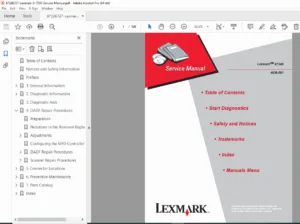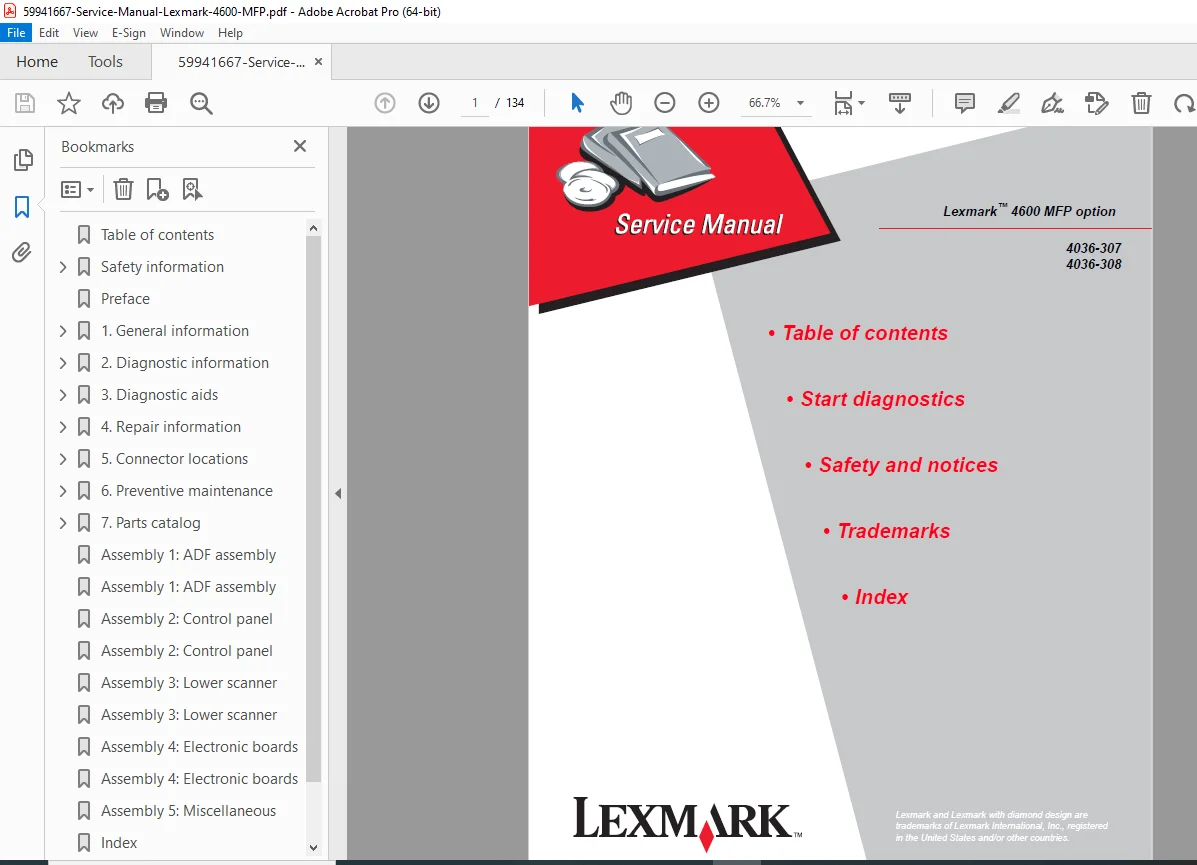
Lexmark 4600 MFP Service Manual Repair, Diagnostics & Parts List PDF
Original price was: $85.00.$23.95Current price is: $23.95.
Restore your multifunction capabilities with this essential Lexmark 4600 MFP Service Manual. This comprehensive PDF guide provides technicians with detailed scanner troubleshooting, error code lookup tables, and complete disassembly instructions. It includes critical maintenance data such as diagnostic menu access, wiring diagrams, and CCD calibration procedures. Instantly download this scanner repair guide to service the 4036-307 and 4036-308 models with factory-level precision
Description
Lexmark 4600 MFP Service Manual Repair, Diagnostics & Parts List PDF DOWNLOAD
DESCRIPTION
Professional Maintenance for Your Multifunction Option
This Lexmark 4600 MFP Service Manual is the definitive resource for field service engineers and IT maintenance staff responsible for this robust scanner/printer attachment. Whether you are diagnosing a “Scanner Failure” error, calibrating the ADF, or replacing the optical unit, this official documentation (Edition April 2007) provides the step-by-step clarity you need.
The manual is meticulously structured to help you quickly identify faults, perform adjustments using the Diagnostics Menu, and safely replace components.
Key Service Topics Covered:
Troubleshooting & Error Codes: Complete list of Service Error Codes (e.g., 842.00 Scanner Failure, 844.xx Output Level Errors) and User Attendance Messages (e.g., 200.xx Paper Jam) with detailed cause-and-solution logic.
Diagnostic Menus: Full explanation of hidden service modes including Scanner Tests (ASIC, Feed Test, Sensor Tests), Event Log history, and Configuration Menu settings (Edge Erase, Format Fax Storage).
Image Quality Troubleshooting: Solutions for common defects like vertical lines, fuzzy images, background noise, and color mismatch.
Disassembly & Assembly: Illustrated guides for removing and replacing the ADF Assembly, Control Panel, Flatbed CCD Optical Unit, Power Supply Board, and Scanner Control Board.
Mechanical & Electrical Systems: Detailed connector locations, pinout charts for the Scanner Control Board (J1-J47), and wiring diagrams to assist with complex hardware repairs.
Table of Contents Overview:
1. General Information
Scanner Specifications & Features
Tools Required for Service
Acronyms (CCD, CCFL, ESD, etc.)
2. Diagnostic Information
Start: Power-On Self Test (POST) Sequence.
Symptom Tables: Logic for “Power does not come on,” “Image does not appear,” “Large jitter,” and “Strange sounds.”
Error Codes: Detailed lookup for 8xx Service Errors (841-849) and Sub-codes.
Control Panel: Button functions and Menu Map.
3. Diagnostic Aids
Diagnostics Menu: Accessing via key combinations (3+6), Event Log, and Scanner Tests.
Configuration Menu: Accessing via key combinations (2+6), Automatic Scanner Registration, and Disk Encryption.
Paper Jams: Identifying and clearing jams in the ADF and paper path (290-294 series errors).
4. Repair Information
Safety: Handling ESD-sensitive parts and service guidelines.
Removals: Step-by-step procedures for all CRUs and FRUs including:
ADF Components: Pick Roller, Paper Feed Motor, Lamp, and Optical Unit.
Flatbed Components: Glass Cover, Carriage Belt, and CCD Assembly.
Electronics: A1 Board, Modem Board, and Hard Disk Drive.
5. Connector Locations
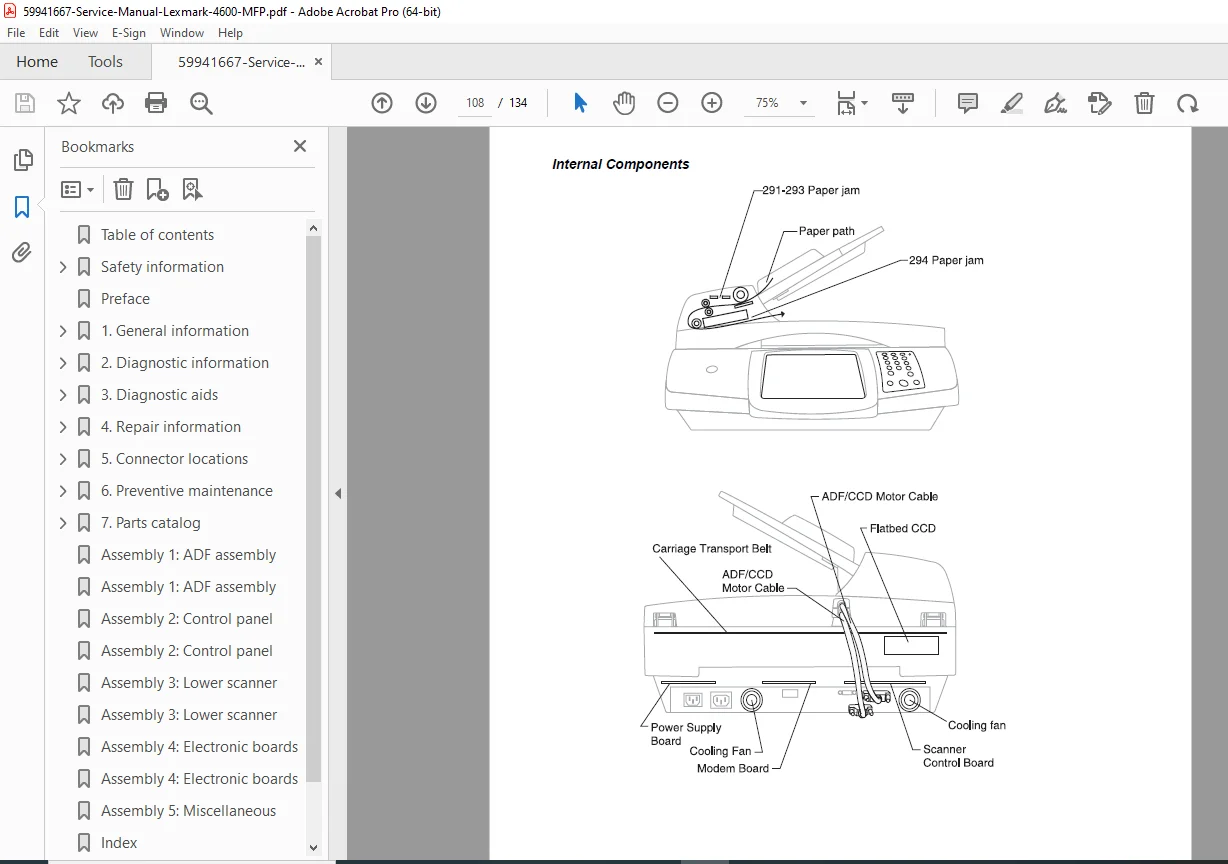
Visual Guides: External and Internal component locations.
Pinouts: Detailed charts for Scanner Control Board, Modem, and Power Supply connectors.
6. Preventive Maintenance
Scheduled Maintenance: Replacement intervals for Pick Rollers and Separator Pads.
7. Parts Catalog
Illustrated Parts Breakdown: Exploded views and part numbers for all assemblies (ADF, Control Panel, Lower Scanner, Electronic Boards).
FILE DETAILS
Manual Name: Service Manual Lexmark 4600 MFP option
Models Covered: Lexmark 4600 MFP Option (Machine Types 4036-307, 4036-308)
Year: 2007 (Edition: April 26, 2007)
File Type: High-Quality Searchable PDF
Total Pages: 134 pages
Don’t let a scanner error stop your workflow. Purchase this Lexmark 4600 MFP Service Manual now to instantly access the critical diagnostic codes and repair procedures you need. Get your multifunction device back to peak performance today!