
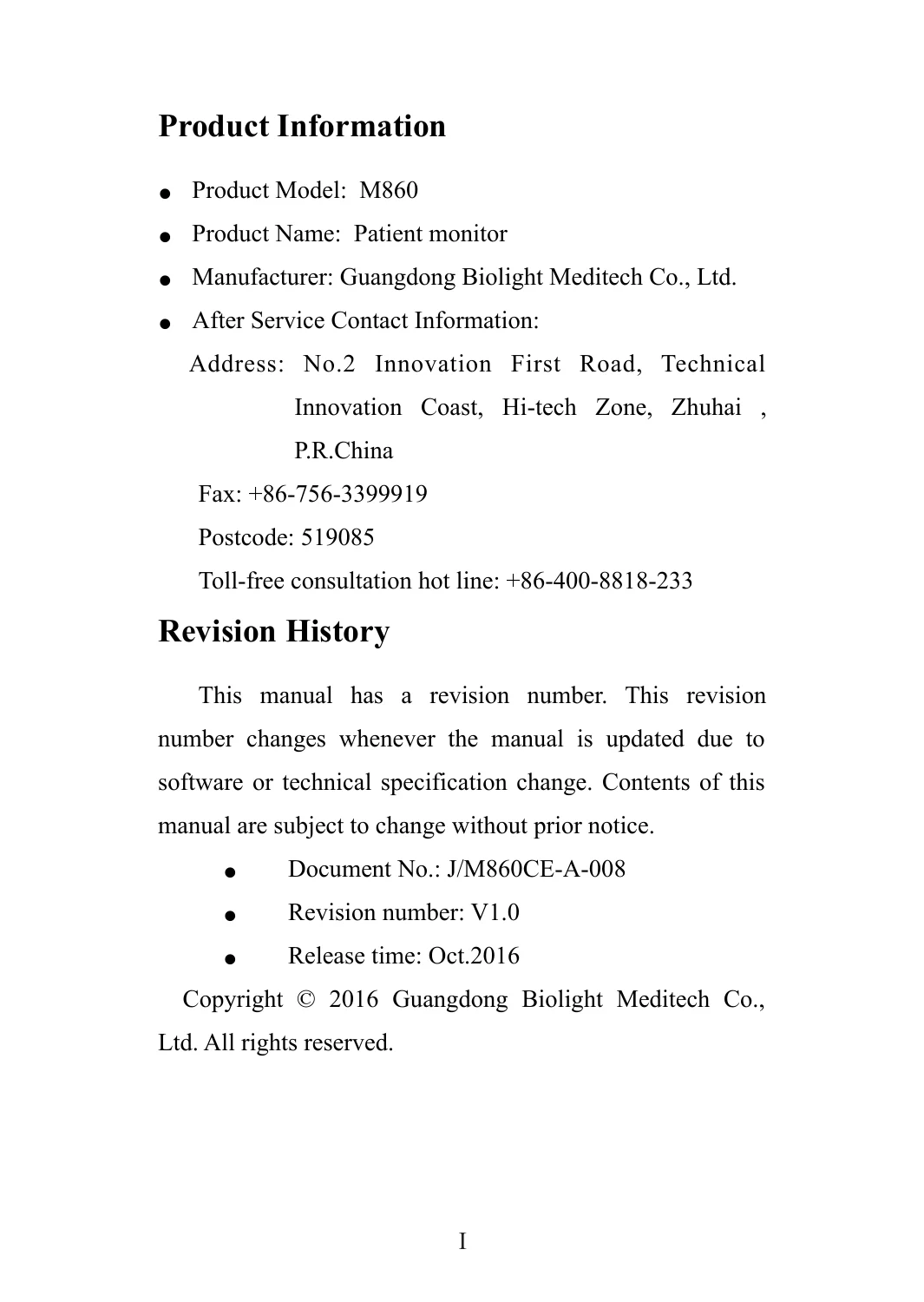
M860 Patient Monitor User Manual PDF – Biolight Meditech Operator Guide
Original price was: $29.95.$18.95Current price is: $18.95.
Complete user manual for the Guangdong Biolight Meditech M860 patient monitor. Covers NIBP, SpO2, PR monitoring, alarms, battery, maintenance, and EMC safety. Official operator guide for clinical professionals.
Description
File Details
- Manual Type: Operator / User Manual
- Brand: Guangdong Biolight Meditech Co., Ltd.
- Model: M860 Patient Monitor
- Language: English
- Page Count: 132
- File Format: PDF
- Document Number: J/M860CE-A-008
- Revision: V1.0
- Release Date: October 2016
Chapters Covered
- Product Information – model, manufacturer, CE mark, revision history
- Statement & Safety – copyright, manufacturer responsibility, usage conventions
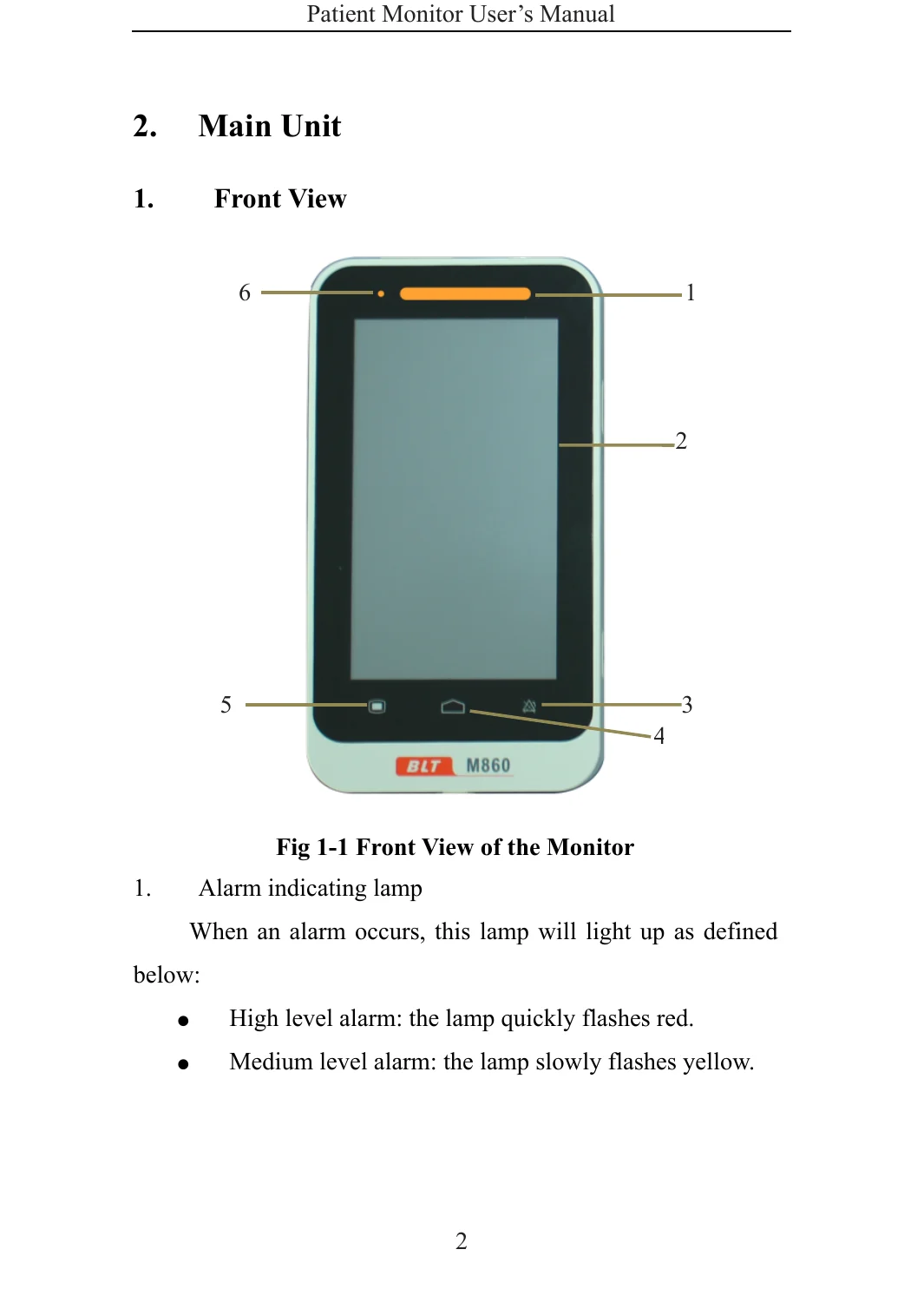
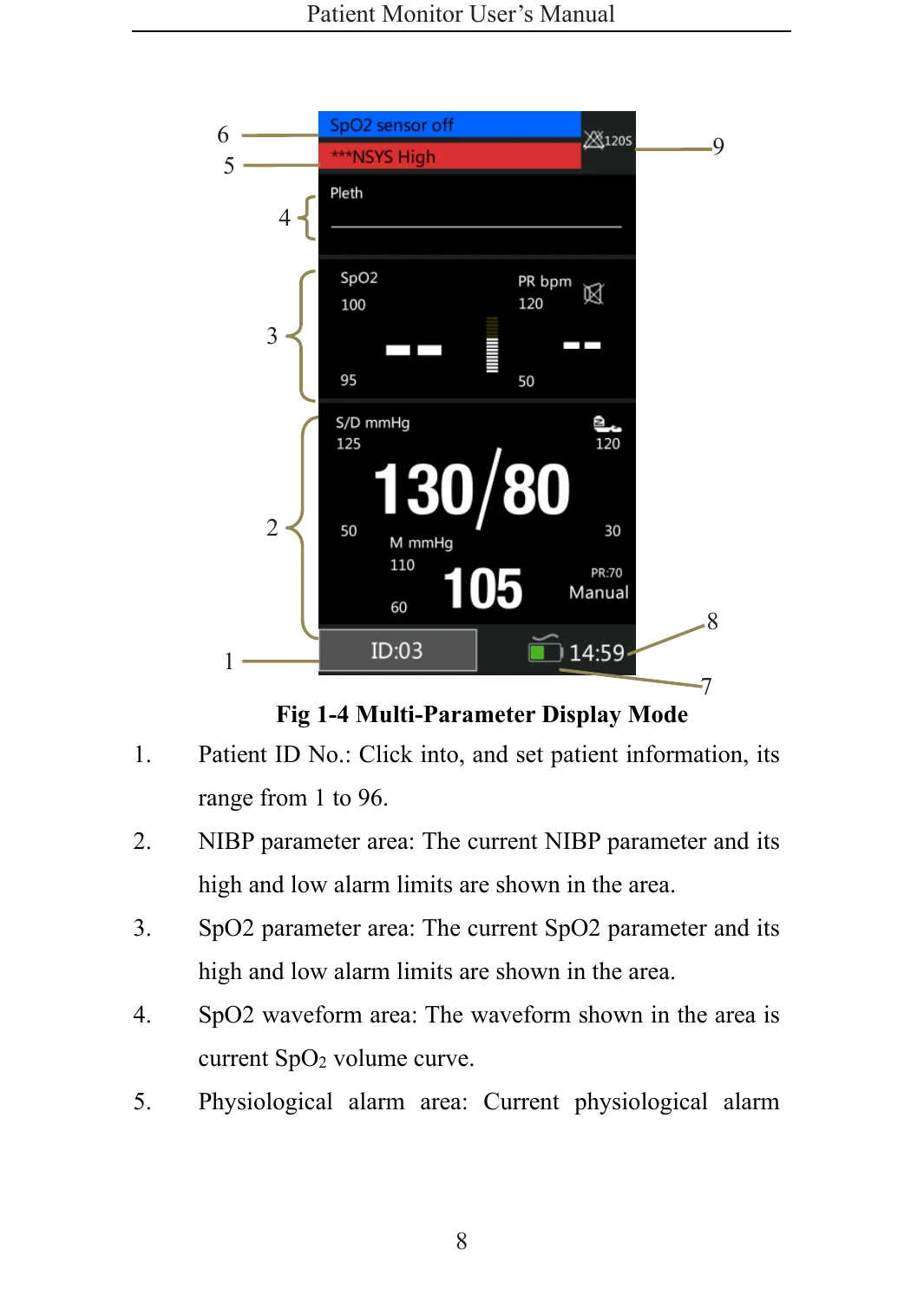
- 1. General Introduction – intended use, main unit (front, rear, side views), display modes
- 2. Safety – detailed safety information, explanation of symbols
- 3. Basic Operations – unpacking, starting, brightness, auto-rotate, date/time, patient info, demo mode, language, version, factory restore, shutdown
- 4. Alarm – categories, levels, indicators, tone configuration, pausing, resetting, troubleshooting
- 5. Measuring NIBP – introduction, safety, limitations, monitoring procedure, display, settings (alarm, limits, inflation, unit, mode), reset, manometer test
- 6. Measuring SpO2 – introduction, safety, monitoring procedure, display, PR display, setup, desat limit
- 7. Trend Review – SpO2 and NIBP trend review interface and setup
- 8. Battery – introduction, charging, optimizing performance, checking, disposal
- 9. Maintenance and Cleaning – seasonal safety checks, cleaning monitor, cuff, SpO2 sensor, disposal
- 10. Accessories – approved NIBP cuffs and SpO2 sensors
- Appendices – product specifications, factory defaults, alarm messages, EMC declaration, warranty registration
The M860 Patient Monitor User Manual is the complete operator guide for this clinical monitoring device. It provides step-by-step instructions for setting up the monitor, configuring patient parameters, and safely performing NIBP and SpO2 measurements on adult, pediatric, and neonatal patients. The manual covers alarm management, trend review, battery care, and routine maintenance, as well as detailed technical specifications and default settings. This is the official documentation from the manufacturer, intended for clinical professionals and trained healthcare staff who need to operate the M860 monitor correctly and safely.
What This Manual Enables You to Do
- Set up and operate the M860 patient monitor with confidence
- Perform accurate non-invasive blood pressure (NIBP) and SpO2 monitoring
- Configure alarm limits and understand alarm categories and responses
- Review stored trend data for SpO2 and NIBP
- Maintain and clean the monitor, cuff, and sensors properly
- Interpret safety symbols and comply with EMC guidelines
- Troubleshoot common technical and physiological alarms
Having the official M860 Patient Monitor User Manual ensures you are following the manufacturer’s recommended procedures, which is critical for patient safety and accurate monitoring. The manual contains all the necessary specifications, default settings, and maintenance schedules to keep the device in optimal condition. With this PDF, you get instant access to the complete operator documentation – no shipping, no waiting, and you can view it on any device or print it for the clinical environment.
Reviews
There are no reviews yet.