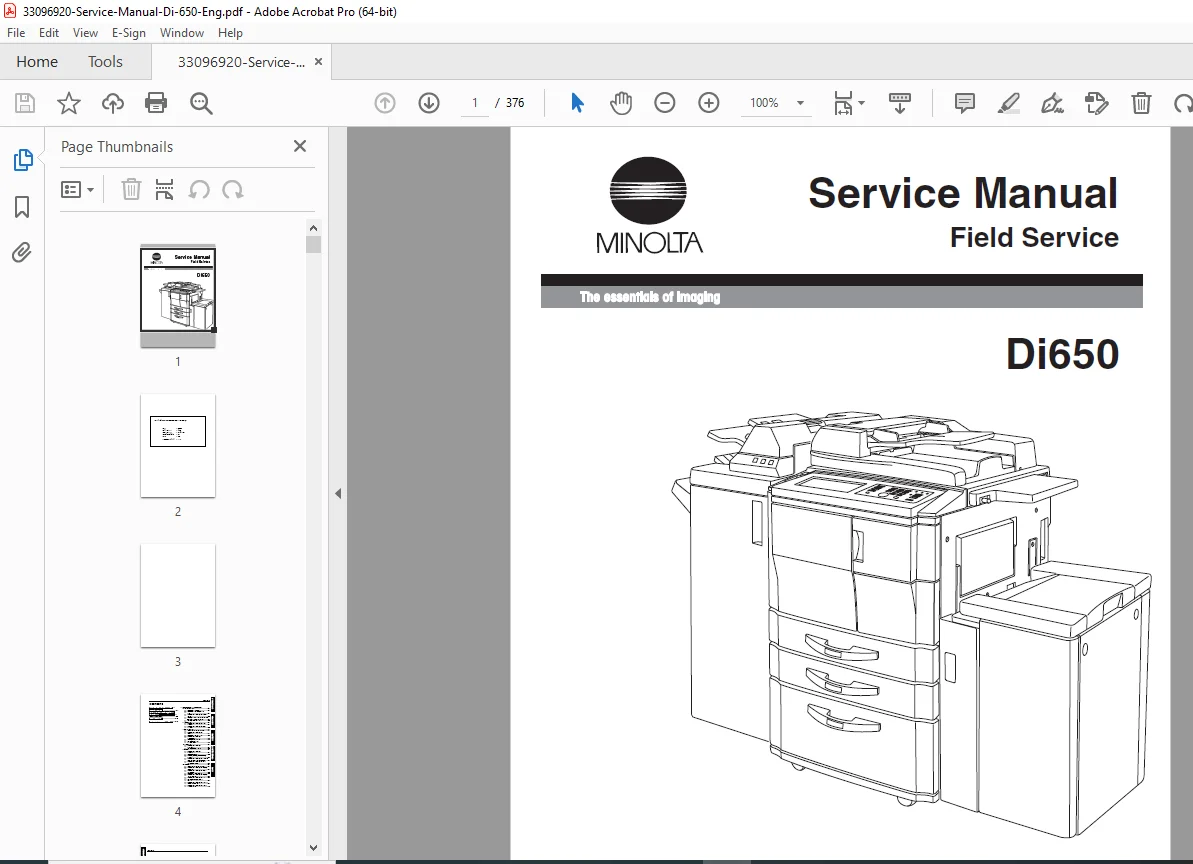
Minolta Di650 Digital Copier Field Service Manual PDF
Original price was: $95.00.$13.95Current price is: $13.95.
Official Minolta Di650 field service manual covering complete disassembly, adjustment, PM schedule, electrical parts list, error codes, and ISW firmware procedures. This Minolta Di650 repair manual includes jam code lists, timing charts, wiring diagrams, and full service schedules for the main body, RADF, FNS finisher, LCT, and Cover Inserter. Instant PDF download — 376 pages of factory-level service data.
Description
Minolta Di650 Digital Copier Field Service Manual Full Repair Guide PDF DOWNLOAD
DESCRIPTION
Minolta Di650 Field Service Manual (PDF) — Official Factory Repair Guide
This is the official Minolta field service manual for the Minolta Di650 digital copier, produced by Minolta Corporation and published in March 2002. This is the exact technical reference used by Minolta-trained service technicians for all disassembly, reassembly, adjustment, preventive maintenance, and fault diagnosis procedures on this high-volume digital office copier.
Whether you’re an independent copier technician diagnosing a persistent jam fault, a service centre performing a full Minolta Di650 PM overhaul, or a workshop chasing a specific error code, this Minolta Di650 service manual PDF gives you the factory-authorised data you need — without waiting for a back-ordered paper manual.
📋 File Details
| Detail | Info |
|---|---|
| Manual Name | Minolta Di650 Field Service Manual |
| Models Covered | Minolta Di650 (also references C-403, C-404 LCT variants) |
| Accessories Covered | RADF, FNS Finisher (FN-6, FN-112), LCT (LT & LCT), Cover Inserter B (PI), PK-2 Punch Unit |
| Year | 2002 (First published March 2002) |
| Language | English |
| Pages | 376 Pages |
| PDF Quality | Original factory digital file — clean, A4/Letter format |
| File Size | ~5.4 MB |
📚 Full Table of Contents
Safety & Important Warning Items
- Danger, Warning & Caution definitions and symbols
- Safety warnings and safety circuits
- Warning indications on the machine
- Modifications not authorised by Minolta
Section 1 — Disassembly / Assembly
- External Section — Ozone filter, suction filter, external covers, operation panel, circuit breaker
- Drive Section — Drum motor (M2), fixing input gear
- Scanner Section — CCD unit, exposure lamp, exposure unit, optics wire, slit glass & platen glass
- Write Section — Write unit, dust-proof glass
- Drum Unit — Drum removal/install, coupling, separation claws & solenoid, toner control sensor board
- Corona Unit — Charging corona, charge control plate, charging wires, PCL, transfer/separation corona, TSL unit
- Developing Unit — Developer replacement, bias shaft cleaning
- Toner Supply Unit — Toner cartridge replacement & cleaning
- Cleaning / Toner Recycle Unit — Cleaning blade, toner guide roller (TGR)
- Paper Feed Units (Trays 1 & 2) — Feed unit, paper trays, feed roller, double feed prevention roller, clutches, wires
- Paper Feed Unit (Tray 3) — Feed unit, tray 3, rollers, clutches, wires
- By-pass Feed Tray — Feed tray, paper feed roller, double feed prevention roller
- Vertical Conveyance Section — Conveyance MCs (MC11, MC12)
- ADU Unit — ADU stand, paper dust brush, registration MC (MC1), second paper feed, registration roller, pre-transfer roller, ADU conveyance rollers 1–4, paper reverse/exit roller
- Fixing Unit — Fixing unit top, cleaning web, fixing heater lamps (L2, L3, L4), separation claws (upper & lower), fixing upper/lower rollers, de-curler
- RADF (Reversing Automatic Document Feeder) — Pickup roller, conveyance roller, double feed prevention roller
- LCT (Large Capacity Tray) — Paper dust brush, feed PS sensors, paper feed roller, tray spring & plate adjustments
- FNS Finisher — Complete finisher dis./assembly procedures
- Cover Inserter (PI) & Punch Unit (PK)
Section 2 — Adjustment
- LCD control panel contrast & key sound adjustment
- P Function settings and adjustments
- 25 Mode — Software DIP switch settings, paper size, PM count reset, PM cycle, data collection, copy count by replaceable parts, password settings, serial number, ROM version display
- 36 Mode — High voltage adjustment, grid voltage, drum peculiarity adjustment (auto & manual), user paper setting, magnification, timing adjustment, RADF adjustment, centring, distortion, image adjustment, running test mode, test pattern output, finisher adjustment, tandem initial setting, list output mode
- 47 Mode — Multi mode setup, adjustment data display, hard disk check, input/output checklists
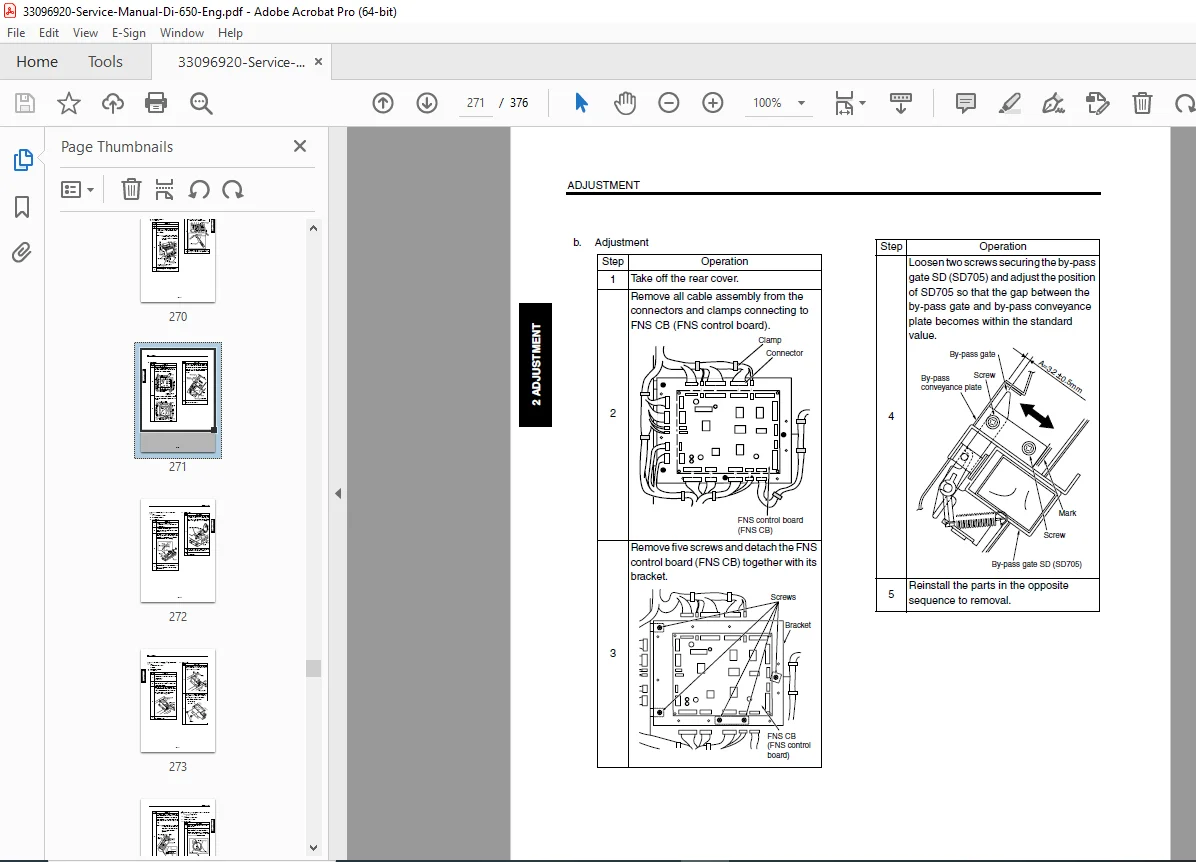
- Other adjustments — Centring, skew (main body & LCT), LCT paper feed roller pressure, paper up/down plate alignment, tray spring pressure, RADF mounting and skew adjustments, FNS magnet, by-pass gate, shift position, paper exit solenoid, alignment plate positions
Section 3 — Service
- Service Schedule — PM intervals, maintenance items list
- Main Body Periodic Inspection Items
- RADF, FNS, LCT, PI periodic inspection items
- Replacement Parts List (scheduled replacement components)
- Copy Materials — Single unit supply details
- Service Material List
Section 4 — Electric Parts List
- Parts Layout Drawings — Main body, RADF, LCT, FNS finisher, Cover Inserter (PI), Punch Unit (PK)
- Connector Layout Drawings — Main body, LCT, FNS, PI, PK
- Jam Code List — Complete paper jam diagnosis reference
- Error Code List — Full fault code lookup
- Timing Charts — Main body (×2), RADF (×2), LCT, FNS (×3)
- Appendix — Overall wiring diagram
Section 5 — ISW (In-System Writer)
- ISW-compatible boards
- Data flow overview
- Preparing the copier for ISW transfer
- Operational LED status during ISW
- Error interruption recovery and ISW connector connection
🔧 Who Needs This Manual?
- ✅ Copier technicians performing a Minolta Di650 PM service or overhaul
- ✅ Engineers diagnosing Minolta Di650 error codes and jam codes
- ✅ Service centres requiring Minolta Di650 adjustment and calibration data
- ✅ Workshops replacing fuser, drum, corona, or developer units
- ✅ Anyone needing a Minolta Di650 field service manual PDF immediately without waiting for a physical copy
Every minute your Di650 is down costs your business money — this is the exact manual your technician needs to get it running again. Download instantly, access complete error codes, timing charts, and step-by-step disassembly procedures right on your device, and have your copier back in service today.