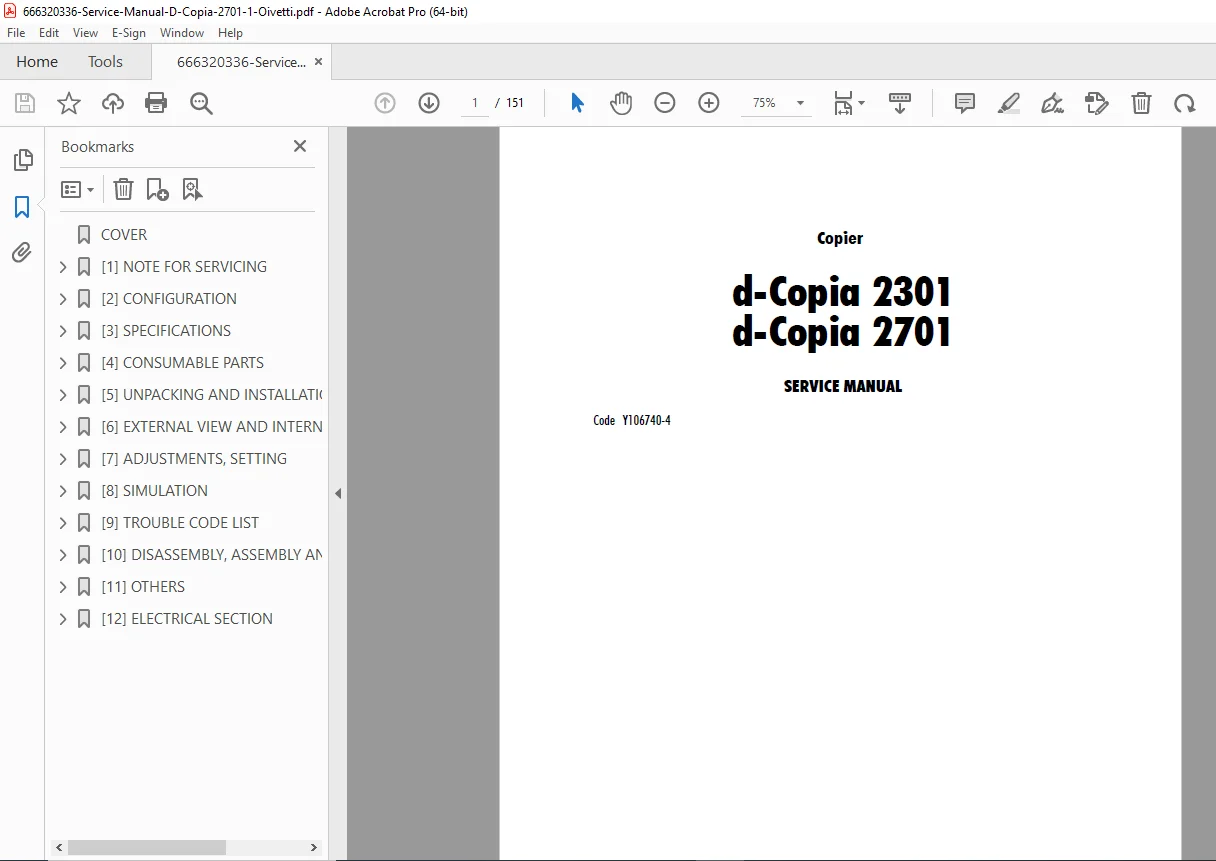
Olivetti d-Copia 2301 / 2701 Copier Service Manual (Y106740-4) PDF
Original price was: $120.00.$13.95Current price is: $13.95.
Get the complete Olivetti d-Copia 2301 / 2701 service manual (Code Y106740-4) in PDF. Includes safety notes, specifications, installation, adjustments, simulation modes, trouble code list, full disassembly/assembly & maintenance procedures, ROM version-up steps, key operator program lists, plus electrical block & wiring diagrams
Description
Olivetti d-Copia 2301 / 2701 Copier Service Manual (Y106740-4) PDF DOWNLOAD
Description
🔧 Olivetti d-Copia 2301 / d-Copia 2701 Copier — Service Manual (PDF)
This official service manual covers Olivetti d-Copia 2301 & d-Copia 2701 copiers and includes essential procedures for diagnostics, configuration, maintenance, and full teardown/rebuild guidance—ideal for technicians and service engineers.
📂 File Details
| Item | Details |
|---|---|
| Manual Name | Olivetti d-Copia 2301 / 2701 Copier Service Manual (Code Y106740-4) |
| Models Covered | d-Copia 2301, d-Copia 2701 |
| Year | 2006 |
| PDF Quality | Searchable text + illustrated diagrams/images (clean, technical manual layout) |
| Pages | 151 pages |
Table of Contents (Neatly Categorized)
[1] NOTE FOR SERVICING
Warning for servicing
Precautions for servicing
Note for installing site
[2] CONFIGURATION
666320336-Service-Manual-D-Copi…
Product line and options
Line of machines
Line of options
Combination of options list
[3] SPECIFICATIONS
Basic specifications
Operation specifications
Common operation
Copy mode
Engine specifications
Operation and display section
Paper feed / transport / exit section
Optical (image scanning) section
Scanner (exposure) section
Image process section
Fusing
Drive
Additional / copy / expanded functions
Safety & environmental protection standards
Environment conditions
IMC board functions
SPLC Language (GDI) Printer function
Basic specification
Printer driver specification
Interface
System outline
[4] CONSUMABLE PARTS
List
Production number identification
Environment conditions
Ambient conditions for transporting
Ambient storage conditions (sealed)
Operating ambient conditions
Life (packed conditions)
[5] UNPACKING AND INSTALLATION
Installation
Environment
Power source
Transport
Other precautions
Removal of protective material & fixing screw
Removal and storage of fixing pin
Developer cartridge installation
Toner cartridge installation
Toner density sensor level adjustment
Tray paper size setting
Trays 1–4
Manual feed tray
Installation of options
AR-P17 / AR-PK1 / AR-PF1 / AR-PF2 / AR-NC5J / MX-NSX1
Expansion memory
[6] EXTERNAL VIEW AND INTERNAL STRUCTURE
Name and function of each section
External view
Internal structure
Operation panel
Job status screen
Motor / Solenoid / Clutch
Sensor
PWB unit
Section
[7] ADJUSTMENTS, SETTING
List of adjustment items
Copier adjustment
Process section
Mechanism section
Image density (exposure) adjustment
[8] SIMULATION
Outline and purpose
Code-type simulation
Operating procedures and operations
Changing simulation adjustment values (touch panel entry)
Simulation code list
Details
[9] TROUBLE CODE LIST
List
Self diagnostics
[10] DISASSEMBLY, ASSEMBLY AND MAINTENANCE
Maintenance table
Counter clear
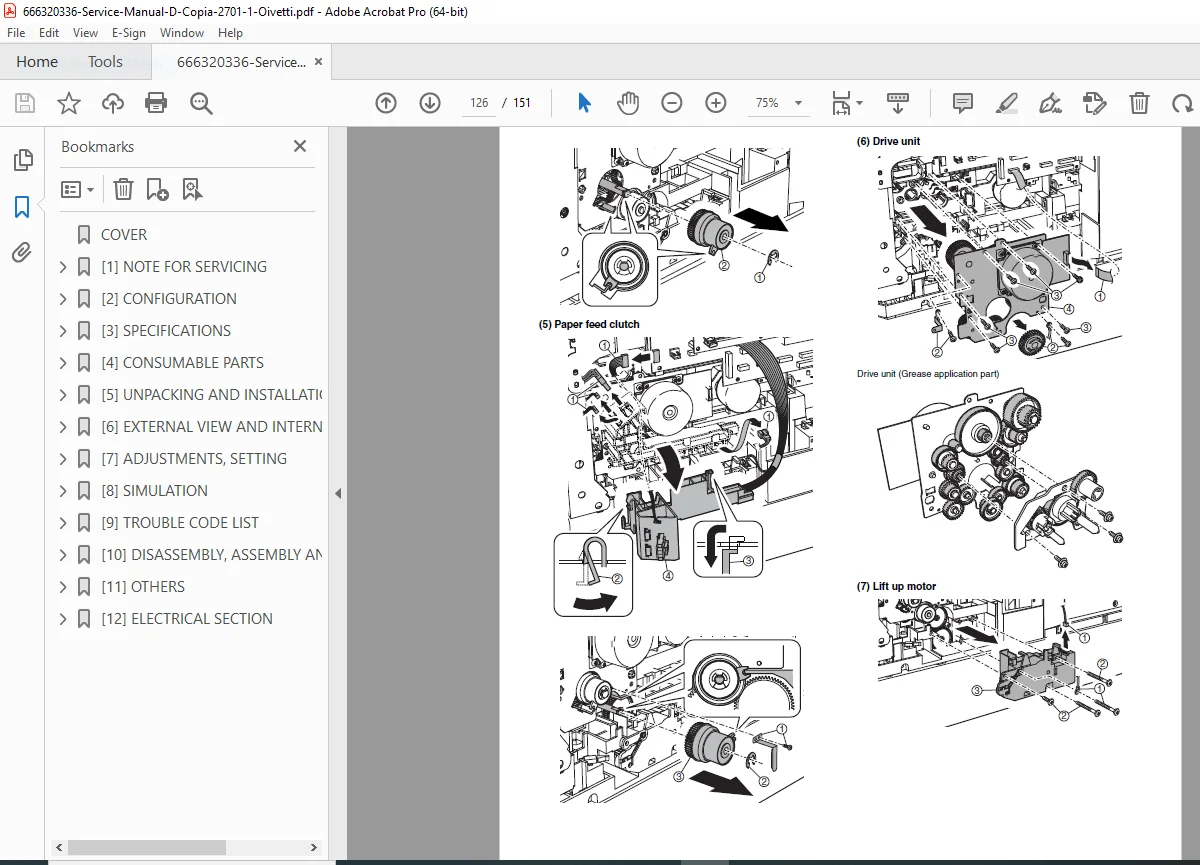
List of disassembly and assembly
Details of disassembly and assembly
Process unit
Developing section
Fusing section
Optical section
Paper feed section
Side door unit
1st paper exit unit
2nd paper exit unit
Laser unit
Power unit
PWB
Ozone filter
Drive section
Transport section
Operation section
Switch
[11] OTHERS
Flash ROM version-up procedure
Program download method (Copier & fax program)
Others (Troubleshooting)
Key operator program list
Common program of digital copier
Copy function setting program
Printer function setting program
Network scanner function setting program
E-mail Status / E-mail Alerts
Basic functions
Main body specifications
Printer controller specifications
Handling of transmission data
[12] ELECTRICAL SECTION
Block diagram
Actual wiring diagram
Fix faults faster and service with confidence—this complete d-Copia 2301/2701 service manual gives you the exact procedures, diagrams, and error guidance technicians rely on. Download instantly and start diagnosing today.