
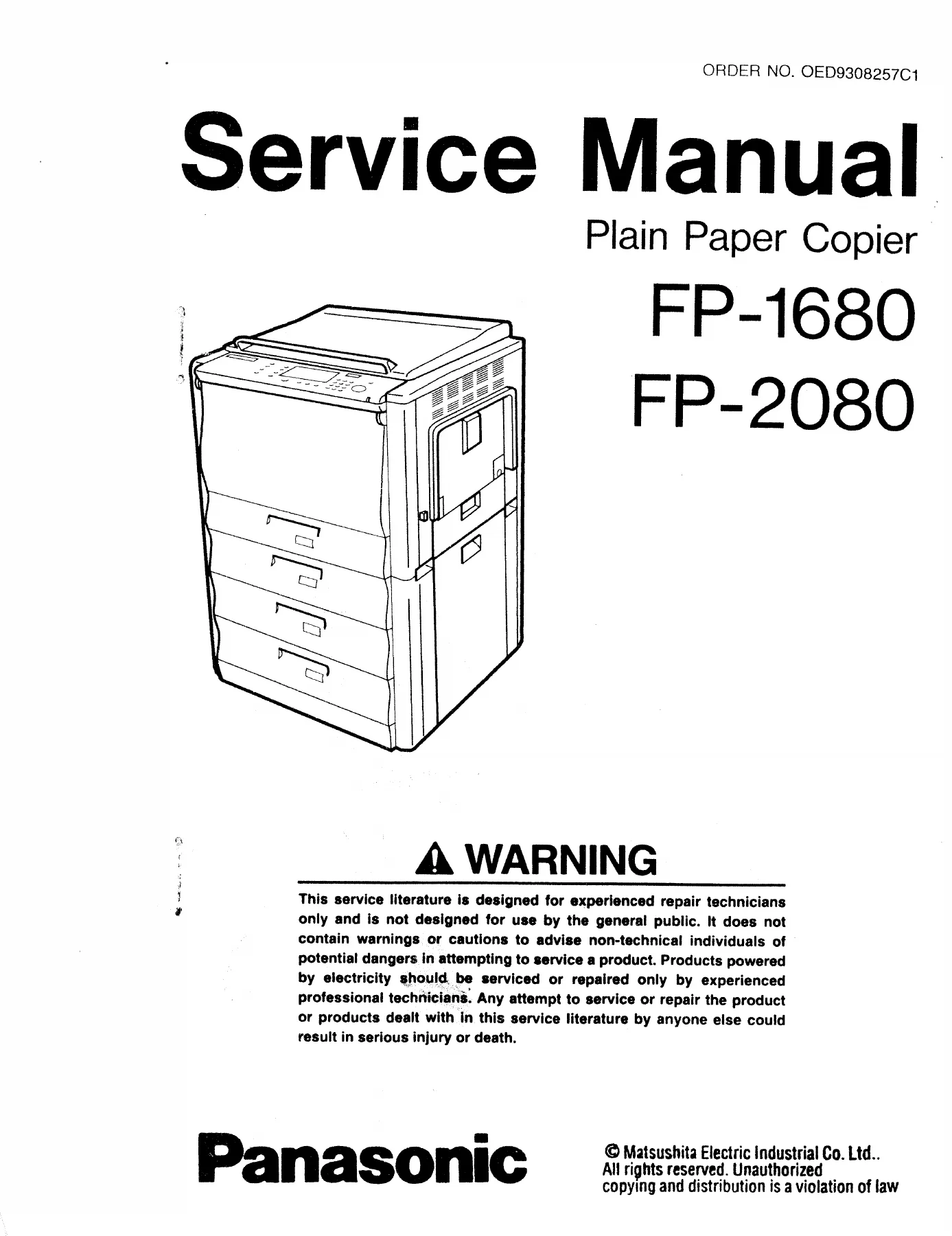
Panasonic FP-1680 FP-2080 Plain Paper Copier Service Manual – PDF Repair Guide
Original price was: $34.95.$19.95Current price is: $19.95.
Complete service manual for the Panasonic FP-1680 and FP-2080 plain paper copiers. Covers specifications, component location, disassembly, maintenance, electrical systems, troubleshooting, and installation.
Description
Panasonic FP-1680 FP-2080 Plain Paper Copier Service Manual
This comprehensive service manual covers the Panasonic FP-1680 and FP-2080 plain paper copiers. Whether you are performing routine maintenance, diagnosing a fault, or rebuilding a major sub-assembly, this manual provides the procedures, specifications, and diagrams needed to complete the work correctly. The document is intended for experienced repair technicians and covers the full range of service operations from preventive maintenance through to major component replacement.
File Details
- Manual Type: Service Manual
- Brand: Panasonic
- Models Covered: FP-1680, FP-2080
- Language: English
- Page Count: Approximately 277 pages
- File Format: PDF
- Order Number: OED9308257C1
Chapters Covered
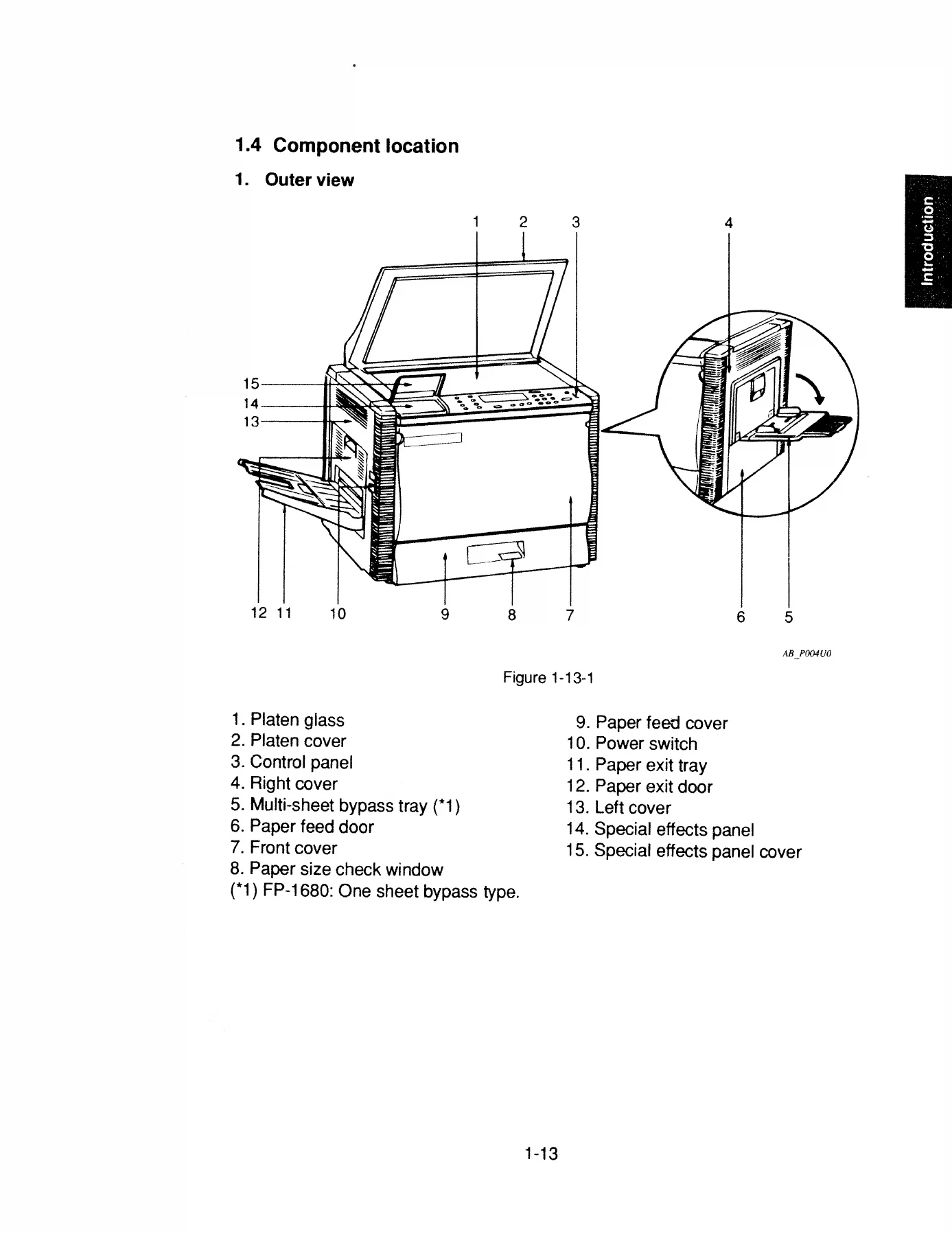
- I. Introduction — Specifications, Features, Operator Controls/Indicators, Component Location, Copy Process
- II. Operational Sequence — Power ON, Copy Operation
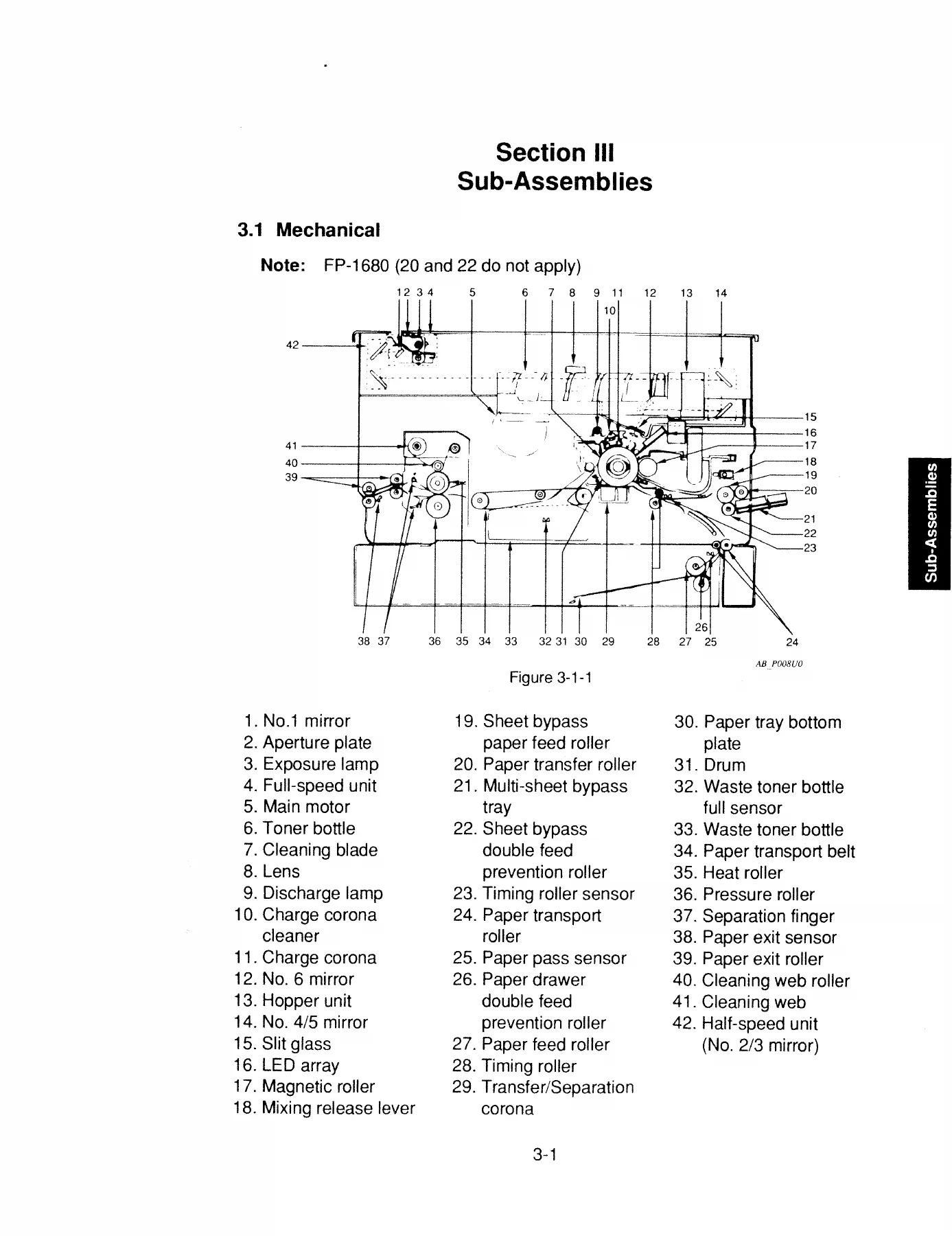
- III. Sub-Assemblies — Mechanical, Paper Feed Unit and Multi-Sheet Bypass Paper Feed Unit, Developer Section, Hopper Unit, Paper Transport Unit, Fuser Unit, Paper Exit Unit, Optical Unit, Miscellaneous Removal
- IV. Preventive Maintenance — General, Recommended Tools, Cleaning Recommendations, Maintenance Charts (FP-1680 and FP-2080), Image Density Standard Adjustment
- V. Electrical — Glossary of Electrical Abbreviations, General Flow Chart, General (PCBs), Description of Circuits, Timing Chart
- VI. Troubleshooting — Service Mode, Self-Diagnostics/Machine Malfunctions, Problem Flow Chart, Troubleshooting Guide
- VII. Unpacking/Installation — Installation Requirements, Unpacking, Installation Procedure
This service manual for the Panasonic FP-1680 and FP-2080 plain paper copiers is a complete technical reference for the professional technician. It begins with a full introduction to the machines including their specifications, copy process, and component locations, then moves through the operational sequences that govern power-on and copy cycles. The sub-assemblies section breaks the copier down into its major systems, covering the paper feed unit, developer section, hopper unit, paper transport unit, fuser unit, paper exit unit, and optical unit. Each of these sections provides removal and installation procedures, adjustment information, and operational theory. The preventive maintenance chapter supplies maintenance charts for both the FP-1680 and FP-2080 at 60,000-copy intervals, along with recommended tools, cleaning procedures, and image density adjustment instructions. The electrical section includes circuit descriptions for the triangular wave generator, fuser temperature control, exposure lamp control, auto original density control, main motor control, and lamp unit scanner motor control, as well as a glossary of abbreviations and timing charts. The troubleshooting chapter is particularly valuable, providing access to the service mode with F1 through F8 functions, self-diagnostics covering user errors, paper jams, and machine errors, problem flow charts for image and other issues, and a comprehensive troubleshooting guide. The manual closes with unpacking and installation procedures.
What This Manual Enables
With this Panasonic FP-1680 FP-2080 service manual, a technician can:
- Perform complete preventive maintenance at 60,000-copy intervals using the detailed maintenance charts
- Diagnose and repair paper feed problems, including multi-sheet bypass issues on both models
- Remove and reinstall the developer unit, drum unit, hopper unit, fuser unit, and optical unit
- Replace the charge corona, cleaning blade, drum, side seals, and spacer rings
- Adjust the fuser pressure roller, optical skew, and copy density
- Access the service mode and run F1 through F8 diagnostic and adjustment functions
- Interpret self-diagnostic error codes E1 through E7
- Troubleshoot paper jams using the jam position indicators and flow charts
- Understand the electrical circuits and PCBs
- Perform image density standard adjustment procedures
- Unpack and install the copier correctly
Why It Matters
Copiers of this generation are reliable machines, but they require regular maintenance and occasional repair to keep performing at their best. Without the correct specifications and procedures, a technician risks causing further damage, creating paper jams, or producing poor copy quality. This manual eliminates guesswork by providing the exact torque values, adjustment procedures, and diagnostic steps that Panasonic specified for these models. The detailed illustrations and exploded views make it possible to identify every component and understand how it fits into the overall system. The maintenance charts tell you exactly what to clean, replace, or lubricate at each service interval. The troubleshooting guide helps you move quickly from a symptom to the underlying cause, saving time and reducing the chance of a missed diagnosis. For anyone maintaining a Panasonic FP-1680 or FP-2080, this manual is an essential reference.
IMAGES PREVIEW
Instant PDF Delivery
The Panasonic FP-1680 FP-2080 Plain Paper Copier Service Manual is delivered as an instant PDF download. No shipping, no waiting, no physical media. The file is available immediately after purchase and can be viewed on any device, including laptops, tablets, and smartphones. The PDF format allows you to zoom in on detailed illustrations, print specific pages for use in the workshop, and keep the entire manual at your fingertips. Whether you are working at the bench or on-site, the manual is there when you need it.
Reviews
There are no reviews yet.