Ricoh D115 D116 Service Manual (Spanish) – Repair & Troubleshooting PDF
Original price was: $85.00.$16.95Current price is: $16.95.
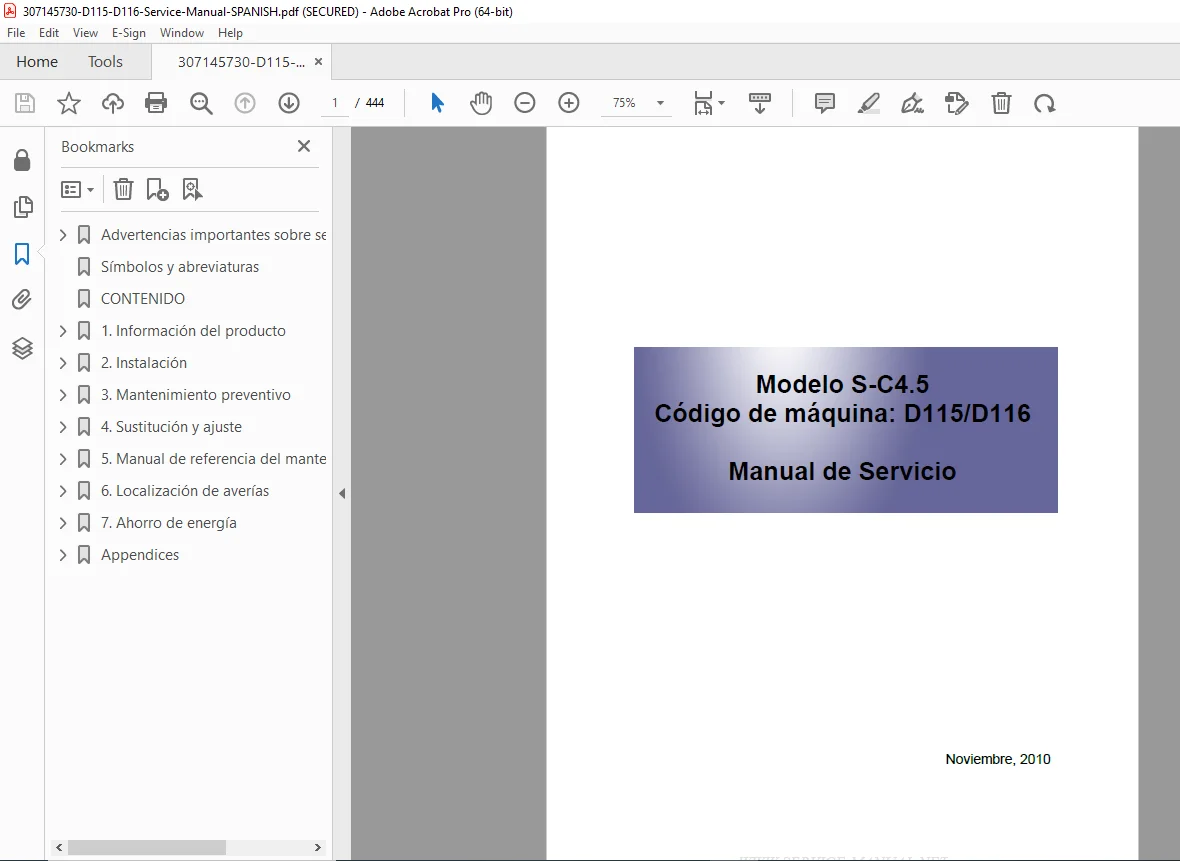
Official Ricoh D115 / D116 Service Manual – Spanish version, covering full installation, preventive maintenance, disassembly, adjustments, SP mode tables, firmware procedures, SC error codes, wiring, and safety information. This factory service PDF is intended for trained technicians servicing Ricoh A4 multifunction copiers.
Description
Ricoh D115 D116 Service Manual (Spanish) – Repair & Troubleshooting PDF DOWNLOAD
Description
The Ricoh D115 / D116 Service Manual (Spanish) is the official factory service documentation used by certified Ricoh technicians and authorized service centers. It provides comprehensive technical coverage required to correctly install, maintain, adjust, and repair the D115/D116 copier platform.
This manual explains the entire machine architecture, including the scanner system, laser unit, PCU, fusing system, paper feed mechanisms, ARDF, electrical control boards, motors, sensors, and safety circuits. It also contains complete Service Program (SP) mode tables, firmware update procedures, and detailed SC error code diagnostics, making it essential for professional troubleshooting and long-term machine reliability.
🔧 Models & Machine Codes Covered
Ricoh D115
Ricoh D116
Model family: S-C4 / S-C4.5
Successor to D068 / D069 series
📘 Manual Contents (Extracted & Categorized)
🔹 1. Safety & General Information
Important safety warnings and symbols
Electrical, mechanical, and laser safety
Toner, developer, and lithium battery handling
Environmental and disposal guidelines
🔹 2. Product Information
Machine specifications
Supported paper sizes and configurations
System configuration overview
Component layout diagrams
Electrical components identification
Paper path and drive system diagrams
Differences vs predecessor models (D068/D069)
🔹 3. Installation
Installation precautions and requirements
Environmental, space, and power specifications
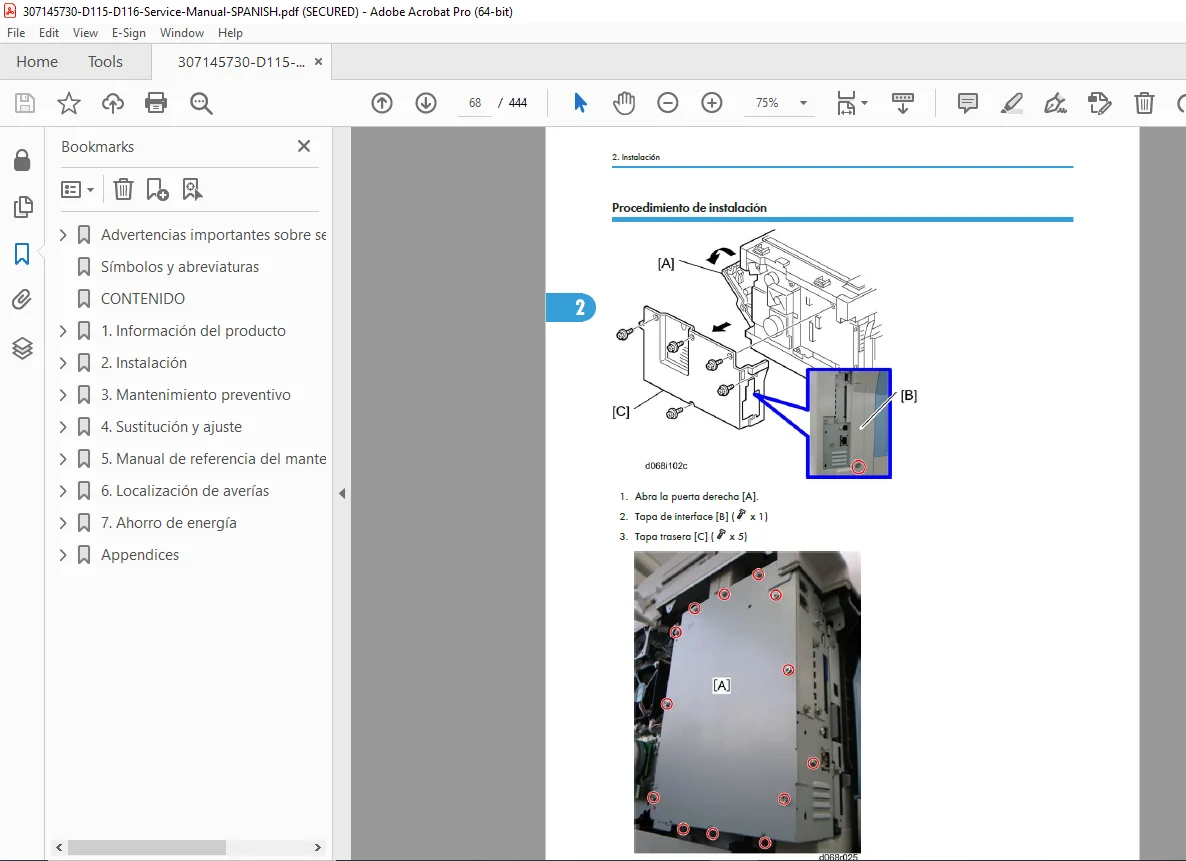
Copier installation procedures
Toner bottle installation
Tray and bypass setup
Optional units installation:
Paper Feed Unit (D567)
ARDF
Fax unit
USB 2.0 / SD slot
LAN (Wireless / Gigabit Ethernet)
IEEE 1284
VM Card (D467)
Optional HDD (D577)
@Remote configuration
Initial SP and UP mode setup
🔹 4. Preventive Maintenance
Maintenance schedules
PM counter reset procedures
Periodic inspection points
🔹 5. Replacement & Adjustment Procedures
Covers and control panel
Scanner unit:
Exposure lamp
Lens block
Scanner motor and sensors
Fusing unit:
Heat roller, pressure roller
Thermistor, thermostat
Exit sensors and claws
PCU and toner supply system
Paper feed system:
Pickup rollers
Registration rollers
Bypass feed components
Image transfer system:
Transfer roller
ID sensor
Electrical boards:
BICU
Controller board
PSU / HVPS
Laser unit and polygon motor
ARDF disassembly and adjustment
Copy & scan image area adjustments
🔹 6. System Maintenance & SP Mode
Service Program (SP / SSP) usage
Complete SP tables
NVRAM data load / clear
Firmware update procedures
Test pattern printing
Machine number and SMC printing
🔹 7. Troubleshooting
Complete SC error code tables
Engine SC codes
GW controller SC codes
Electrical component fault diagnosis
Sensor and switch troubleshooting
LED indications (BICU)
Fax troubleshooting guide
🔹 8. Energy Saving
Energy saver modes
Power consumption optimization
Duplex and paper-saving efficiency
📄 File Details (Quick Reference)
| Item | Details |
|---|---|
| Manual Name | Ricoh D115 / D116 Service Manual |
| Language | Spanish |
| Models Covered | D115, D116 |
| Machine Series | S-C4 / S-C4.5 |
| Publication Date | November 2010 |
| Manual Type | Factory Service & Repair Manual |
| Pages | 444 pages |
| PDF Quality | High-resolution, searchable, illustrated |