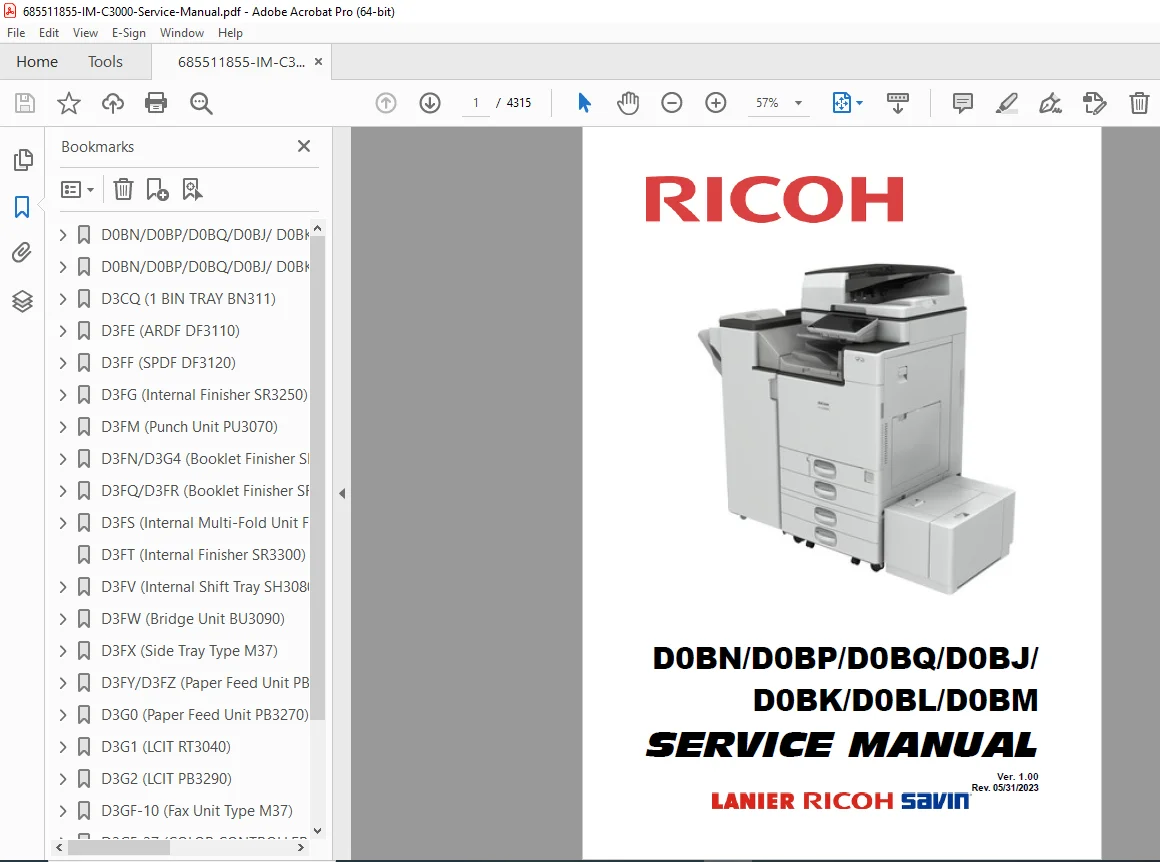
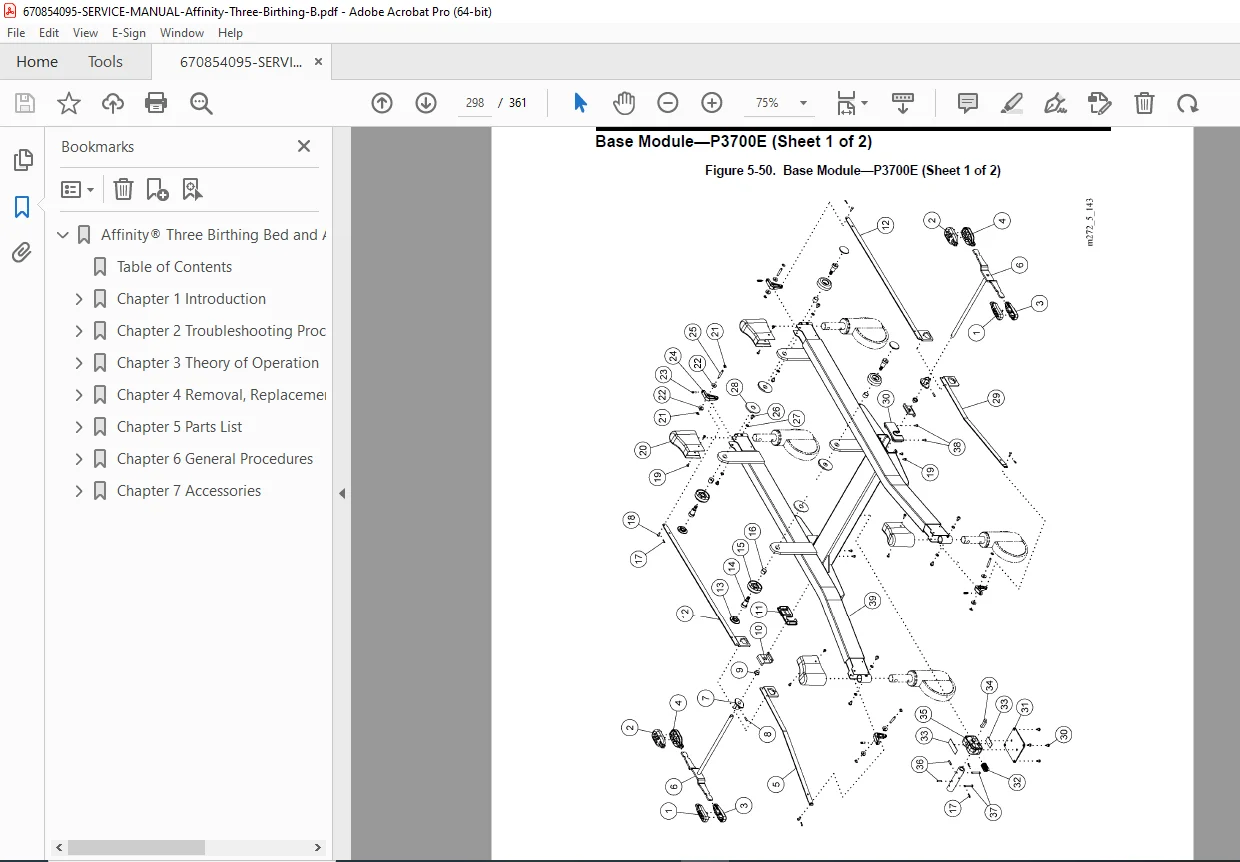
Ricoh IM C3000, C3500, C4500, C6000 Service Manual PDF
Original price was: $150.00.$25.95Current price is: $25.95.
Official Ricoh IM C3000 service manual covering the complete IM C2000 to IM C6000 series. This professional Ricoh copier repair guide includes installation procedures, SC error codes, preventive maintenance schedules, and detailed disassembly instructions. Features comprehensive SP mode tables, troubleshooting for image quality, and firmware update guides.
Description
Ricoh IM C3000, C3500, C4500, C6000 Service Manual PDF DOWNLOAD
DESCRIPTION
Maximize the lifespan and performance of your multifunction office printer with the official Ricoh IM C Series Service Manual. This massive technical resource covers the entire lineup of “Intelligent Machine” (IM) copiers, providing factory-authorized procedures for installation, maintenance, and complex repairs.
Whether you are a field technician troubleshooting Ricoh IM C4500 error codes or an IT manager performing a firmware update, this PDF provides the deep technical data required. It includes detailed schematics, mechanical disassembly guides, and the complete “Appendices” with thousands of System Program (SP) mode settings.
Manual Features & Content Breakdown
1. Installation & Configuration
Site Readiness: Environmental requirements, power consumption, and space planning.
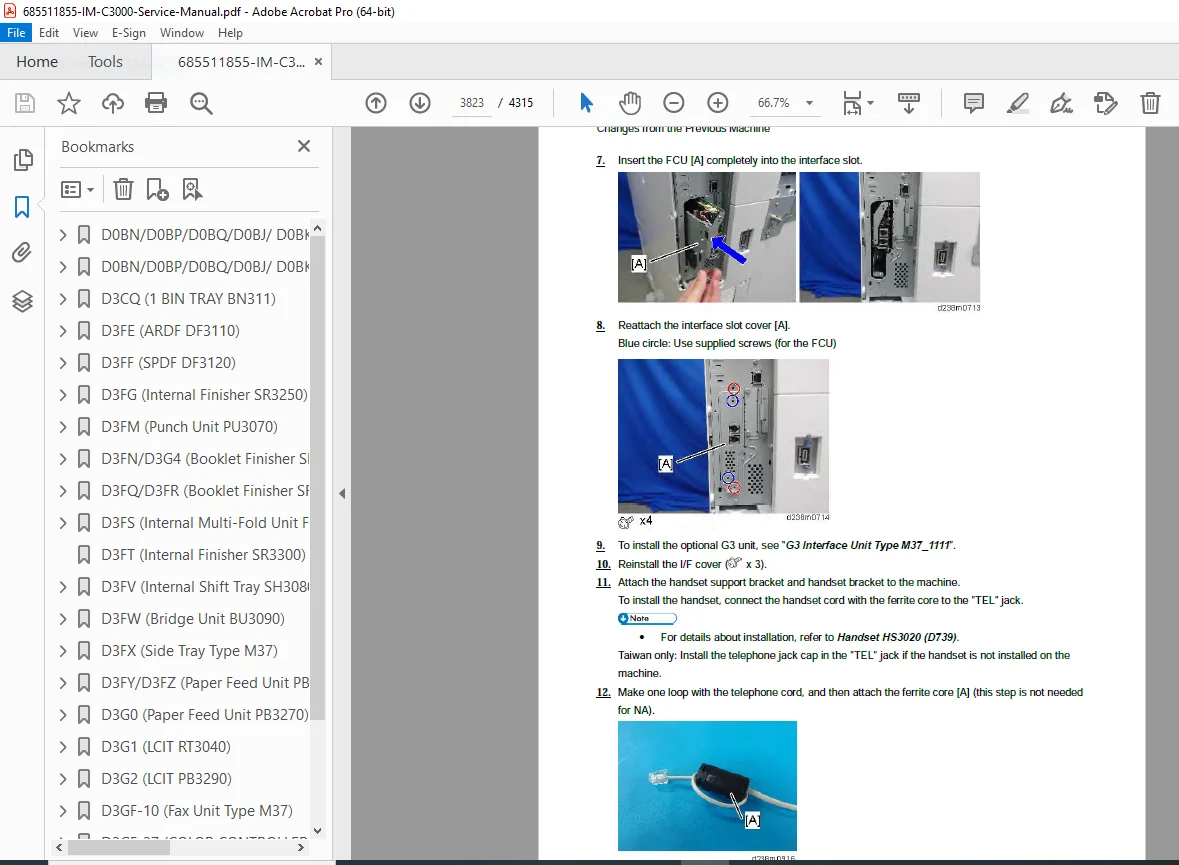
Setup: Step-by-step installation of the main unit, Paper Feed Units (PB3280/PB3300), and finishers.
Accessory Install: Guides for the Side Tray Type M37, Bridge Unit, and Smart Operation Panel setup.
2. Preventive Maintenance (PM)
PM Schedules: Detailed intervals for replacing the PCDU, Fusing Unit, and Transfer Belt.
PM Parts List: Catalog of high-yield and standard-yield maintenance parts.
Cleaning: Procedures for the laser optics, dust filters, and paper feed rollers.
3. Replacement & Adjustment
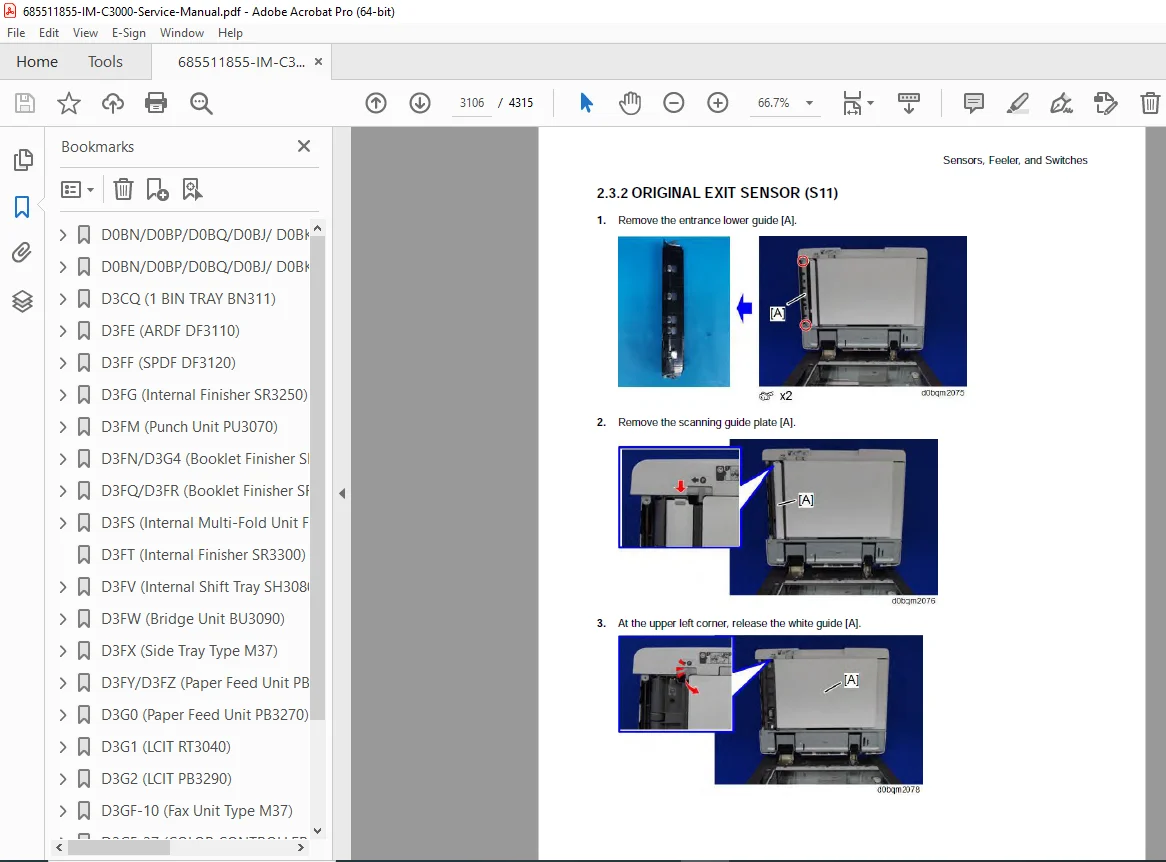
Disassembly: Illustrated removal guides for:
Laser Unit & Polygon Mirror Motor
PCDU (Photo Conductor & Development Unit)
Fusing Unit (Sleeve Belt, Pressure Roller, Thermostats)
Image Transfer Belt (ITB) & Cleaning Unit
Adjustments: Belt tensioning, color registration, and touch panel calibration.
4. Troubleshooting (SC Codes)
Service Call Conditions: Comprehensive list of SC codes (e.g., SC200 Laser Error, SC500 Feed Error) with cause and remedy logic.
Jam Detection: Sensor location maps and logic charts for clearing persistent paper jams in the Duplex Unit and Finisher.
Image Quality: Solutions for vertical streaks, color misalignment, and density fluctuation.
5. System Maintenance & SP Modes
SP Tables: Extensive charts for Engine SP and Controller SP modes to adjust voltages, reset counters, and configure network settings.
Firmware: Procedures for Smart Firmware Update, SD card updates, and NVRAM data upload/download.
SMC List: How to output the System Management Report (SMC) for diagnostics.
File Details
| Feature | Detail |
| Manual Name | Ricoh IM C-Series Service Manual (Service Manual + Appendices) |
| Models Covered | IM C2000, IM C2500, IM C3000, IM C3500, IM C4500, IM C5500, IM C6000 |
| Product Codes | D0BN, D0BP, D0BQ, D0BJ, D0BK, D0BL, D0BM |
| Year | 2019 – 2023 (Rev 05/31/2023) |
| File Type | High-Quality, Searchable PDF |
| Total Pages | 4315 |
Stop guessing at cryptic error codes. Download the Ricoh IM C-Series Service Manual right now and unlock the ability to diagnose, repair, and maintain your copier fleet like a factory pro. Save thousands on service contracts—get the manual that pays for itself with the very first repair