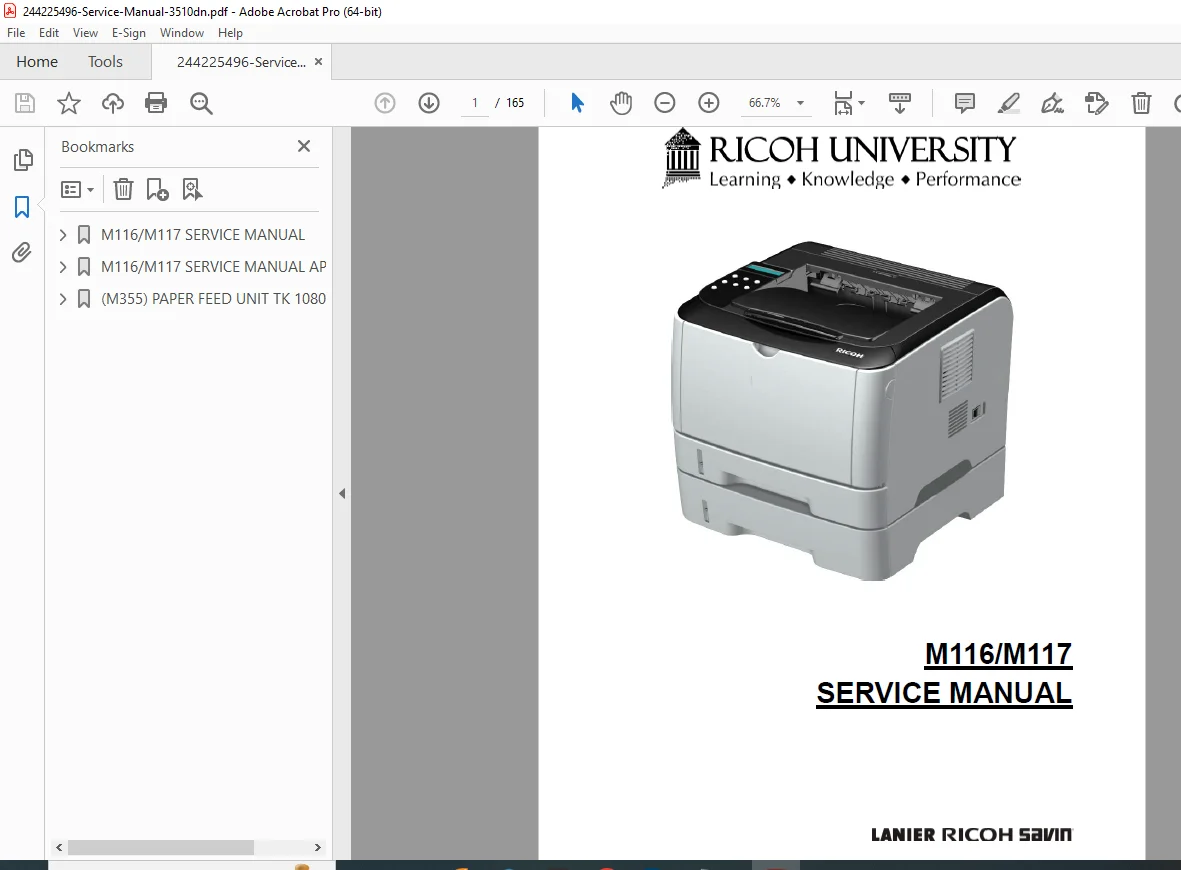
Ricoh SP 3500N / SP 3510DN M116 M117 Service Manual PDF
Original price was: $95.00.$19.95Current price is: $19.95.
Original Ricoh M116 / M117 Service Manual for SP 3500N & SP 3510DN printers. Includes installation, preventive maintenance, parts replacement, engine maintenance mode, sensors & clutch service, fusing unit procedures, jam diagnostics, SC error codes, image adjustment, wiring & board layout, firmware update steps, and troubleshooting flowcharts. Instant downloadable PDF.
Description
Ricoh SP 3500N / SP 3510DN M116 M117 Service Manual PDF DOWNLOAD
Description
⭐ Ricoh SP 3500N / SP 3510DN — M116 / M117 Service Manual (PDF Download)
This factory Service Manual provides complete technical repair, diagnostics, and maintenance procedures for the Ricoh:
SP 3500N (M116)
SP 3510DN (M117 / Duplex Model)
Designed for trained technicians and service engineers, it covers mechanical assemblies, fusing system, motors & clutches, sensors, paper feed, controller boards, maintenance counters, firmware updates, and system troubleshooting.
The manual is fully illustrated with component layouts, diagrams, photos and Board/Sensor maps for accurate servicing.
📑 Main Sections
🟢 Product Information & Machine Overview
Specifications & configuration table
Component layout diagram (laser, rollers, tray, fuser)
Paper path & duplex path (M117)
Drive layout — motors & clutches
🛠 Installation Requirements
Environment & power conditions
Leveling & clearance dimensions
Power load & grounding requirements
Installation procedure reference
🔧 Preventive Maintenance
PM intervals & yield parts
Fuser / Transfer / Feed roller counters
Counter reset via Service Mode
🧩 Replacement & Adjustment Procedures
(With step-by-step photos)
Exterior covers & panel removal
Laser unit & polygon mirror motor
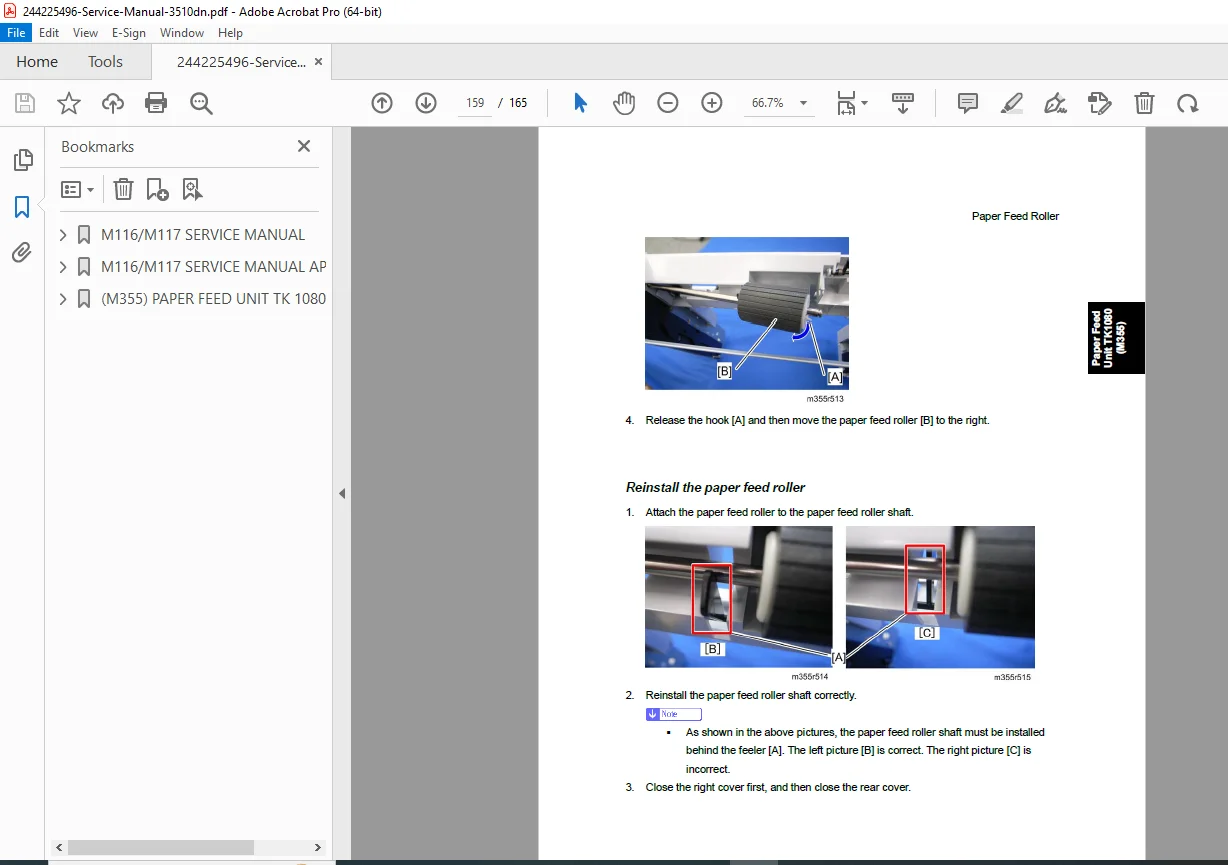
Paper feed rollers, bypass rollers & pads
Registration clutch & relay clutch
Transfer roller replacement + reset
Fusing unit / lamp / thermostat / thermistor
Hot roller & pressure roller
Cooling fan, quenching lamp, bushings
⚙️ Electrical Components
ECB (Engine Controller Board)
EEPROM handling & data retention rules
Controller board
PSU removal steps
Connector & harness routing
Charge terminal assembly
🖨 Image Adjustment
Registration alignment
User & service adjustment values
Test pattern use
🧪 System Maintenance / Service Mode
Entering Engine Maintenance Mode
Output check functions
Registration & fusing temp tables
Life counters & alert thresholds
Charge / dev / transfer bias settings
Test pattern printing
Engine defaults reset
🚨 Troubleshooting & Error Codes
Service Call Conditions (SC)
Laser optics errors (SC2xx)
Transfer / image errors (SC4xx)
Motor & fusing errors (SC5xx)
Communication errors (SC6xx)
Jam detection — sensor layout & list
Print defect diagnostics
🌱 Energy Saver / Duplex Efficiency
Timer & power modes
Duplex + combine effectiveness charts
(Sections confirmed from table of contents & pages in the manual
244225496-Service-Manual-3510dn
)
🧰 This Manual Helps You With
✔ Component disassembly & replacement
✔ Resetting maintenance counters correctly
✔ Diagnosing SC error codes & jam faults
✔ Servicing fuser, rollers, sensors & motors
✔ Using Engine Maintenance Mode safely
✔ Restoring image quality & alignment
✔ Updating engine / controller firmware
Perfect for:
Printer repair technicians
Service centers & refurbishers
Field engineers & depot repair teams
📂 File Details
| Field | Details |
|---|---|
| Manual Name | Ricoh M116 / M117 Service Manual |
| Models | SP 3500N (M116), SP 3510DN (M117) |
| Document Type | Factory Service / Repair Manual |
| Includes | Diagnostics, Parts Replacement, Error Codes, Adjustments |
| Format | Original PDF, bookmarked & illustrated |
| Quality | High-resolution, printable |
| Pages | ~165 |
This is the official Ricoh factory service manual — the same technical reference used by professional service engineers. It provides accurate procedures, wiring & sensor layouts, error diagnostics, and maintenance instructions that help you repair faults faster, reduce downtime, and extend printer life.
📥 Purchase now to download instantly and start servicing your printer immediately.