
Samsung Medison WS80A XW80A Ultrasound System Service Manual
Original price was: $34.95.$20.95Current price is: $20.95.
Official 282-page Samsung Medison WS80A/XW80A diagnostic ultrasound service manual covering installation, product structure, service mode, troubleshooting, disassembly/assembly, probes, maintenance, and the full service part list. Instant PDF download.
Description
Samsung Medison WS80A XW80A Ultrasound System Service Manual
This Samsung Medison WS80A XW80A Ultrasound System Service Manual is the complete technical reference for servicing, troubleshooting, and repairing the WS80A and XW80A diagnostic ultrasound platforms. Written for Samsung Medison field engineers and biomedical technicians, this WS80A XW80A service manual walks a technician through every stage of the machine’s life cycle, from unpacking and installation through disassembly, board-level fault-finding, and parts replacement.
File Details
- Manual type: Diagnostic ultrasound system service manual
- Brand / Model: Samsung Medison WS80A / XW80A
- Language: English
- Page count: 282 pages
- File format: PDF, digital download
- Revision: V4.00.00-00, initial release dated 2019.09.20
Chapters Covered
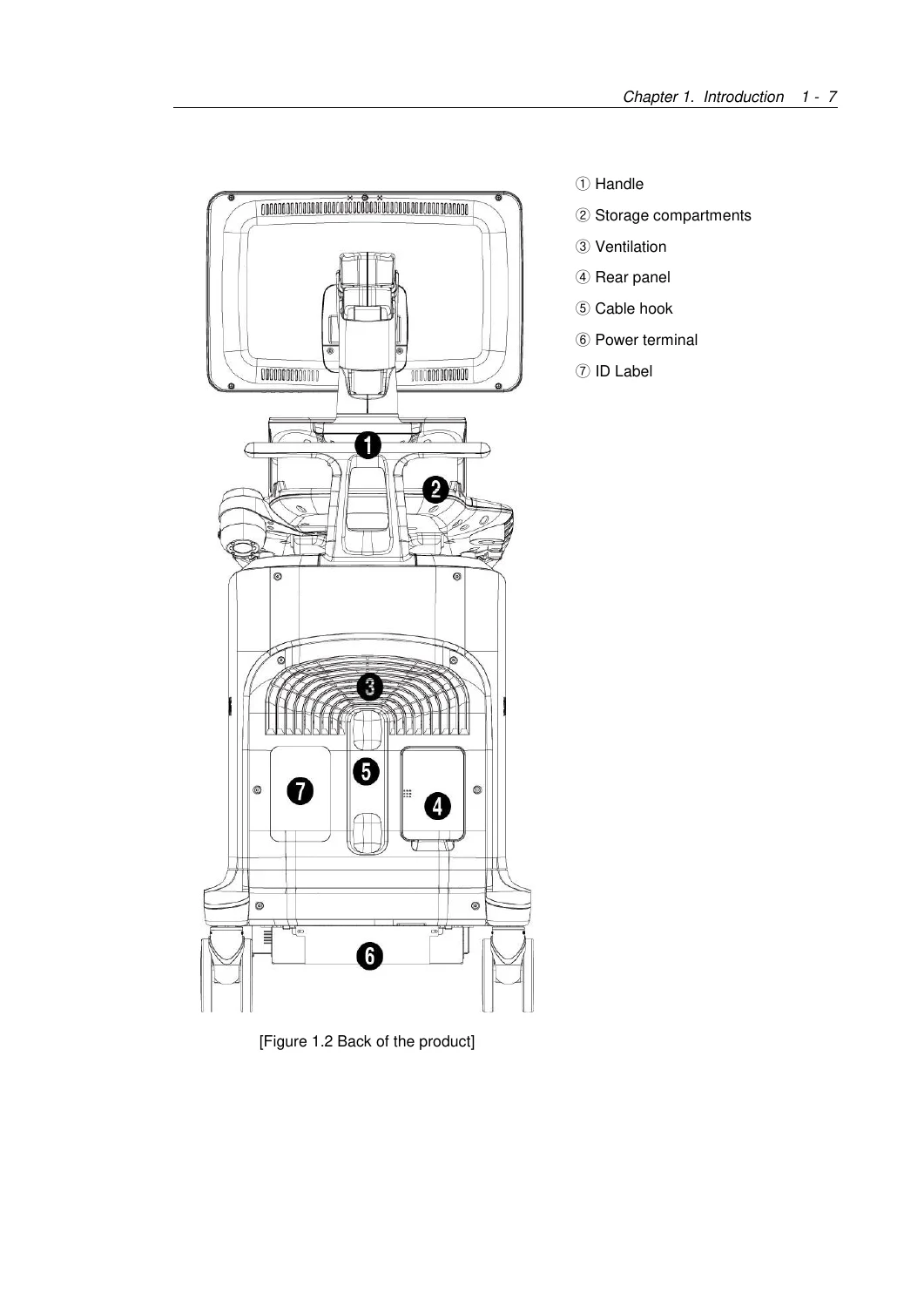
- Chapter 1 – Introduction: Product Specifications, Product Configuration, Monitor, Control Panel, Console, Peripheral Devices, Probes, Accessories, Optional Functions
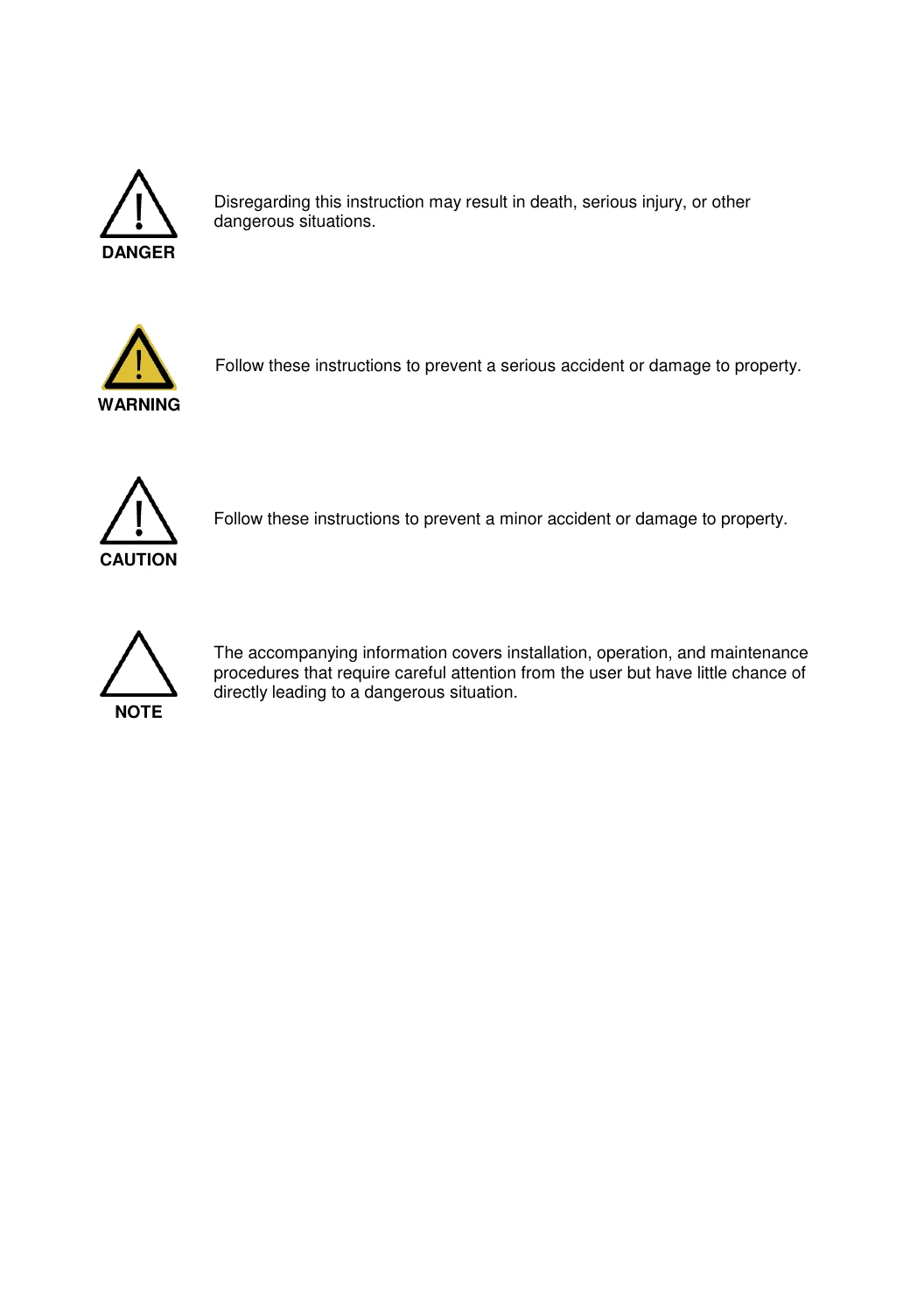
- Chapter 2 – Safety: Indications for Use, Contraindications, Safety Symbols, Electrical Safety, ECG-Related Information, ESD, EMI, EMC, Mechanical Safety, Biological Safety, ALARA Principle, Environmental Protection
- Chapter 3 – Installing the Product: Unpacking, Installation Environment, Power Cord Connection, Probe Connection, System Power, System Settings, Scan Mode, Display, Annotate, Peripherals, Network, DICOM Setup, System Information
- Chapter 4 – Product Inspection: Basic Inspections, Detailed Inspections
- Chapter 5 – Product Structure: System Block Diagram, Ultrasound System Part (PSA, Analog Control, Beam Former Board, Back End Board), PC Part (PC Module, Software DSC, Rear Board, Power Supply), User Interface Part (Control Panel, Docking CP Board, Touch Panel, Monitor)
- Chapter 6 – Service Mode: Installation Key Entry, System Information, Windows Mode, Admin Mode and its functions, Adding and Deleting Options
- Chapter 7 – Troubleshooting: Power Issues, Monitor Faults, Error Messages, Image Faults, Error Code Table
- Chapter 8 – Disassembly and Assembly: Front Cover, Rear Cover, Control Panel, Monitor, Monitor Arm disassembly and reassembly
- Chapter 9 – Probes: Probe types, Ultrasound Transmission Gel, Sheaths, Probe Safety, Cleaning/Disinfecting, Biopsy Kit assembly and use
- Chapter 10 – Maintenance: Operating Environment, Cleaning and Disinfection, Air Filters, Electrical Safety Check, Accuracy Check, Data Maintenance, Cybersecurity
- Chapter 11 – Service Part List: Body Cover Parts, System Parts, Control Panel Parts, System Cable Parts
IMAGES PREVIEW
Together these chapters give a technician everything needed to bring a WS80A or XW80A unit into service, diagnose faults down to the board level, replace worn or failed parts, and keep the console within its calibrated safety limits.
What’s Inside the Product Specifications
- Imaging modes: 2D, M Mode, Color Doppler, PW and CW Spectral Doppler, TDI, TDW, Power Doppler, S-Flow, Color M Mode, Anatomical M Mode, 3D/4D imaging, ElastoScan
- 23-inch Full HD LCD main monitor plus 10.1-inch LCD touchscreen monitor
- Five active probe ports, including one dedicated CW probe port
- Supported probe families: Linear, Convex, Endocavity, Phased Array, and 3D probes
- Electrical rating: 100-240V~, 1100VA, 50/60Hz
- System weight approx. 99.4 kg with monitor, up to 124 kg with Safe Working Load
Service Mode and Troubleshooting Depth
The service manual documents the Admin Mode entry procedures for both older systems and V4.01.03 and later builds, plus the option add/delete workflow used when upgrading a console’s licensed feature set. The Troubleshooting chapter organizes symptoms by subsystem — power, monitor, image, and boot error — and cross-references a numeric Error Code Table that maps failure codes to the responsible board (PSA, Beam Former, Back End, AC part, DDM) so a technician can move directly from a displayed code to the likely faulty assembly.
Disassembly, Probes, and Parts Support
Chapter 8 gives step-by-step disassembly of the front cover, rear cover, control panel, monitor, and monitor arm, with the antistatic precautions required before opening the chassis. Chapter 9 covers the full probe lineup along with sheath use, cleaning and disinfection, and complete biopsy kit assembly instructions. Chapter 11 closes the manual with itemized service part lists across the body cover, system, control panel, and system cable groups, useful when ordering replacement parts for a WS80A or XW80A unit.
Why Technicians Rely on This WS80A XW80A Service Manual
This manual equips a service engineer to install a new WS80A/XW80A system correctly, run structured product inspections, enter and use Service and Admin modes, isolate faults using the Error Code Table, safely disassemble and reassemble major housings, service and disinfect probes and biopsy accessories, and order the correct replacement part number for any covered body, system, control panel, or cable component. Following the manufacturer’s documented procedures and specifications helps avoid downtime, protects patient and operator safety, and keeps the system’s acoustic and electrical performance within its certified limits. The Samsung Medison WS80A XW80A Ultrasound System Service Manual downloads instantly as a PDF after purchase — no shipping wait, viewable on desktop, tablet, or phone, and easy to print for bench-side reference.
Reviews
There are no reviews yet.