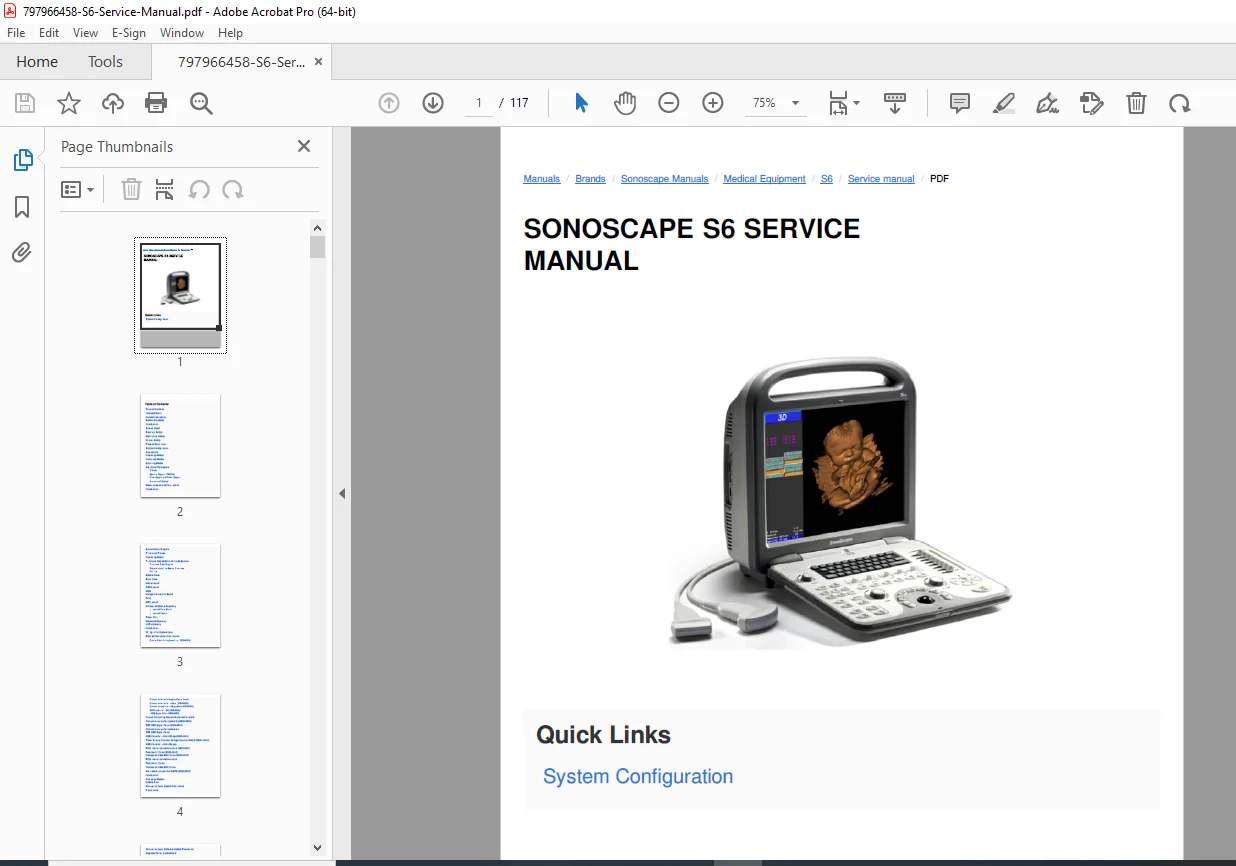
Sonoscape S6 Ultrasound Service Manual PDF
Original price was: $85.00.$15.95Current price is: $15.95.
Download the official Sonoscape S6 portable ultrasound service manual PDF for detailed system principles, disassembly, wiring, software updates, and maintenance. Covers Sonoscape S6 disassembly instructions, S6 ultrasound wiring and connection cables, Sonoscape S6 software update procedures, S6 portable ultrasound system block diagram, Sonoscape S6 probe maintenance and testing, and functional checks. Essential for technicians servicing S6 series color Doppler systems. 117 pages with diagrams, safety guidelines, and troubleshooting.
Description
Sonoscape S6 Ultrasound Service Manual PDF DOWNLOAD
Description
The Sonoscape S6 Ultrasound Service Manual PDF is a comprehensive guide for servicing the Sonoscape S6 portable digital color Doppler ultrasound system. This manual provides in-depth information on system architecture, repair procedures, and optimization, ensuring safe and effective maintenance for medical imaging professionals. Key sections include Sonoscape S6 disassembly instructions for components like the motherboard, ultrasound module, and LCD assembly; S6 ultrasound wiring and connection cables with detailed diagrams for cables such as LVDS signal and ECG connections; Sonoscape S6 software update procedures covering non-kernel and kernel upgrades, including precautions and USB boot-up methods; S6 portable ultrasound system block diagram explaining functional boards and probe principles; and Sonoscape S6 probe maintenance and testing for cleaning, disinfecting, and functional verification.
The manual emphasizes safety considerations across electrical, mechanical, and human aspects, along with operating modes like B Mode, Spectral Doppler (PW/CW), and Color/Power Doppler. It also details measurements, calculations, archive/backup processes, and common problem resolutions. For software activation, it includes steps to enable features like Micro-SCAN, with default passwords noted (e.g., HH77 for 2009 systems). Additional topics cover printer installations (thermal and network), network configurations, and real-time tests for critical parts like speakers, memory, and ADCs.
Compiled Table of Contents:
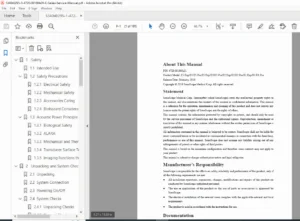
- 1 Introduction (1-1)
- 1.1 Intended Users (1-1)
- 1.2 Contact Information (1-1)
- 1.3 Software Updates (1-2)
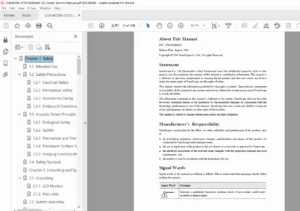
- 2 Safety Considerations (2-1)
- 2.1 Introduction (2-1)
- 2.2 Symbol Used (2-2)
- 2.3 Electrical Safety (2-2)
- 2.4 Mechanical Safety (2-3)
- 2.5 Human Safety (2-4)
- 3 Description of the System (3-1)
- 3.1 Product Description (3-1)
- 3.2 System Configuration (3-2)
- 3.3 Applications (3-4)
- 3.4 Operating Modes (3-5)
- 3.5 Combined Modes (3-5)
- 3.6 Scanning Modes (3-6)
- 3.7 Adjustable Parameters (3-6)
- 3.7.1 B Mode (3-6)
- 3.7.2 Spectral Doppler (PW/CW) (3-7)
- 3.7.3 Color Doppler and Power Doppler (3-7)
- 3.7.4 Archive and Backup (3-8)
- 3.8 Measurements and Calculations (3-8)
- 4 Principle of the S6 System (4-1)
- 4.1 Introduction (4-1)
- 4.2 System Block Diagram (4-1)
- 4.3 Principle of Probes (4-2)
- 4.4 Operating Modes (4-2)
- 4.5 Functional Boards/Units of the S6 System (4-3)
- 4.5.1 Functional Block Diagram (4-4)
- 4.5.2 Explanations of the System Functions (4-4)
- 4.6 Part List (4-5)
- 5 S6 Disassembly Instructions (5-1)
- 5.1 Bottom Cover (5-3)
- 5.2 Back Cover (5-4)
- 5.3 Motherboard (5-6)
- 5.4 KEAA board (5-7)
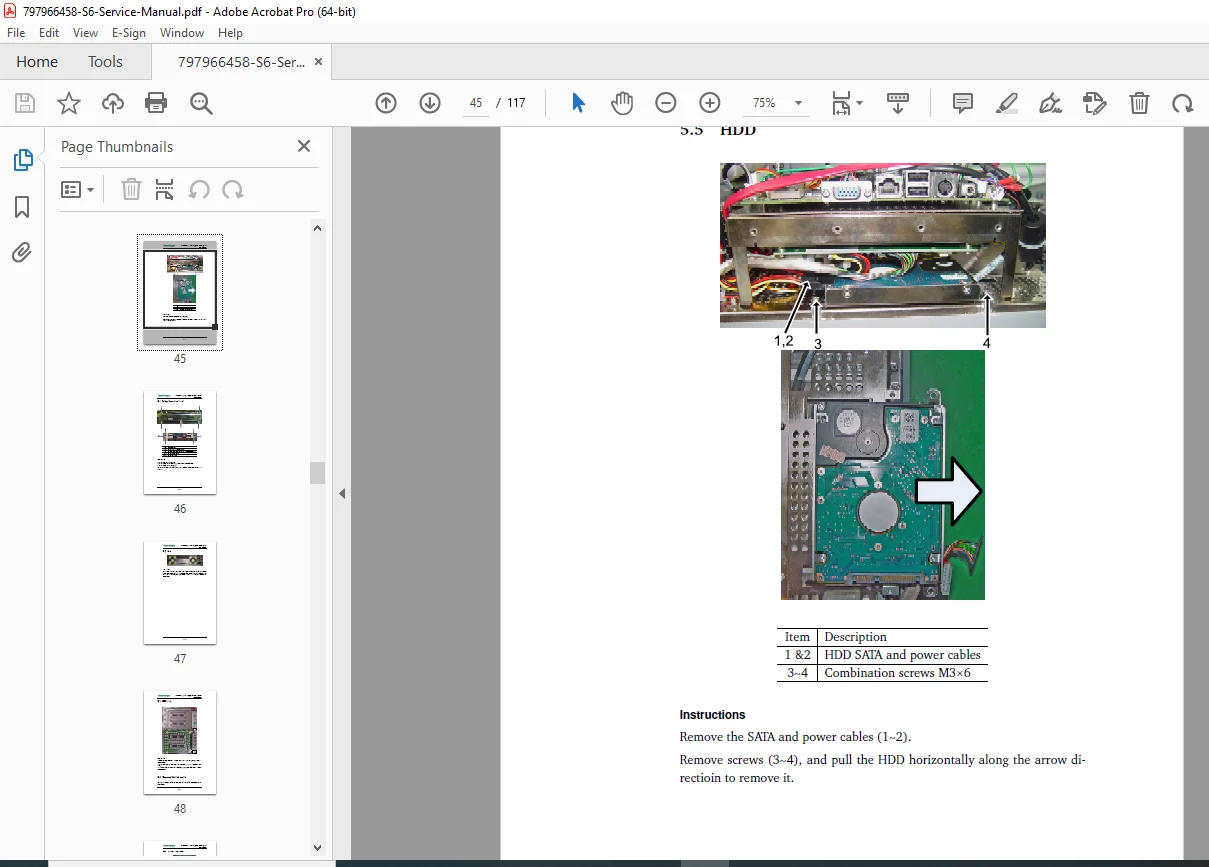
- 5.5 HDD (5-9)
- 5.6 Voltage Conversion Board (5-10)
- 5.7 Fans (5-11)
- 5.8 MPC board (5-12)
- 5.9 Ultrasound Module Assembly (5-12)
- 5.9.1 Ultrasound Metal Shield (5-13)
- 5.9.2 Ultrasound Module (5-14)
- 5.10 Power Unit (5-16)
- 5.11 Keyboard Assembly (5-17)
- 5.12 LCD assembly (5-18)
- 6 Wiring Instructions (6-1)
- 6.1 Introduction (6-1)
- 6.2 Wiring in the System Level (6-2)
- 6.3 Detailed Connection Instructions (6-4)
- 6.3.1 Control Cable for Keyboard Unit (3520-0501) (6-4)
- 6.3.2 Connection wires for keyboard small board (3520-0502) (6-4)
- 6.3.3 Connection wires for trackball (3520-0503) (6-4)
- 6.3.4 Connection cable for loud speakers (3520-0504) (6-5)
- 6.3.5 Signal Transmission cable for keyboard (3520-0505) (6-5)
- 6.3.6 SATA cable for HDD (3520-0506) (6-6)
- 6.3.7 LVDS Signal Cable (3520-0507) (6-6)
- 6.3.8 Cables Connecting Keyboard and motherboard (3520-0508) (6-7)
- 6.3.9 Connection wires for system fan (3520-0509) (6-7)
- 6.3.10 DBF USB Signal Cable (3520-0510) (6-7)
- 6.3.11 USB Cable for µ-Scan Dongle (3520-0511) (6-8)
- 6.3.12 Power Supply Cable for Voltage Inversion Board (3520-0512) (6-8)
- 6.3.13 ECG internal connection cable (3520-0513) (6-9)
- 6.3.14 Foot Switch Cable (3520-0514) (6-9)
- 6.3.15 Composite Video BNC Cable (3520-0515) (6-9)
- 6.3.16 Main power cables from SMPS (3520-0520) (6-10)
- 7 Install and Update the System Software (7-1)
- 7.1 Introduction (7-1)
- 7.2 Applicable Models (7-2)
- 7.3 Update Files (7-2)
- 7.4 Non-kernel Level Update Instructions (7-3)
- 7.4.1 Precautions (7-3)
- 7.4.2 Non-kernel Level Software Update Procedures (7-4)
- 7.5 Upgrade Kernel and Software (Later pages)
- 7.6 Upgrade Using USB Boot-up Disk (Later pages)
- 7.7 Notes (Later pages)
- 7.8 Upgrade Procedures (Later pages)
- 7.9 Activate the Micro-SCAN function (Later pages)
- 8 Testing Software (8-1, inferred from text)
- 8.1 Introduction
- 8.2 Testing Software (Speaker Test, System memory, etc.)
- 9 Printer Installation (Inferred)
- Thermal Printer Installation
- Network Printer Installation
- Supported Models
- Configurations
- Network Connection with PC
- 10 Functional Check (10-1, inferred)
- 10.1 Introduction
- 10.2 Preparation
- 10.3 Functional Check
- 10.4 Basic Functional Tests
- 10.5 Functional Test for Critical Parts
- 11 Common Problems and Service Instructions (11-1, inferred)
- Repairing Procedures
- Problem Analysis
- 12 Host Maintenance (12-1, inferred)
- Backup
- Host Maintenance
- Probe Maintenance
- Cleaning and Disinfecting Probes
- Make bootable key directly through PC
This high-quality PDF integrates Sonoscape S6 disassembly instructions, S6 ultrasound wiring and connection cables, and other keywords naturally for efficient searching and application in ultrasound system repairs.
File Details:
- Manual Name: Sonoscape S6 Portable Digital Color Doppler Ultrasound System Service Manual
- Models Covered: S6 series
- Year: 2010
- Manual PDF Quality: High-quality with clear text, diagrams, and functional block illustrations
- No. of Pages: 117