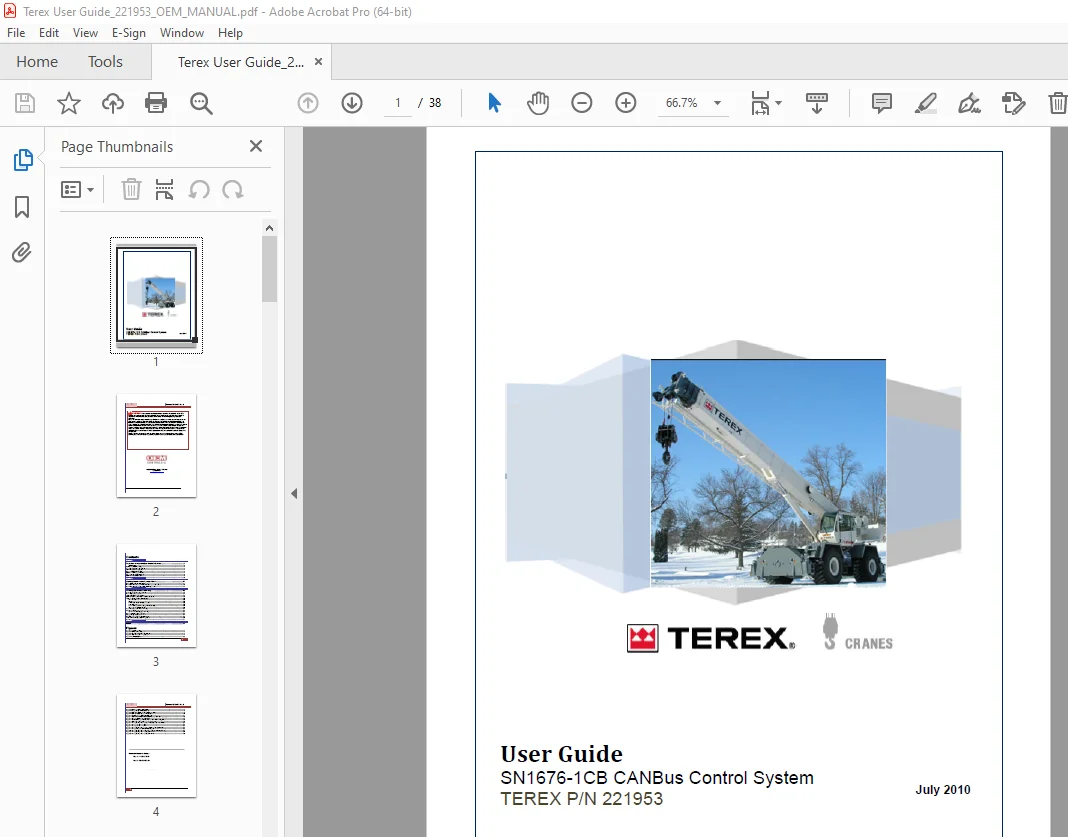
Terex Crane SN1676-1CB CANBus Control System User Manual PDF
$14.95
Terex Crane SN1676-1CB CANBus Control System User Manual – PDF DOWNLOAD
Description
Terex Crane SN1676-1CB CANBus Control System User Manual – PDF DOWNLOAD
FILE DETAILS:
Terex Crane SN1676-1CB CANBus Control System User Manual – PDF DOWNLOAD
Language : English
Pages : 38
Downloadable : Yes
File Type : PDF
IMAGES PREVIEW OF THE MANUAL:
TABLE OF CONTENTS:
Terex Crane SN1676-1CB CANBus Control System User Manual – PDF DOWNLOAD
Section 1 1
Overview of the CANBus Control System 1
About CANBus 2
CANBus System Block Diagram 3
Main Winch and Boom Hoist Control 4
AUX Winch and Swing Control 5
Boom Extend/Retract Control 6
OCO2-101 CAN Output Module 7
Energy Storage Module (ESM-1) 8
OCI1-107 with (HMI) Module 9
The HMI Switch Functions 10
Section 2 11
Getting Started with System Check 11
Quick Check of the SN1676-1CB System 11
IF – THEN Test 1: Using CANBus LEDs to Diagnose the System 12
IF – THEN Test 2: Using the HMI to Check Equipment 13
Section 3 16
Testing and Troubleshooting 16
Assessing the CANBus System Health 16
Power Supply Requirements 17
Testing the OCO-2 CAN Module 17
OCI1-107 CAN Input Module with (HMI) Diagnostic 18
Testing with Menu Select and the (HMI) 20
Main Menu Screen 20
Run Screen 20
Part Number and Serial Number Screen 20
Setup Unlock Screen 20
Pass/ Fail Equipment Tests Using the HMI Display 22
Restore Factory Defaults Screen 22
Main Winch Boom Hoist Control wiring 23
Aux Winch and Swing Control Test 25
Aux Winch and Swing Control wiring 25
Boom Extend/ Retract Wiring Test 26
Energy Storage Module ESM-1 Test 27
Operating voltage 9-24 vdc @ 60000 MFD 27
J1-“A” and J2-“B” Equipment Wiring Check 28
User Notes 31
Section 4 33
Index 33
Figures
Figure 1 CANBus Enclosure 1
Figure 2 CANBus Block Diagram 3
Figure 3 Main Winch and Boom Hoist Control 4
Figure 4 AUX Winch and Swing Control 5
Figure 5 Foot Pedal Control 6
Contents -ER 21872 Rev B
ii
Figure 6 OCO2-101 CAN Output Module 7
Figure 7 Energy Storage Module (ESM-1) 8
Figure 8 OCI1-107 Installation in the CANBus System 9
Figure 9 OCI1-107 Master Module with (HMI) 10
Figure 10 CANBus Quick check with LED diagnostics 11
Figure 11 OCO-2 CAN Output Module LED Indicator Table for Diagnostics 12
Figure 12 Equipment Check Using the HMI 15
Figure 13 OCO2 CAN Output Module LED Indicator table for diagnostics 18
Figure 14 OCI1-107 System Connectors – J1-“A”-J2-“B” 19
Figure 15 Wiring Configuration for Main Winch Boom Hoist Controller 23
Figure 16 Wiring table for P4 and P7 24
Figure 17 Wiring table for P3 and P5 24
Figure 18 Wiring Configuration for AUX Winch and Swing Controller 25
Figure 19 Wiring Tables for the Foot Pedal Controller 26
Figure 20 Wiring Configuration for the Energy Storage Module (ESM-1) 27
Figure 21 Wiring Configuration for Connector J1-“A” 29
Figure 22 Wiring Configuration for Connector J2-“B” 30
S.V 07/24