Xerox Color 550, 560 & 570 Printer User Guide & Operation Manual PDF
Original price was: $95.00.$19.95Current price is: $19.95.
Unlock the full potential of your multifunction printer with the official Xerox Color 550 user manual. This essential Xerox 570 operation guide covers everything from Xerox 570 installation and network setup to advanced color correction and finishing options. Perfect for operators and office managers, it includes detailed instructions on Xerox 560 loading media, clearing paper jams, and performing routine Xerox Color 550 maintenance like replacing toner and drums.
Description
Xerox Color 550, 560 & 570 Printer User Guide & Operation Manual PDF DOWNLOAD
DESCRIPTION
Ensure peak performance and minimize downtime with the definitive Xerox Color 550/560/570 Printer User Guide. This comprehensive digital manual is the daily reference bible for operating, configuring, and maintaining the Xerox Color 550, 560, and 570 series printers.
Whether you are configuring a new installation, setting up the Xerox 560 printer troubleshooting protocols, or managing complex print jobs with finishing options, this guide provides clear, step-by-step instructions. It details critical operational data often lost in quick-start guides, such as specific paper weight settings for the High Capacity Feeder and precise color correction workflows for the PostScript driver.
The manual is methodically organized to help you find answers instantly:
Table of Contents & Key Features:
Installation & Setup
Physical Connection: Power and Network setup.
Drivers: Installing Windows and Macintosh Drivers (PCL 6, PostScript).
CentreWare Internet Services: Accessing printer status and accounting via a web browser.
Media & Tray Management
Loading Media: Detailed specs for Trays 1-4, Bypass Tray 5, and High Capacity Feeders.
Paper Support: Handling Coated, Heavyweight, Labels, and Transparencies.
Tray Capabilities: Maximum fill lines, paper weights (64-300 gsm), and sizes (SRA3, A3, A4).
Printing, Copying & Scanning
Advanced Printing: 2-sided printing, Booklet creation, and Watermarks.
Color Control: Using Color Corrections (Automatic, sRGB, SWOP, EuroScale).
Scanning: Scan to Folder, Email, PC, or USB; Creating Scan Templates.
Faxing: Server Fax, Internet Fax, and VoIP Fax setup.
Finishing Options
Standard & Advanced Finishers: Stapling, Hole Punching, and Stacking.
Booklet Maker: Bi-fold, Saddle-stitch, and Interposer tray usage.
SquareFold Trimmer: Trim guidelines and jam clearance.
Maintenance & Troubleshooting
Routine Care: Cleaning the lenses and exterior.
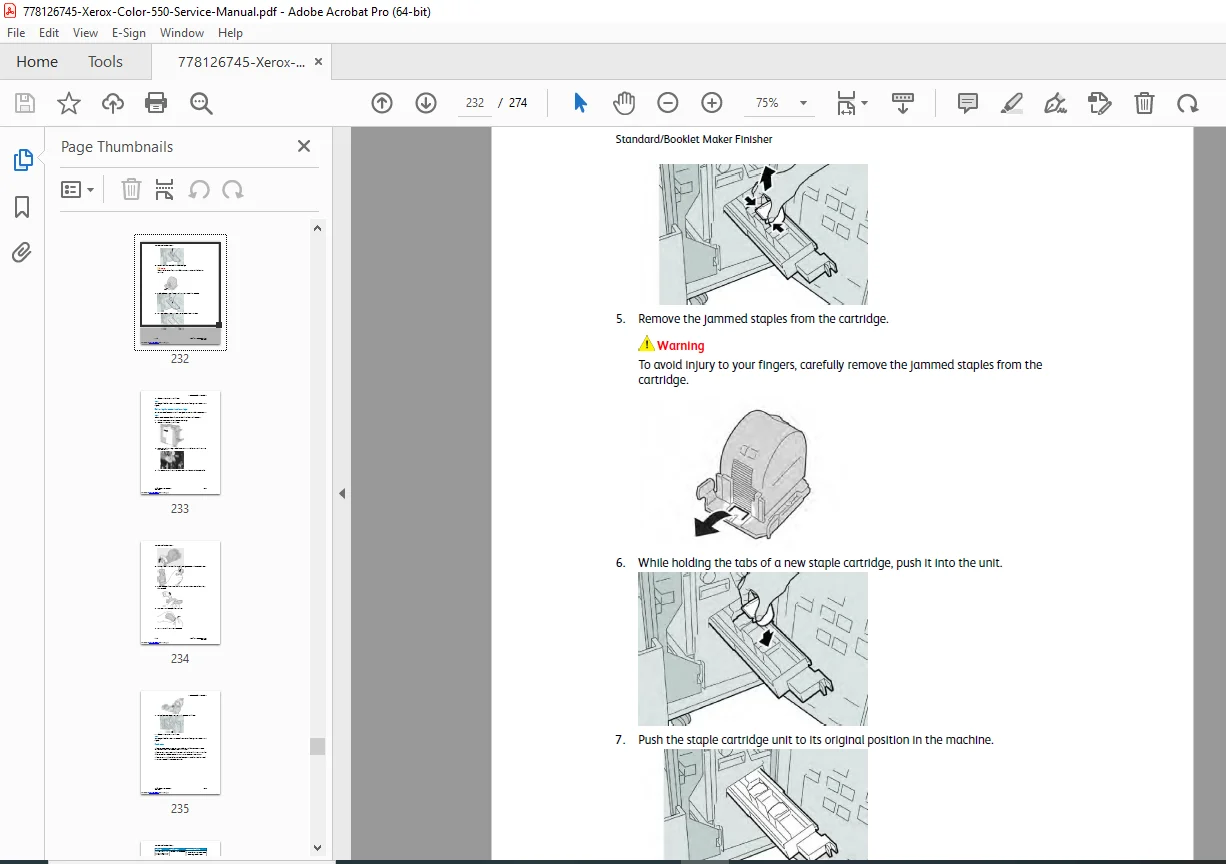
Consumable Replacement: Step-by-step guides for replacing Toner Cartridges, Drum Cartridges, Waste Toner Containers, and Fusers.
Fault Codes: Understanding Control Panel messages and Alerts.
Jam Clearance: Locating and removing jams in the Fuser, Finisher, and Feeders.
FILE DETAILS
Manual Name: Xerox Color 550/560/570 Printer User Guide
Models Covered: Xerox Color 550, Xerox Color 560, Xerox Color 570
Year: 2013 (Software Version 1.00)
Manual PDF Quality: High-Quality Digital PDF (Searchable Text, Color Illustrations)
No. of Pages: 274
Stop guessing and start printing! Download your official Xerox User Guide now to master your machine’s features, solve error codes instantly, and keep your production running smoothly without waiting for IT support.