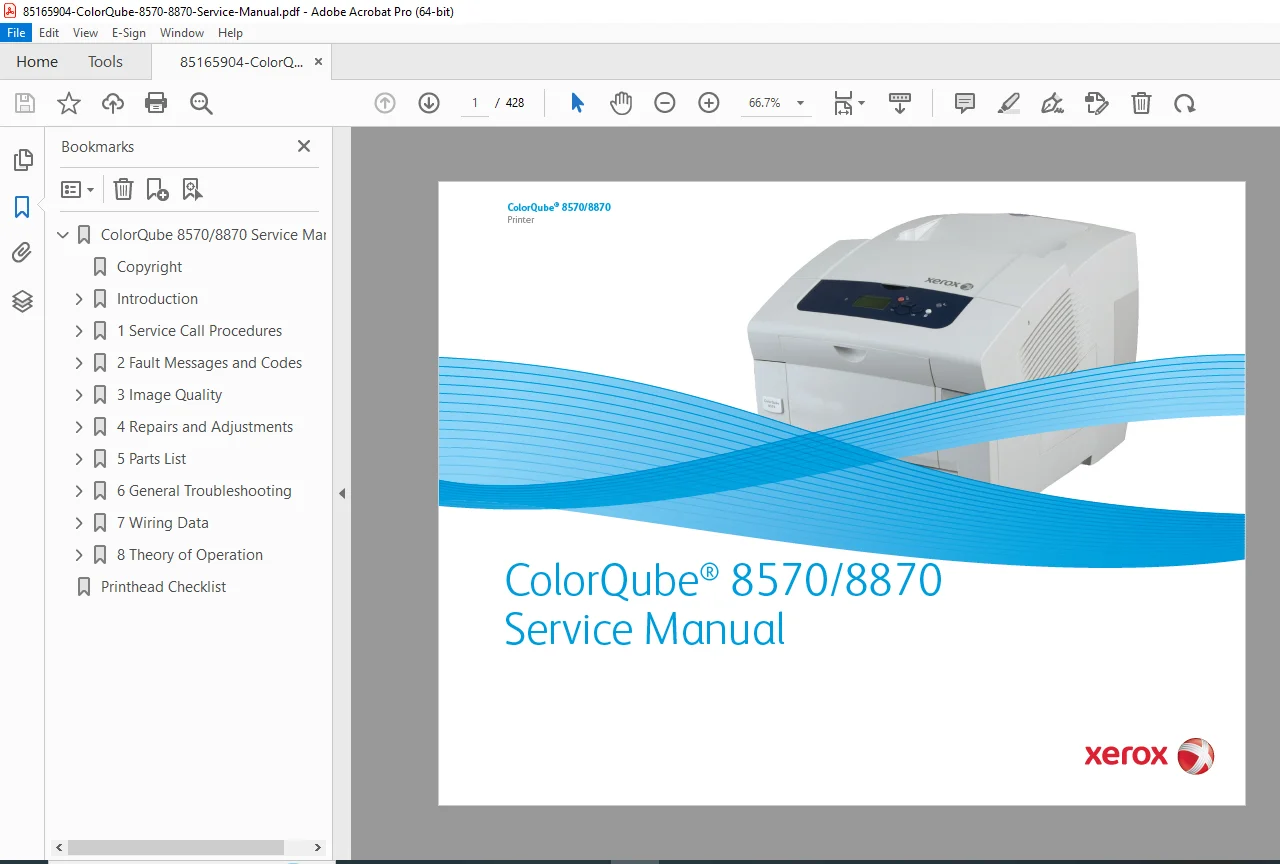
Xerox ColorQube 8570 / 8870 Service Manual – PDF Download
$85.00 Original price was: $85.00.$18.95Current price is: $18.95.
This is the complete factory service manual for the Xerox ColorQube 8570 and 8870 solid-ink printers. It includes full fault-code diagnostics, repair and disassembly procedures, image-quality troubleshooting, adjustments, wiring diagrams, and the complete parts list with exploded views. Essential for technicians servicing ColorQube 8570/8870 printers.
Description
Xerox ColorQube 8570 / 8870 Service Manual – PDF Download
Description
This is the official Xerox ColorQube 8570 / 8870 Service Manual, the exact documentation used by Xerox-certified field technicians. It provides complete information for diagnostics, repair, adjustments, print-quality recovery, parts replacement, and electrical wiring.
The manual includes:
Comprehensive fault message and error-code diagnostics
Image-quality troubleshooting with print defect charts
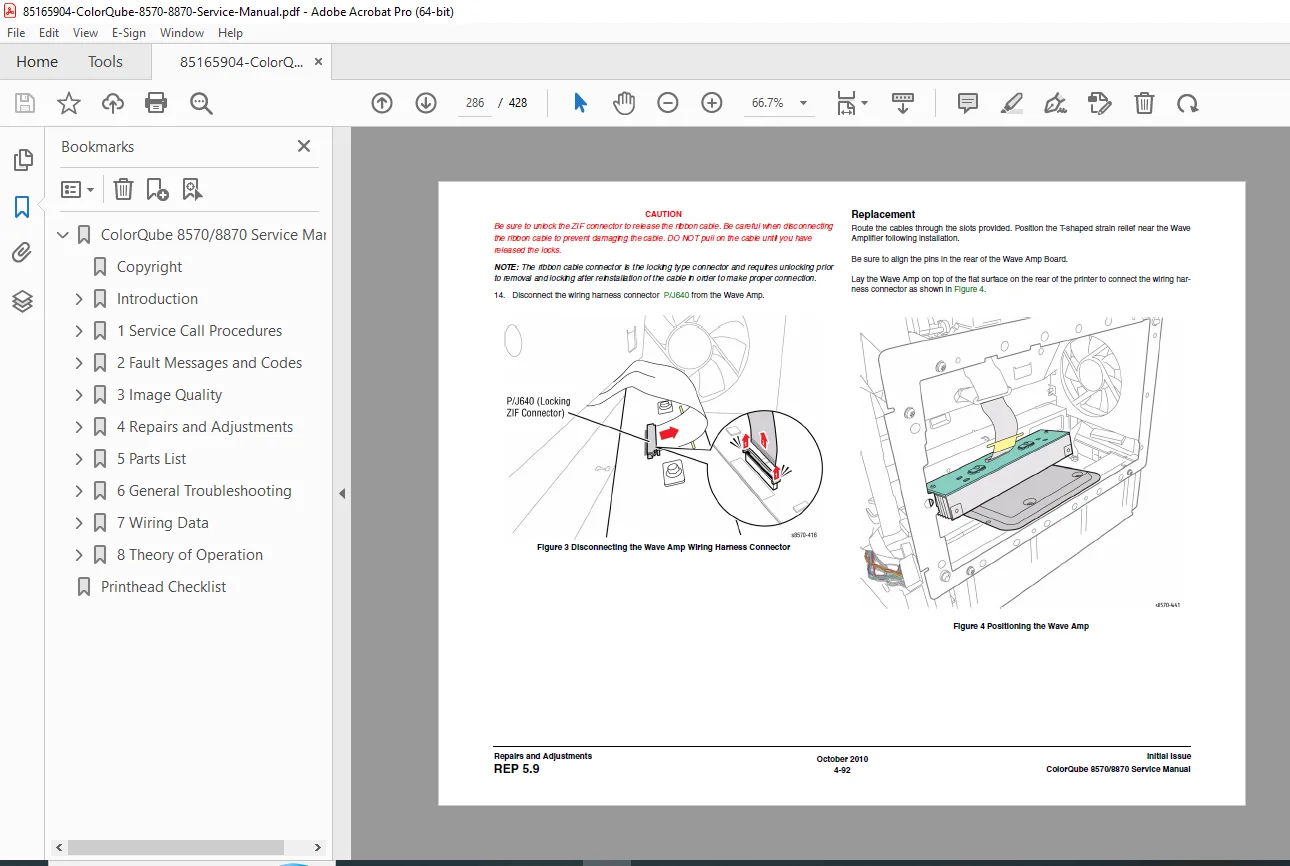
Disassembly and repair procedures for all major assemblies
Full parts list with exploded diagrams
Complete wiring data, schematics, and connector pinouts
Service call procedures and technician workflow
Printhead maintenance and a dedicated Printhead Checklist
This manual is the most complete service and repair resource available for the ColorQube 8570/8870.
Table of Contents
Introduction
Manual overview
Safety information
Service notes
1. Service Call Procedures
Service workflow
Diagnostic entry points
Required tools
Safety / ESD precautions
2. Fault Messages and Codes
Control panel error messages
Error definitions & corrective actions
Engine, printhead, and subsystem diagnostics
Power-on self test fault codes
PEST / BIST / POST behavior
3. Image Quality
Image-quality troubleshooting
Solid-ink artifacts, streaks, banding
Color misregistration
Color density issues
Test pattern interpretation
IQ recovery procedures
4. Repairs and Adjustments
Step-by-step disassembly and repair:
Exterior covers & panels
Printhead tilt, maintenance, and alignment
Ink loader assembly
Transfix unit
Paper tray mechanisms
Drive assemblies
Fans, motors, and sensors
Electromechanical boards
Adjustments, alignments, calibrations
5. Parts List
Exploded-view diagrams
Part numbers for ordering
Mechanical, electrical, and sub-assembly components
Engine, scanner, transport, and LVPS assemblies
6. General Troubleshooting
Symptom-based diagnostics
Paper jams
Noise/vibration issues
Heating, waxing, and ink issues
Subsystem isolation (motors, sensors, fans)
Service test modes
7. Wiring Data
Complete wiring diagrams
Harness routing
Connector pinouts
Board-to-board connections
Wiring flags and color codes
8. Theory of Operation
System architecture
Print process overview (solid ink technology)
Electronics and controller logic
Media path explanation
Subsystem functional descriptions
Printhead Checklist
Printhead inspection procedures
Alignment checks
Preventive cleaning
Troubleshooting printhead faults
📄 File Details
| Field | Details |
|---|---|
| Manual Name | Xerox ColorQube 8570/8870 Service Manual |
| Models Covered | ColorQube 8570, ColorQube 8870 |
| Year | Not explicitly listed (mid–late 2010s) |
| PDF Quality | Excellent (clear diagrams, full bookmarks, searchable text) |
| No. of Pages | 428 |
What Our Customers Say
🌟 Related Products
Discover more professional manuals for your equipment
Xerox Phaser 5500 Finisher & Paper Tray Options Service Manual – PDF Download
Xerox B305 / B315 Multifunction Printer Service Manual – PDF Download