Xerox CopyCentre C118 / WorkCentre M118 Service Manual PDF
Original price was: $120.00.$18.95Current price is: $18.95.
Official Xerox service documentation for CopyCentre C118 / WorkCentre M118. Covers service call flow, status indicator RAPs, image quality diagnostics, repairs & adjustments, parts lists, wiring data, accessories, safety, BSDs and circuit diagrams in one 562-page OEM manual — ideal for professional copier technicians.
Description
Xerox CopyCentre C118 / WorkCentre M118 Service Manual PDF DOWNLOAD
Description
This OEM Xerox CopyCentre C118 / WorkCentre M118 Service Manual is the controlling publication for every service call on these machines. It is designed for certified, product-trained technicians and provides complete procedures to diagnose faults, adjust components and keep the device in top operating condition.
1. Manual Overview & Introduction
Product covered: CopyCentre C118, WorkCentre M118
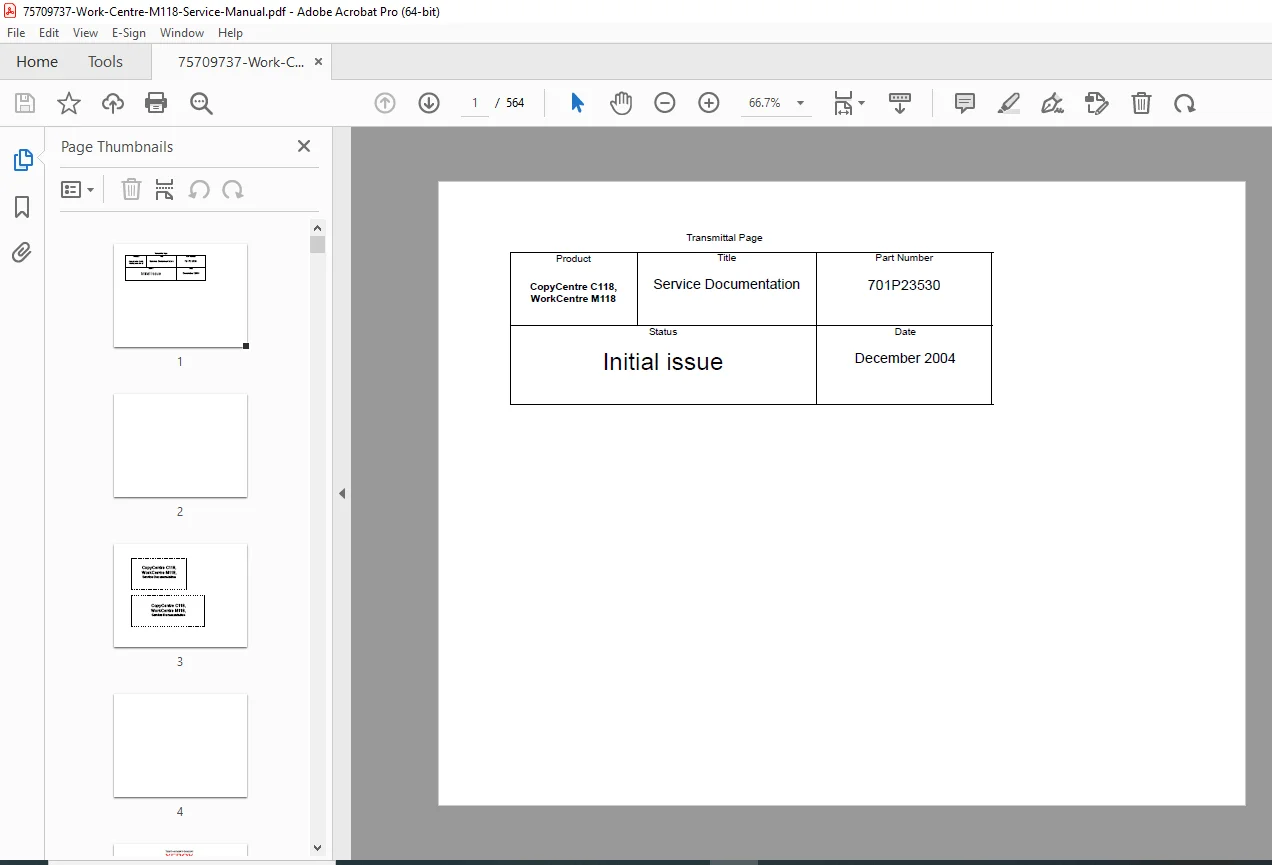
Document type: Service Documentation (Part No. 701P23530, initial issue December 2004)
75709737-Work-Centre-M118-Servi…
Explains how to use the documentation set, service strategies and call flow
Detailed symbology & nomenclature for RAPs, BSDs, wirenets and signals
Extensive ESD and laser safety guidance, warning / caution conventions, and translated safety notes for multi-language technicians
2. Section Structure (from Bookmarks / TOC)
The manual is organized into eight major sections:
Service Call Procedures
Status Indicator RAPs (fault code diagnostics)
Image Quality
Repairs / Adjustments
Parts Lists
General Procedures & Diagnostic Information
Wiring Data & Block Schematic Diagrams
Accessories (Fax kit, foreign interface, extra trays, DADF/ADF, etc.)
Each section contains step-by-step service procedures with references to wiring diagrams, BSD chains and plug / jack locations.
3. Service Call Procedures & Maintenance
The Service Call Procedures section defines the full workflow for every visit:
Initial Actions – questioning the operator, checking power and cables, viewing jam history and error histories, entering diagnostics and printing CE reports.
Call Flow charts – decision trees for UI faults, jams, noise, network issues, copy vs print vs fax problems and remote fax diagnostics.
Detailed Maintenance (HFSI) – high-frequency service items with thresholds and required actions (feed rolls, retard pads, BTR, fuser, MPT rolls, IIT rollers, etc.).
Cleaning Procedures – standard cleaning points (feed components, toner dispense, jam sensors, scanner optics, DADF/ADF paths and platen glass).
Final Actions – test prints, CE report, customer demo and network reconnection workflow.
4. Status Indicator RAPs & Fax Error Codes
A large portion of the manual is dedicated to Status Indicator Repair Analysis Procedures (RAPs) covering:
C-codes – paper path and tray feed jams (Tray 1–4, duplex, MPT, registration sensor).
E-codes – fuser exit sensor timing and static jams.
H-codes – tray lift failures, cassette size errors, NVM and communication errors.
J-codes – toner and developer CRUM issues, ATC sensor faults, cartridge life.
S-codes – ADF/DADF document feed and scan jams, static jams, cover-open conditions.
U-codes – main motor, ROS, fuser, dispense motor and memory/NVM failures.
Z-codes & Fax error codes – billing counter faults plus dozens of fax protocol and modem-related errors, with step-by-step RAPs for each.
75709737-Work-Centre-M118-Servi…
Each RAP includes:
Initial actions and relevant BSD references
Input/output checks via diagnostics
Wiring checks, voltage checks and resistance values
Clear pass/fail criteria and replacement steps (sensor, motor, clutch, PWB, harness etc.)
5. Image Quality & Adjustments
The Image Quality section provides:
75709737-Work-Centre-M118-Servi…
Entry RAP for IQ troubleshooting (copy/print separation, IQ vs hardware faults)
Image quality specifications and defect samples
Targeted procedures for density, background, voids, lines, registration, skew and duplex image shift
Separate handling of Platen vs DADF/DADF alignment with adjustment procedures in the Repairs/Adjustments chapter
6. Repairs / Adjustments (Mechanical & Electrical)
Section 4 contains full removal, replacement and adjustment procedures for all major subsystems:
75709737-Work-Centre-M118-Servi…
Drives – main drive assembly and associated gearing
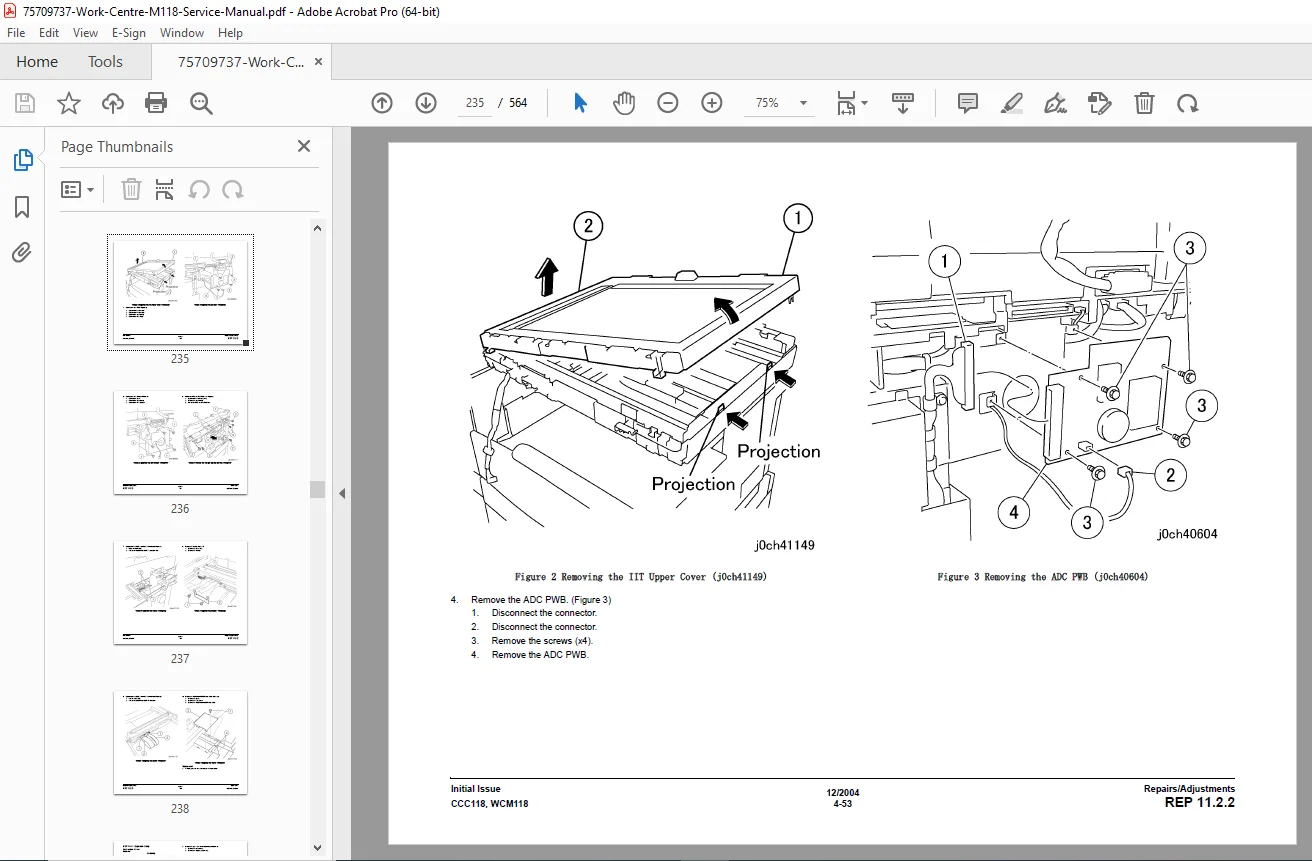
Paper transport – feed / retard / nudger rolls, registration units, left chute, exit & OCT assemblies, MPT unit and retard pads
Xerographics & development – XERO/developer cartridge, toner cartridge, dispense motor, bias transfer roll
Fuser – complete fuser assembly R&R and related safety cautions
Electrical – MCU PWB, ESS PWB, STM/2TM PWBs, NBCR, image inverter, control PWBs
IIT / scanner – control panel, carriage, exposure lamp, mirrors, carriage cables and PWB box
Feeders & trays – 2-tray and 4-tray modules, DADF/ADF, rollers and retard components
Covers & cosmetic parts
Each procedure lists necessary tools, safety warnings, disassembly order, re-assembly notes and any required post-replacement adjustments.
7. General Procedures, Wiring Data & BSDs
Sections 6 and 7 give the deeper technical backbone of the machine:
75709737-Work-Centre-M118-Servi…
General diagnostic programs and copier/printer information (CE settings, counters, protocol traces, test prints).
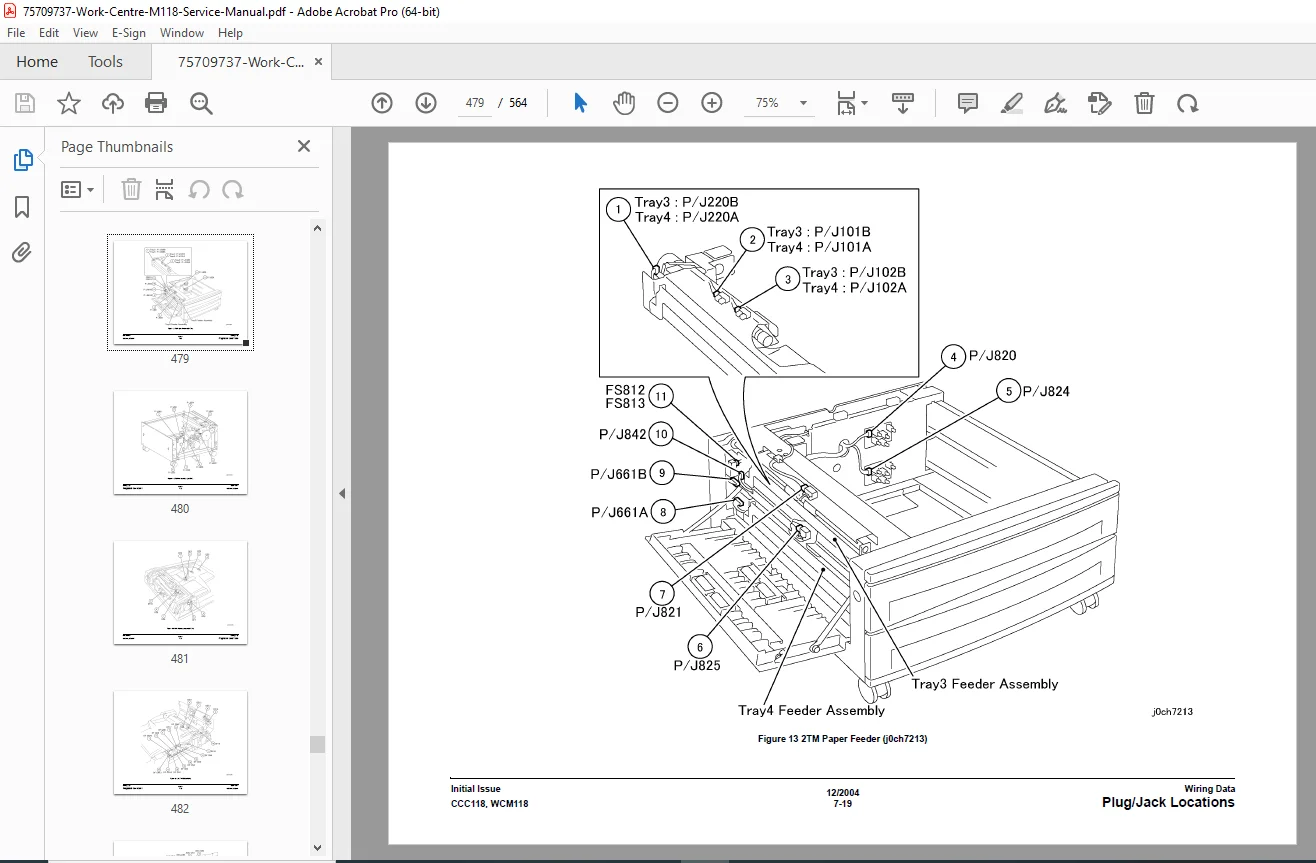
Wirenets & power distribution diagrams with plug/jack location tables.
Block Schematic Diagrams (BSDs) showing functional relationships between sensors, actuators, motors, PWBs, operator actions and paper path.
DC and logic level voltage specs, logic high/low thresholds, measurement conventions and example test-point references for use with a DMM.
These sections are critical when tracing complex power or signal problems beyond simple part swaps.
8. Accessories & Options
The Accessories chapter includes installation and service information for:
Fax kit
Foreign interface (e.g., external accounting or control)
Additional tray modules (2T, ST)
DADF/ADF units and document trays
It also repeats key safety warnings (power-off, unplug) for each accessory procedure.
9. Safety, ESD & Laser Precautions
Throughout the manual you get clearly highlighted Warnings, Cautions and Notes plus:
Laser hazard information (Class 3B during servicing) and interlock rules
ESD field service kit usage and handling rules for PWBs
Hot surface, shock hazard and ESD icons explained
At the end of the day, this PDF gives you everything a dealer tech has: fault-code RAPs, alignment and IQ procedures, wiring and BSDs, and precise part-level repairs.
If you service the C118 / M118 even occasionally, this single manual can turn multi-visit guesswork into one efficient, billable call.
File Details
| Item | Details |
|---|---|
| Manual name | CopyCentre C118, WorkCentre M118 Service Documentation (701P23530) |
| Models covered | Xerox CopyCentre C118, Xerox WorkCentre M118 copier/printers |
| Year / issue | Initial issue – December 2004 |
| Contents | Service call procedures, status indicator RAPs, image quality, repairs & adjustments, parts lists, general procedures & diagnostics, wiring data & BSDs, accessories |
| No. of pages | 564 pages (complete OEM manual) |
| PDF quality | Factory Xerox scan; clear text, diagrams, wiring tables and BSDs; suitable for zoomed-in on-screen use and printing |