Xerox Phaser 3300MFP Service Manual PDF
Original price was: $65.00.$15.95Current price is: $15.95.
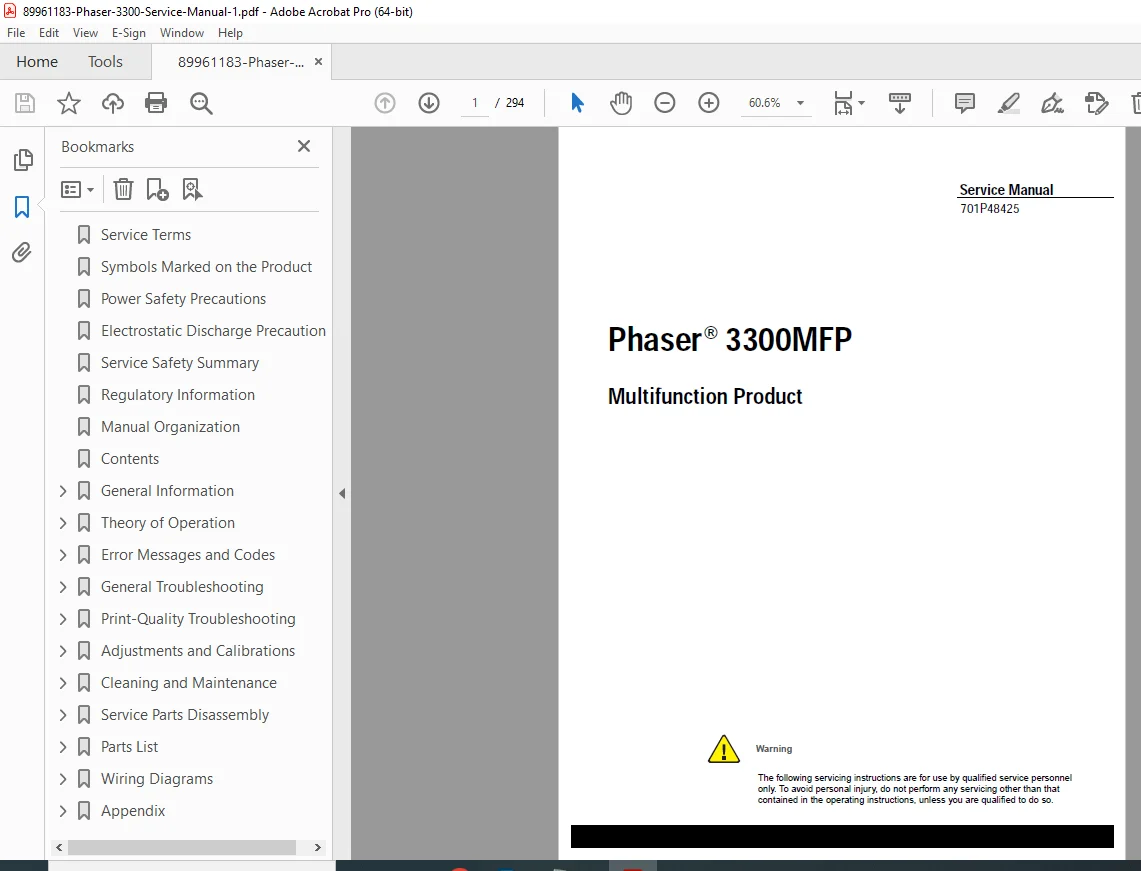
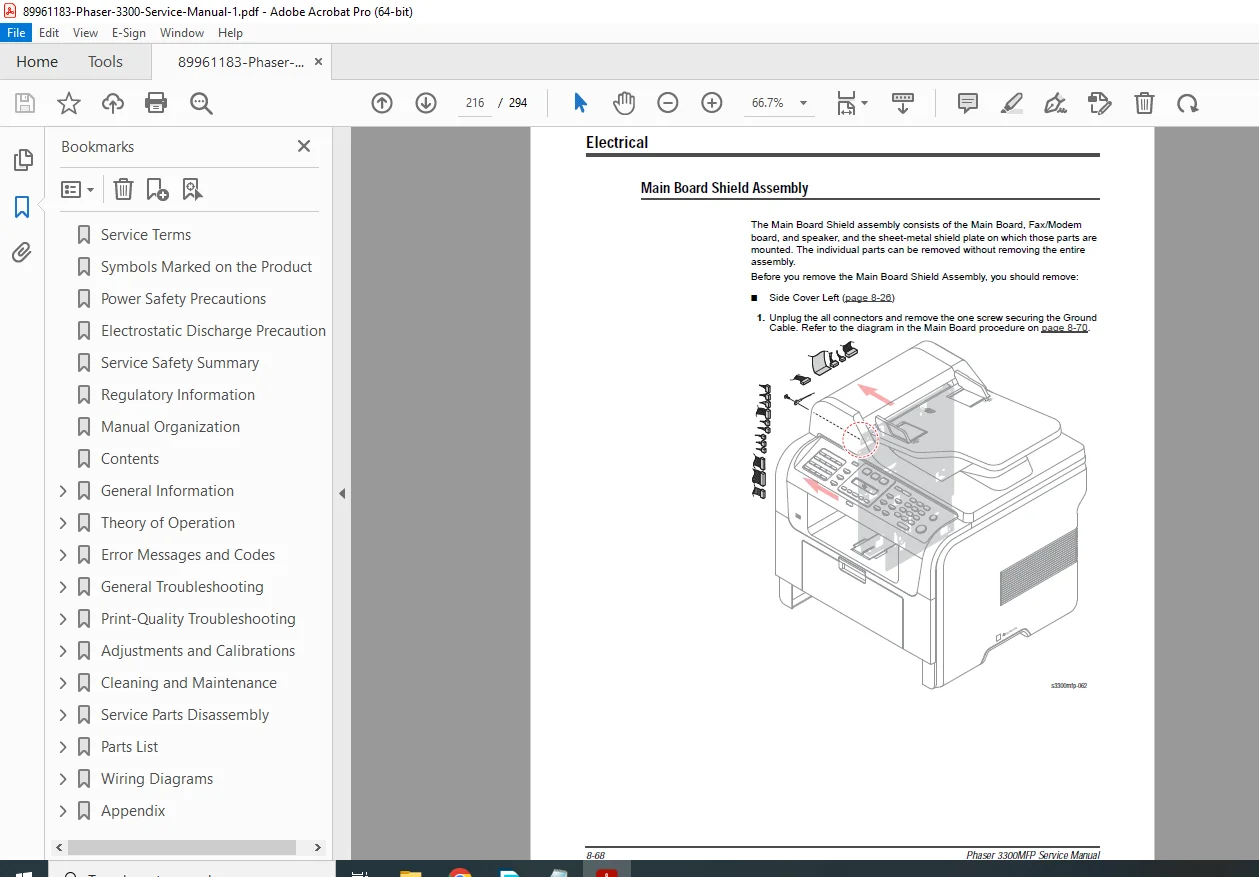
Official Xerox Phaser 3300MFP multifunction product service manual (Document 701P48425, June 2008). This comprehensive 294-page technical manual covers print/scan/fax/copy operations, theory of operation, error codes, troubleshooting procedures, print quality diagnostics, adjustments/calibrations, cleaning/maintenance, parts disassembly, LSU laser scanner unit, fuser service, paper path, HVPS/SMPS boards, electrical diagrams, wiring schematics, and complete service information for qualified technicians servicing office multifunction laser printers.
Description
Xerox Phaser 3300MFP Service Manual Multifunction Printer Fax Scanner Repair – PDF DOWNLOAD
DESCRIPTION
This is the official Xerox Phaser 3300MFP Multifunction Product Service Manual (Document Number 701P48425, First Printing: June 2008). This comprehensive 294-page technical manual is intended for qualified service personnel and provides complete maintenance, troubleshooting, repair, adjustment, and calibration procedures for the Phaser 3300MFP all-in-one laser printer with print, copy, scan, and fax capabilities used in business offices, workgroups, and small office/home office (SOHO) environments worldwide.
Product Overview
Xerox Phaser 3300MFP Multifunction Product:
The Phaser 3300MFP represents Xerox’s professional all-in-one office solution combining monochrome laser printing, color scanning, digital copying, and network fax capabilities in a single compact device. This sophisticated multifunction product delivers high-quality output, versatile functionality, network connectivity, and reliable performance for demanding office applications requiring multiple document management functions.
Key Applications:
- Office printing and copying
- Document scanning and archiving
- Network fax transmission
- Workgroup document production
- Small business office operations
- Professional document management
- Home office productivity
- Corporate branch offices
- Healthcare facilities
- Educational institutions
Key Features
Print Function:
- Monochrome laser printing
- Up to 33 ppm (pages per minute)
- 1200 dpi print resolution
- PostScript Level 3 emulation
- PCL 6 emulation
- Network printing
- Duplex printing (with optional unit)
Copy Function:
- Digital copying
- Multiple copy capability
- Zoom/reduction functions
- N-up copying
- ID card copy mode
Scan Function:
- Color scanning capability
- Automatic Document Feeder (ADF)
- Scan-to-email
- Scan-to-network folder
- TWAIN/WIA compatibility
- Various file format support
Fax Function:
- Network fax capability
- Super G3 fax transmission
- Fax memory storage
- Delayed transmission
- Group dialing
- Fax forwarding
Key Technical Systems
Print Engine:
- Laser Scanner Unit (LSU)
- Organic PhotoConductor (OPC) drum
- Print cartridge with toner
- Transfer assembly
- Fuser assembly (high temperature)
- Paper feed system
- Driver assembly
Image Processing:
- Main controller board
- Image processing algorithms
- Memory expansion capability
- Network interface
- Control panel with LCD
Paper Handling:
- Standard 250-sheet Tray 1
- Optional 250-sheet Tray 2
- Multipurpose tray
- Automatic Document Feeder (ADF)
- Duplex unit (optional)
- Output tray
Power and Control:
- SMPS (Switching Mode Power Supply)
- HVPS (High Voltage Power Supply)
- Engine controller
- Fax modem board
- Network interface card
Comprehensive Manual Contents
DOCUMENT INFORMATION:
- Document Number: 701P48425
- Title: Phaser 3300MFP Multifunction Product Service Manual
- First Printing: June 2008
- Prepared By: Xerox Corporation, XOG Worldwide Product Training and Information
- Location: Wilsonville, OR 97070
- Pages: 294 pages
- Format: Letter size (612 x 792 pts)
- PDF Version: 1.4
- File Size: 19.8 MB
COPYRIGHT AND TRADEMARKS
Copyright Notice:
- © Xerox Corporation
- Unpublished rights reserved under U.S. copyright laws
- No reproduction without permission
- For authorized Xerox service technicians and partners only
- Not for resale
Registered Trademarks:
- XEROX®, CentreWare®, Phaser®, PrintingScout®, Walk-Up®
- Adobe®, PostScript® (Adobe Systems)
- Apple®, Bonjour®, Macintosh®, Mac OS®
- PCL® (Hewlett-Packard)
- Microsoft®, Windows®, Windows Server™
- Novell®, NetWare®, IPX/SPX™
- ENERGY STAR® partner
- PANTONE® color standards
SERVICE TERMS AND SAFETY
Manual Terms:
- Note: Operating/maintenance information for efficient tasks
- Caution: Procedures that if not followed result in equipment damage
- Warning: Procedures that if not followed may result in personal injury
Product Terms:
- Caution: Personal injury hazard may not be apparent
- Danger: Personal injury hazard exists in the area
Symbols on Product:
- ⚠ Warning – Invisible laser radiation when open, avoid beam exposure
- 🔥 Hot surface warning
- ⚠ Use caution to avoid personal injury
- 📖 Refer to manual for information
- 🚫 Do not touch OPC Drum
- ☀️ Do not expose to sunlight
- ↕️ Do not tilt print cartridge
- 🔥 Do not expose to high temperature (0°C-35°C / 32°F-95°F operating range)
- ♻️ Recycle the item
POWER SAFETY PRECAUTIONS
Power Source:
- 115 VAC printers: Do not exceed 127 volts RMS
- 230 VAC printers: Do not exceed 254 volts RMS
- Use specified power cord only
- Three-wire grounding required
- Licensed electrician for proper outlet
- Ground connection essential for safe operation
Disconnecting Power:
- ⚠ WARNING: Power switch does NOT completely de-energize printer
- Must disconnect power cord from AC inlet
- Pull plug, not cord
- Disconnect power if:
- Power cord or plug damaged
- Liquid spilled into product
- Exposed to excess moisture
- Printer dropped or damaged
- Servicing or repair needed
- Cleaning product
ELECTROSTATIC DISCHARGE (ESD) PRECAUTIONS
ESD Protection:
- Semiconductors vulnerable to ESD damage
- ICs, LSIs, field-effect transistors at risk
- Power must be OFF
ESD Prevention Techniques:
- Drain electrostatic charge before handling
- Touch earth ground or wear wrist strap
- Remove wrist strap before applying power
- Use anti-static bags and surfaces
- Do not use freon-propelled chemicals
- Keep components in protective packaging
- Minimize body motions
- Handle ICs and EPROMs carefully
- Pay attention to component orientation on PCBs
SERVICE SAFETY SUMMARY
General Guidelines:
- For qualified service personnel only
- Use care with power ON – dangerous voltages present
- Disconnect power before removing shields
- Do not wear jewelry – remove before servicing
- Ozone: Machine produces ozone during operation – operate in well-ventilated area
Warning Labels:
- Read and obey all posted warning labels
- Check labels remain in place after service
Safety Interlocks:
- Ensure all covers in place after service
- Verify interlock switches functioning
- Use extreme caution if bypassing interlock
CLASS 1 LASER PRODUCT:
- Certified by U.S. Department of Health and Human Services
- Does not emit hazardous laser radiation
- Laser beam totally enclosed during customer operation
- Follow specified procedures during service
MAINTENANCE AND SERVICING
Cleaning:
- Unplug before cleaning
- Use materials specifically designated for product
- Do not use aerosol cleaners (explosive/flammable)
Print Cartridge:
- Recyclable dry image cartridge
- Check local waste regulations for disposal
Fuses:
- ⚠ WARNING: Do not install different type or rating
- Wrong fuse can cause overheating and fire risk
Part Replacement:
- Use only genuine Xerox approved parts
- Maintains compliance with legislation and safety
Reassembly:
- Check harnesses do not contact moving parts
- Ensure harnesses not trapped between components
Servicing Electrical Components:
- Power OFF and unplug before service
- Do not touch electrical components unless instructed
Servicing Mechanical Components:
- Manually rotate drive assemblies, rollers, gears
- ⚠ DO NOT rotate or stop assemblies while motor running
Servicing Fuser Components:
- ⚠ WARNING: FUSER IS VERY HOT
- Turn power OFF
- Wait at least 5 minutes for fuser to cool
MOVING THE PRINTER
⚠ WARNING:
- Parts are hot – wait 30 minutes to cool
- Back injury possible – use proper lifting techniques
- Printer weight: 11.9 kg (26.2 lb)
- Can be lifted by one person
- Move printer separately from Tray 2
Shipping:
- Repack using original materials or Xerox packaging kit
- Caution: Improper packaging can damage printer
- Damage from improper packaging not covered by warranty
REGULATORY INFORMATION
United States (FCC Regulations):
- Class B digital device compliance (Part 15 FCC Rules)
- Tested for residential installation protection
- Use shielded interface cables
- Changes not approved by Xerox may void authority to operate
Canada:
- Class B digital apparatus (ICES-003 / NMB-003)
- Canadian regulations compliant
European Union:
- CE mark applied
- Council Directive 2004/108/EC – Electromagnetic compatibility
- Council Directive 2006/95/EC – Low voltage equipment
- Use shielded interface cables
- Declaration of Conformity available from Xerox
MANUAL ORGANIZATION
The service manual contains these sections:
SECTION 1: GENERAL INFORMATION (Pages 1-1 to 1-19)
- Printer introduction and overview
- Technical support information
- Printer configuration
- Parts of the printer (front/rear views)
- Duplex unit
- LAN connectivity
- Control panel
- Printer options (memory, Tray 2)
- Maintenance items
- Consumables
- Complete specifications:
- General specifications
- Print specifications
- Scan specifications
- Telephone specifications
- Fax specifications
- Network specifications
- Paper handling specifications
- Print cartridge specifications
- CentreWare IS web interface
SECTION 2: THEORY OF OPERATION (Pages 2-1 to 2-33)
- Phaser 3300MFP operational overview
- Summary
- Paper path description
- Engine hardware
- Assembly descriptions
- Mechanical parts specifications:
- Frame
- Feeding part
- Transfer assembly
- Driver assembly
- Fuser
- LSU (Laser Scanner Unit)
- Print cartridge
- FAX section
- Line interface
- Scan part
- Control panel section
- Printer section
- Copier section
- Telephone section
- SMPS & HVPS boards
- Engine firmware
- Control algorithm
SECTION 3: ERROR CODES AND MESSAGES
- Error code listings
- Error descriptions
- Diagnostic procedures
- Corrective actions
- Troubleshooting by error code
SECTION 4: GENERAL TROUBLESHOOTING
- Power On Self Test (POST)
- Service diagnostics operation
- Troubleshooting without error indicators
- Systematic diagnostic approach
- Component testing procedures
SECTION 5: PRINT-QUALITY TROUBLESHOOTING
- Image quality problem identification
- Print defect analysis
- Toner-related issues
- Fuser problems
- Paper handling issues
- Corrective procedures
SECTION 6: ADJUSTMENTS AND CALIBRATIONS
- Print engine adjustments
- Component calibration
- Registration adjustments
- Fuser temperature calibration
- Sensor adjustments
SECTION 7: CLEANING AND MAINTENANCE
- Periodic cleaning procedures
- Maintenance schedules
- Component cleaning
- Preventive maintenance
SECTION 8: SERVICE PARTS DISASSEMBLY
- Removal procedures for all FRUs
- Installation procedures where necessary
- Assembly/disassembly sequences
- Hardware identification
SECTION 9: PARTS LIST
- Exploded view diagrams
- Part numbers
- Field Replaceable Units (FRUs)
- Optional components
- Ordering information
SECTION 10: PLUG/JACK AND WIRING DIAGRAMS
- Connector locations
- Plug/jack identification
- Complete wiring diagrams
- Circuit descriptions
- Wire color codes
APPENDIX A: REFERENCE
- Control panel menu structure
- Firmware update instructions
- Error chain link codes
- Acronyms and abbreviations list
Who Needs This Manual?
This Xerox Phaser 3300MFP service manual is essential for:
- Xerox authorized service technicians
- Office equipment service companies
- Multifunction printer specialists
- Corporate IT/technical support staff
- Printer service shops
- Anyone performing authorized service on Phaser 3300MFP
Prerequisites:
✓ Qualified service personnel only
✓ Multifunction printer service experience
✓ Laser printer technology knowledge
✓ Electrical troubleshooting skills
✓ Understanding of electrophotographic process
✓ ESD handling procedures
✓ Proper tools and test equipment
✓ Safety training (high voltage, hot surfaces, laser safety)
FILE DETAILS
| Detail | Specification |
|---|---|
| Document Number | 701P48425 |
| Manual Title | Phaser 3300MFP Multifunction Product Service Manual |
| First Printing | June 2008 |
| Prepared By | Xerox Corporation, XOG Worldwide Product Training |
| Location | Wilsonville, OR 97070 |
| Functions | Print, Copy, Scan, Fax |
| Print Speed | Up to 33 ppm |
| Resolution | 1200 dpi |
| Pages | 294 pages |
| PDF Quality | Professional technical manual with detailed diagrams |
| File Size | 19.8 MB |
| Page Size | Letter (612 x 792 pts) |
| Language | English |
| Creator | FrameMaker 7.2 |
| Producer | Acrobat Distiller 8.1.0 (Windows) |
| PDF Version | 1.4 |
| Laser Class | CLASS 1 LASER PRODUCT |
| Energy Star | ENERGY STAR Partner |