Xerox Phaser 6110 & 6110N Service Manual & Parts List PDF
Original price was: $95.00.$16.95Current price is: $16.95.
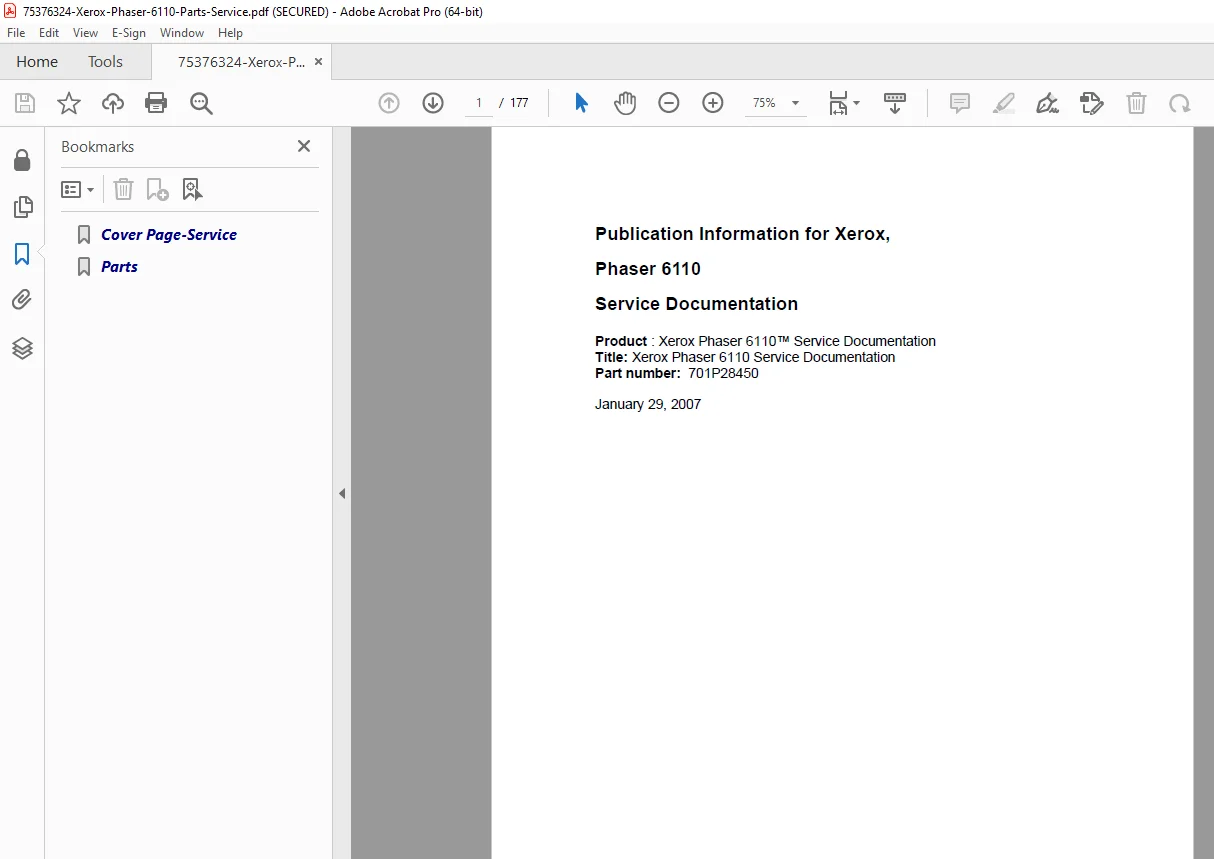
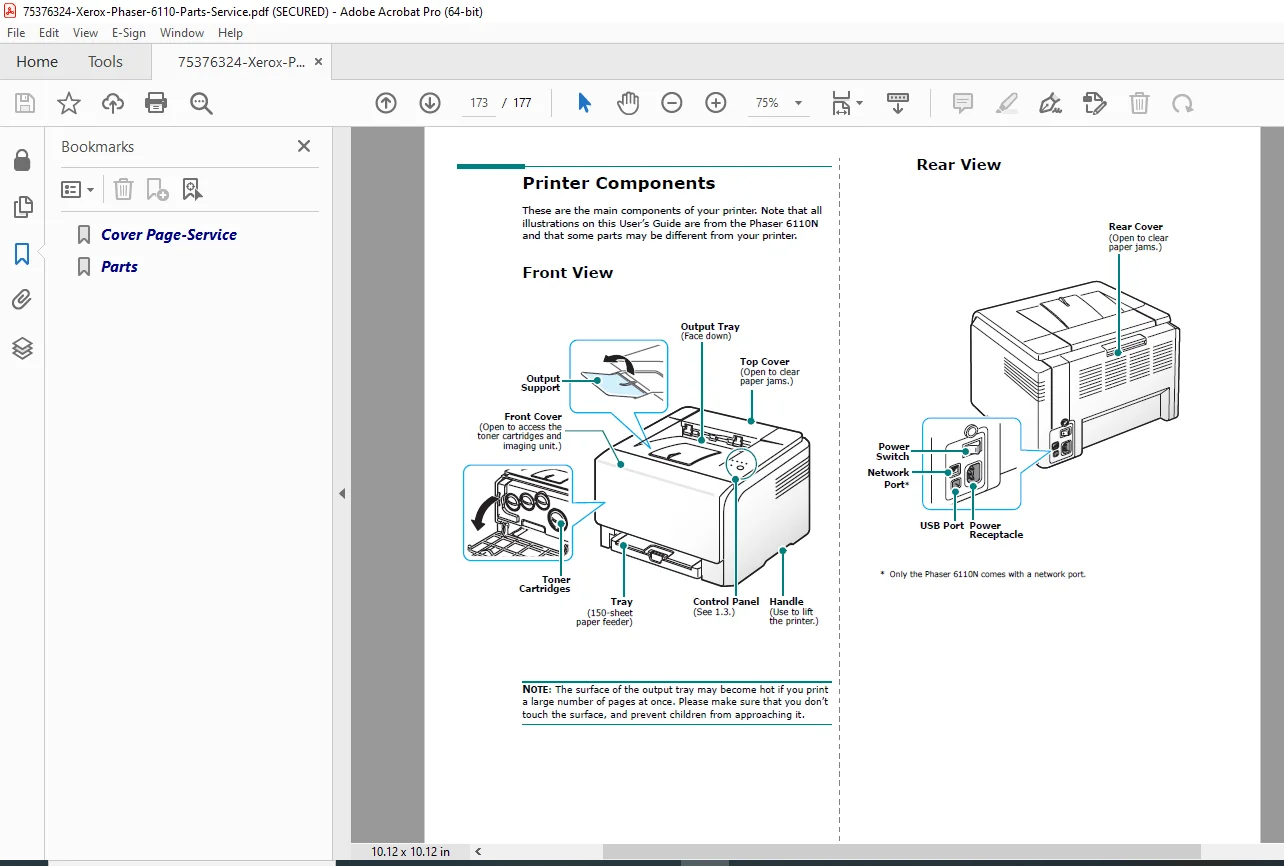
Official Service Documentation for the Xerox Phaser 6110 and 6110N Color Laser Printers. This 177-page guide includes complete troubleshooting procedures, LED error code definitions, disassembly instructions, wiring diagrams, and a comprehensive parts catalog. Instant Download.
Description
Xerox Phaser 6110 & 6110N Service Manual & Parts List PDF DOWNLOAD
Description:
Professional Maintenance for Your Color Laser Printer
This is the official Service Manual for the Xerox Phaser 6110 and 6110N series printers. Designed for qualified service engineers, this document provides the in-depth technical data required to diagnose image quality issues, replace internal components, and order the correct spare parts.
Whether you are resolving a “Vertical White Line” on prints or replacing the Fuser Unit, this manual offers step-by-step procedures supported by detailed exploded views and electronic schematics.
Comprehensive Coverage Includes:
The manual is methodically organized into twelve technical sections:
Troubleshooting & Fault Codes
Machine Declared Faults: Decoding LED light patterns (Status, Toner Low, Error) and resolving “Jam 0” and “Jam 1” errors.
User Declared Faults: Solutions for image quality issues like light print, vertical lines, background scatter, and ghosting.
Common Problems: Windows and Linux driver troubleshooting, and fixing “File in Use” errors.
Repairs & Adjustments (Disassembly)
Covers: Removal of Top, Right, and Left covers.
Internal Components: Step-by-step replacement of the Fuser, Laser Scan Unit (LSU), HVPS (High Voltage Power Supply), Main PWB, and SMPS.
Drive & Feed: Servicing the Main Drive Unit, Feed Rolls (Rubber Pick Up), and Tray Empty Actuators.
Imaging: Handling the Imager Unit and InterTransfer Belt (ITB) safely.
Parts Lists
Exploded Views: Detailed diagrams for the Electrical Frame, Cassette, and Main Drive.
Consumables: Part numbers for Toner Cartridges, Imaging Units, and Waste Toner Containers.
Spare Parts: Catalog for Fuser components (Heat Lamp, Thermostat, Thermistor) and Roller assemblies.
Wiring & Schematics
Connection Diagrams: ITB Joint, Developer Joint, and Sensor connections.
Block Diagrams: System data flow and power distribution.
Schematics: Board-level diagrams for the HVPS and SMPS.
General Procedures
Diagnostics: Running “Demo Page” and “Configuration Sheet” prints from the control panel.
Maintenance: Cleaning procedures for the transfer roller and LSU window.
Key Features:
LED Diagnostic Charts: Clear tables explaining every blink pattern of the 5 LEDs (C, M, Y, K, Status) to identify specific errors immediately.
Image Quality Guide: Visual examples of print defects (dropouts, vertical bands) with specific corrective actions.
Safety Protocols: Critical warnings for handling the Laser Scanning Unit and ESD-sensitive boards.
Product Details:
Manual Name: Xerox Phaser 6110 Service Documentation (Part No. 701P28450)
Models Covered: Xerox Phaser 6110, Phaser 6110N
Year: 2007
File Type: PDF (Portable Document Format)
File Quality: High-Quality / Searchable Text
Number of Pages: 177 Pages
Stop guessing what those blinking lights mean. Download this essential service manual now to decode your printer’s error signals and perform factory-grade repairs yourself—saving you downtime and expensive service calls!