Xerox Phaser 6110 Service Manual – Repair & Troubleshooting PDF
Original price was: $85.00.$16.95Current price is: $16.95.
Official Xerox Phaser 6110 Service Manual providing full professional repair coverage, including disassembly, parts replacement, error diagnostics, LED fault codes, print quality troubleshooting, fuser and LSU servicing, maintenance cycles, and safety procedures. Essential factory documentation for qualified printer service technicians.
Description
Xerox Phaser 6110 Service Manual – Repair & Troubleshooting PDF DOWNLOAD
Description
The Xerox Phaser 6110 Service Manual is the official factory service documentation intended for trained and qualified service engineers. This manual delivers complete technical guidance for diagnosing, repairing, adjusting, and maintaining the Xerox Phaser 6110 color laser printer.
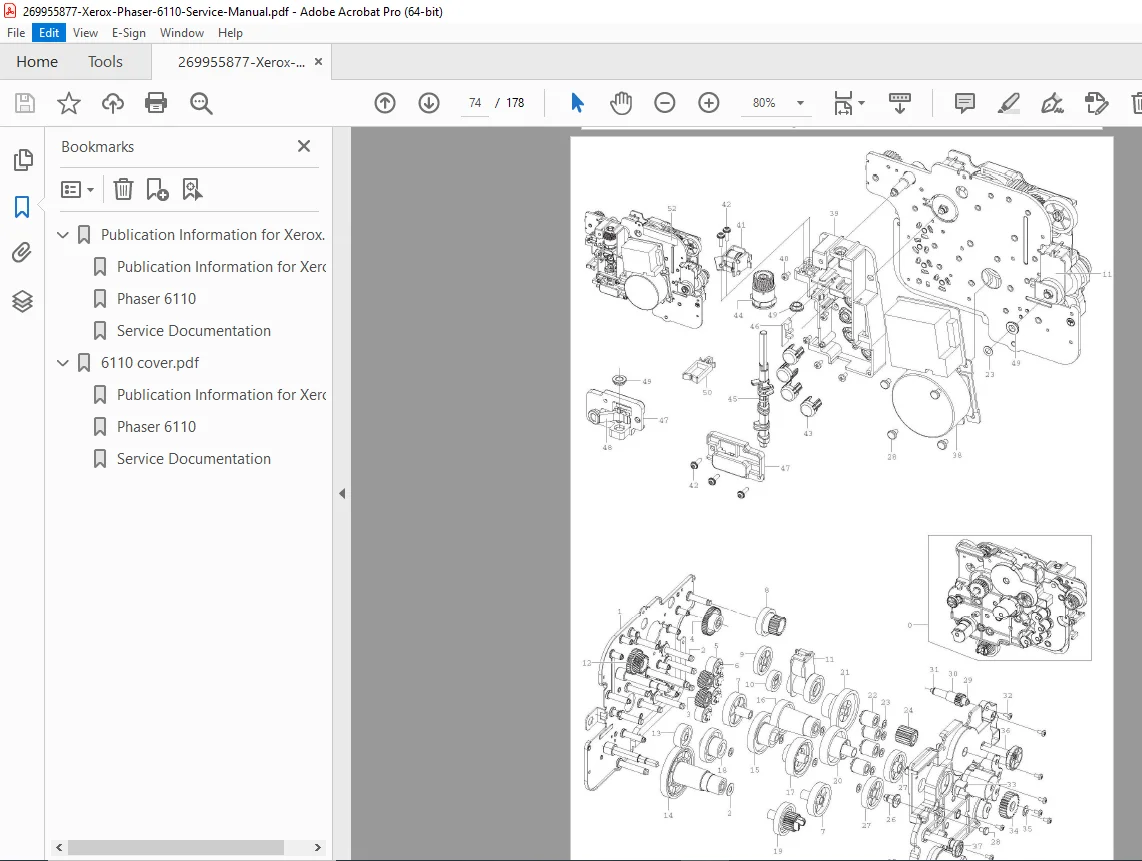
Covering everything from power-on diagnostics and LED error interpretation to detailed mechanical disassembly procedures, this service manual enables accurate fault isolation and safe component replacement. It includes print quality defect analysis, scheduled maintenance intervals, and step-by-step instructions for servicing critical assemblies such as the fuser unit, laser scan unit (LSU), HVPS, SMPS, main PWB, drive unit, transfer system, and imaging unit.
With extensive safety warnings, ESD precautions, and component life tracking, this manual is indispensable for restoring factory-level performance and reliability.
📘 Manual Contents
🔹 Product & Publication Information
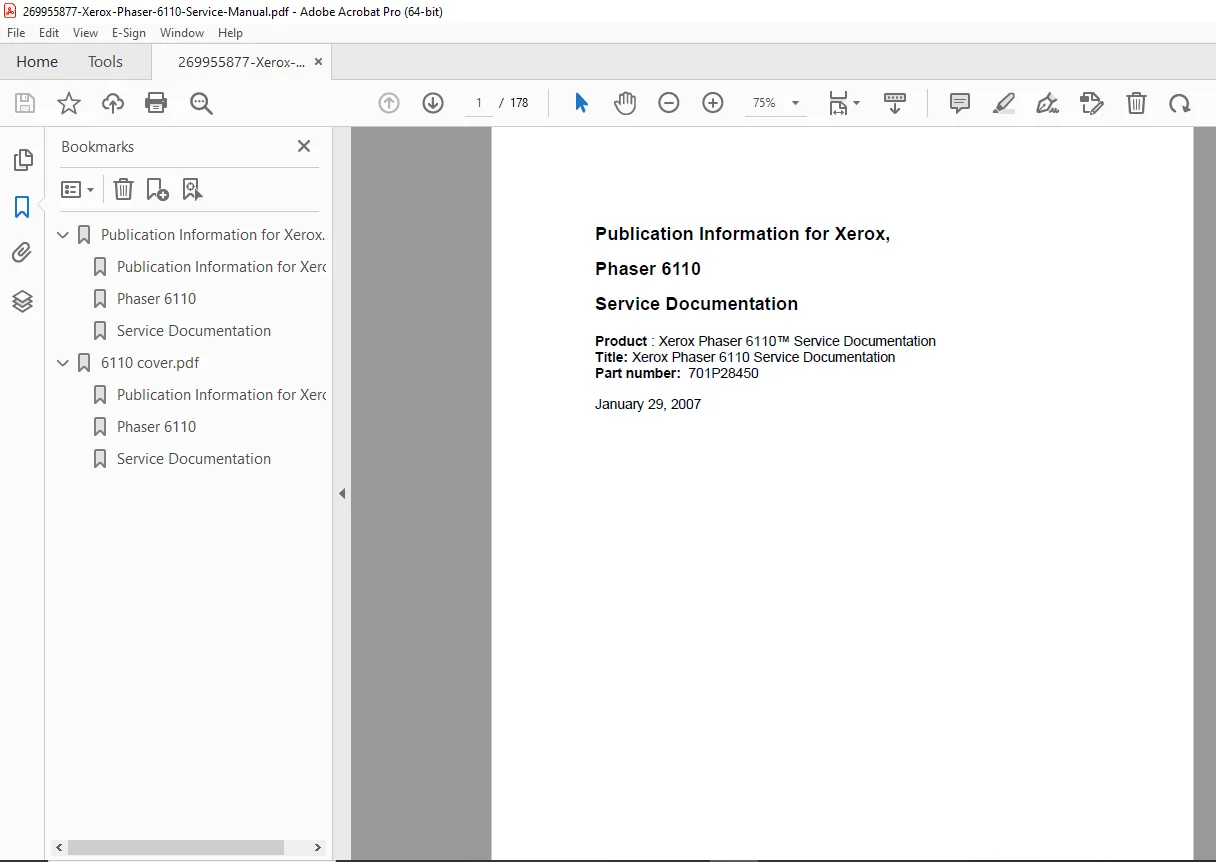
Product: Xerox Phaser 6110
Service Documentation Title
Part Number: 701P28450
Publication Date: January 29, 2007
🔹 Safety & Regulatory Information
Laser safety (Class 1 laser certification)
Electrical shock and fire prevention
Toner handling and toxic material warnings
Fuser high-temperature precautions
ESD (Electrostatic Discharge) protection
Battery and super-capacitor handling precautions
🔹 Service Call Procedures
Initial fault diagnosis flowcharts
Power-on checks and demonstration print verification
Input power, SMPS, and PWB voltage checks
Customer-ready verification procedures
🔹 Machine & User Declared Faults
LED status interpretation
Error message identification
Paper, cover, toner, and system fault handling
User-declared vs machine-declared error separation
🔹 Troubleshooting & Print Quality Problems
Paper jams (JAM 0 / JAM 1 / multi-feeding)
Print defects:
Light or faded print
Vertical lines and bands
Toner smears and background shading
Repetitive image defects (roller-based diagnostics)
OS-specific issues:
Windows, macOS, Linux printing problems
🔹 Alignment & Adjustments
LED diagnostics and blink-code interpretation
Periodic defect analysis by roller circumference
Image density and background adjustments
🔹 Disassembly & Reassembly
Covers (top, left, right)
Fuser unit removal and replacement
Laser Scan Unit (LSU)
High Voltage Power Supply (HVPS)
Main PWB and SMPS
Drive unit and transfer roller
Imaging unit and ITB handling
Feed roll and pickup rubber replacement
Tray empty actuator servicing
(All procedures include cautions, torque awareness, grounding points, and illustrated steps.)
🔹 Maintenance & Parts Lifecycle
Component replacement intervals:
Toner cartridges (Black / CMY)
Imaging unit
ITB unit
Pick-up rollers
Fuser unit
Life counter reset procedures via control panel
📄 File Details
| Item | Details |
|---|---|
| Manual Name | Xerox Phaser 6110 Service Documentation |
| Model Covered | Xerox Phaser 6110 |
| Part Number | 701P28450 |
| Year | 2007 |
| Manual Type | Factory Service & Repair Manual |
| Pages | 163 pages |
| PDF Quality | High-resolution, searchable, illustrated |