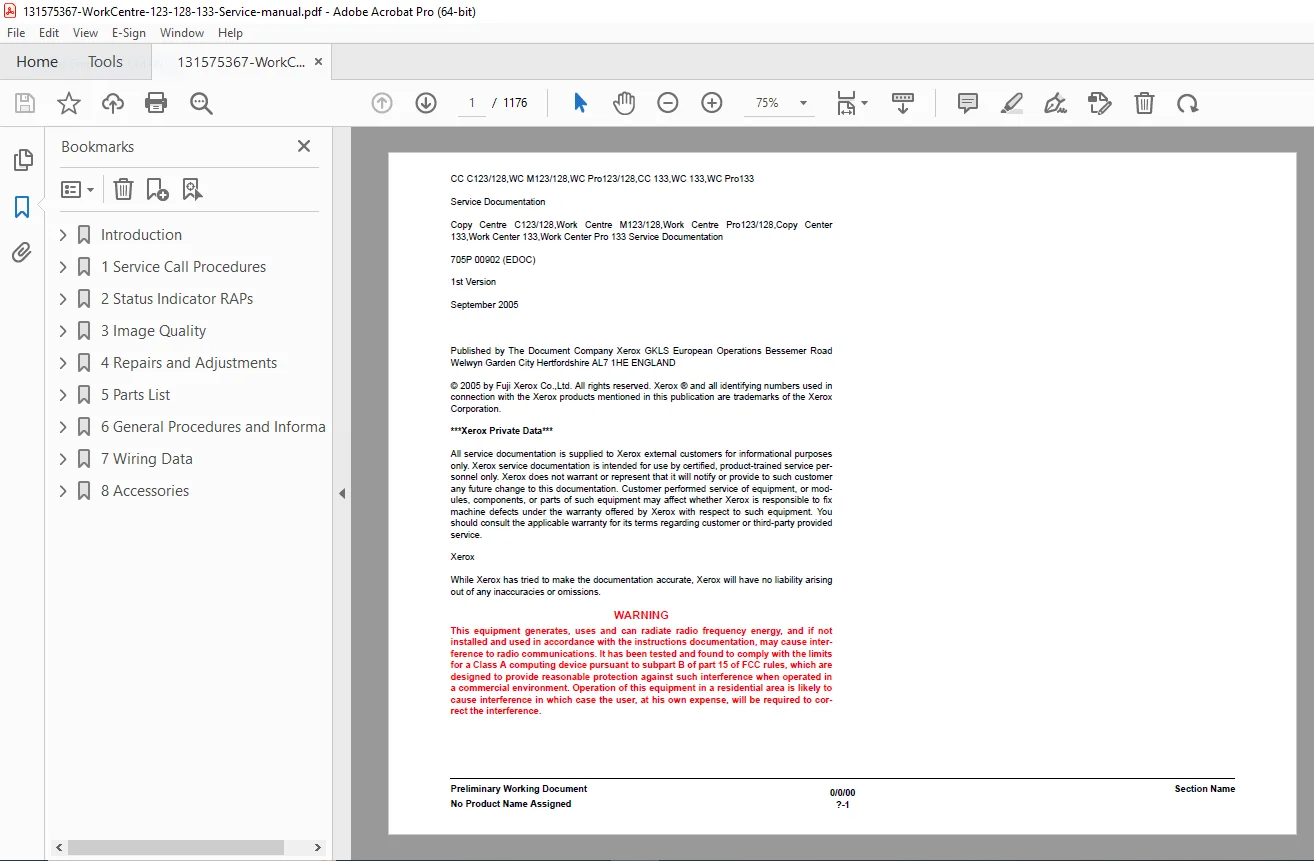
Xerox WorkCentre M123 / M128 / 133 Service Manual – PDF
Original price was: $85.00.$20.95Current price is: $20.95.
This massive 1,100+ page Xerox WorkCentre M123 service manual is the definitive resource for professional repair. It covers the full range of C123/C128/C133, M123/M128/133, and Pro 123/128/133 models. Includes exhaustive Xerox 133 status code troubleshooting guides, detailed WorkCentre M128 fuser replacement instructions, full parts lists (PL), and wiring diagrams (BSD) to keep your machine running perfectly.
Description
Xerox WorkCentre M123 / M128 / 133 Service Manual – Repair & Parts List PDF DOWNLOAD
Description
Product Overview Master the maintenance and repair of your office multifunction devices with this official Xerox WorkCentre / CopyCentre Service Manual. This colossal 1142-page document is the exact reference used by field technicians to diagnose and fix the CopyCentre C123/C128/C133, WorkCentre M123/M128/133, and WorkCentre Pro 123/128/133 series.
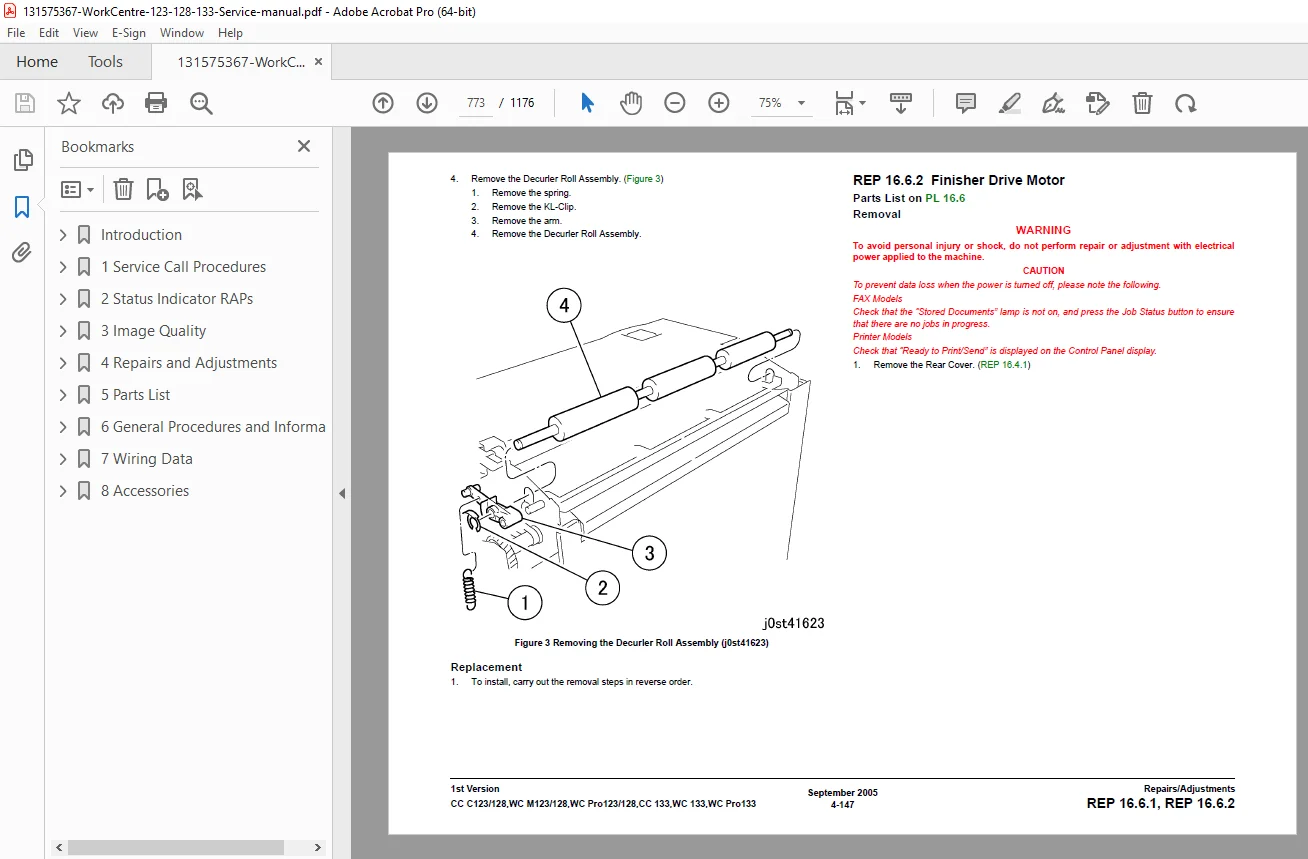
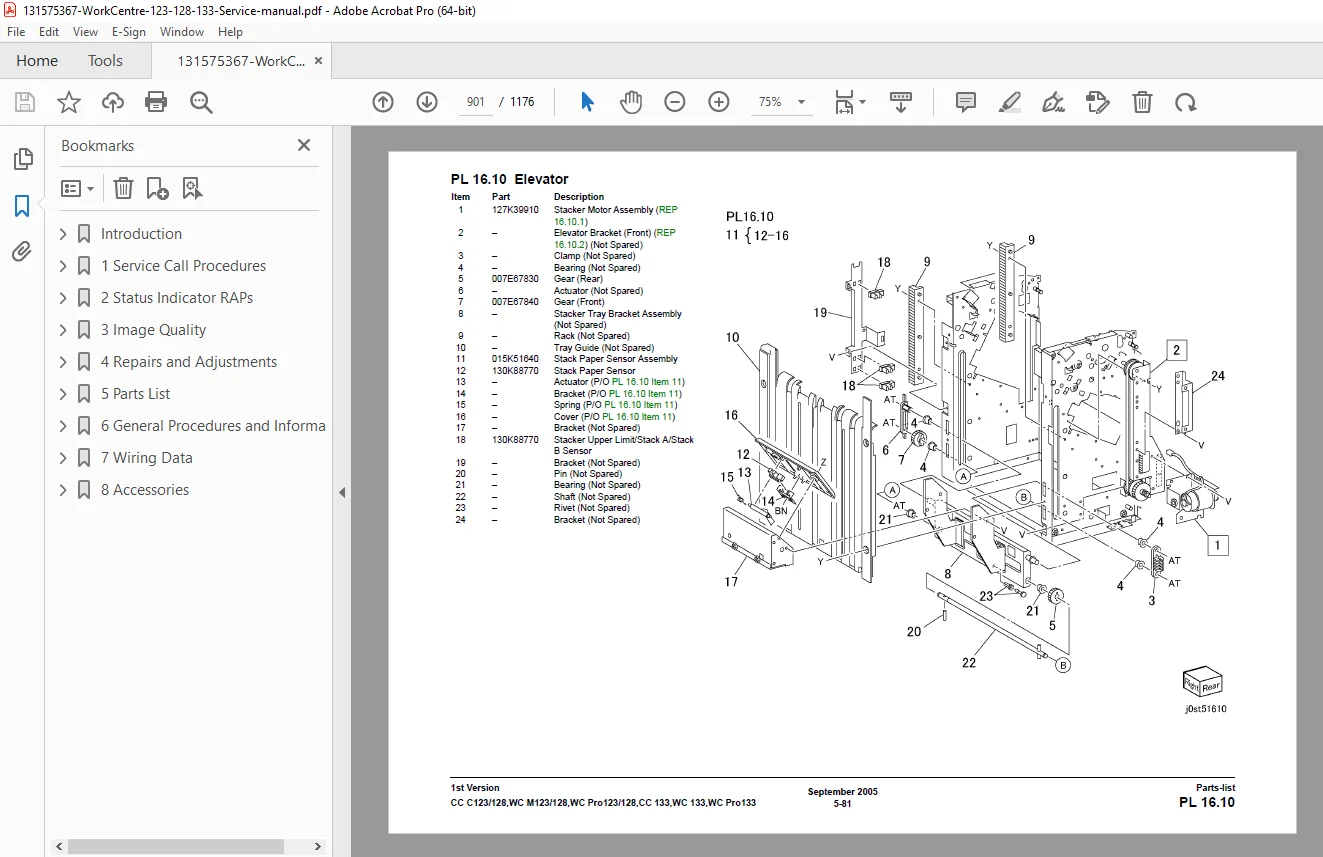
Whether you are troubleshooting complex image quality issues or performing a routine WorkCentre M128 fuser replacement, this manual provides step-by-step procedures (REP) and adjustment protocols (ADJ). It features a complete catalog of Xerox CopyCentre C128 parts list exploded views, making it easy to identify and order the exact screws, gears, or boards you need.
Key Features:
Advanced Diagnostics: Learn how to enter the Xerox WC 123 diagnostic mode (UI Diagnostics) to test components like motors, sensors, and clutches individually.
Error Code Logic: Extensive Repair Analysis Procedures (RAPs) for thousands of status codes, guiding you from the error message directly to the faulty component.
Electrical Schematics: Complete Block Schematic Diagrams (BSDs) and Xerox 133 wiring diagrams for tracing power and signal issues across the main board and peripherals.
Detailed Disassembly: Illustrated removal and replacement guides for every module, including the Xenon lamp, ROS (Raster Output Scanner), and document feeder.
Table of Contents & Categorized Index:
1. Service Call Procedures
Initial Actions & Call Flow
Preventive Maintenance (PM) Checklists
2. Status Indicator RAPs (Repair Analysis Procedures)
Chain 01 to 020: Standby Power, Interlock, User Interface errors
Chain 03 to 05: Machine Run Control, DADF, Fuser drive logic
Chain 06 to 09: ROS, Paper Feed, Transfer/Detack, Xerographics
Chain 10 to 20: Fuser Control, Paper Transport, Fax, and Network Controller errors
3. Image Quality (IQ) RAPs
Troubleshooting Light/Dark copies, Lines, Bands, and Deletions
Test Patterns and Specifications
4. Repairs & Adjustments (REP/ADJ)
Xerographics: Drum Cartridge, Developer Unit
Paper Handling: Tray Feeders, Registration, Duplex Module
Fuser Assembly: Heater Rods, Thermostats, Stripper Fingers
Optics: Scanner Drive, IIT/IPS PWB, Platen Glass
Electronics: ESS PWB, LVPS, Drive Motors
5. Parts Lists (PL)
Complete exploded views for:
Main Frame & Covers
Xerographic Module
Paper Trays (Tray 1, 2, and Bypass)
Fuser & Output Modules
Optional Finishers and Fax Kits
6. General Procedures (GP)
System Administration & NVM (Non-Volatile Memory) Settings
Software Upgrades & Clone Files
CS / PS / ES Modes
7. Wiring Data (BSD)
Power Distribution
Signal Flow & Interconnections
File Details
Manual Name: Service Manual WorkCentre M123/M128/133 / WorkCentre Pro 123/128/133 / CopyCentre C123/C128/C133
Models Covered:
CopyCentre C123, C128, C133
WorkCentre M123, M128, 133
WorkCentre Pro 123, 128, 133
Year: 2006
File Quality: High-Quality PDF (Searchable Text, Vector Schematics, Clear Illustrations)
No. of Pages: 1176