Xerox WorkCentre M20 4118 CopyCentre C20 Service Manual PDF
Original price was: $95.00.$15.95Current price is: $15.95.
Official Xerox factory service manual for WorkCentre M20, M20i, 4118P, 4118X, and CopyCentre C20 multifunction copiers. This comprehensive 276-page technical manual covers complete troubleshooting, repair procedures, parts lists, wiring diagrams, and image quality diagnostics. Essential resource for certified copier technicians and authorized Xerox service centers. Includes detailed RAPs (Repair Analysis Procedures), circuit descriptions, adjustments, and illustrated parts breakdowns for all models.
Description
Xerox WorkCentre M20 4118 CopyCentre C20 Service Manual PDF DOWNLOAD
DESCRIPTION
Xerox WorkCentre M20/4118 Family Service Manual – Official Factory Technical Documentation
This is the complete official Xerox factory service manual for the WorkCentre M20, M20i, 4118P, 4118X, and CopyCentre C20 multifunction copier/printer family. With 276 comprehensive pages of technical information, this manual is the primary reference for certified copier technicians and authorized Xerox service centers performing diagnosis, repair, and maintenance on these digital office equipment models.
📋 FILE DETAILS
- Manual Name: Xerox WorkCentre M20, 4118 Family Service Manual
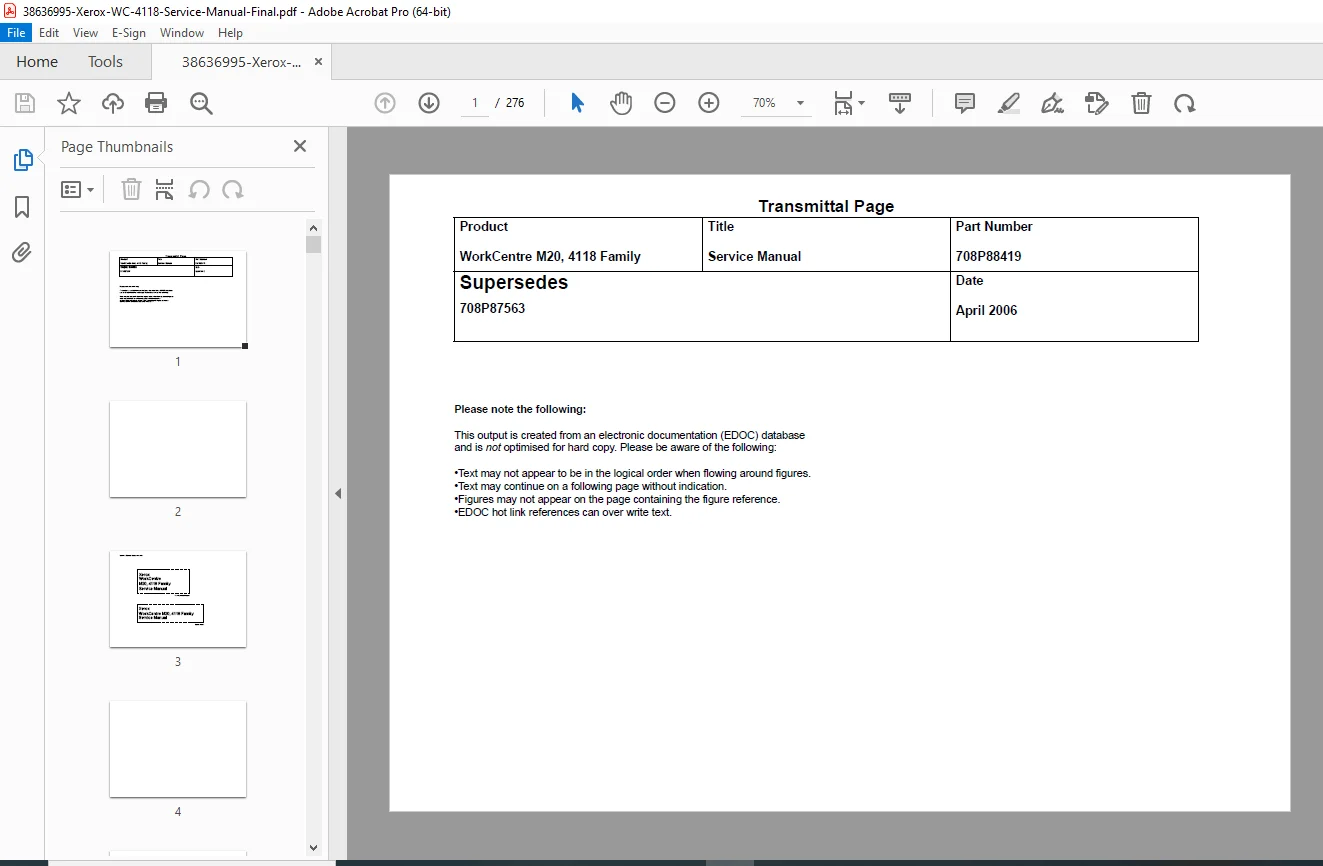
- Part Number: 708P88419
- Models Covered:
- WorkCentre M20 (22ppm print/copy)
- WorkCentre M20i (22ppm with fax capability)
- WorkCentre 4118P (18ppm printer)
- WorkCentre 4118X (18ppm copier)
- CopyCentre C20 (22ppm copier)
- Format: PDF (Digital Download)
- Pages: 276 pages
- PDF Quality: Excellent – Factory original high-resolution scan
- Language: English
- Edition: April 2006
- Supersedes: 708P87563
- Publisher: Xerox Europe – Global Knowledge & Language Services
🖨️ EQUIPMENT SPECIFICATIONS & FEATURES
Print/Copy Performance:
- Print Speed: 22 pages per minute (M20, M20i, C20) / 18 pages per minute (4118P, 4118X)
- Resolution: 600 x 600 dpi
- First Print Out Time: Fast warm-up system
- Automatic Document Feeder: DADF (Duplex Automatic Document Feeder) on M20/M20i/C20
Paper Handling:
- Paper Tray 1: Standard (250-sheet capacity)
- Paper Tray 2: Optional (250-sheet capacity)
- Bypass Tray: Standard (manual feed)
- Duplex Unit: Standard automatic two-sided printing
- Paper Sizes: Letter, A4, Legal, Folio, A5, Statement
Additional Features:
- Network Printing Capability (WorkCentre models)
- Fax Functionality (M20i model)
- Email Scanning (M20i model)
- Optional Stand for elevated installation
- Service Mode Access for diagnostics
- Engine Test Mode for component testing
📚 COMPREHENSIVE MANUAL CONTENTS
Introduction Section
- About this manual and organization
- Change history and revision notes
- Warnings, cautions, and safety notes
- Health and safety incident reporting procedures
- Translation of safety warnings in multiple languages
- RoHS (Restriction of Hazardous Substances) compliance information
- Publication comments and feedback system
Section 1: Service Call Procedures
- Complete service call workflow
- Initial diagnostic procedures
- Customer complaint analysis
- Fault isolation methodology
- Component identification procedures
- Repair completion checklists
- Quality verification protocols
- Customer sign-off procedures
Section 2: Status Indicator Repair Analysis Procedures (RAPs)
- Comprehensive RAP Library
- Status indicator code interpretation
- Fault diagnosis flowcharts
- Component testing procedures
- System checkout protocols
- Major RAPs Include:
- Paper jam RAPs for all paper paths
- Print quality RAPs
- Scanner error RAPs
- Fuser malfunction RAPs
- Motor and drive system RAPs
- Sensor failure RAPs
- Control panel error RAPs
- Network connectivity RAPs
- Power supply RAPs
Section 3: Image Quality
- Image Quality Repair Analysis Procedures (IQ RAPs)
- IQ RAP Coverage:
- IQ1-IQ18: Complete image defect diagnostics
- Black/white spots troubleshooting
- Streaks and lines diagnosis
- Background shading issues
- Image density problems (left and right)
- Ghost images analysis
- Horizontal bands troubleshooting
- Periodic printing defects
- Partial blank images (periodic and non-periodic)
- Blur and smudge diagnosis
- Copy quality optimization
- Toner scatter problems
- Registration errors
- DADF lead edge offset (M20F)
- Image Quality Setup Procedures
- Drum replacement procedures
- Toner cartridge installation
- Developer unit service
- Transfer roller cleaning
- Cleaning roller maintenance
- OPC drum alignment
- Charge roller service
Section 4: Repairs/Adjustments
- Component Removal and Replacement Procedures
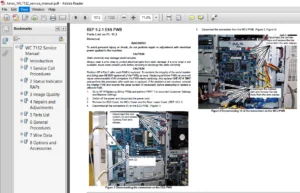
- REP 1: Main Board Assemblies
- SMPS + HVPS replacement (M20F)
- PBA Main board replacement
- Scanner control board service
- HVPS replacement (4118)
- REP 2: Operation Panel Assemblies
- ELA HOU OPE Assembly (M20F)
- Control panel replacement
- LCD display service
- Keypad assembly replacement
- REP 3: Scanner Assembly
- Scanner unit removal/installation
- CCD sensor service
- Lamp replacement
- Mirror and lens cleaning
- Cable routing procedures
- REP 4: Drive Assemblies
- ELA HOU Drive Assembly service
- Motor replacements
- Gear train service
- Belt replacements
- Clutch mechanisms
- REP 5: Paper Feed Systems
- Tray 1 pickup assembly
- Tray 2 feeder mechanism
- Bypass tray components
- Paper sensors
- Separation rollers
- REP 6: Fuser Assembly
- Complete fuser unit replacement
- Heating element service
- Pressure roller replacement
- Temperature sensor testing
- Thermistor replacement
- REP 7: Image Formation Components
- OPC drum unit replacement
- Toner unit service
- Developer unit replacement
- Transfer roller replacement
- Cleaning assembly service
- REP 8: Duplex Unit
- Duplex assembly removal
- Reversing mechanism service
- Duplex sensor replacement
- REP 9: DADF/ADF Service (M20F)
- Document feeder removal
- Pickup roller replacement
- Feed roller service
- Separation pad replacement
- Document sensor service
- REP 1: Main Board Assemblies
- Adjustment Procedures
- ADJ 1-10: Complete adjustment protocols
- Registration adjustments
- Image density calibration
- Scanner calibration procedures
- DADF side edge registration (M20F)
- Print position adjustments
- Color balance calibration
- Timing adjustments
Section 5: Parts List
- Illustrated Parts Breakdown
- PL 1: Electrical Components
- Main PCB assemblies
- Power supply boards
- Control boards
- Interface boards
- PL 2: Operation Panel
- LCD display components
- Keypad assemblies
- Indicator lights
- Control panel housing
- PL 3: Scanner Assembly
- CCD sensor modules
- Lamps and reflectors
- Mirrors and lenses
- Scanner drive components
- PL 4: Frame and Covers
- Main frame assembly
- External covers
- Access panels
- Interior shields
- PL 5: DADF/ADF Assembly (M20F)
- Document feeder components
- Rollers and pads
- Sensors and switches
- Drive mechanisms
- PL 6: Paper Feed System
- Cassette assemblies
- Pickup mechanisms
- Feed rollers
- Separation components
- PL 7: Fuser Assembly
- Fuser unit components
- Heating elements
- Rollers and gears
- Temperature sensors
- PL 8: Drive System
- Motors (stepper and DC)
- Gears and pulleys
- Belts and clutches
- Drive shafts
- PL 9: Image Formation
- OPC drum assemblies
- Toner units
- Developer assemblies
- Transfer components
- Cleaning mechanisms
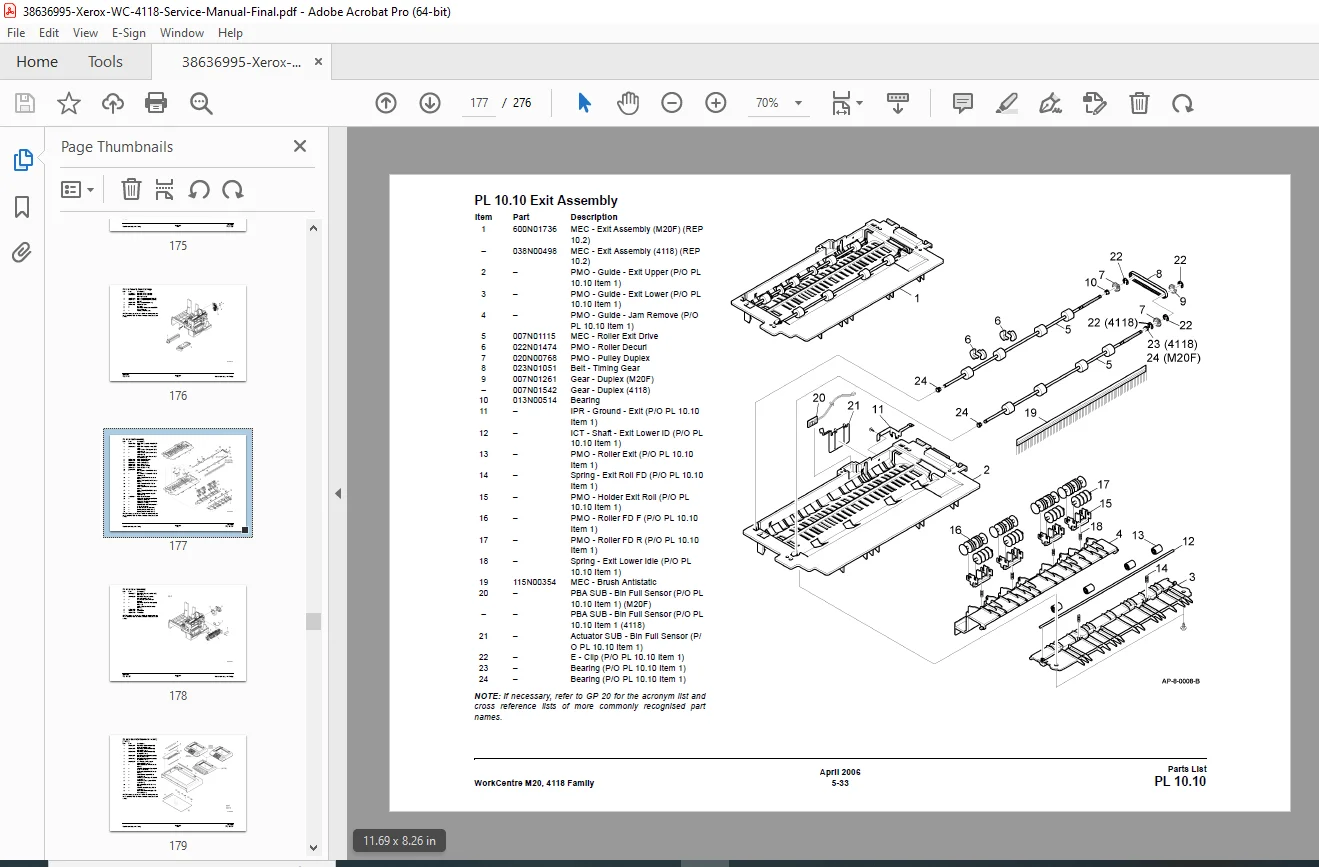
- PL 10: Duplex Unit
- Duplex assembly components
- Reversing mechanisms
- Duplex sensors
- PL 1: Electrical Components
- Part Number References
- Complete part numbers for all serviceable components
- Superseded part numbers
- RoHS compliant replacements
- Exploded view diagrams
- Assembly relationships
- Quantity per machine
Section 6: General Procedures/Information
- GP 1: Engine Test Mode Entry
- Test mode access procedures
- Diagnostic test selection
- Test execution protocols
- Results interpretation
- GP 2: User Mode Entry
- User settings access
- Configuration options
- Paper size settings
- Timeout configurations
- GP 3: Service Mode Entry
- Service menu navigation
- Machine configuration
- Billing counter access
- Network settings
- GP 4: Service Mode Settings
- All configurable parameters
- Factory default settings
- Customer-specific adjustments
- GP 5: Memory Clear
- Memory clearing procedures
- Error code reset
- Counter reset protocols
- Configuration backup/restore
- GP 6-10: Additional Service Procedures
- Firmware updates
- Network configuration
- Email setup (M20i)
- Fax configuration (M20i)
- Calibration procedures
- GP 11: Machine Specifications
- Complete technical specifications
- Electrical requirements
- Environmental specifications
- Performance specifications
- GP 12: Circuit Description
- Electrical system overview
- Power distribution
- Control circuits
- Signal flow diagrams
- GP 13: Circuit Operation
- Detailed circuit functionality
- Component interactions
- Timing diagrams
- Voltage/current specifications
- GP 14-19: Advanced Procedures
- Component testing protocols
- Signal tracing
- Voltage measurements
- Resistance checks
- GP 20: Acronyms and Parts Description
- Complete acronym list
- Korean part name cross-references
- Standard Xerox naming conventions
- Part identification guide
- GP 21: DADF/ADF Document Feeding Specifications
- Document size specifications
- Feed capacity limits
- Acceptable paper weights
- Multiple feed detection
Section 7: Wiring Data
- Complete Wiring Diagram Set
- Wiring Diagram 1 (M20F): Main power distribution
- Wiring Diagram 2 (M20F): Control circuits
- Wiring Diagram 3 (M20F): Scanner and image formation
- Wiring Diagram 4 (M20F): Paper handling systems
- Wiring Diagram 5 (M20F): DADF assembly
- Wiring Diagram 6-8 (4118): Model-specific circuits
- Color-Coded Schematic Features
- Wire color identification
- Connector pinout diagrams
- Fuse and relay locations
- Ground point identification
- Shield wire routing
- Cable assembly diagrams
- Harness routing paths
Section 8: Accessories
- Optional accessory installation
- Stand installation procedures
- Second paper tray installation
- Network interface cards
- Fax board installation (M20i)
- Accessory compatibility matrix
- Configuration procedures
🔧 SPECIAL FEATURES OF THIS MANUAL
✅ RAP-Based Troubleshooting – Systematic Repair Analysis Procedures for efficient fault isolation
✅ Multi-Model Coverage – Single manual covers entire WorkCentre M20/4118 family
✅ Exploded Diagrams – Detailed illustrations showing all component relationships
✅ Complete Parts Lists – Every serviceable component illustrated with part numbers
✅ Color-Coded Wiring Diagrams – Full electrical schematics for all models
✅ Image Quality Diagnostics – Specialized IQ RAPs for print quality issues
✅ Service Mode Documentation – Complete access to diagnostic and calibration modes
✅ Safety Warnings in Multiple Languages – Critical safety information in 6 languages
✅ Cross-Reference Lists – Korean to standard part name conversions
✅ RoHS Compliance Information – Updated for environmentally compliant parts
✅ Test Mode Procedures – Engine test protocols for component verification
✅ Adjustment Procedures – Precise calibration and alignment instructions
🎯 WHO NEEDS THIS MANUAL?
- Certified Copier/Printer Technicians
- Authorized Xerox Service Centers
- Office Equipment Repair Companies
- Corporate IT Service Departments
- Managed Print Service Providers
- Biomedical Equipment Technicians (for medical office equipment)
- Educational Institution Service Personnel
- Government Agency Technical Staff
- Independent Office Equipment Repair Shops
🔑 ESSENTIAL TECHNICAL INFORMATION INCLUDED
✅ Complete fault isolation using RAP methodology
✅ Image quality defect diagnosis and resolution
✅ Paper jam troubleshooting for all paper paths
✅ Fuser assembly service and replacement
✅ Scanner calibration and adjustment procedures
✅ Network printing configuration and troubleshooting
✅ DADF/ADF service and repair (M20F models)
✅ Main board and HVPS replacement procedures
✅ Toner and drum unit replacement protocols
✅ Duplex unit service and adjustment
✅ Control panel and display replacement
✅ Service mode configuration and diagnostics
✅ Complete wiring diagrams for all systems
✅ Parts identification with exploded views
✅ Motor and drive system troubleshooting
✅ Sensor testing and replacement procedures
📥 INSTANT DOWNLOAD – START SERVICING IMMEDIATELY!
Stop searching for incomplete repair information! This is the exact same factory service manual used by Xerox-certified technicians worldwide. With 276 pages of detailed RAPs, illustrated parts lists, complete wiring diagrams, and comprehensive troubleshooting procedures, you’ll have everything needed to professionally service the entire WorkCentre M20/4118 family. Download instantly and diagnose any issue today – no shipping delays, no expensive printed manual costs, no missing critical pages. Access this professional-grade documentation 24/7 from your computer or tablet and resolve service calls faster with confidence!