Agfa MUSICA NX Acquisition Workstation Service Manual – All NX Versions PDF
Original price was: $95.00.$19.95Current price is: $19.95.
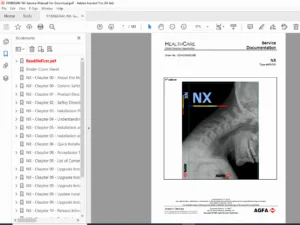
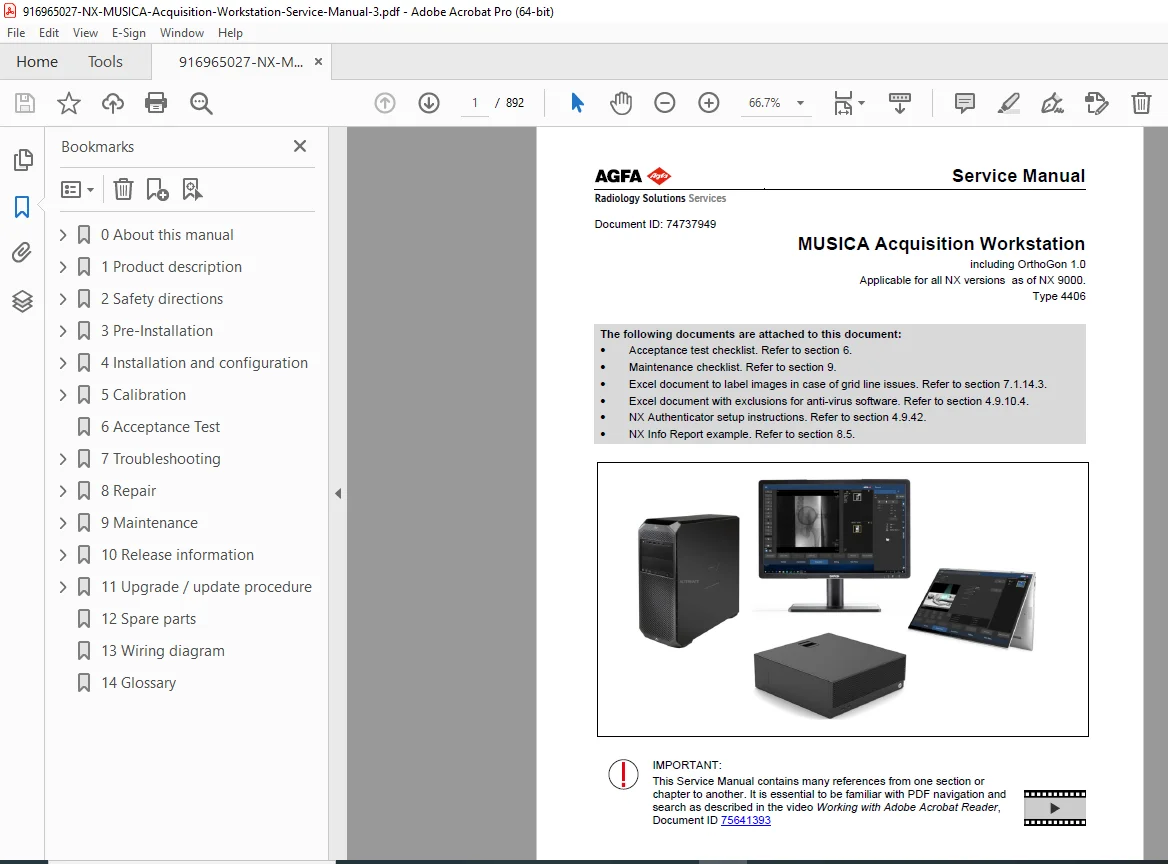
Official Agfa MUSICA Acquisition Workstation Service Manual (Doc ID: 74737949) covering all NX versions up to NX 9000, Type 4406, including OrthoGon 1.0. This 892-page PDF service guide covers installation, configuration, troubleshooting, maintenance, and software upgrades for field service engineers supporting Agfa digital radiography workstations in clinical and veterinary environments.
Description
Agfa MUSICA NX Acquisition Workstation Service Manual – All NX Versions PDF DOWNLOAD
DESCRIPTION
Agfa MUSICA Acquisition Workstation Service Manual — All NX Versions (NX 9000 and Below)
This is the official Agfa factory service manual for the MUSICA Acquisition Workstation, covering all NX hardware/software versions up to and including NX 9000 (Type 4406). Published by Agfa-Gevaert HealthCare GmbH (Max-Planck-Straße 1, Peißenberg, Germany) under Document ID 74737949, this is the definitive Agfa NX workstation service manual PDF used by trained field service engineers and biomedical technicians worldwide.
📋 File Details
| Field | Details |
|---|---|
| Manual Name | MUSICA Acquisition Workstation Service Manual |
| Document ID | 74737949 |
| Models Covered | All NX versions up to NX 9000 (Type 4406), incl. OrthoGon 1.0 |
| Applicable Systems | GenRad, Mammography, Mixed Use, Multiframe, Tomosynthesis, CMS, NX Veterinary |
| Year / Copyright | 2025 |
| PDF Quality | High-quality digital PDF with internal hyperlinks and navigation |
| Number of Pages | 892 Pages |
📚 Table of Contents
- Chapter 0 — About This Manual
- Purpose, changes from previous revision, referenced documents, notes & conventions
- Chapter 1 — Product Description
- Intended use: GenRad, Mammography, Mixed Use, Multiframe, Tomosynthesis
- NX Central Monitoring System (CMS), NX Veterinary, NX Office Viewer
- Network connectivity, NX Exam Tree overview
- Gridline Suppression, emergency procedures
- Logging, Log Viewer, NX licensing, NX Starter Kit
- Chapter 2 — Technical Specifications
- System specifications, safety compliance
- Chapter 3 — Pre-Installation
- Installation planning checklist
- Collecting network settings and security requirements
- Connectivity preparation, Application License File (ALF) procurement
- Customer preparatory tasks, installation room preparation
- ID-Tablet firmware
- Chapter 4 — Installation & Configuration (most extensive chapter)
- NX installation overview and time requirements
- Performing physical connections
- Windows OS configuration (network, date/time, security)
- BARCO Diagnostic Monitor driver installation
- GUI configuration, service tool protection, configuration activation
- Antivirus software setup, BitLocker activation
- DICOM SSL encryption configuration
- Email client configuration, OrthoGon second monitor setup
- WWAN module setup (HP EliteBook 850 G7/G8)
- Network drive export, CCM Tool usage, BackupRestore Tool
- Data export/import for clean and upgrade installations
- Windows 7 Backup & Restore, ELMS swap PC workflow
- Installing new Device Models, Dose Calculation switching (Lgm to EI)
- Chapter 5 — Upgrades
- Software upgrade procedures
- Chapter 6 — Acceptance Test
- Complete acceptance test checklist and procedures
- Chapter 7 — Troubleshooting
- Digitizer/ID-Tablet issues
- Configuration task issues
- RIS connectivity troubleshooting
- Printing and archiving issues
- Windows 10 OS issues
- NX User Interface problems
- Export/import issues
- License troubleshooting
- Offline Configuration Tool
- Fault Finding: Message History Tool, NX error messages, system snapshot, attention keys
- Log Viewer configuration, DICOM validation
- Operational statistics, database icon diagnostics
- Chapter 8 — Software Installation Procedures
- Clean installation verification
- HP Z6 G4 specific setup (DR 800 systems)
- HP Engage Go Mobile System touch keyboard setup
- Remote Service configuration
- RF Tag Initialisation tool instructions
- RF-Tag chip card replacement
- HP Engage Flex Pro Desktop PC replacement
- NX Info Report
- Chapter 9 — Maintenance
- Safety regulations for NX hardware
- Software maintenance procedures
- Maintenance checklist (included as attachment)
- Chapter 10 — Release Information
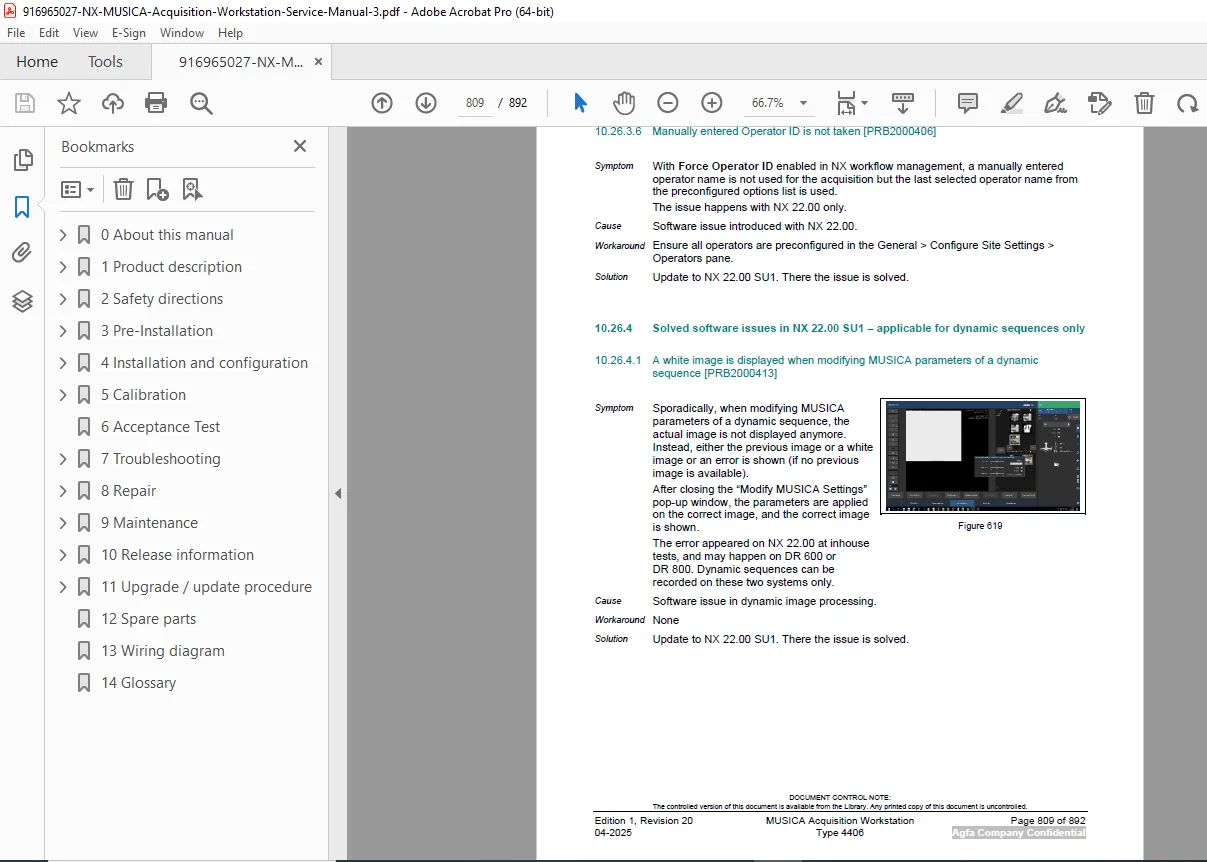
- Full release notes from NX 2.0.8300 through NX 2.0.8600 / 3.0.8600
- Solved HQ cases per version
- New features and improvements per release
- Known workarounds
🔧 Key Features Covered in This Manual
- Full installation workflow for NX workstation from pre-installation to acceptance testing
- Complete configuration guide for DICOM, RIS/HIS, networking, and security
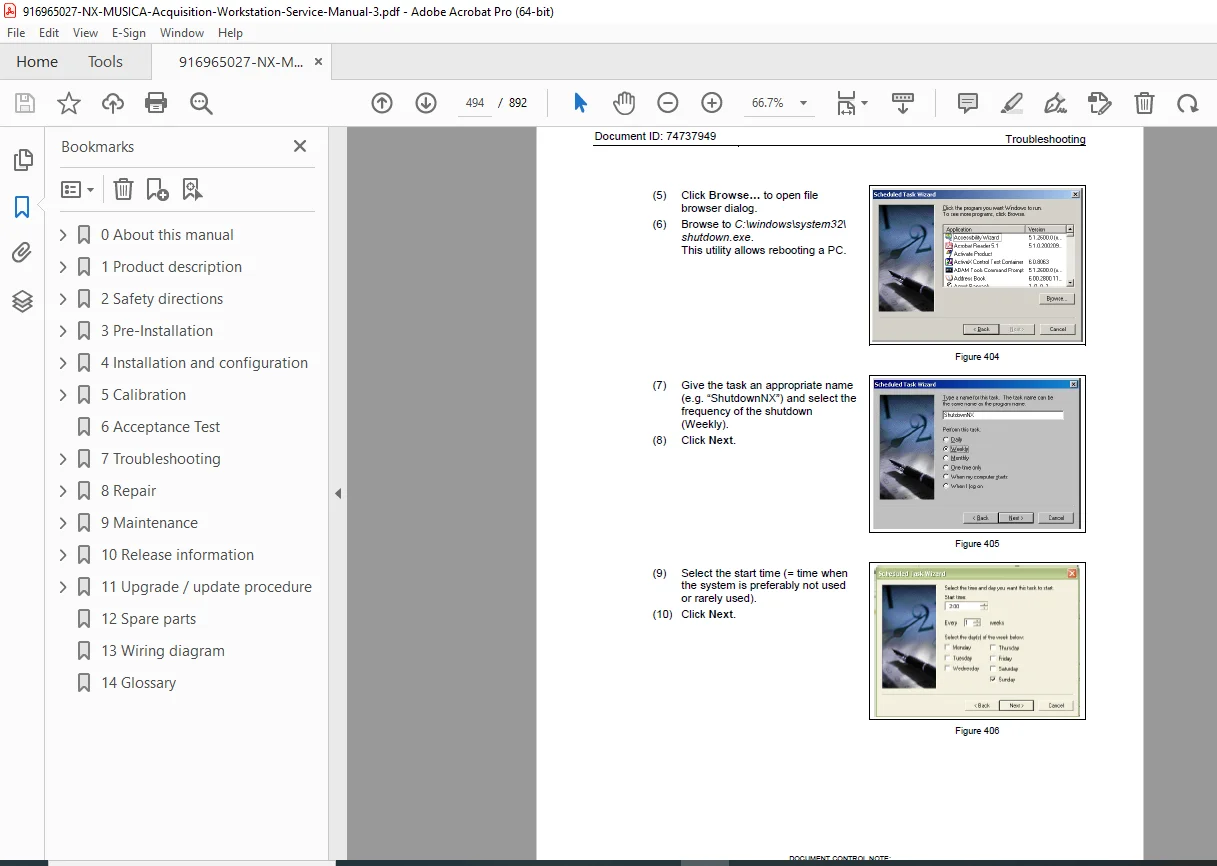
- Step-by-step troubleshooting for hardware, software, licensing, and connectivity
- Software upgrade procedures covering multiple NX release versions
- Maintenance schedules and preventive maintenance indicator setup
- Supports GenRad, Mammography, Tomosynthesis, CMS, Veterinary imaging configurations
- Covers OrthoGon 1.0 orthopedic imaging integration
- Includes acceptance test checklist, maintenance checklist, and NX Authenticator setup
🎯 Who Needs This Manual?
This Agfa MUSICA NX workstation service manual PDF is essential for:
- Field Service Engineers (FSE) performing installation and maintenance
- Biomedical engineers managing radiology department equipment
- Clinical IT technicians integrating NX workstations into hospital networks
- Service centers providing third-party support for Agfa digital radiography systems
⚡ Don’t let a service call go unanswered — this 892-page Agfa MUSICA NX service manual gives you every installation procedure, troubleshooting guide, and maintenance checklist you need, available for instant download the moment you order.